Hello all,
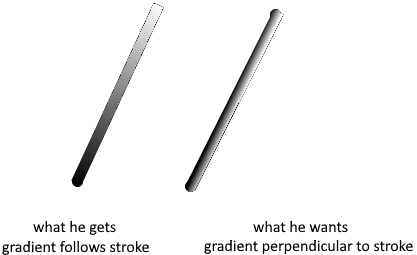
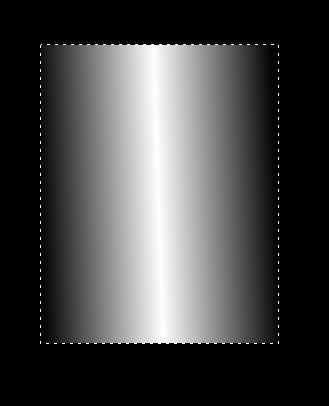
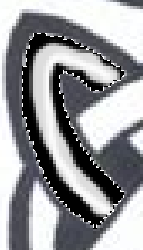
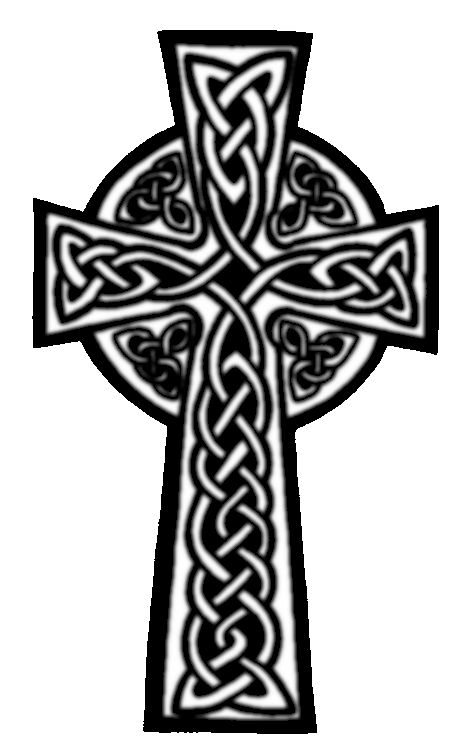
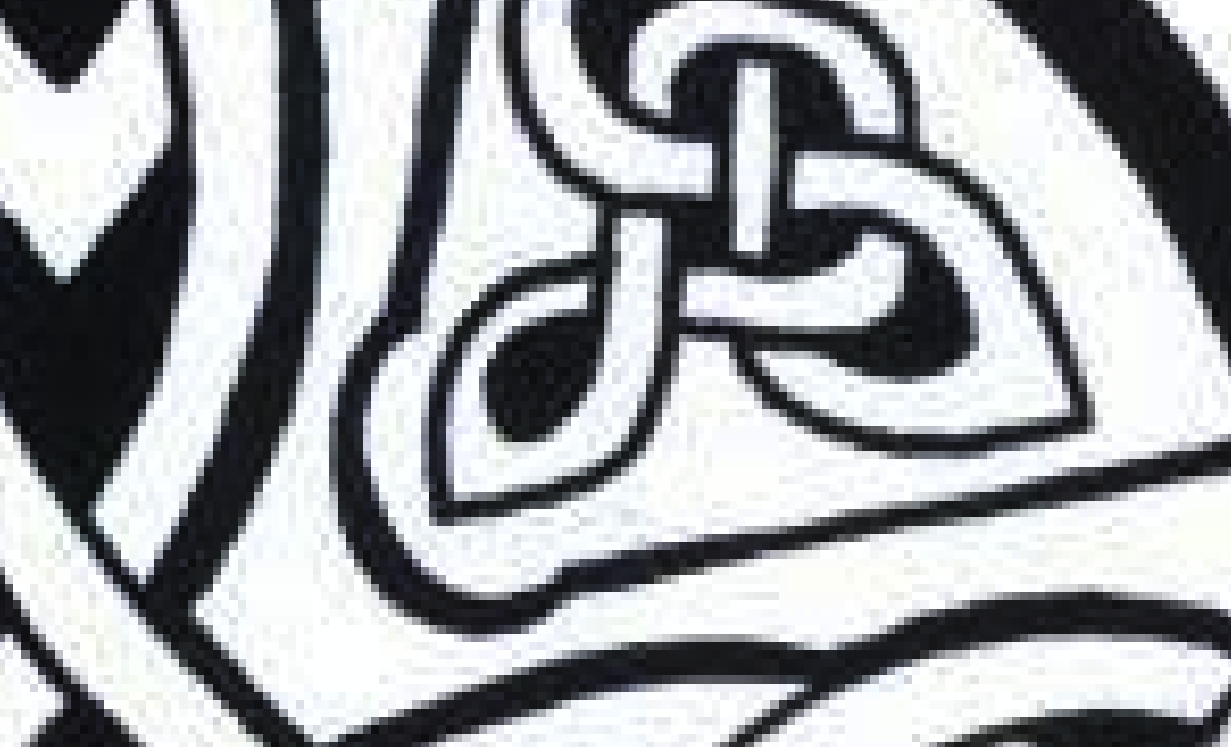
I am trying to use a black and white image as the basis for a height map by using black-to-white gradients. However, the gradient tool goes from the start of a stroke to the end of that stroke, while I need it to change at right angles to the stroke. That is, if I stroke along the curve down the middle of a selection the gradient will change from white in the middle to black at the edges. (I am unable to upload the krita file that has a selection in it ) My plan was to select each white area within the banding and gradient fill it. How can I do that in Krita? The fill tool is also not useful.
You can’t upload .kra files here but you can post a link to a Dropbox or other file sharing service, personal or website based.
You could take a screenshot showing the selection and post it here too.
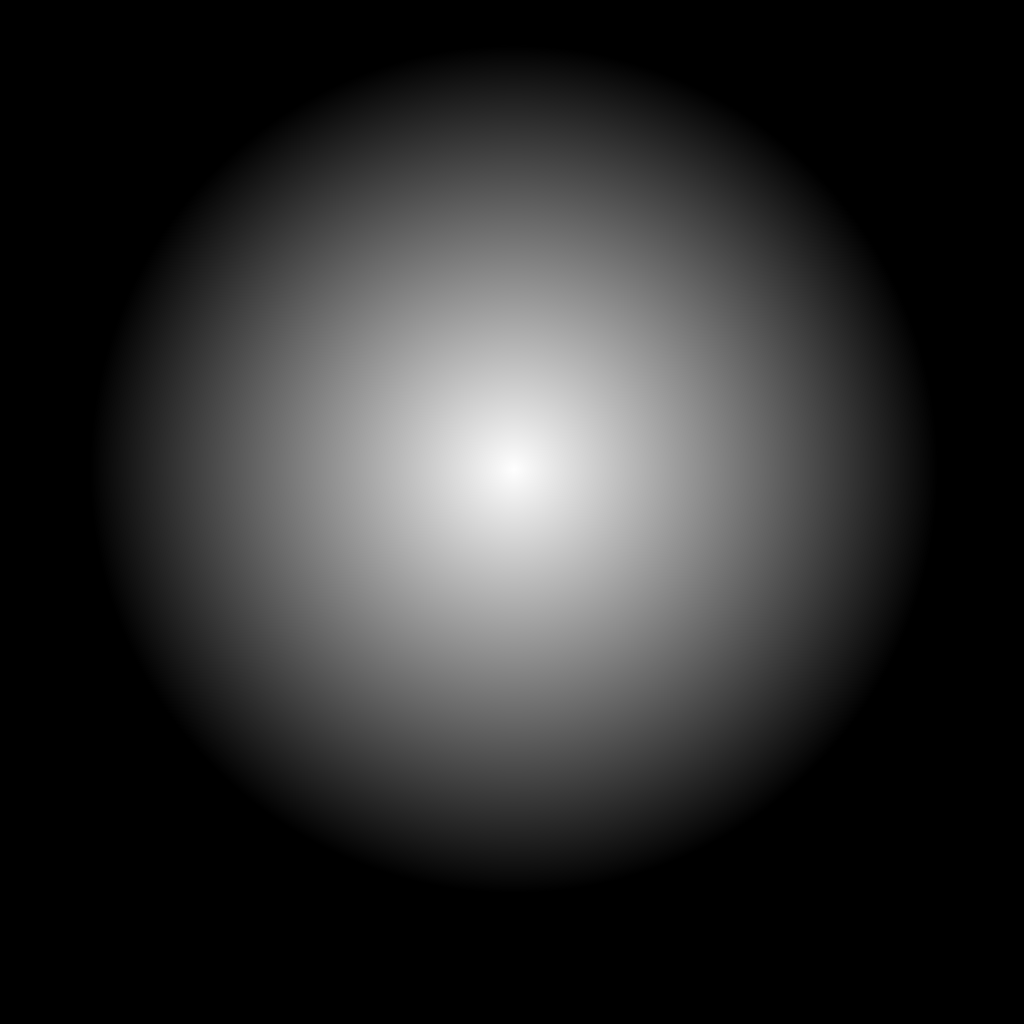
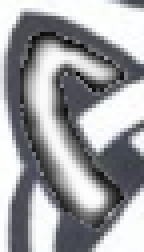
That’s the radial gradient foreground to transparent, white over black.
Theh bi-linear gradient may also be useful for you, as selected in the Tool Options docker when you use the gradient tool.
If it’s more complicated, can you paint a rough approximation of the gradient appearance with the Basic Opacity brush or something?
Somebody may have an idea of how to do what you’re looking for.
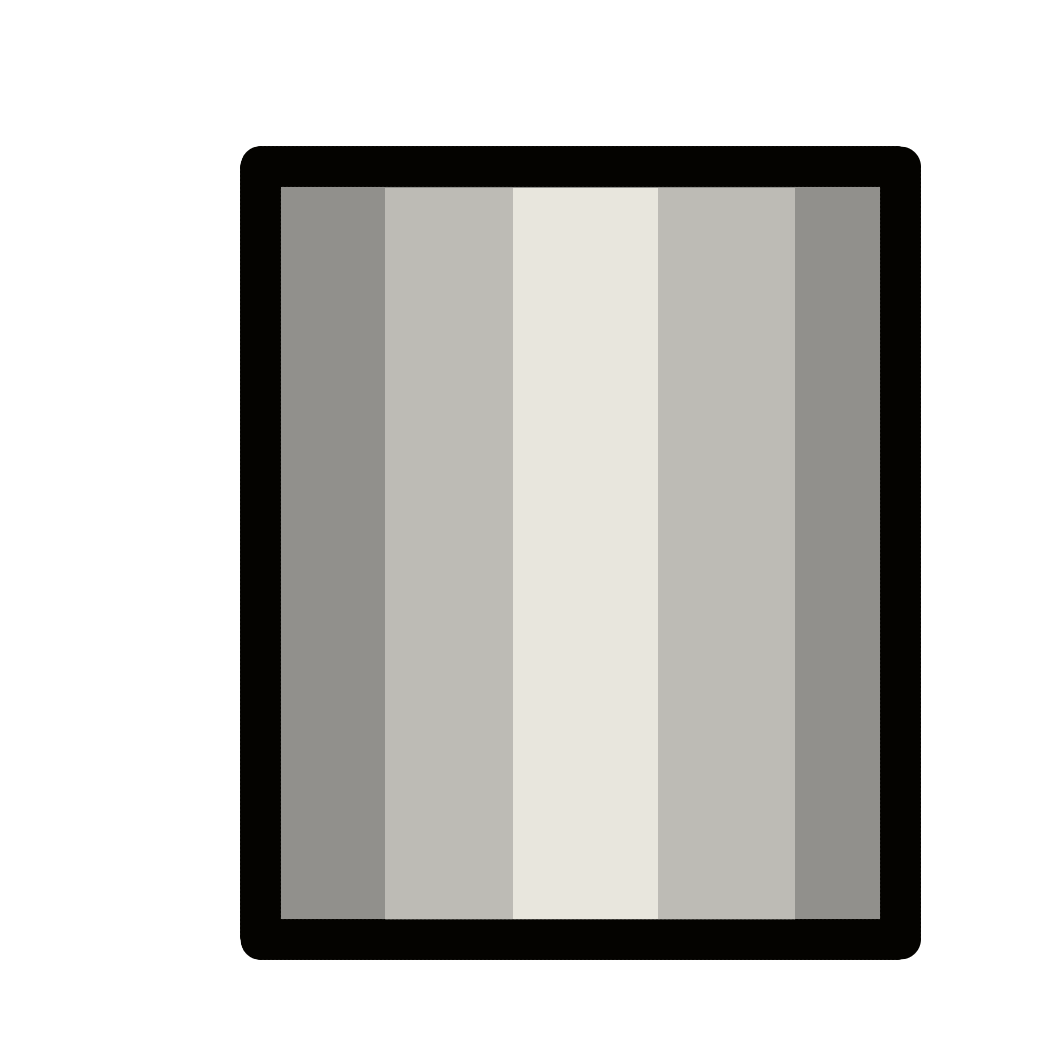
I Need to be able to follow the outline of the selection as crudely shown here:
I experimented with the bi-linear gradient but I can’t figure out how to get your effect limited to a selection - it only does your effect if I try to use the gradient tool across the entire image. That’s what I’m trying to do however.
Hmm. Lines are already drawn, so we can’t use the mouse direction info to determine the direction of the gradient; that’s going to complicate things a lot, actually.
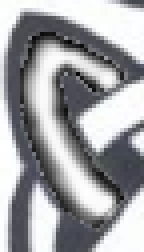
I can envision an algorithm that would try to measure space within the selection and make a gradient between two colors for “the edges” and “the center”, which might look somewhat like:
The left side has the center color “rounded” so it’s never touching the edges. I think shape recognition for flat edges would be required to get the center color extended to the ends. Such an algorithm would take some skill to write, and probably fail on a variety of use cases, such as when the ends of the selection boundary are curved because the line is occluded by something in the art… the computer can’t tell context, so all it sees is a selection region shape, like any of these white shapes below.
For that reason, it must be pretty hard for such an algorithm to work correctly and reliably. It’s also a fairly narrow case, so I don’t expect any development investment here. Sorry, I think the gradients may have to be manually done.
I’m musing now, but I can imagine an algorithm that lets you accomplish this by drawing a vector curve, since it would provide the directional information necessary to recreate the gradient. In addition to the logic to draw and deal with possibly self-intersecting vectors, you’d have to determine the falloff distance from one color to another, and since selections don’t have to be contiguous, it could be quite difficult. (All in all, still pretty unlikely to happen.)
I had to apply a threshold filter to work on something better but no more antialiasing and result is sharp.
Maybe with picture with higher quality, workflow will provide better results…
 ) My plan was to select each white area within the banding and gradient fill it. How can I do that in Krita? The fill tool is also not useful.