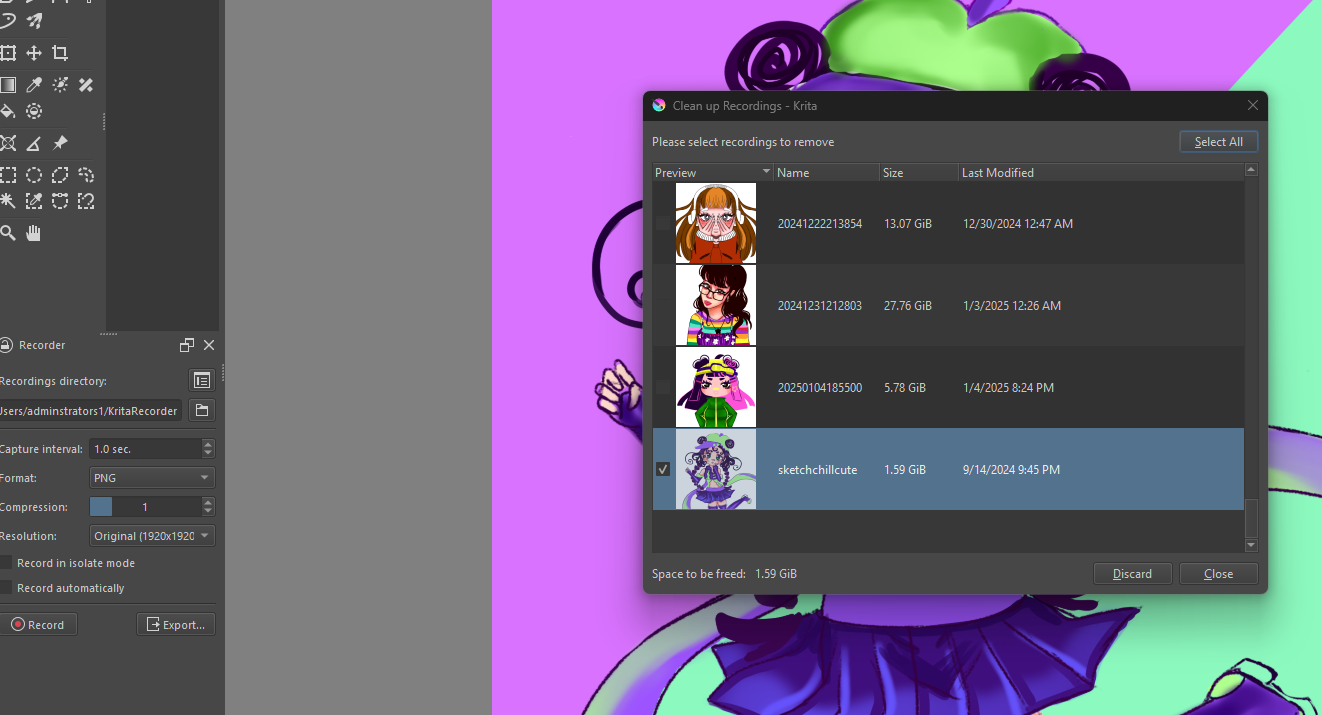
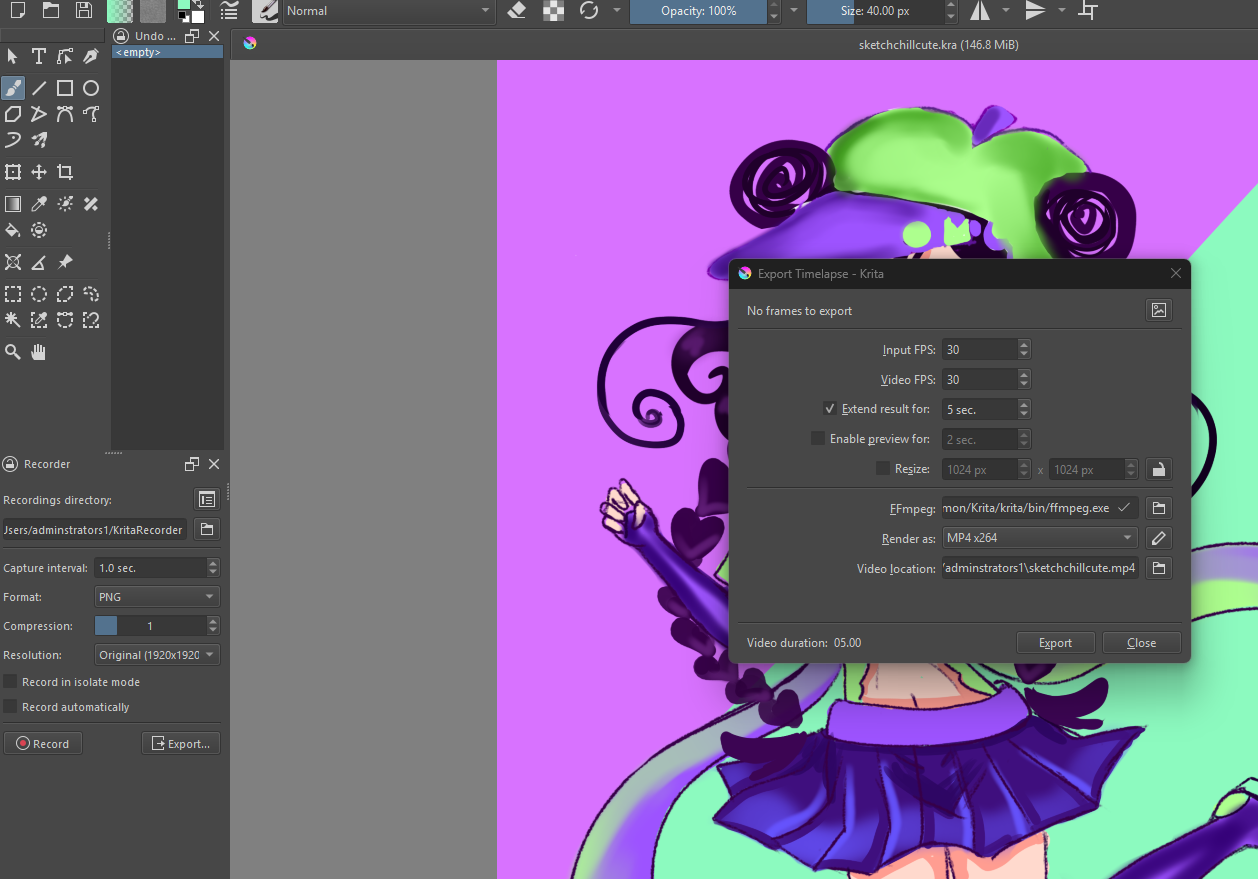
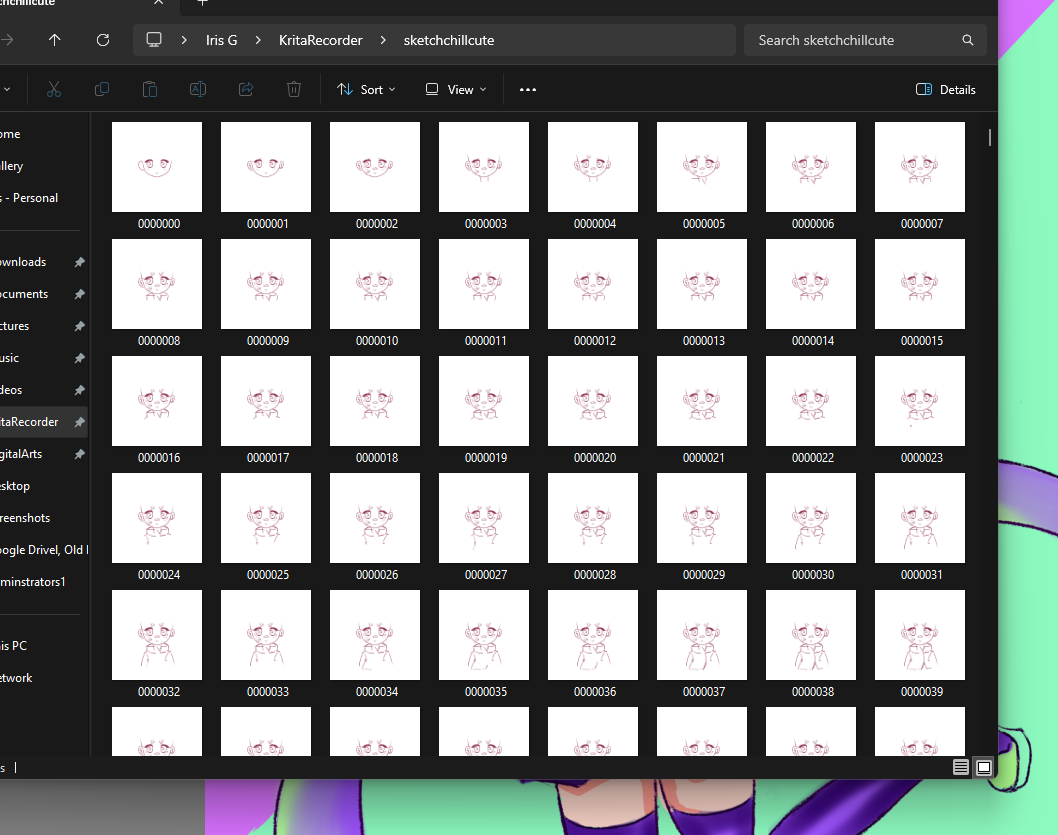
I need help with Krita Recorder, I have the files but isnt showing my files to export it…, I recently just got new pc and i downloaded the whole files for the recorder, and it isnt fully showing up…, for a sec today it shows up saying i have alot of files for that art piece but once i try to export it… it says i got none and now it says i dont have the files…but i do…, i did tried to move on from this but now this is bothering me, bc it shows up and now it backs away saying i cant export it?? huh??
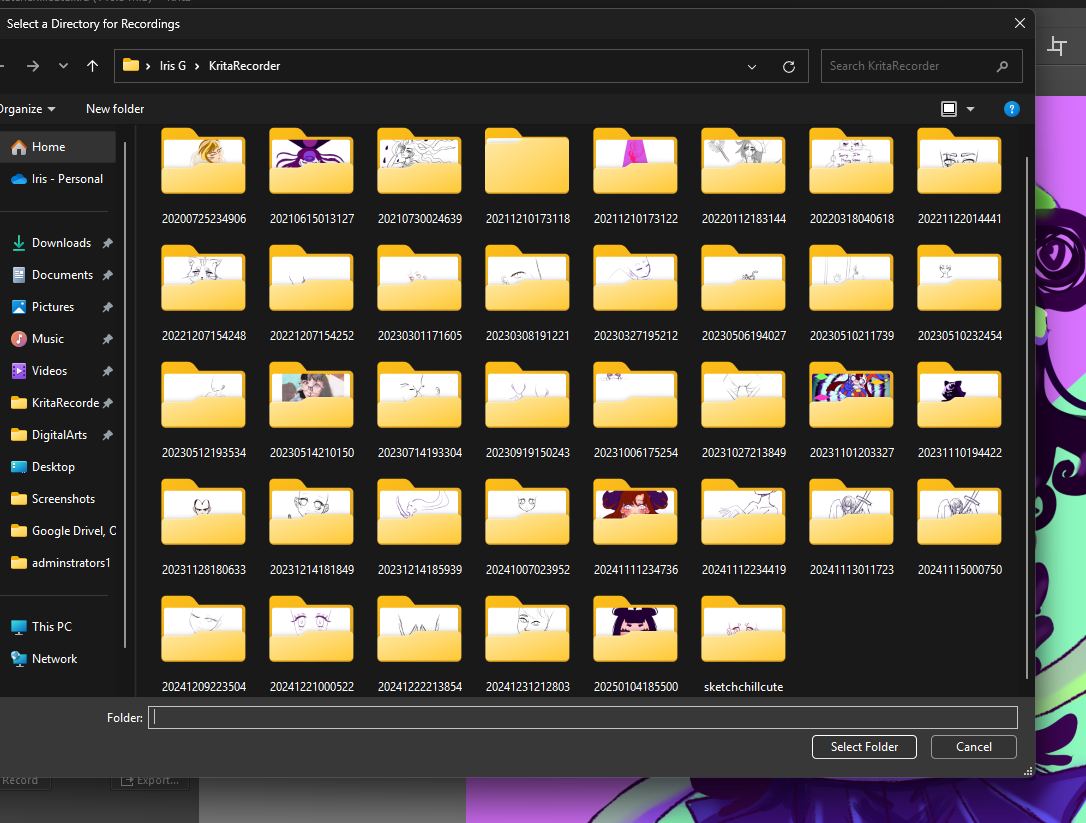
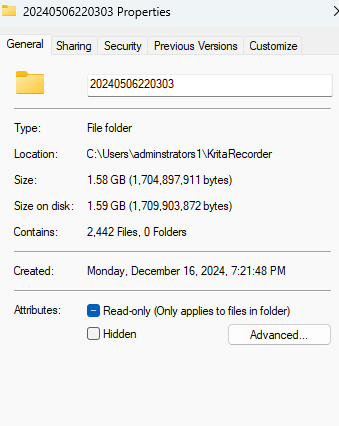
I tried changing the recordings directory towards
“20240506220303”
“sketchchillcute”
but doest work, even changing the name to match the art piece
But it only shows all my artwork only on krita recordings folder, even if i click that it still doest let me export… it
I couldnt find any solution in the internet/youtube, so that why im here and decided to post about it…
You dont need to change the recording folder’s name matching the artworks name. Generally all you need to do is open the artwork which was recorded and and use the export function from ‘that’ page. Eg. If I drew and recorded ‘A’ then open A.kra and export from there.
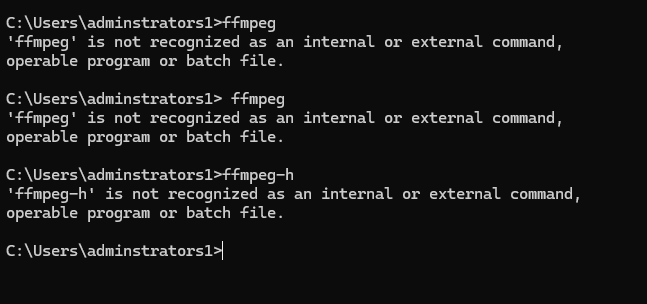
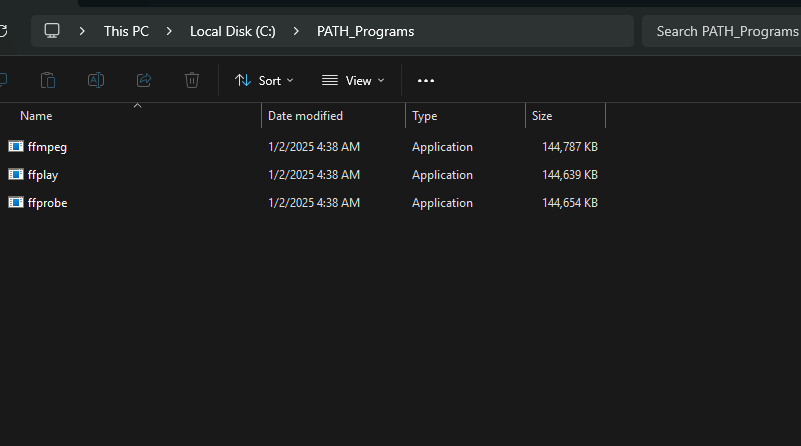
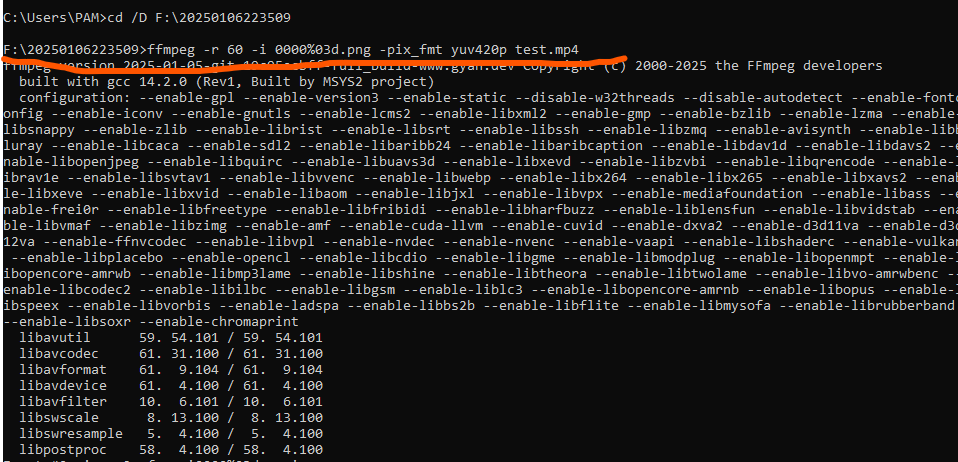
If that too does not work then you can do that using traditional method using cmd
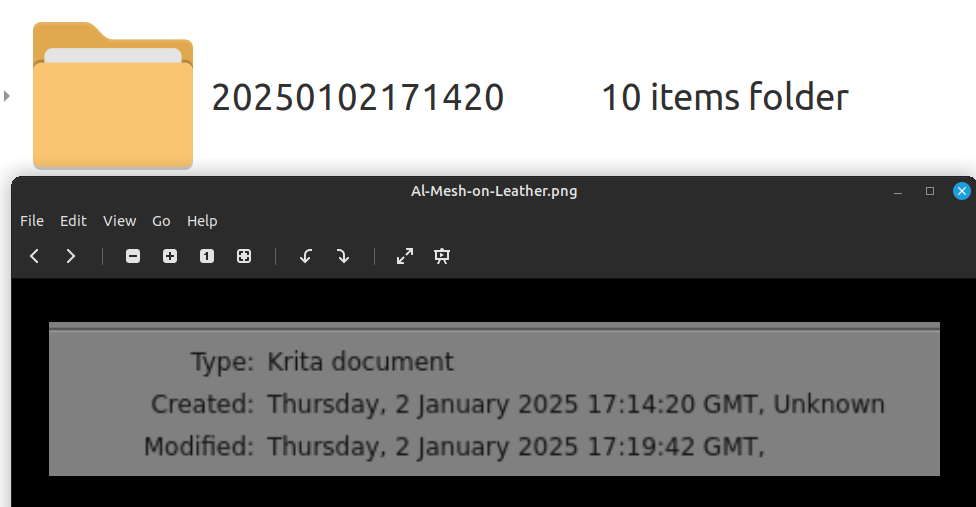
The folder name needs to be the code for the Created date/time of the .kra file.
Are you sure that 20240506220303 is the Created date/time of the file called sketchchillcute.kra ?
You can check by opening the .kra file and then File → Document information.
Here is an example of a recordings folder and the Document Information for the .kra file that the recordings were made from.
Ofcourse Im sure, I copy and saved it, why would u think im not sure about it?, I changed it to see , if does anything obvisously that not the problem, I just need help with the krita recorder not working, not showing up, not exporting like it suppost too…
(I’ll try one more time and once only.)
I said this:
So, if you open the file sketchchillcute.kra in krita and then do File -> Document Information from the menu, what do you get for the Created: date/time?
try this.
Chage directory using ‘cd’ command and paste the folder containing the images. make sure to put ‘/D’ after cd if images are in a diff. disk. eg.
cd /D F:\20250106223509
you will see the changed directory in the next line, now type in the following command