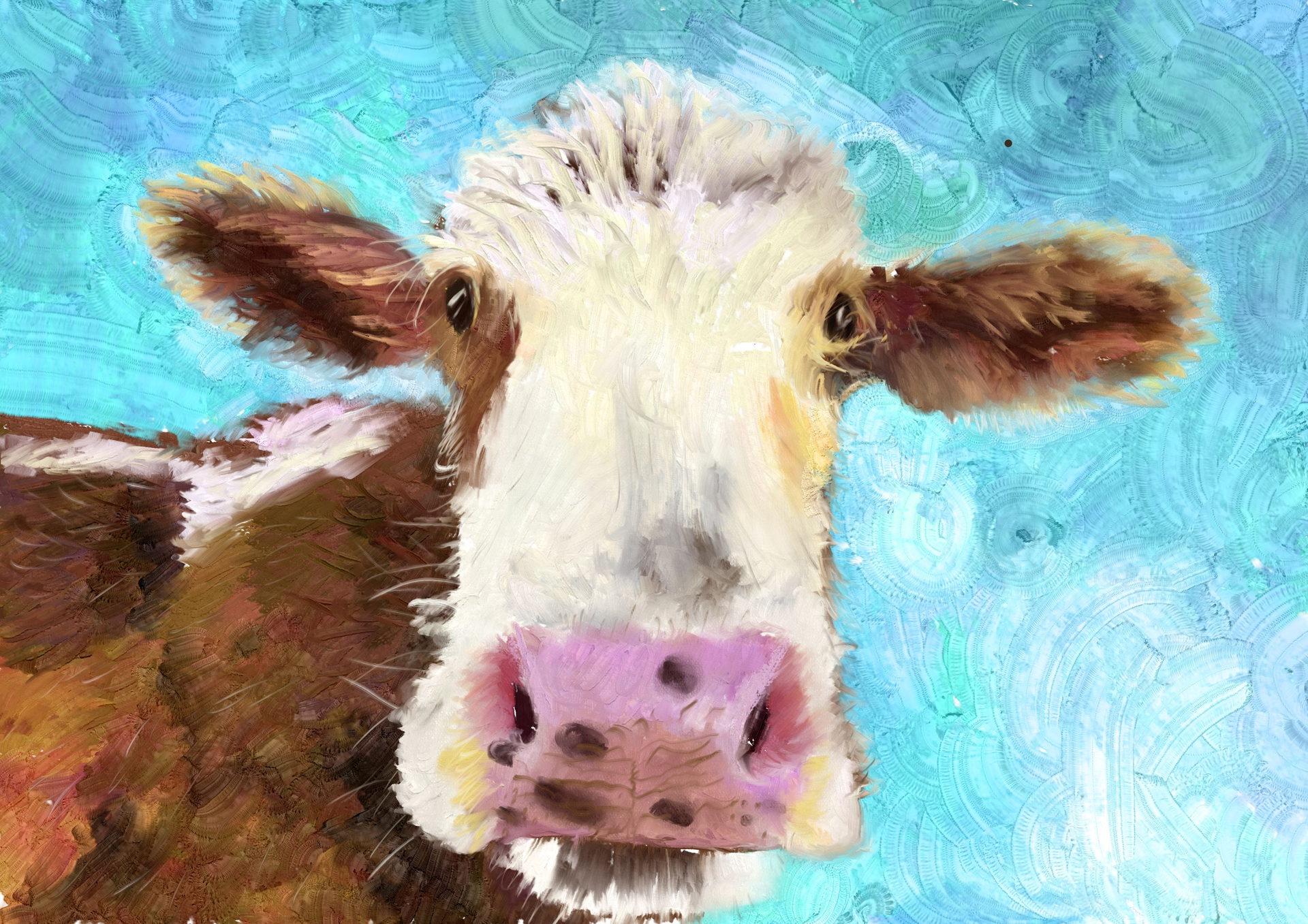
And you have reason to be proud! This looks great, you have a feel for colour as well as for brushstrokes. I guess you used the Memileo Impasto set?
Well done! I love it.
Thanks for the compliment. I think mostly the rgba- wet bundle. I think the Impasto ones make my system crash so I disabled them but there might be some in there. I really should keep notes.
Oh I love this!
You may be right. I see my fav brushpack everywhere, and thought you did at least the background with it. But on closer look, I think it has artifacts that Memileo set would not produce. I have a pretty strong (Linux) PC though, that probably helps running with it. At least lags are not unheard of on weaker hardware like tablets and such.
Yeah, my laptop is from 2017, adequate for regular stuff but not the most performant, I upgraded the memory from 8 to 16 GB and might try linux to see if it performs better then win11, I was thinking about animation with Tahoma2D when choosing windows. I previously had linux installed. I might have to look into a new PC or a better more recent second hand at least.
Linux has many flavours (Distros…) so I can’t really promise everything will work better there. I was mainly mentioning it because for outright crashes, the OS might make a difference and/or be the reason. 16 GB RAM probably should not be a showstopper usually, else a lot more people would have problems. You could probably monitor (in Task manager for example) how much RAM, CPU etc. Krita is using on startup or while painting, to see what limits you, or if things really get into a critical area. On my old system, slowdown occurred mainly when having a big canvas and many layers. I did not have installed many bushes or other assets into Krita back then though. Maybe a clean install of Krita with only one brushpack at a time might also be worth a try.
If you want to get into troubleshooting your current laptop, I suggest to open an extra topic in the right category though, I am not a Krita programmer or tester with much experience on this.