Hi, I just wanna check something.
If I where to download this version with spectral blending, would it overwrite my current version of krita, Or would it show up as a different standalone version?
Also could someone direct me to the latest link? sorry I just don’t where to find it.
I think it is a portable version and that won’t override an installed Krita as far as you don’t extract it into the folder you installed Krita in. But you should make a backup of your “kritarc” and “resourcecache.sqlite”, the first because it could get corrupted and the second because it could get rebuild by Krita if the version of the resourcecache.sqlite to test would differ from the installed version of the resourcecache.sqlite, and it also could get corrupted - but these are worst case scenarios.
Can you point me to the post where I can find it, I don’t feel like scanning 200+x postings for finding it, then I can tell if it would override your installed Krita?
Thank you, @AhabGreybeard, so the Windows-Version is portable and won’t override anything if you give it its own location, and for AppImages the same is true as long as you don’t overwrite the previous AppImage by yourself.
Thank you ^^
I did many tests; this one being one of those. Knowing about all these really explains the discrepancies between what I learned in traditional art classes and what I saw on the screen for many years, and finally something usable aside from Rebelle & Mypaint that’s accessible to me!
I used Over Spectral mode for my usual pencil brushes and Over Spectral mode as layer mode with a white paper layer with 8 bit layers and things come out as expected (I do not know if it is accurate). These are harder to control comparing to regular RGB mixing, but feel very natural, as if I have always known that things are supposed to look like that.
I have a favor to ask: can anyone compile a version of this for Android? I have been trying to set it up according to the documentation but things are still full of errors - I have close to 0 coding experience
I think you should use it in a linear color configuration file, such as sRGB-elle-V2-g10.icc. You can use 16 bit integers or 16/32 bit floating-point rgb channels to create documents.
OMG, this is the best thing I’ve never tried :0, just fix a lit things of performance, and pure black problems and it’s done! Also I’m gonna use this package now for my work :3 until is implement it in the new versions
I want to point out that might not be possible given the history of attempts to do this. In all cases, there is a performance issue. Maybe GPU can mitigate that, but I don’t know if it is possible yet.
This is pretty great. I don’t need hyper realistic mixing, its a nice and all, but something to fix digital blending would be a game changer.
To prevent dulling, I always waste time picking and layering between colors instead of smudging. This is not a problem I have with (practiced) traditional painting.
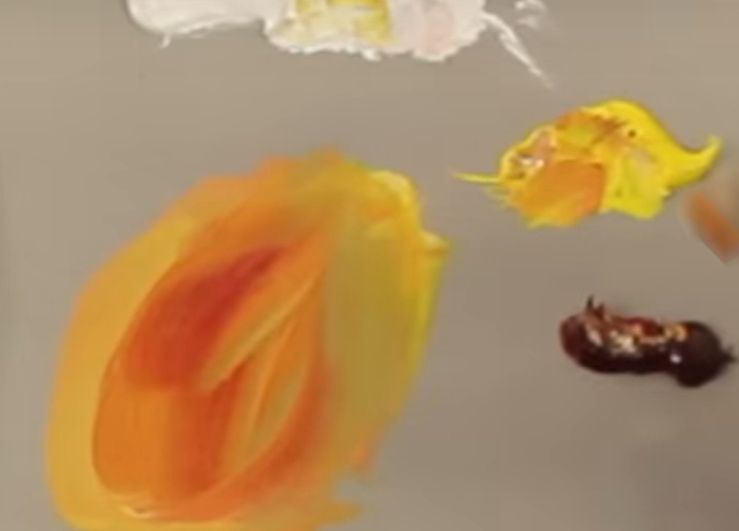
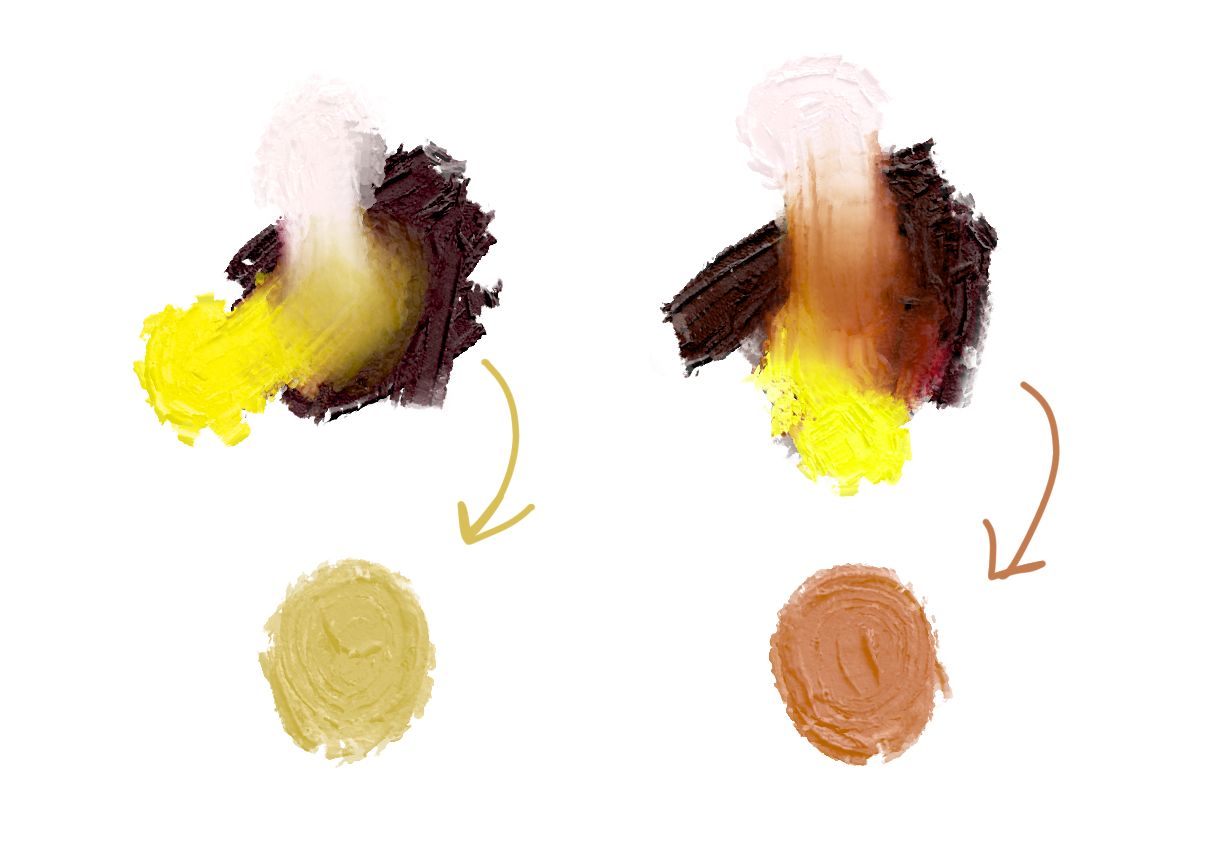
I’m really impressed with spectral mixing. Close saturated colors don’t grey nearly as fast, lighter colors don’t dominate the hue, and the results ultimately feel more intuitive. Really cool and I hope this makes it into the main branch.
Yes, you need to download it. I can not say if the links to the files are working anymore, but if not, you can download the AppImage for Linux (krita-5.1.0-prealpha-32121ad-x86_64.appimage) as well as the portable version for Windows (krita pigments.zip), and the two test brush presets (20 December.zip), from this folder in my cloud:


 Hello
Hello