Hello @Consty, and welcome to the forum!
Did you restart Krita two times after you imported the bundle (/bundles?) into Krita? This is the usual measure to take if resources don’t show up after import in Krita. If that doesn’t fix your issue: → →
Here, we need more information from you to be able to help you. Usually, users should provide the following information in all of their requests for support, to enable the helpers doing their job without having to request them all the time. And that although all the information is not needed in any case, only in many of the cases, simply because it saves a lot of requests and enables us to begin helping you quicker/earlier.
These questions are:
Which OS in which version do you use? E.g. Windows 7, 8, 8.1, 10, 11?
Which exact version of Krita do you use? You can find it via Help > Show system information for bug reports, where it is written behind Version:, we need at least the number before the brackets, but when you are already there, you can copy it in complete and insert it in your answers. For example, my current version is 5.2.15 (git 89dea6d). If you can not start Krita (anymore), you can find it out with a look at your downloaded installation/portable package. Examples: krita-5.2.15-x86_64.AppImage, krita-x64-5.2.15.zip, krita-x64-5.2.15-setup.exe, krita-5.2.15_signed.dmg. Also, the store pages and Steam provide this information for the programs you download there.
From where do you have your version of Krita?
Is it the version from Krita’s homepage, the repository of your Linux distribution, Flatpak, AppImage, Snap, the stores from Apple, Epic, Microsoft or the Play Store, and if it is from somewhere else, from where is it?
In the case you use Windows, do you use the installer version or the portable version of Krita?
For requests where you have issues with your HID, so graphics tablet/stylus, mouse, touchpad, whatever, we need the manufacturer and the exact version number/naming of the device (which with touchpads built in into your notebook/laptop is impossible, there name make and model of the notebook).
Now to your issue:
Can you tell us which of the two bundles you did import into Krita, or did you import both?
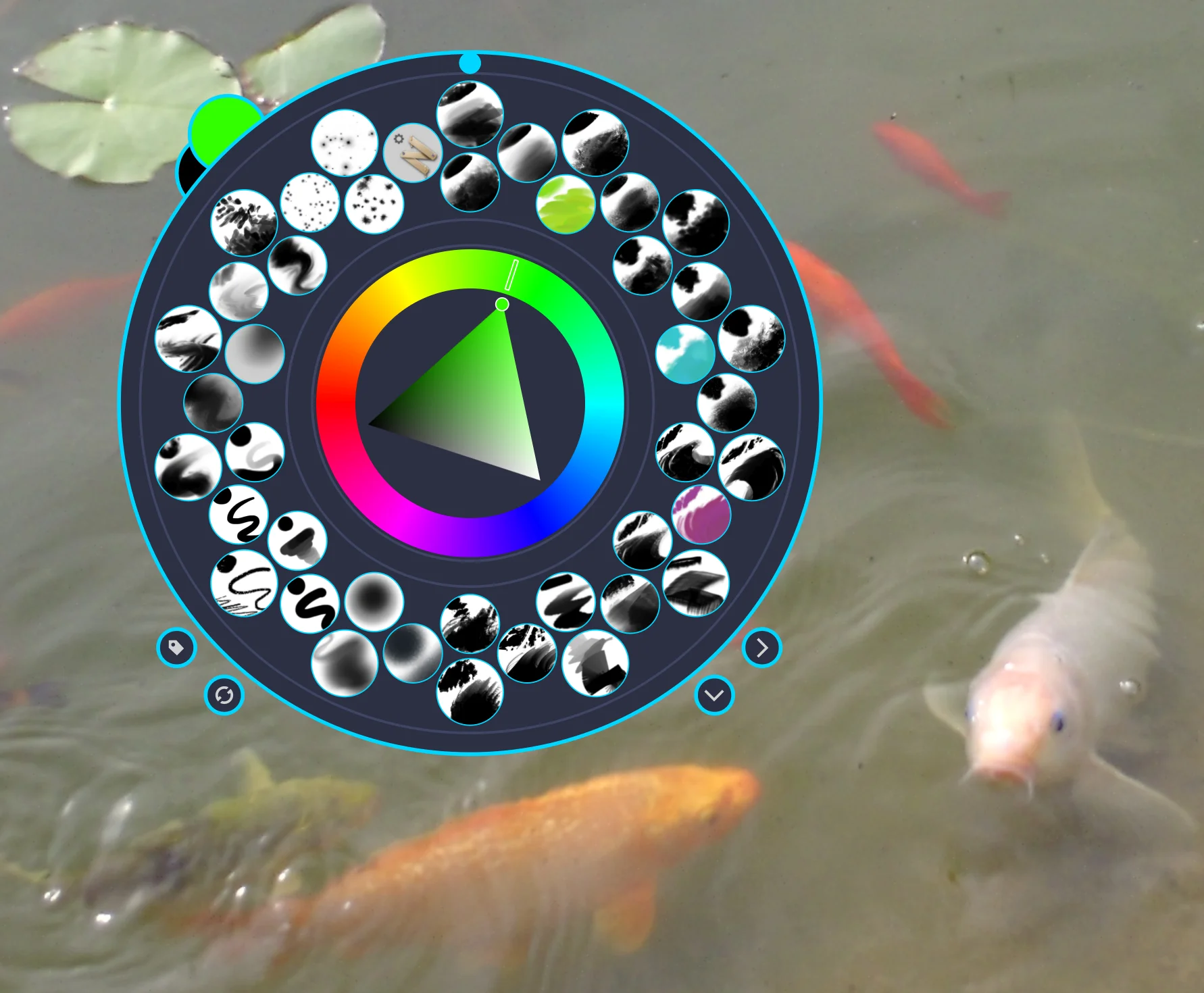
You wrote, three of the brush presets are shown, which brush presets are these three?
You can get their exact name at different places, in the brush editor, on the far left of Krita’s status bar, or when you hoover your stylus above the brush preset in Krita’s brush preset docker (but there you need to have an extreme steady hand, I, with my shaky hands are not able to get it that way), but if you use a mouse to hoover over a brush preset it is easy to let Krita display its name.
Please provide a screenshot of your whole Krita window which shows your Brush Presets Docker, do not cut off anything belonging to Krita not even the status bar or the title bar (caption), we need to see your Krita in full. You must not have a picture open for this, in your case an empty new project would be sufficient.
By the way, you wrote, you “inserted it in Krita”, if you didn’t do it as the following description explains it, can you please describe how you inserted it in Krita?
A bundle is installed in Krita via the menu ‘‘Settings’’ >> ‘‘Manage Resource Libraries…’’ and in the opening dialog you have to click the button + Import in the next dialog browse to the downloaded bundle, select it and confirm the selection. Now Krita imports that bundle, and you can use its content, so the brushes in case of this bundle.
In case this BUNDLE comes in an archive-file, like ZIP or RAR for instance, then you have to unpack the archive to get the BUNDLE-File it contains, then you can proceed as described above.
Michelist