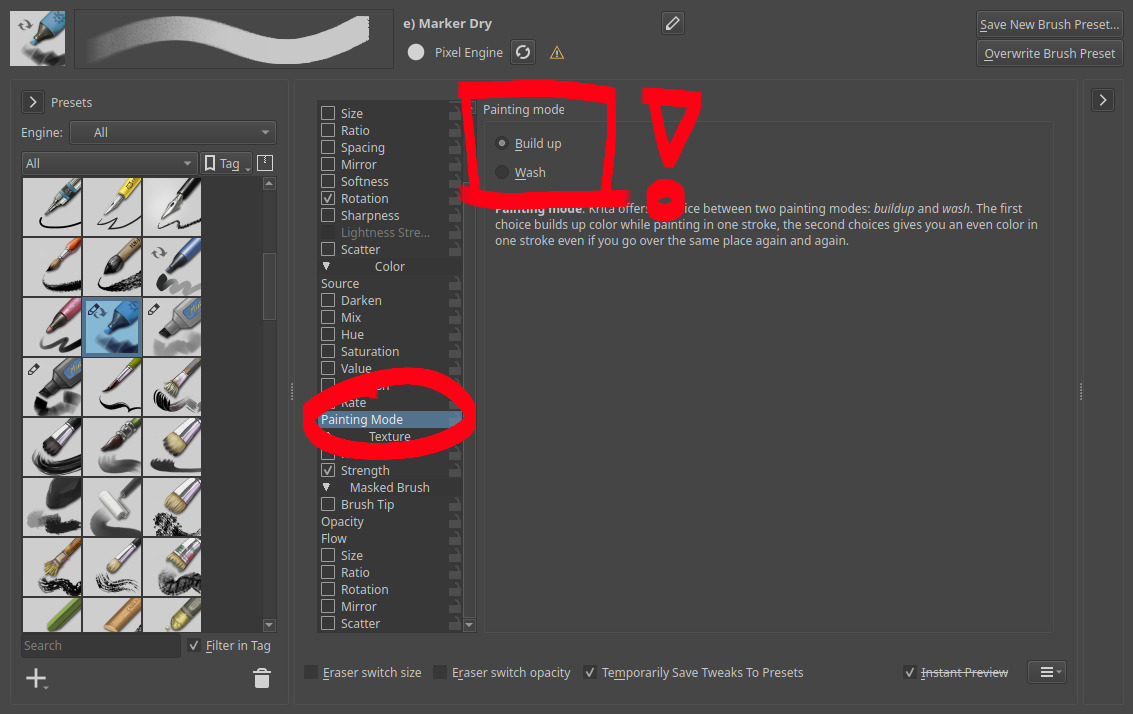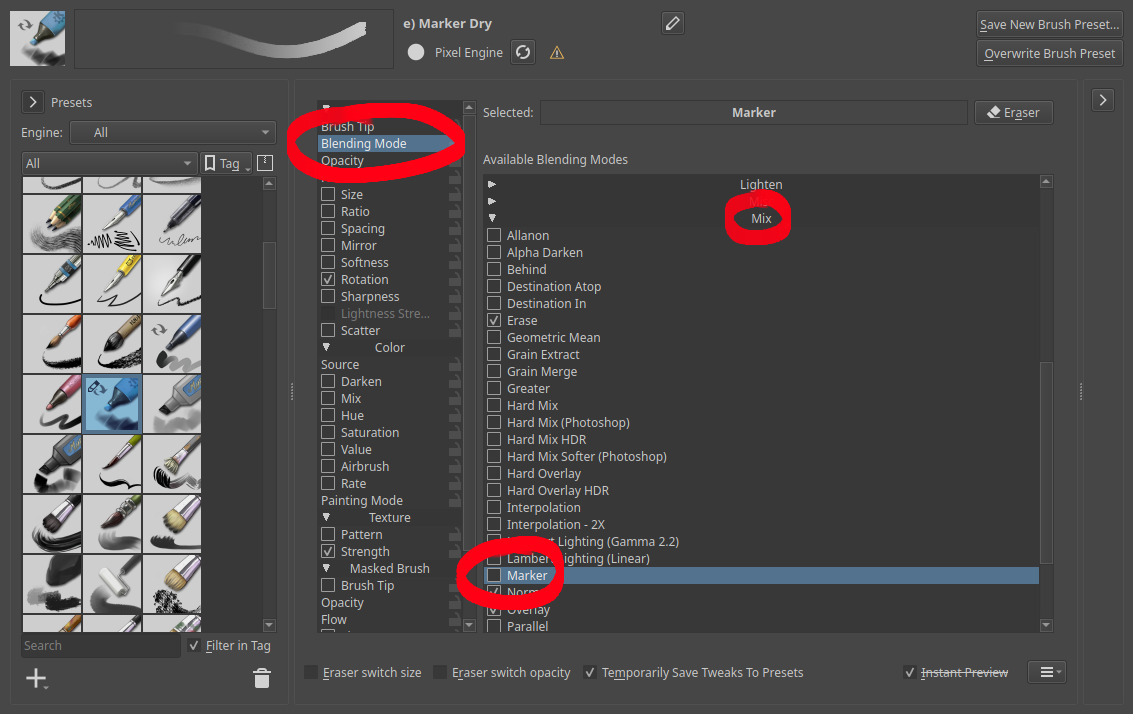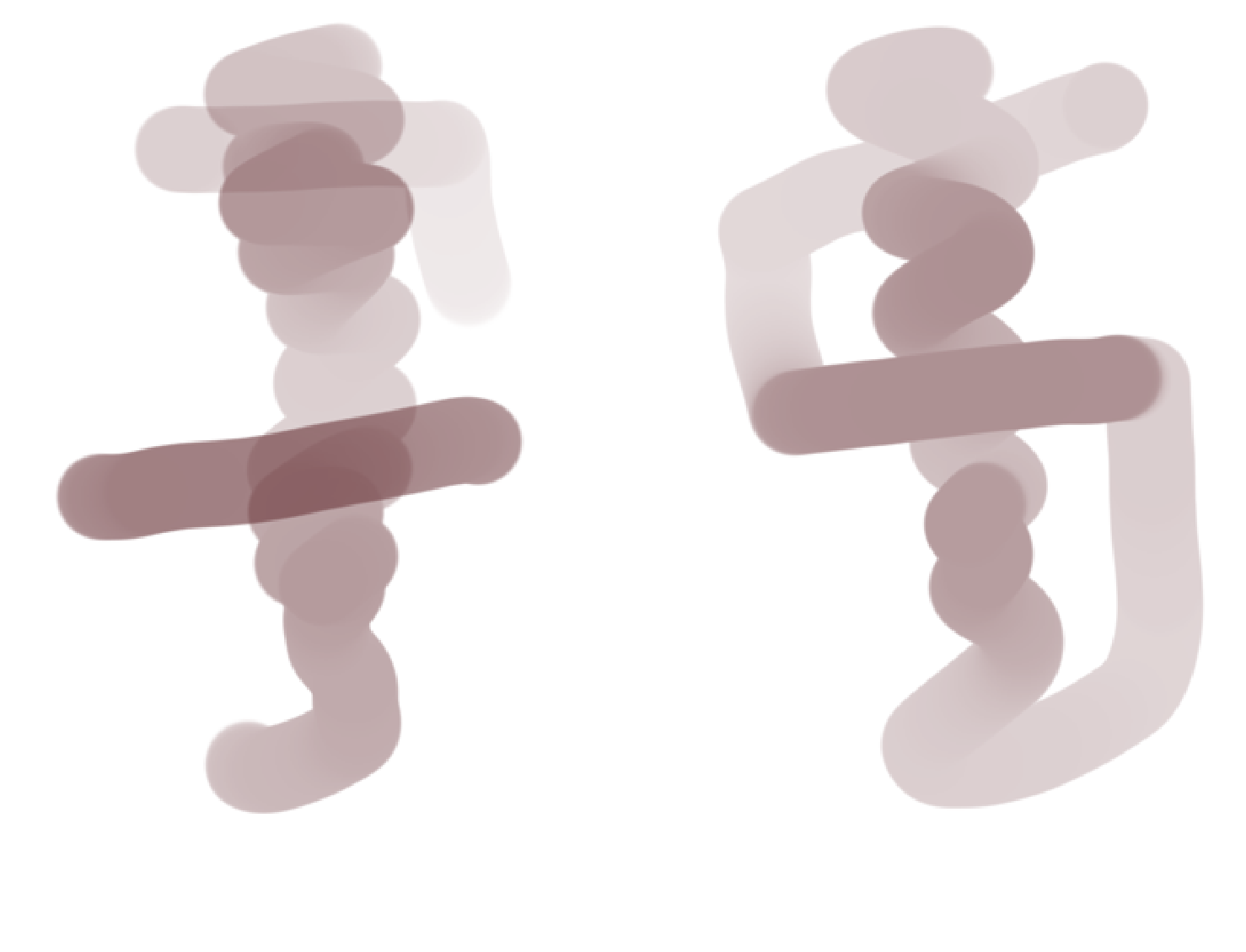
The two pictograms were made using the stock “Basic-2 Opacity” brush in Krita on the same normal blending mode layer.
On the right, you see a varied pressure single stroke pictogram, that shows what the intersections of the line with itself does.
On the left, you see roughly the same pictogram, but done using three separate strokes.
While on the right, the opacity(?) or value(?), don’t know what to call it, is overwritten by the intersecting line, whilst the one on the left adds to the value when the separate strokes intersect each other.
Is there a way for the line-intersections on the pictogram on the left to look like the ones on the right, without it being the same stroke? I’ve seen a reddit post about this exact thing, but they didn’t figure it out, so I came here.
Please help! I’ve looked for quite a while now and I can’t figure it out…