Update:
- New Features
- Polish
- Manual
Preview Animation
Better animation playback. Frame back and forward now work fully. Displays frame count on the UI and not as print statement now.

Preview Color Picker
Now the color picker uses Pigment.O as a module but pigmento is still not out and has no release date set. Regardless Imagine work still works without it just as before it is just fancier. I I speak of this now because it will be marked as “Pick Color [OFF]” but it works, just RGB only.
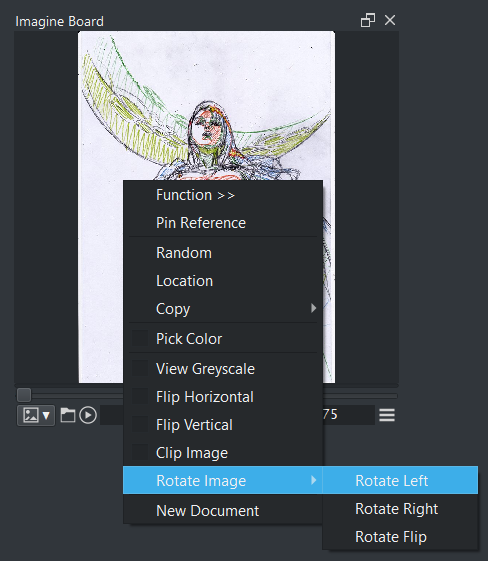
Preview Rotate
This will rotate the image and open a prompt right away if you want to save the image right away. This option is only open to static images.
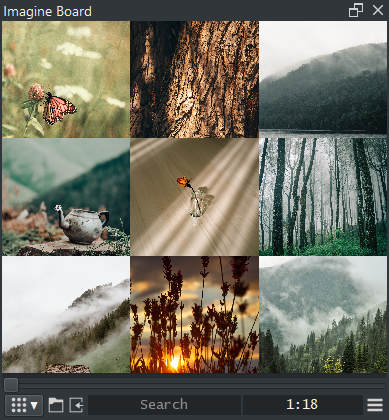
Preview and Grid Navigation
Changed the basic camera navigation shortcuts order to make it more easy to use with less modifier key inputs. Check the Wiki for more info there.
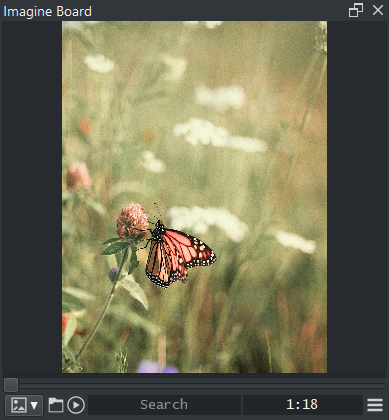
Reference Mode
The Reference mode was fully re worked even though it is still missing image packing but now it should prove much more stable to use moving forward. Even if it happens to mess up you can just undo or redo according to your needs. Wiki has all the info there. Reference mode can now receive clipped images.
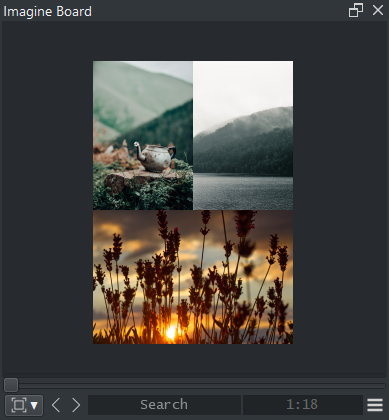
Pins can now:
- Move (auto snap)
- Scale (to snap make cursor near node)
- Rotate (no snap and shows mark to zero degrees)
- Clip (left, right, top, bot) (no snap)
- Edit (greyscale, flip horizontal and flip vertical)
Folder Change
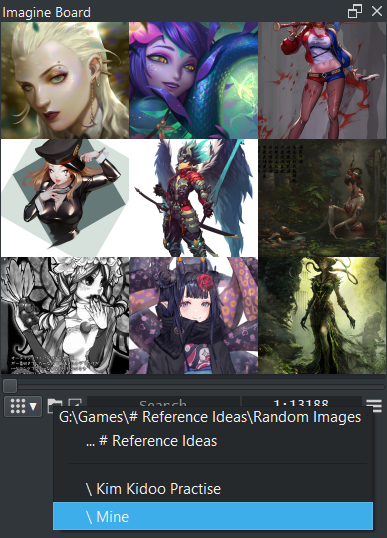
Right click the folder icon on Preview or Grid mode to quickly be able to move up or down the folder tree with little effort.
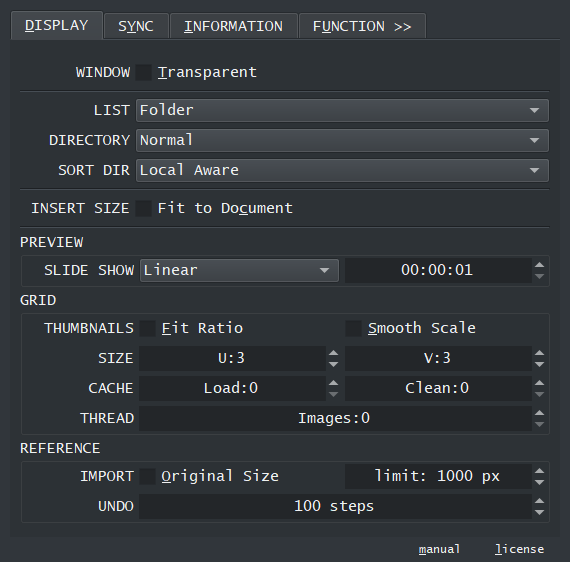
Display
- Transparent display works smoother
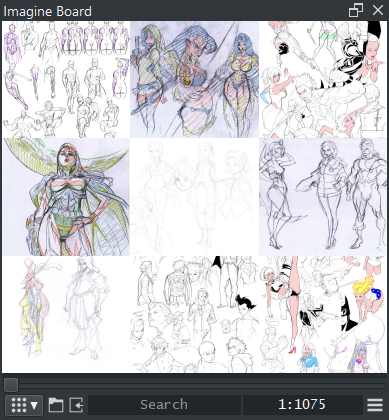
- Preview and Grid now work with lists (Folder, Recent Documents and Reference)
- Grid section now has a smooth scaling option
- Reference section has a check to import images with the original size limited by a maximum size and it also has a undo history step size adjustable.
Sync
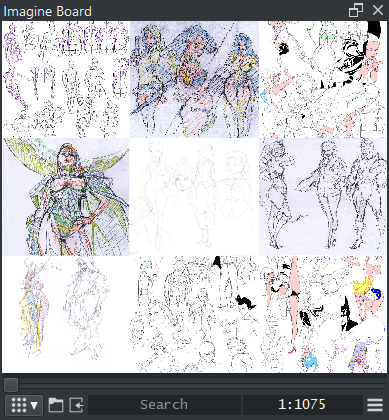
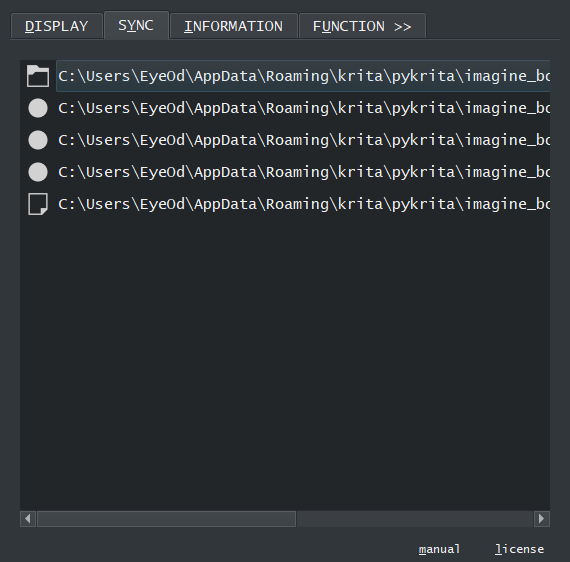
File watcher now displays all folder and files under watch. This list is dynamic so it changes considering the situation. The basic premise is that all things that are being watched have a icon attached to it (Folder or File icons) while things that are not being watched loose their type icon and become a dot icon. Beyond that there is not much else here beyond the order. Please note that individual files do not update as fast as files inside a folder for the Reference mode where you have individual files not updating right away press “Rebase” to update manually or just wait until the next update cycle.
Information
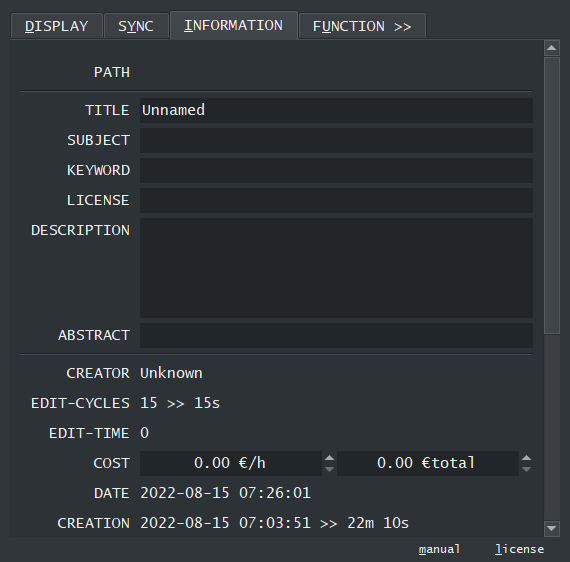
The information tab from timer watch is here and I added something extra I needed the other day. The “COST” section has the hourly rate section and the total price section and this section takes the time from “EDIT-TIME” and considering if you edit the rate or total it will calculate the entry automatically doing all the time conversion stuff.
Function
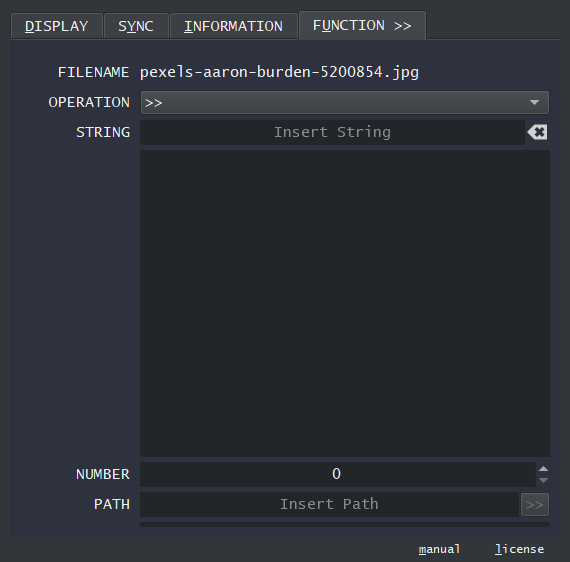
- New operations : “rename_age”, “save_original”
- Improvements to “search_copy” as it tries to verify pixel information also to be sure it is the same image however if one of the images is compressed and the other one is not it will still not detect but if they are different formats but same pixels it will be sure it is the same.
Manual
Just created the wiki manual and I will keep improving it there. Also the settings dialog has “working” links to press unlike the local python manual. This is the start of the “it’s in the Manual” era.