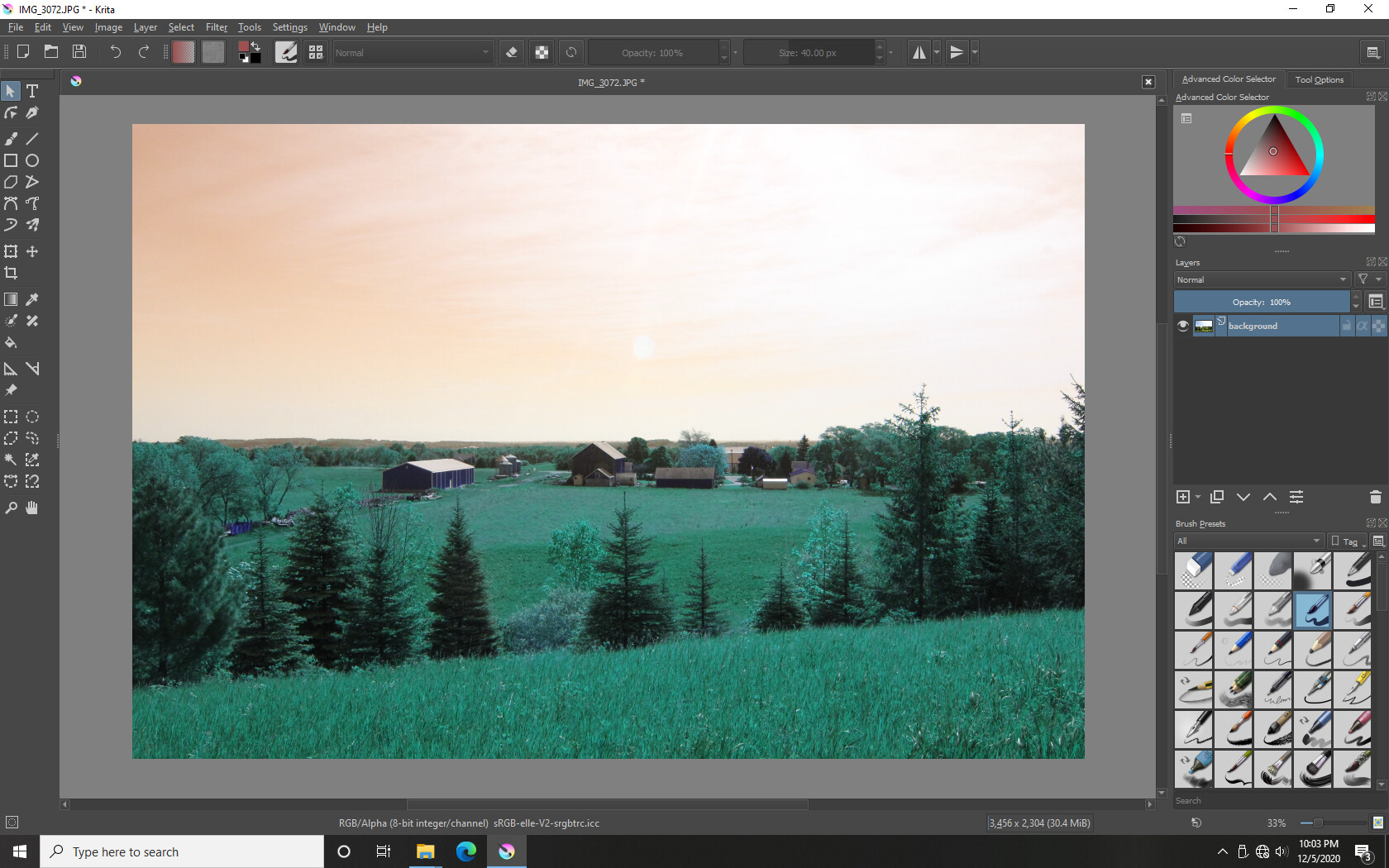
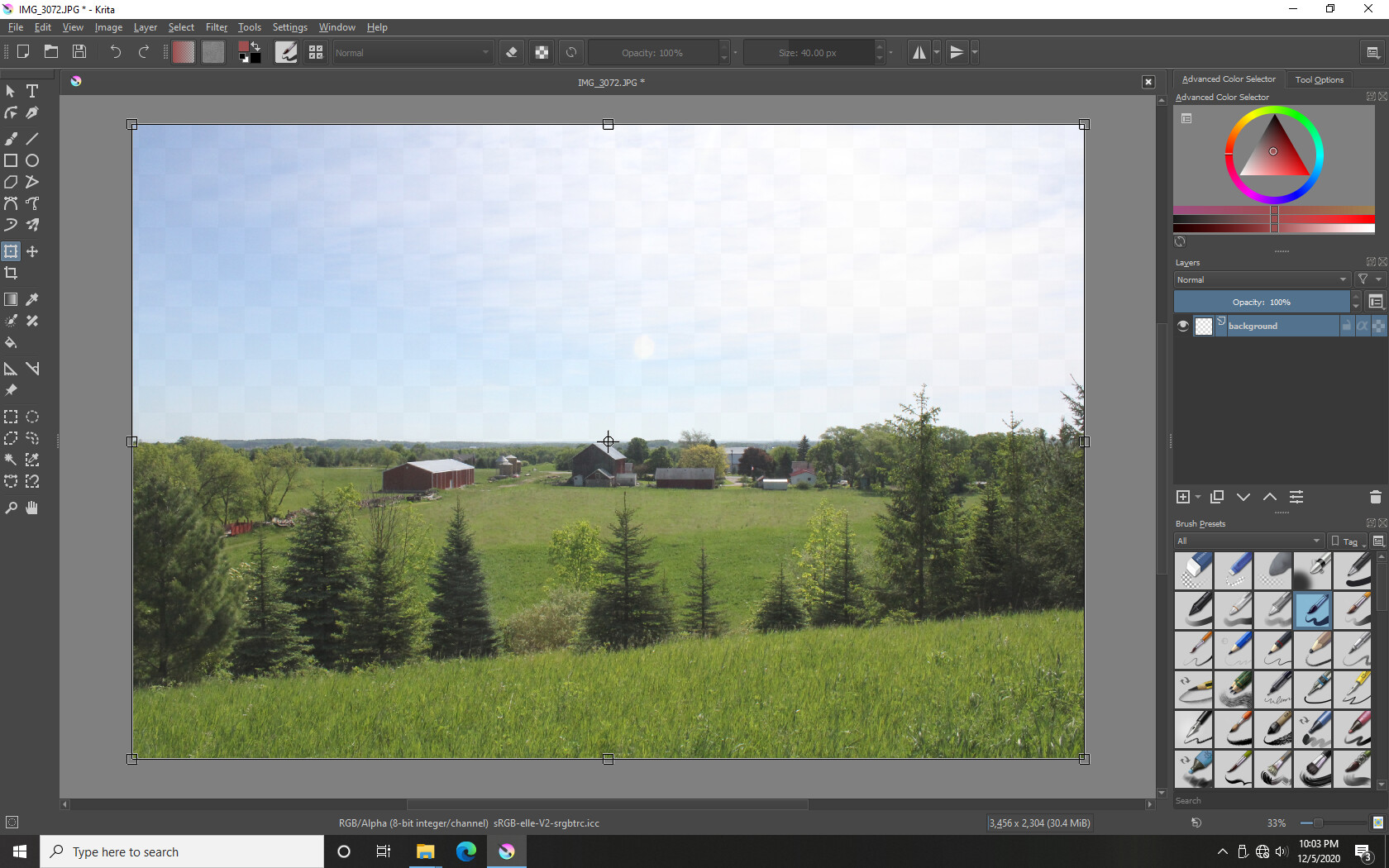
I’ve asked several people on YouTube, and as far as I can tell, I am the only one to have ever come across this issue, everyone else’s programs works perfect: When I insert a picture into Krita, it defaults to this strange Greenish Blueish tinted color. If I do Ctrl+T (transform) it changes back to a normal color, until I press Enter, to finalize the change, it changes back to the weird color again.
If I try a selection tool, to copy a part of the picture, then try to move the copied portion, when I move that, it stays the weird color, so the program knows the picture is a weird color and copies that color instead of copying the original picture.
If if use any of the brush tools, when I try to paint blue, it paint brown, when I try to paint red, it paints blue, and so on, only the black and white brush colors are the proper color.
The only thing I can think of is that my computer is missing a plug-in of some sort that casues it to work abnormally with Krita. I installed Krita on my laptop, and it works perfect on their, so that’s what I’ll use if I have to, but I would prefer to use it on my desktop.
To be entirely honest, I have no idea what a “color profile” is.
I’m not sure if this tells you anything, but I downloaded and installed an older version of Krita (2.9.0), and that version works just like it should. Nothing strange about the colors, and all the tools work correctly.
The first image is what it looks like after I open Krita 4.4.1 and dropped an image into it, and the image turning the strange green color.
The second image is after I selected the image to “transform” it, and it changes back to the color it is supposed to be.
I experimented with the brush tool some more, and I found that when I use the brush tool to draw directly on the picture layer, what should be Red turns Blue, Blue turns Red, but Green looks to be about the right color.
I think the image you are importing has its own colour profile. Try this option -
Settings > Configure Krita - General - Miscellaneous. Check On importing images as layers, convert to the image colorspace.
Thank you very much. I checked out the other link you recommended. By going into Settings > Configure Krita > Display - then unchecking “Canvas Graphics Acceleration.” I clicked “OK,” waited a couple seconds, then the image changed to the correct color. All the brushes and tools work correctly now too.
Thank you. Now everything works perfectly!