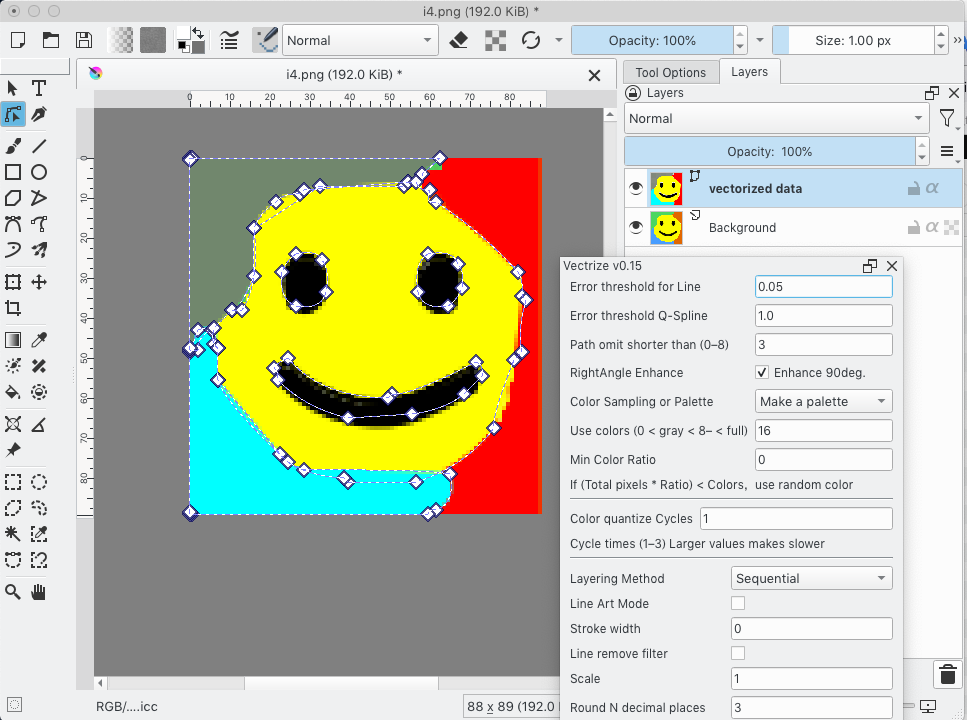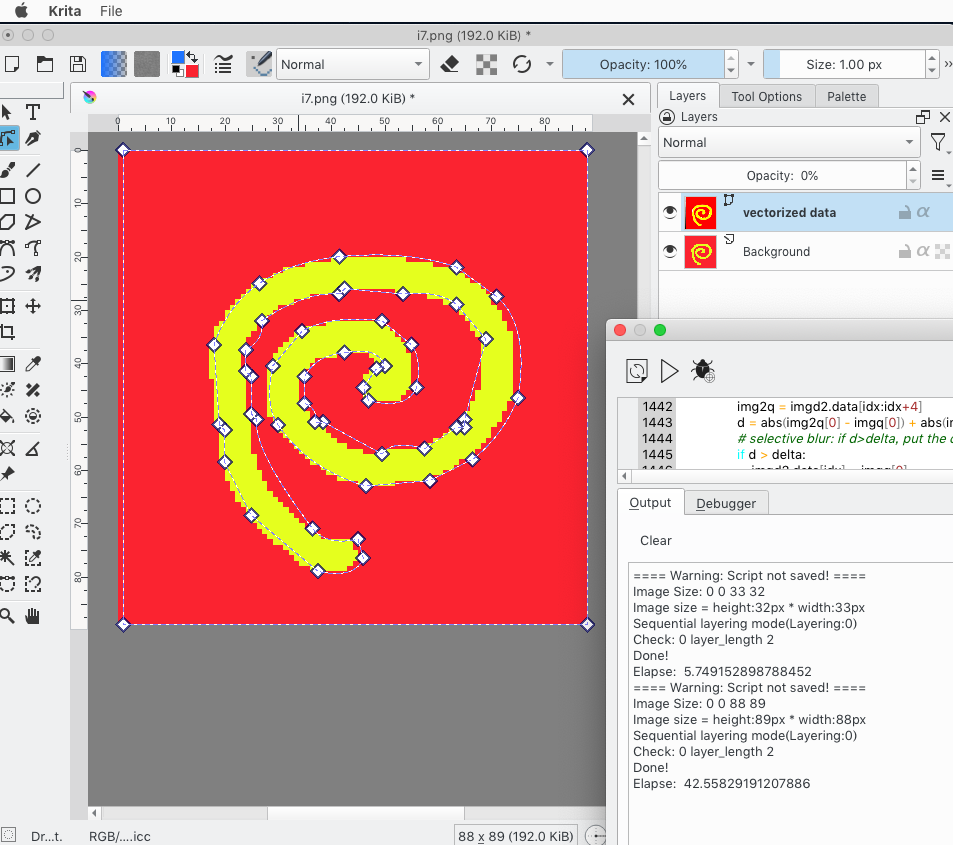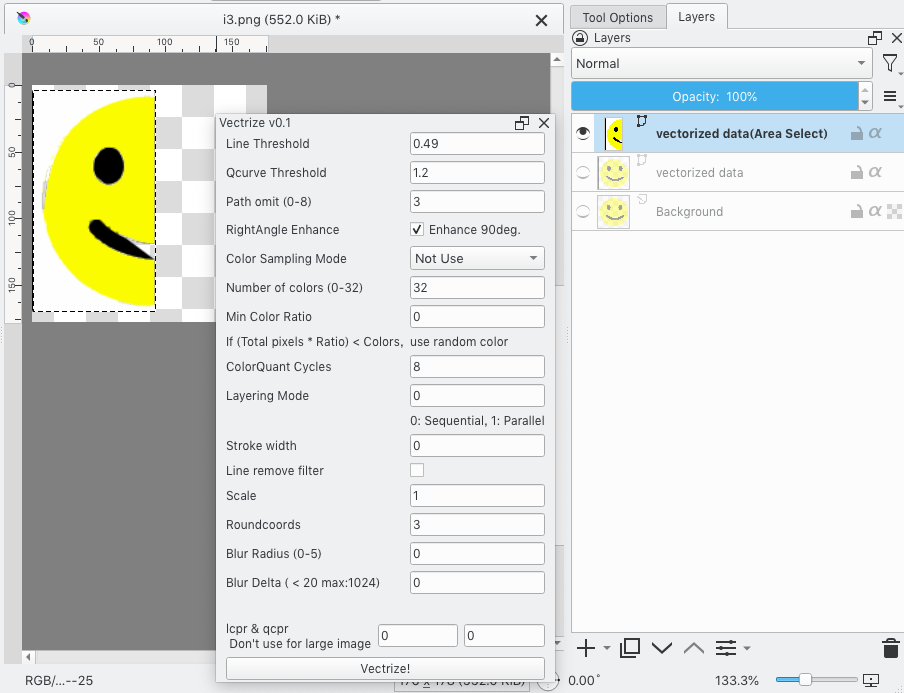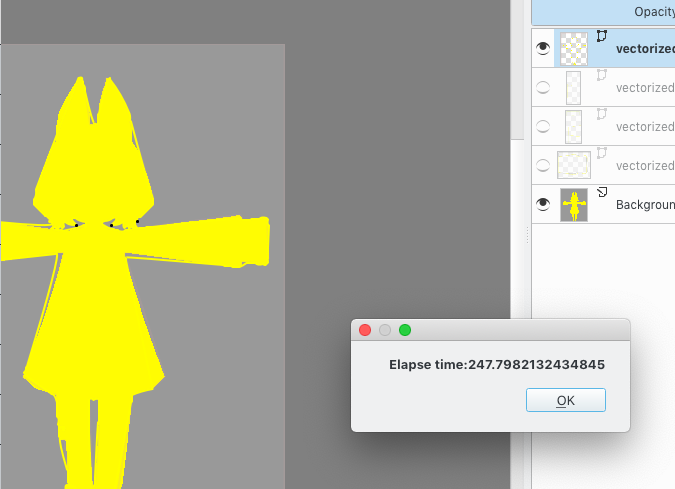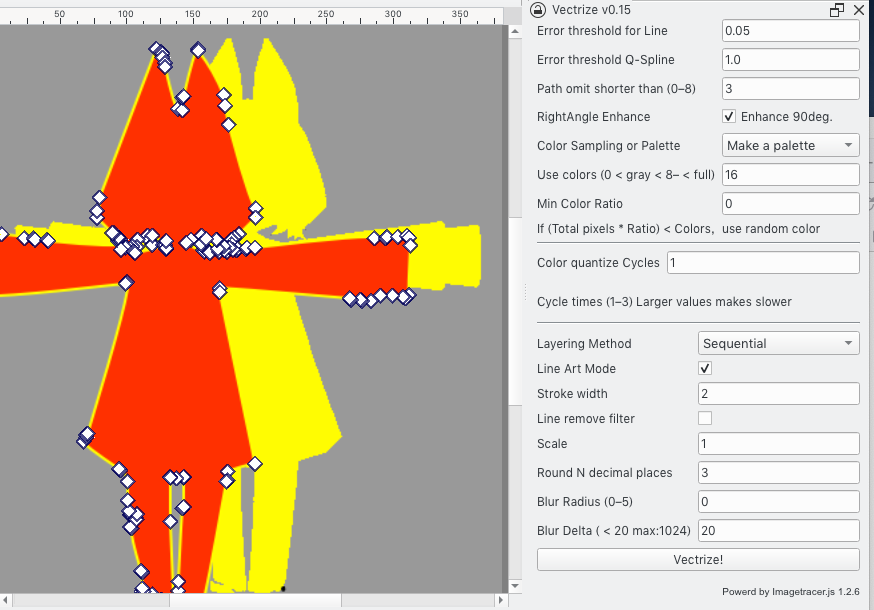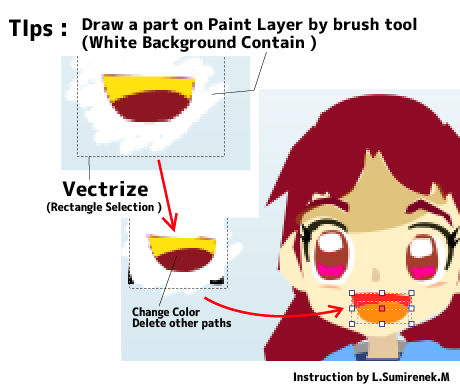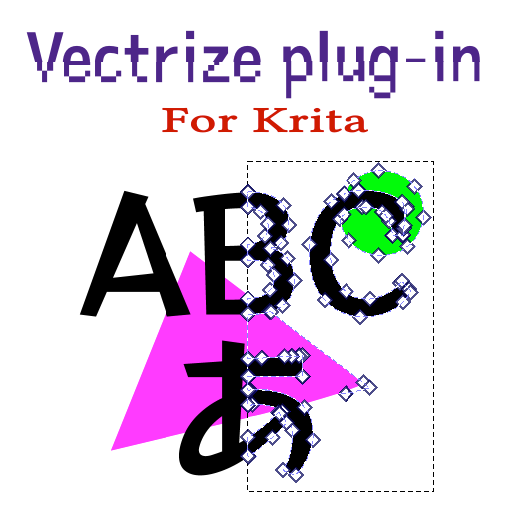
I’ve spent the last months and effort,it able to make Imagetracer work as a Krita plugin.
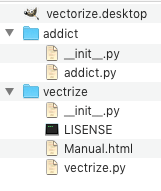
Note: This plugin need, addict.py (it is dictionary extend library)
Please it into to pykrita folder if Vectrize plugin to make working.
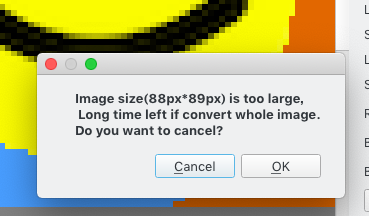
However, the operating speed was too slow to handle large images.
Recommend (v0.3) : Image size for 512 * 512px ,or less than 1024*1024px
Personally, I think this kind of processing is better suited for C++ than Python.
So I hope not close feature request of Image tracing.
Update HIstory (by Latest)
Execution time by my machine , 2.8 GHz Intel Core i5 (2014)
Probably get faster result by Modern PC.
v0.48 (2024/04/02)
Update and improve GUI
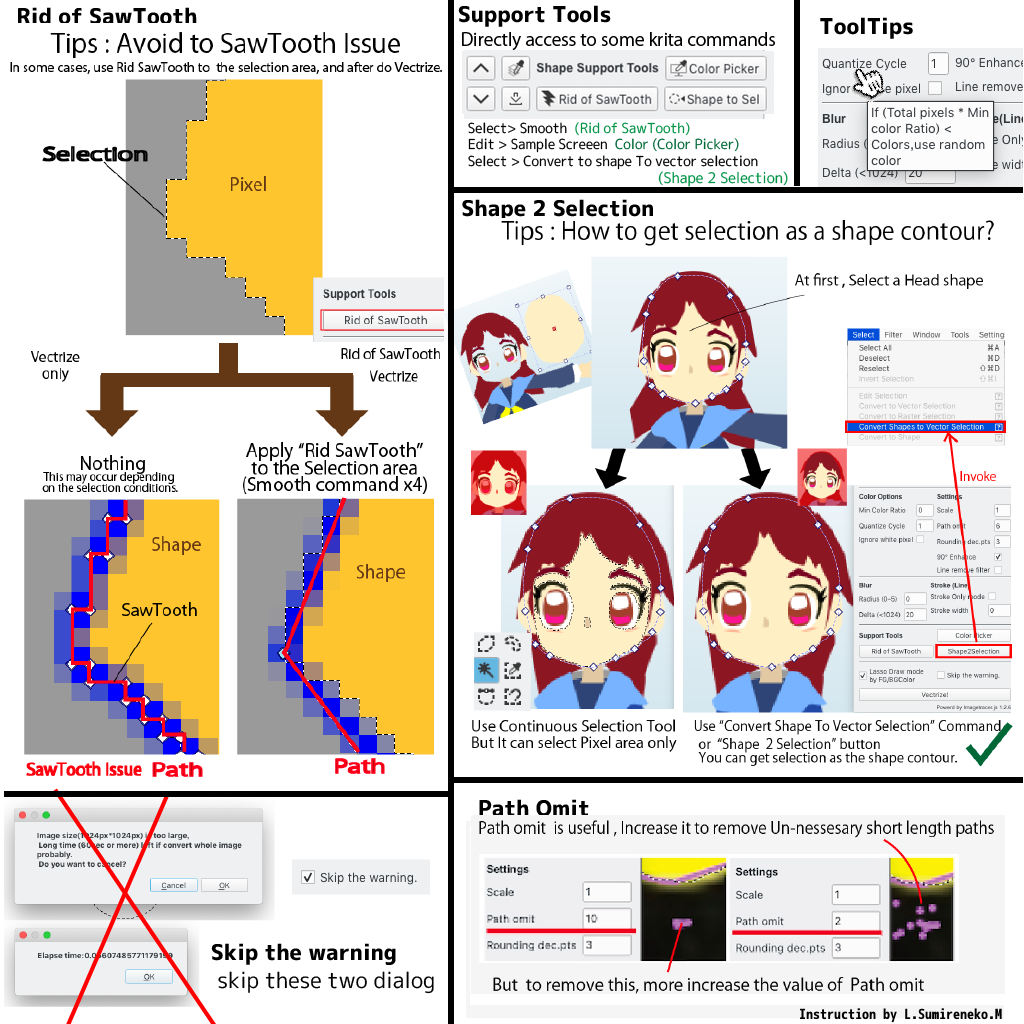
Add some support tool for shape editing
Add ToolTips
Add Krita built-in icon to some button,
Thanks to plug in dev tool!
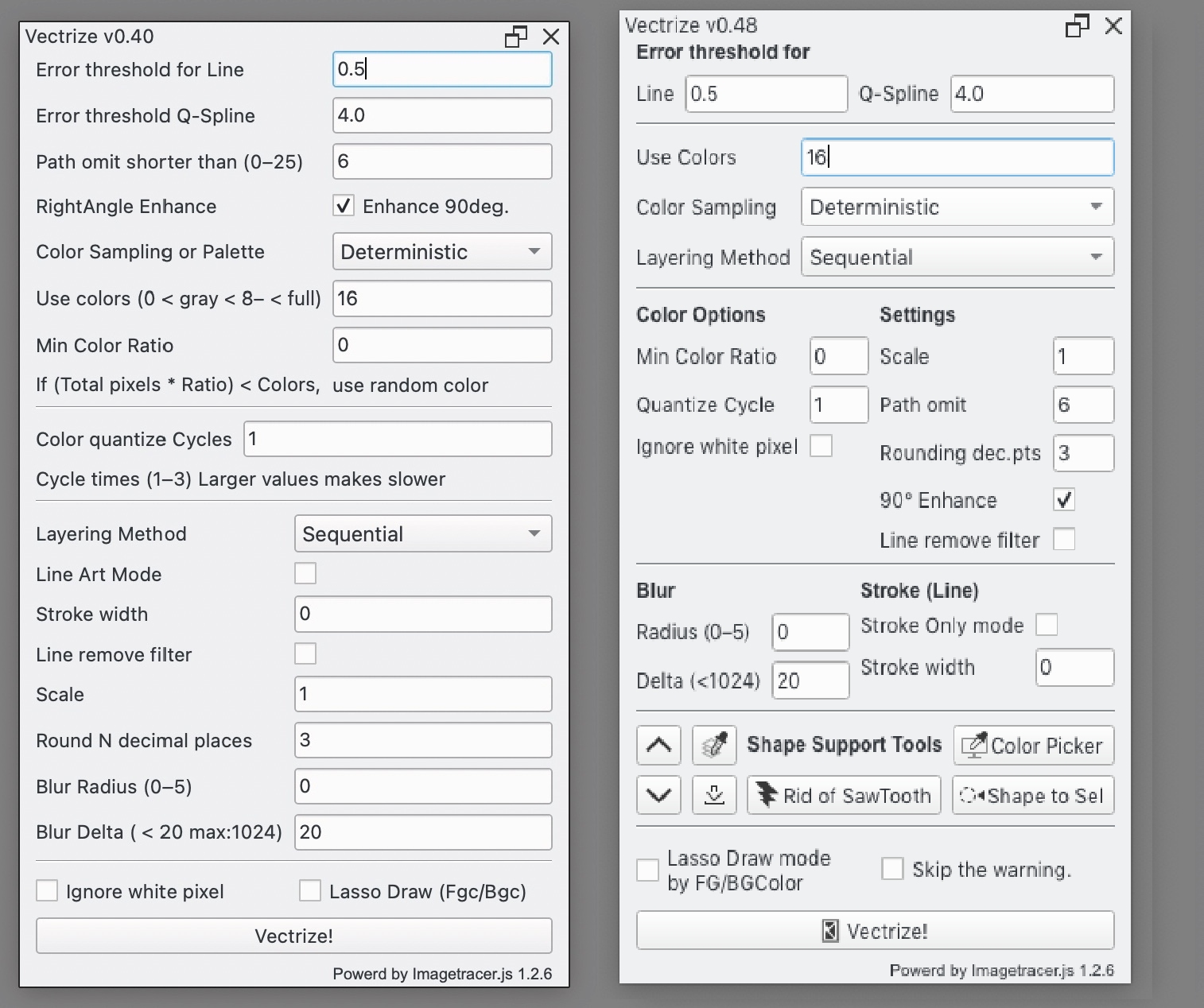
v0.40 (2024/03/29)
Update Manual.html (Tips to reduce for sawtooth outline from selection)
Add ignore white pixel option, Add alpha fillter
Add pre-Alpha filter for Lasso draw mode
v0.35 (2024/03/27)
Add Lasso draw mode
Fillcolor as Forground Color and Bordercolor as Background color )
v0.3 (2024/03/23)
For speed up,it improved to code.
For example Unnessary function calls reduce and
moved a heavy process out from for-in loops.
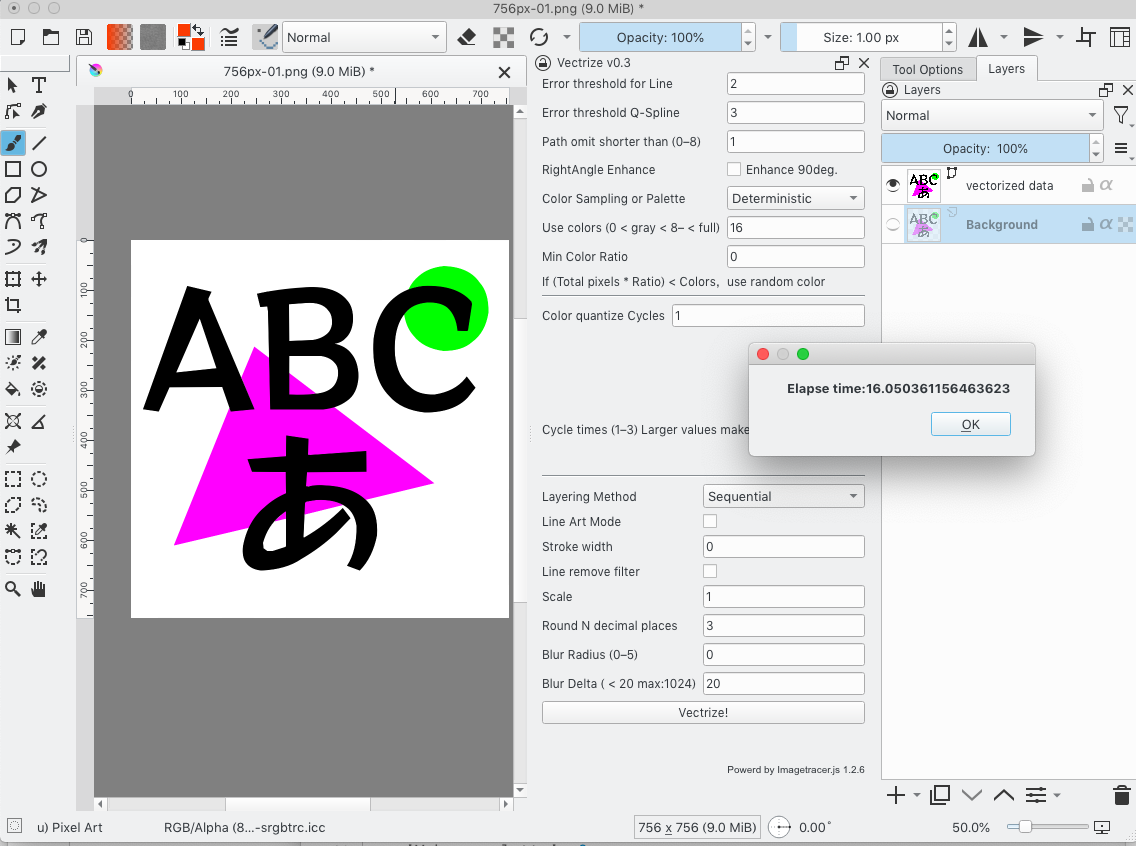
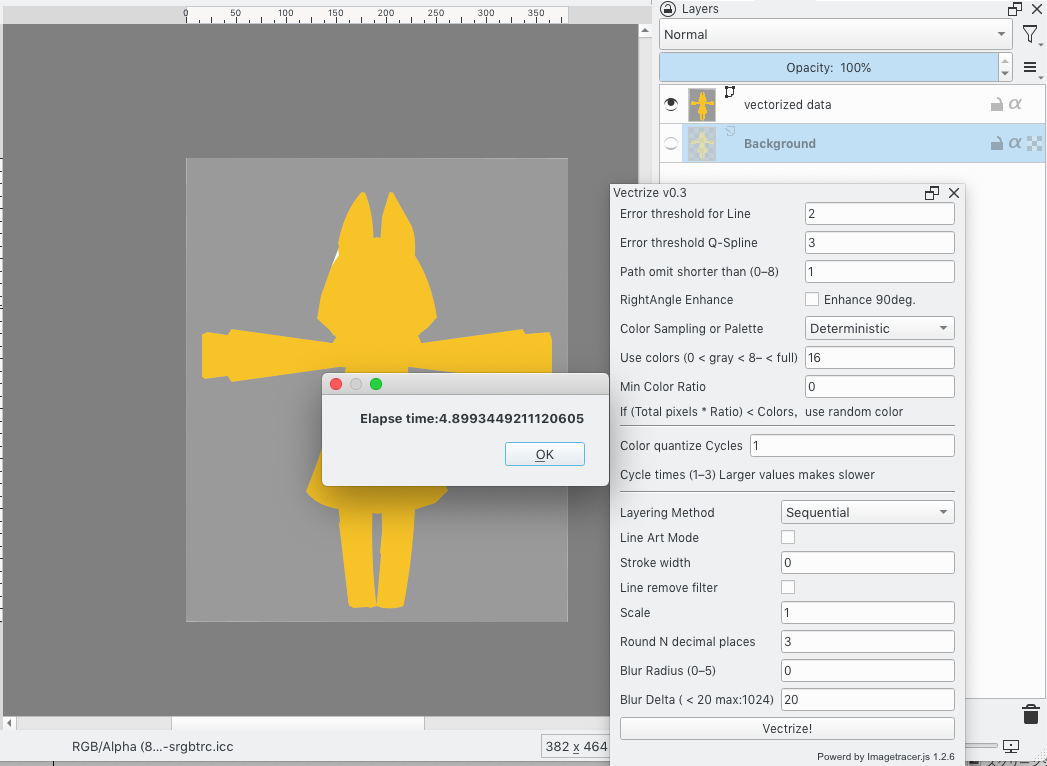
Now in 400x400 pixel, Reduced time to 5 -7 sec
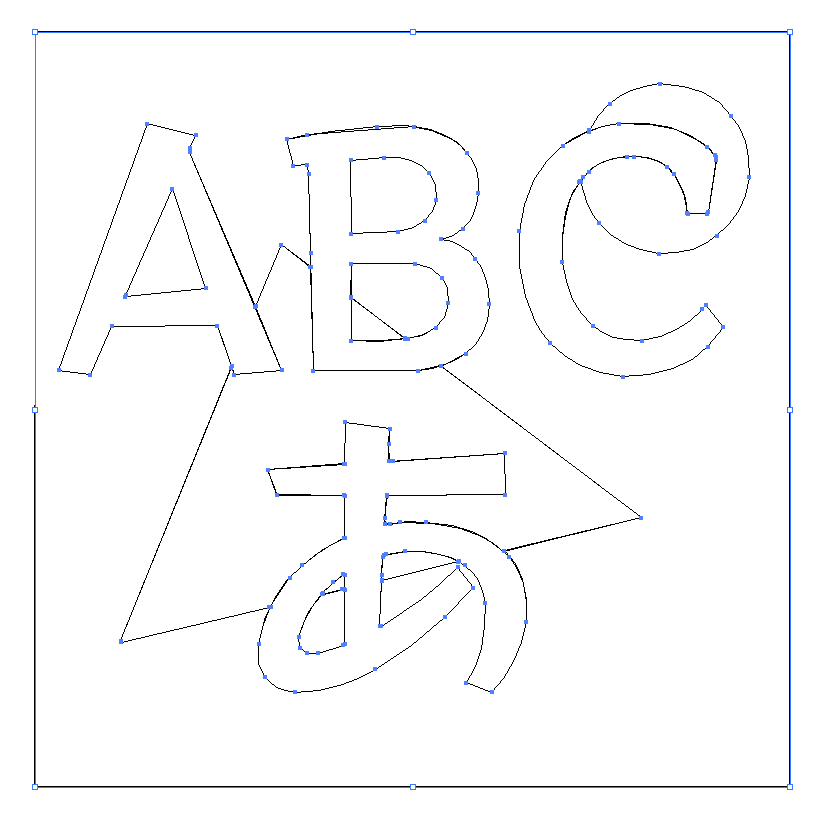
in 756x756 pixel, Reduced time 16 - 20sec
v0.25 (2024/03/19)
Image reading x13 speed up!!!
Removed extra processing (flatten) caused long time for read data.
Used extend() instead of append(),and create 1Dimension List at initialize avoid not use flatten of list.
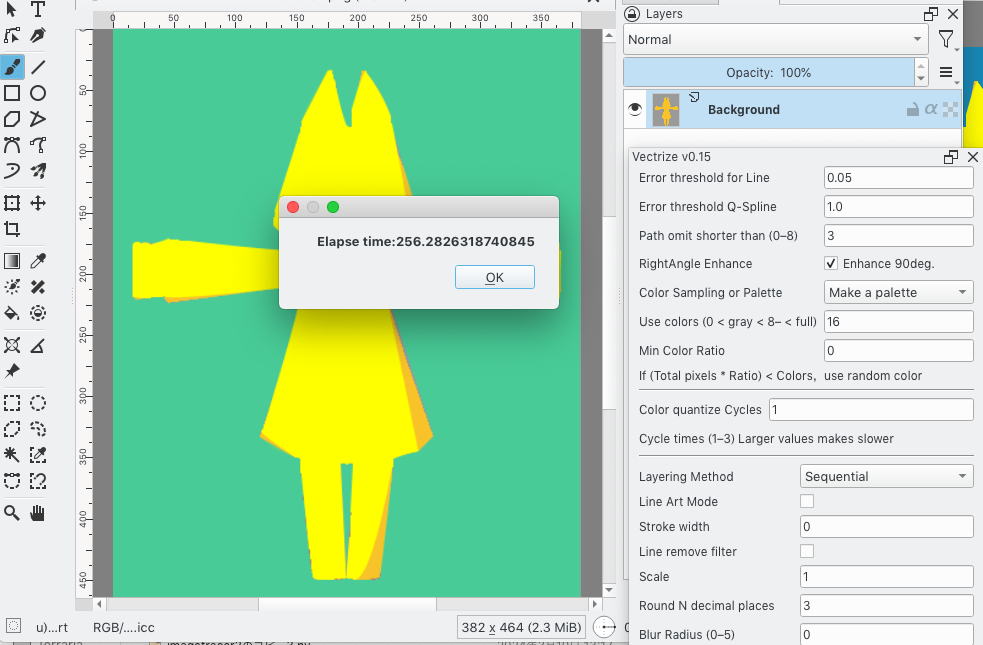
Now in 400x400 pixel, Reduced time from 256sec to 19sec

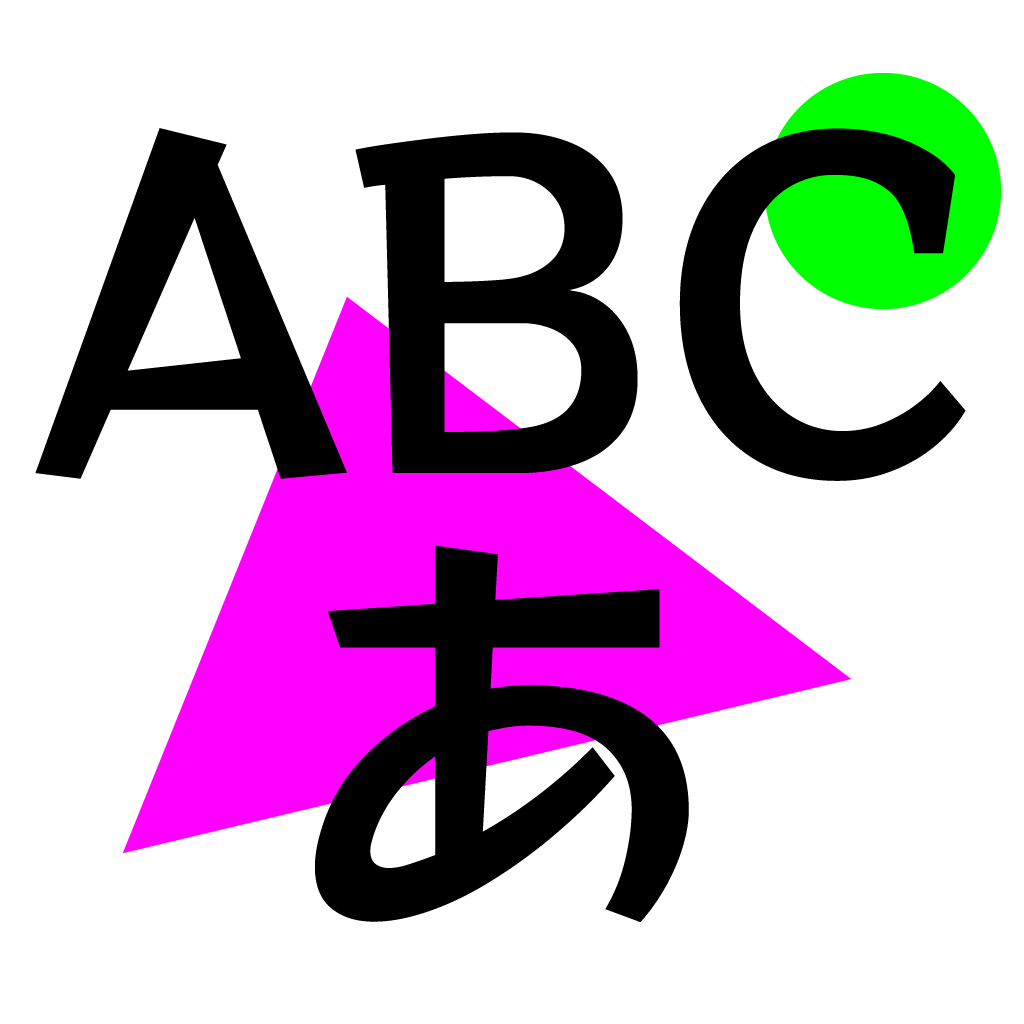
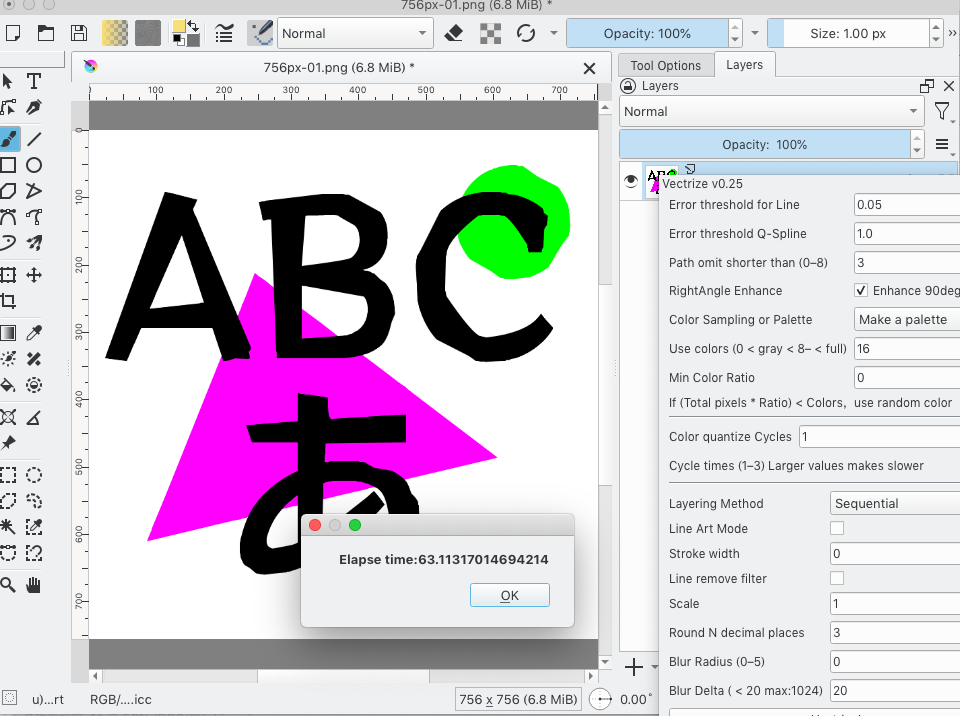
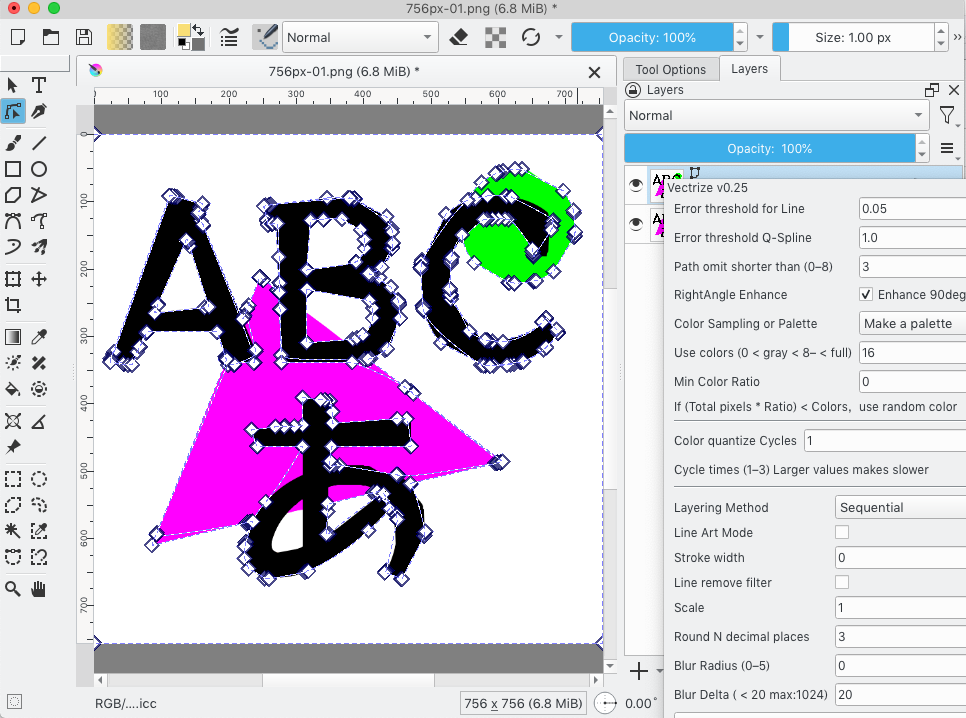
v0.15 (----/–/–)
very slow ,Elapse 250sec for Tracing Simple 400 x 400 pixe
Implemented the functionality I wanted,and tried to speed up as much as do my best.l