If there are any issues with downloading the brush or if there’s anything about the brush that you dislike or think is an inconvenience, please let me know so that I can fix it!
I am using Linux and I have tried both 5.2.x versions… 5.2.0 and 5.2.1, both from my distros repo and through flatpak.
I am talking about the bundle posted in THIS thread, nothing else. I installed it the same way I have installed any other brush bundles, by using the Import button under the Manage Resource Libraries menu option.
If I then go to open a new image to paint with these brushes, they aren’t there… I have checked under every category, including All Untagged…
If I try to go into Manage Resources, and select the bundle under the second drop-down, and then choose Brush Presets under the first drop-down nothing shows up… but if I select Brush Tips, it shows 2 tips (so the bundle is getting imported)… but the bundle is supposed to have 2 brush presets as well… but they are not there.
Also tried version 5.1.5, through Flatpak and the same issue happens there as well…
I can’t downgrade below 5.2.1 through my distros package repo, because of dependency issues with other packages needing newer versions of libs that Krita also uses.
I can see the brush tips as well as the presets from this bundle under SUSE Linux Tumbleweed with all tested Krita Versions from 5.1.0 to 5.2.1, the same is true for Windows.
Try to find them via the Brush Preset Docker’s search-bar, look for “HB Pencil” and “Proko Penci”.
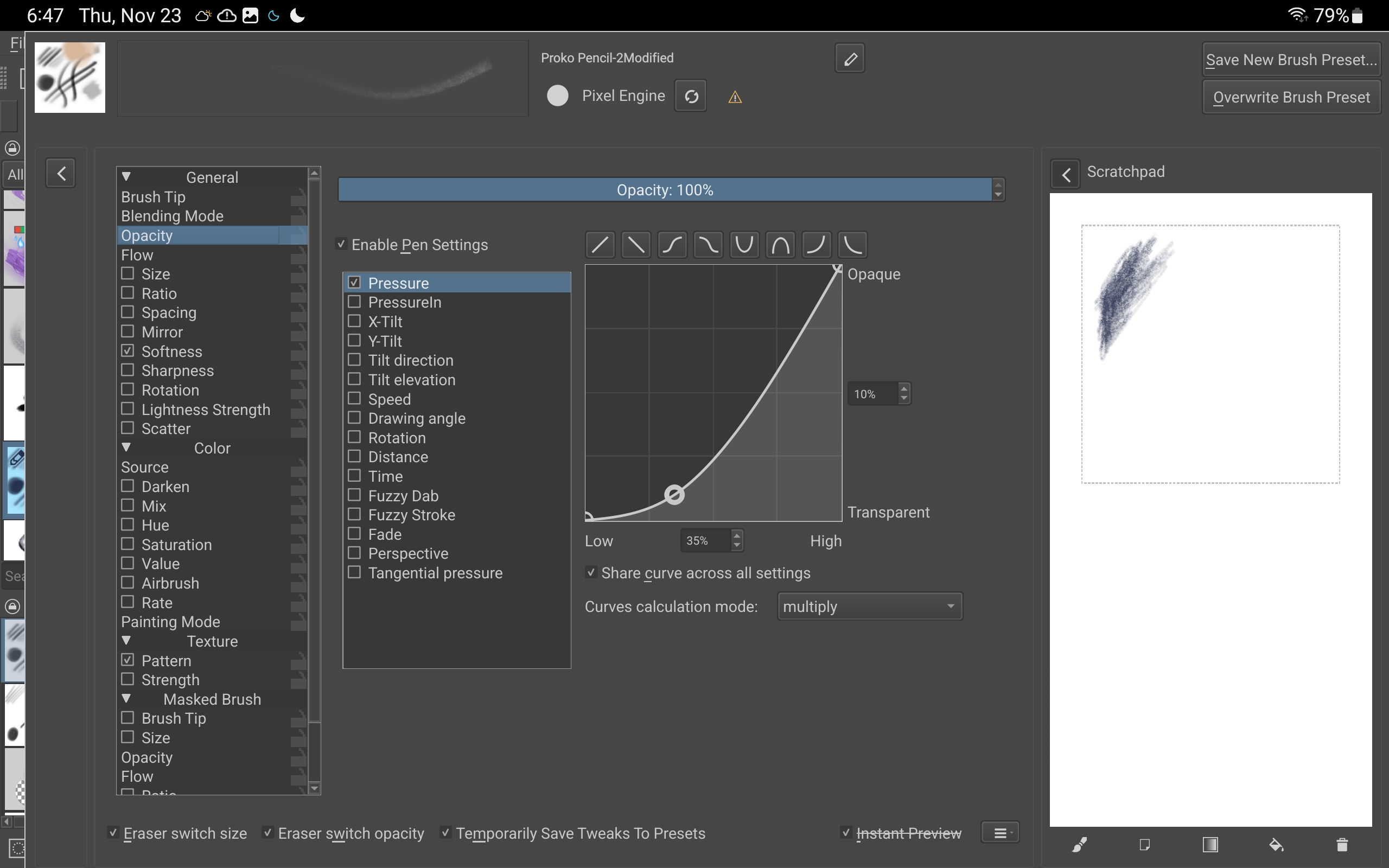
These are so nice! However, I found that on Android, at least, the very, very long name of the brush tip for the Proko pencil causes the brush editor to be pushed so far to the right that the scratch pad disappears off the screen. I have to restart Krita
@CrazyCatBird You could rebundle it yourself after making a copy of the long named .gbr brushtip file then remaking the original brush preset that uses it.
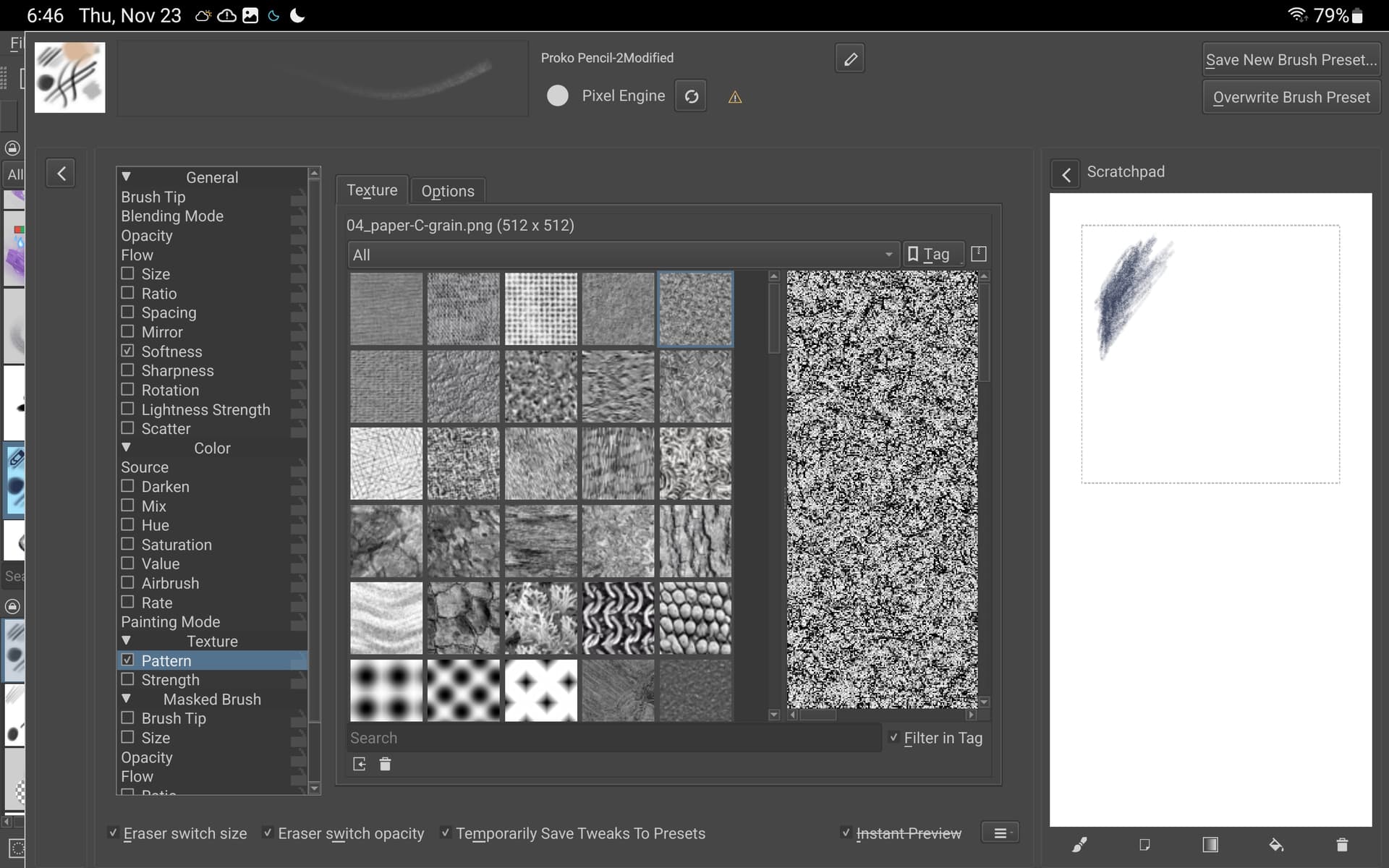
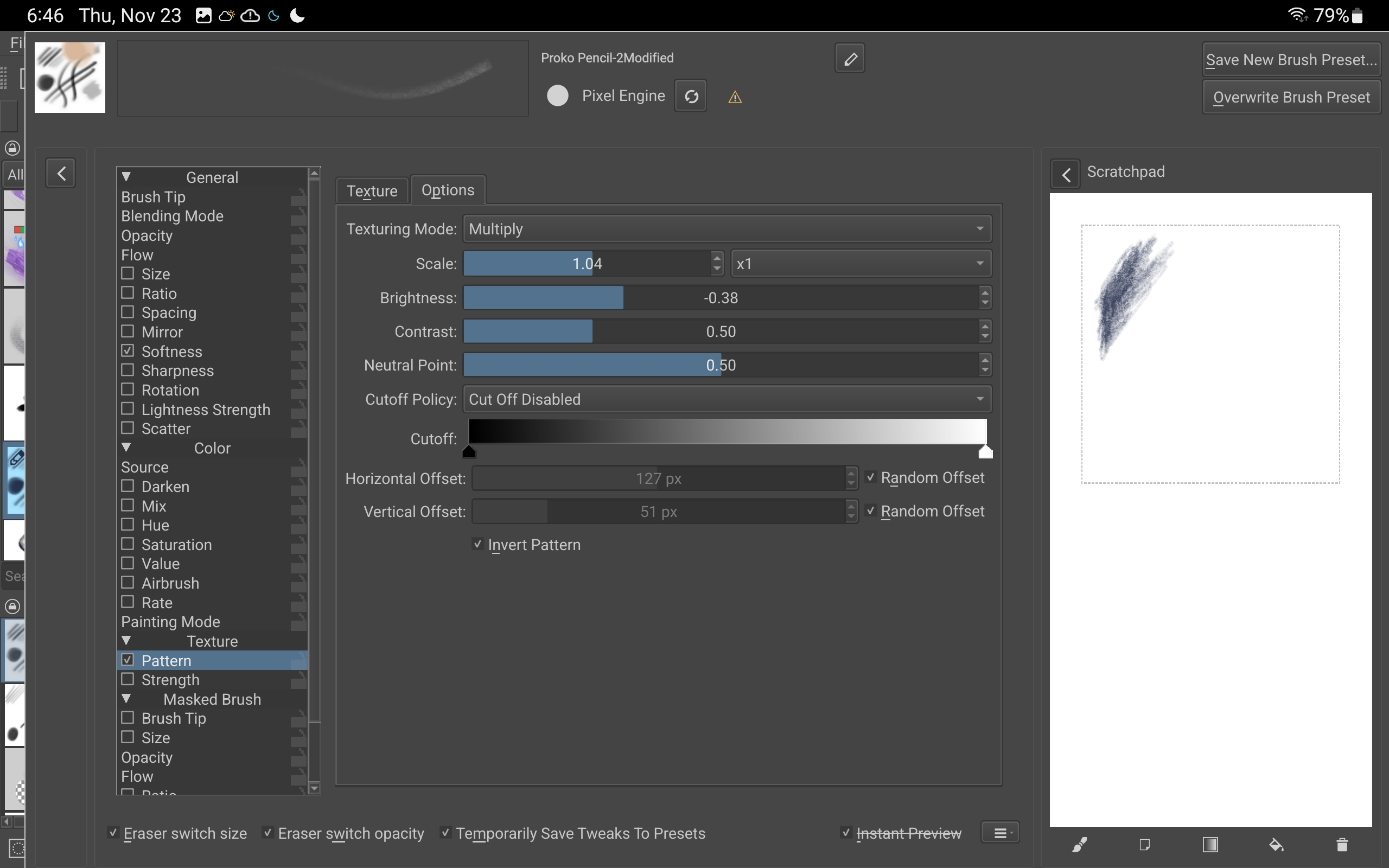
There are only two brushtips, two brush presets and two pattern texture files in there.
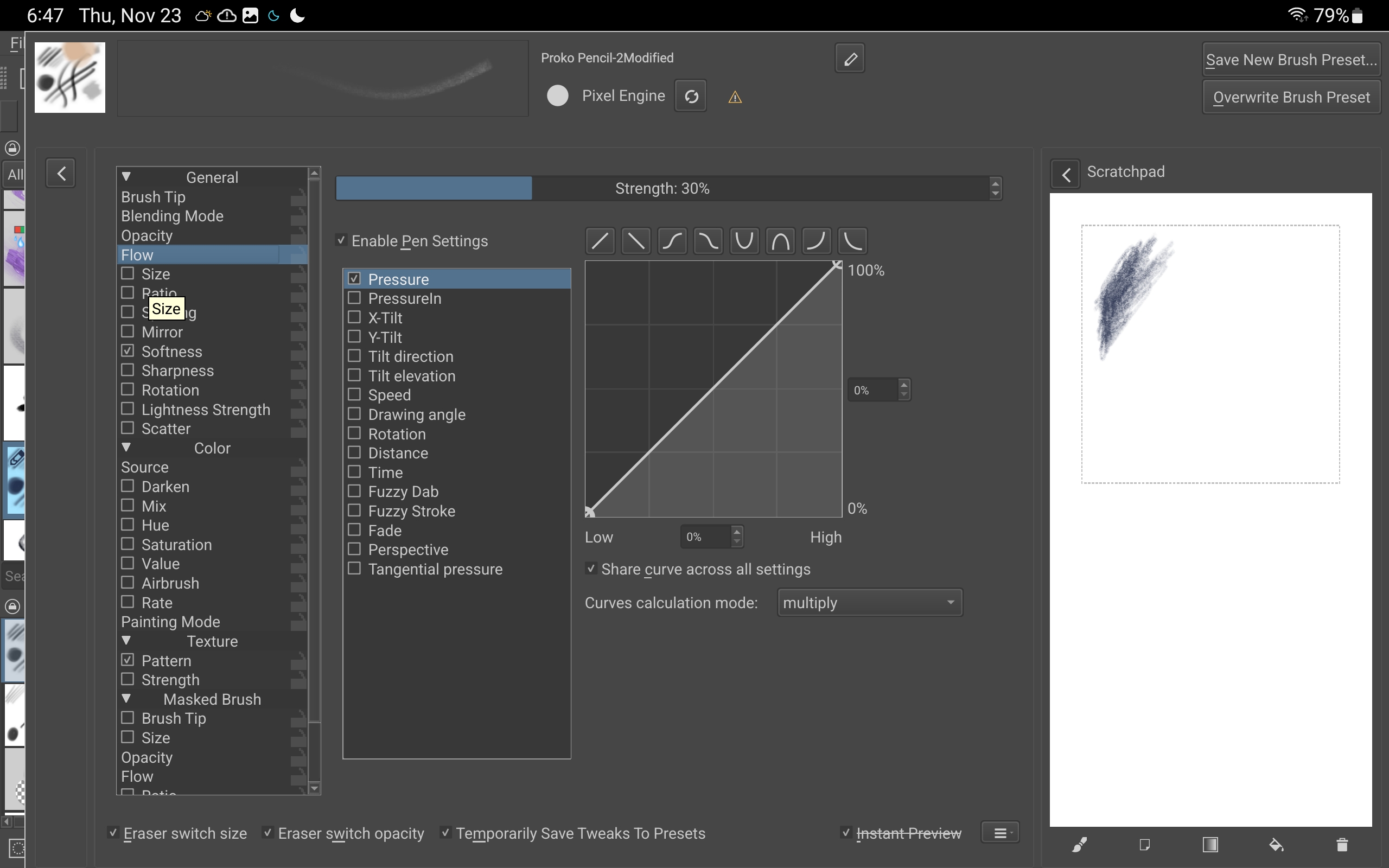
I’ve created a new bundle with fixes and tweaks. I’ve seen that there are some issues regarding the name of the Proko Pencil brush tip’s name, and I have tweaked the settings of the HB pencil.
The only reason that I can think of regarding versions is that I myself didn’t have the latest version of Krita because of a bug which messed up all of my brushes. These brushes should work on the latest version now.


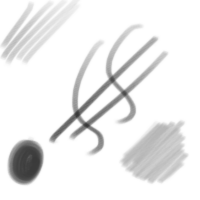
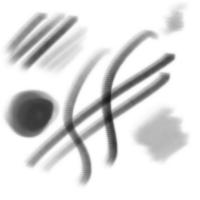


 Also, other Android users might benefit.