Hi,
Here you will find my beginner pack for all the knights. 
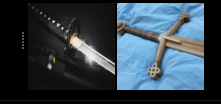
Inside the two brushes  :
:
A wood training sword for sketching (that emulate a very calibrated pen between mechanical and a charcoal one.)
And a Masamune for line art (that emulate a micron pen with the precision of a G pen)
Put the Brush smoothing to none if you want all control. And Weighted - Distance 156 if you are a baby knight
A palette
With extreme accuracy of the official bob ross palette.
here the details.
+
A few muted colors.
And …
more than 50 + theme. For pumping your Krita. 
June 9, 2025 UPDATE:
ORIGINAL DOWNLOAD: (google drive link you may need an account to download)
Have fun.
11 Likes


Thank you very much for these “nice” two knights! And, of course, for the work you’ve put in them!
Michelist
2 Likes
And now the most important the method to be a great knight.
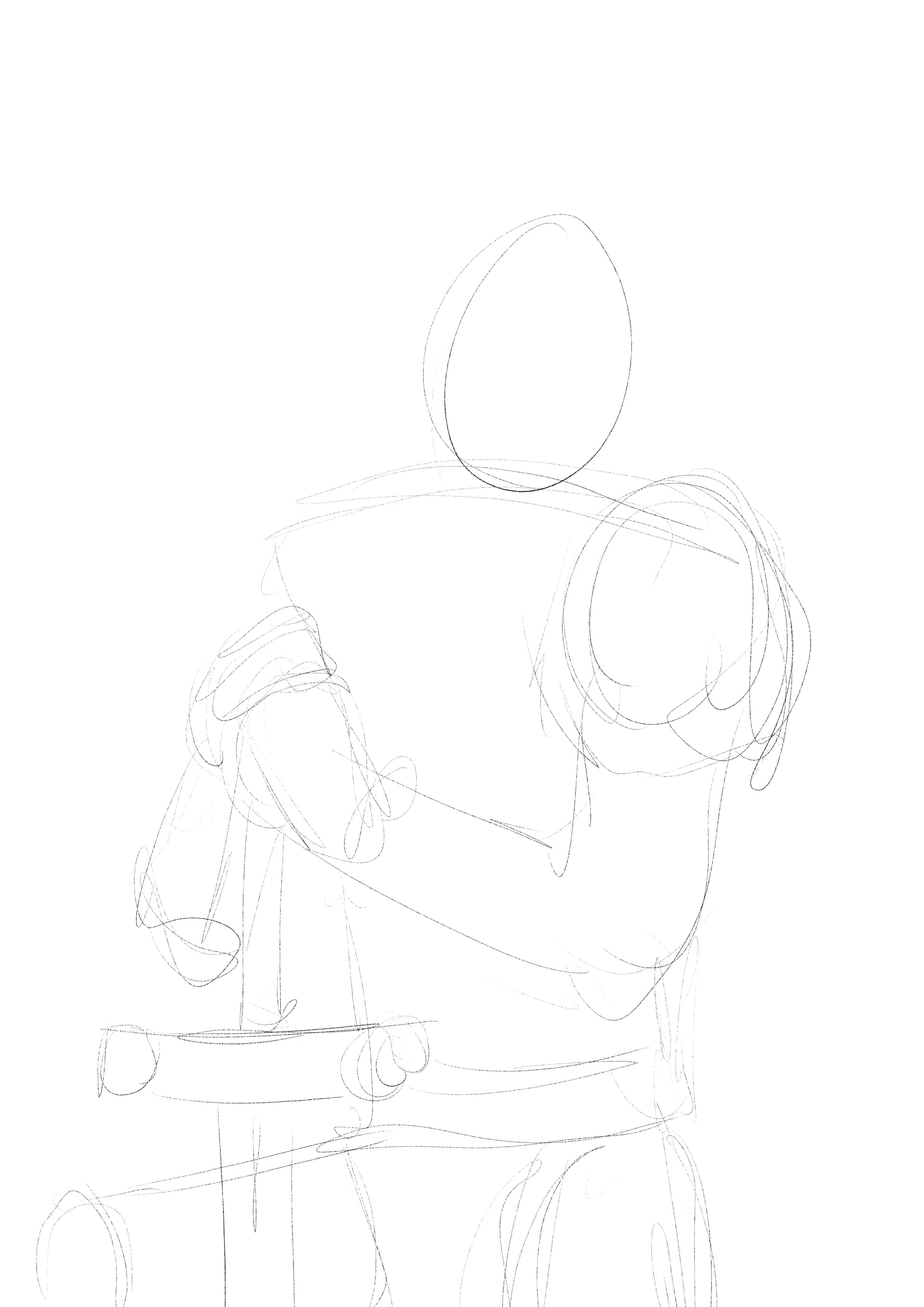
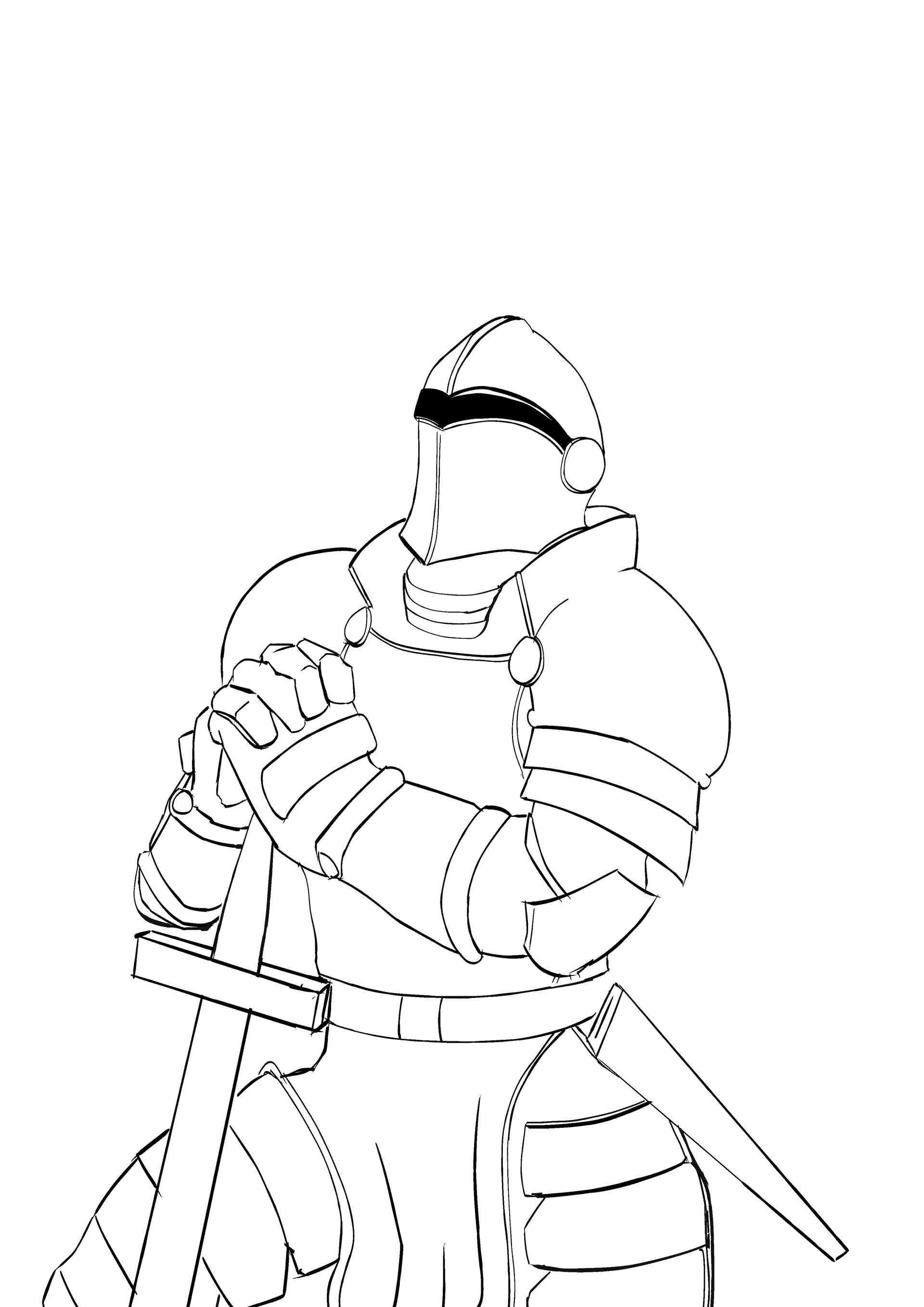
1 step) First take your awesome wood training sword and very lightly and very roughtly you going to do some geometric shape with it.
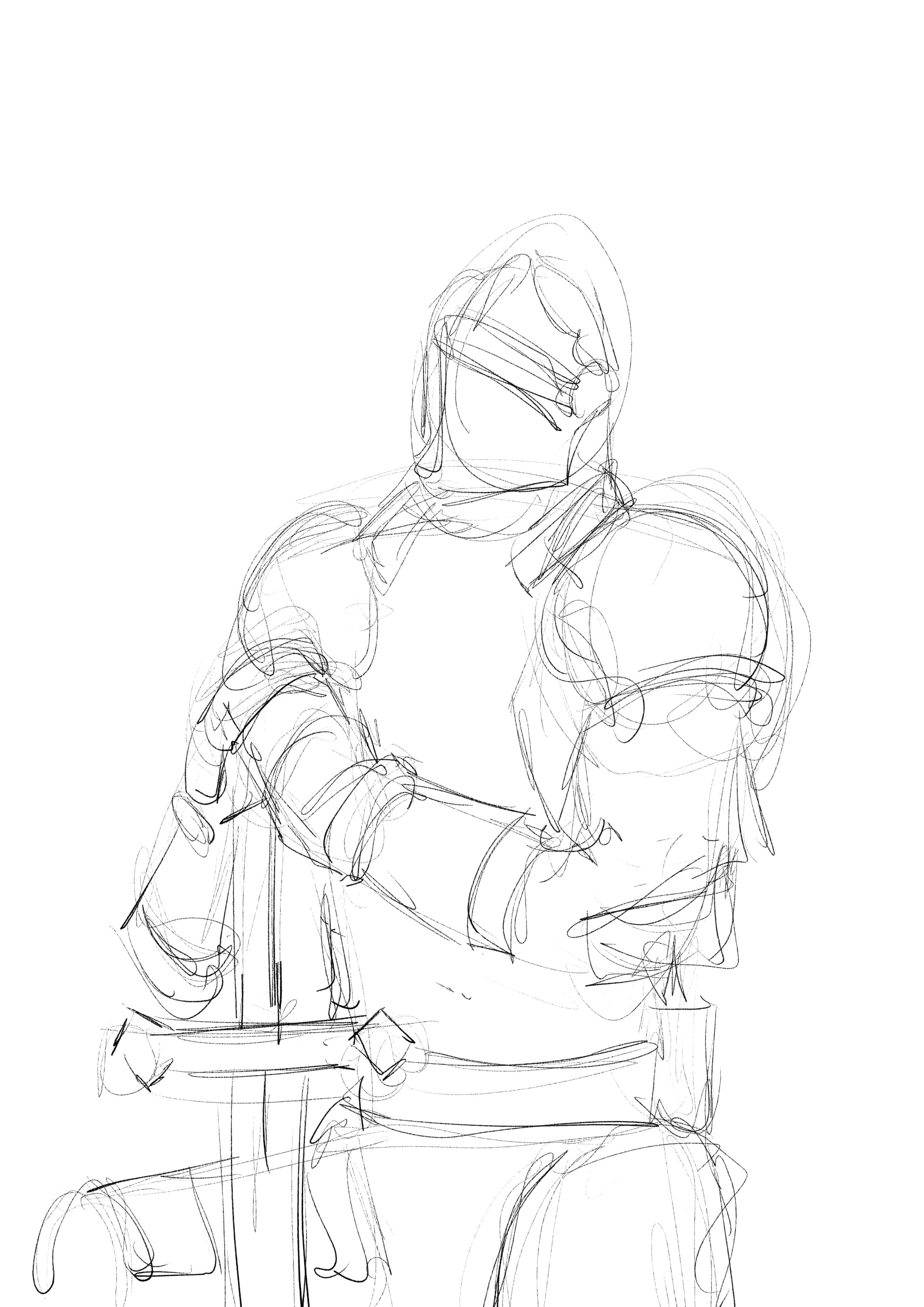
2 step) Then create a new layer and over it still with same training sword you are going to push a bit more your stylus and give it some better 3d shapes
3 step) Now over it or by creating an other layer you are going to push again a bit more with the training sword to give it some more details, perspectives, texture, 3d shapes… if you can (not like me) so you subtly start marking the line for the Masamune .
like here
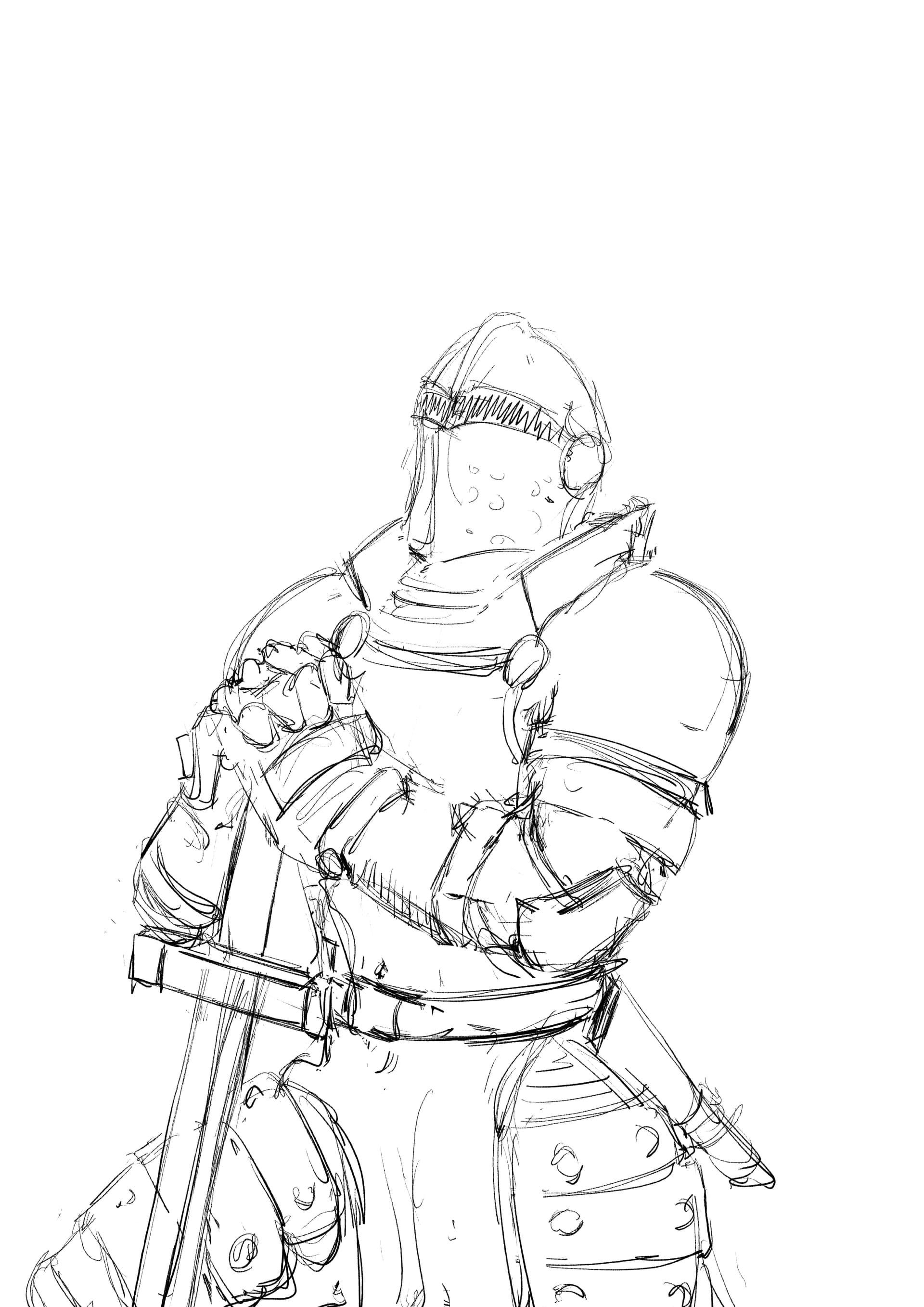
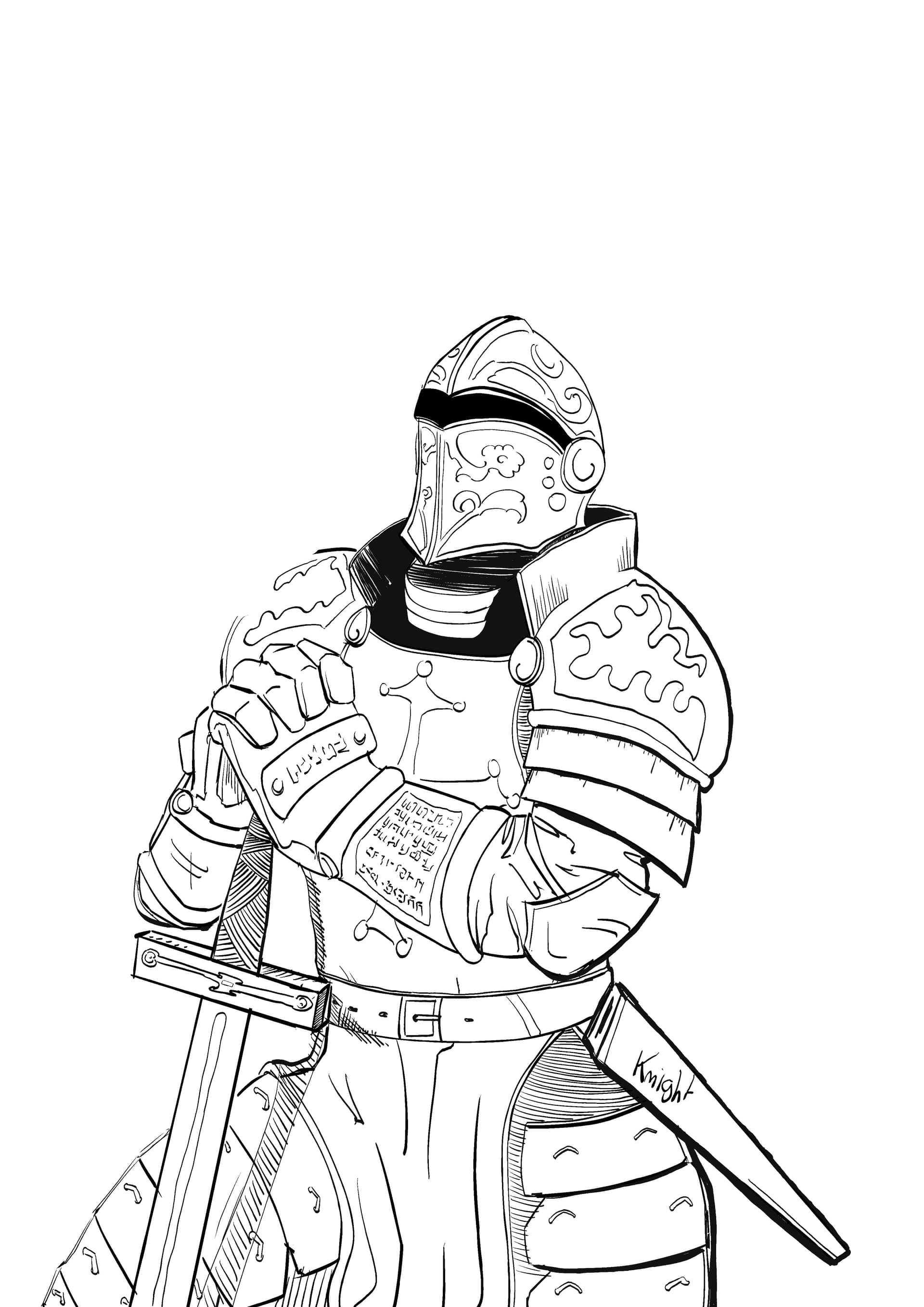
4 step) When you think your training sketch is done you take the Masamune and line it down.
You try to get something like this it’s ok if it is not perfect. We do what we can right?
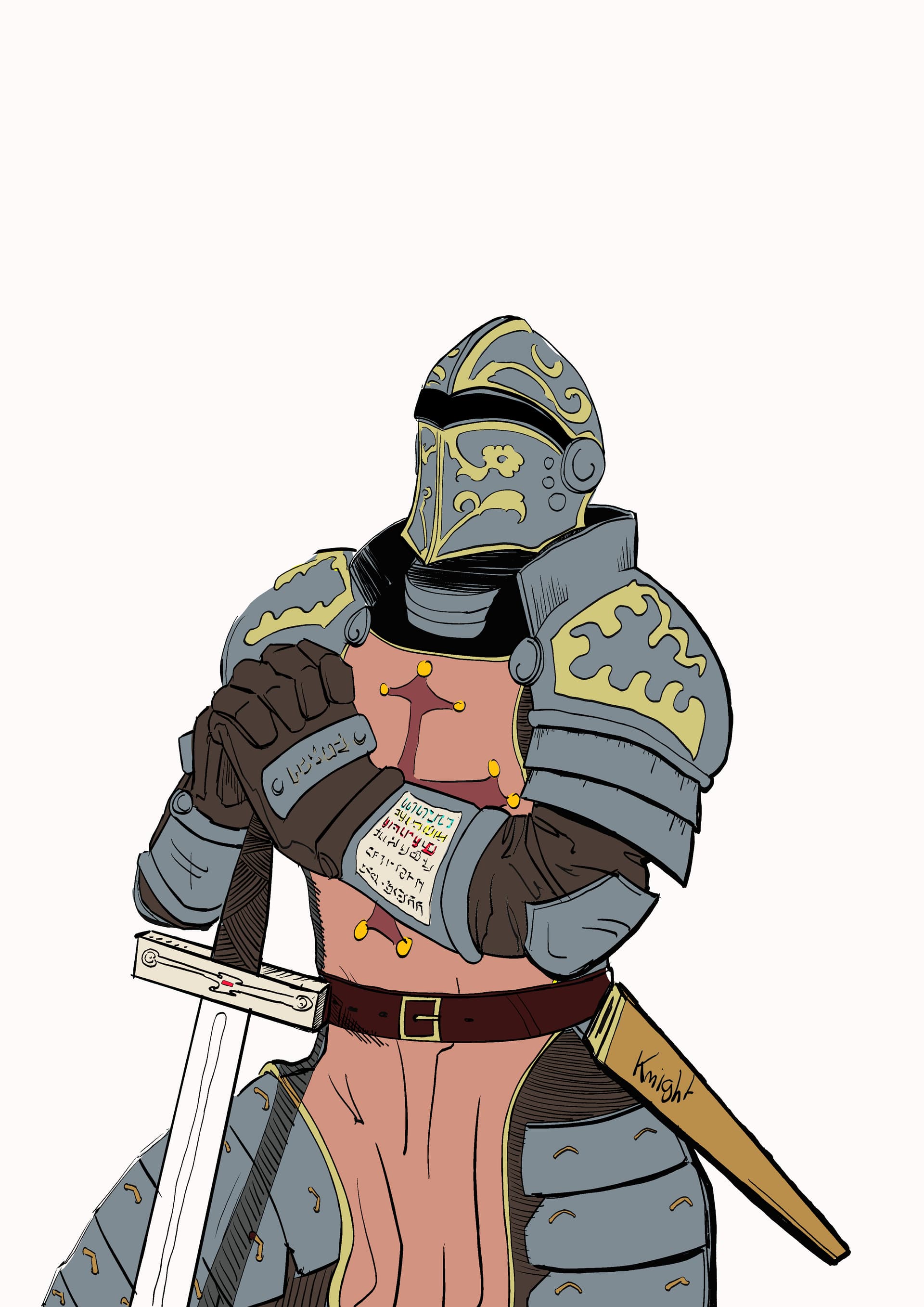
5 step) Yeah it’s ugly but that what We are looking for. Now it’s color book game more or less and you need to add details correct some imperfection. The more you detail the better it is.
Continue like this till it is done .
Am not a professional as you can see and this method is mine but it is sufficient to do the soup.
The better you become and the more step you can pass. I hope one day you will just do step 5.
Have fun.
5 Likes
Nice brushes! Very reminiscent of clip studio paint!
1 Like
Indeed i used clip studio paint before Krita. I must have been influenced somehow very good observation.
I changed not so longtime ago because Krita let me create with no constraint.
Clip studio paint really disappointed me on this topic and unfortunately since v.3 it get worse and worse. It’s now a bad copy of adobe (without the whole package) trying to do like blender and far far far behind their shadows but with the luxury of making you pay for something precious.
They are the gollum of art softwares in my opinion
2 Likes
I appreciate your kindness, with your brushes and tutorials I can beat countless enemies (projects) And achieve victory(done many good artworks).
I’m grateful for your efforts and time you put on these pack 
Cheers gor the knight! 

1 Like
Awww moonlight you warm my heart like a sunlight. thanks and cheers to you too
Have good creating time
1 Like
@TheInkedKnight I appreciate your kindness too, and every now and then I think again about “Weighted - Distance 156 if you are a baby knight”, too funny
A question, in The Masamune brush there’s a Sharpness setting enabled which makes it appear “too sharp” to me (I disabled this setting), is this how you always use it? Is there a practical reason beyond personal taste for this?
Thanks
1 Like
Haha thanks. A pleasure to help. 
About sharpness it is mostly because I don’t like when I zoom and my drawing get blurry. I love when I can texture some shapes with sometimes very thin lines. So am not a fan of anti aliasing. I know some eyes may burn because of it but it’s my style hehe.
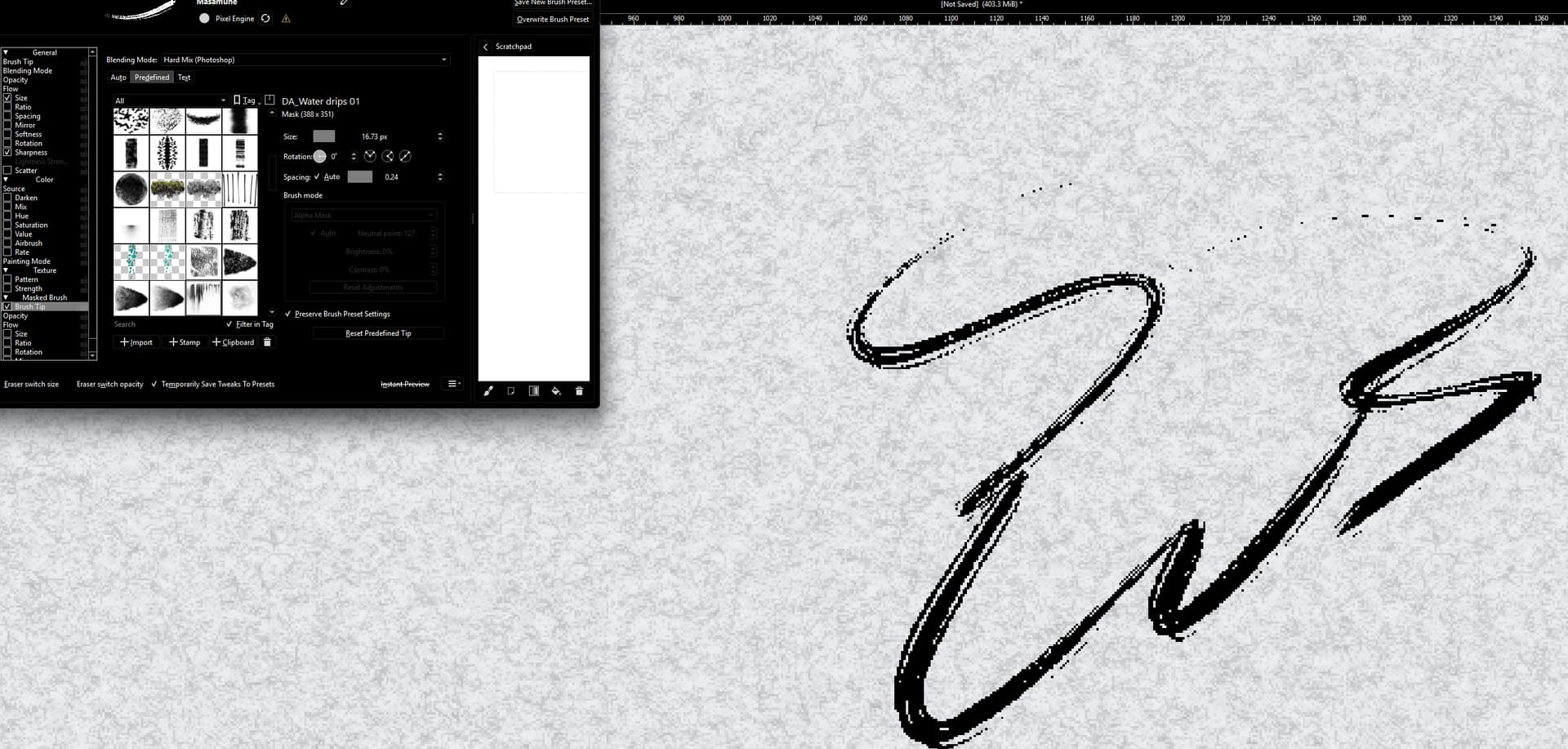
If you prefer an unsharped weapon maybe you will be interested in this effect:
With sharpness on. or off for minimal effect
Try to check at all the brush tip and choose a doted brush tip for both brush tip. Then put the blending mode of the second in Hard mix (photoshop) with 90° angle.
If you configure it well it will add some nice lines on the brush and will make it look like dry ink.
1 Like
You liked that beginenr pack now stage two of your trainning with : Advanced pack here
1 Like
Oye Oye Ladies and Misters Knights
Today the new improved bundle for better baby knights with dreams of being a legend.
BEFORE TO USE
It is call Dark-knight.bundle. And will be tag as dark knight under krita.
Put the brush smoothing into tool option to stabilizer and 15 and unchecked delay just to fight the over sensibility of the hardware. The size have been made for A5 600dpi and need to be adapted to your canvas.
Here we have.
1 - The improved training sword: *Now with low pressure it makes very low opacity and large lines for better and fast shapes sketching. And with high pressure it become very dark and extremely thin to reach the best precision detailed i your sketches. *
2- The Rapier: A needle brush underlying by a tiny shadow for some deep wound line. Interesting for texturing. Some tiny kiki details with more nuances. And realism
3- The Masamune: that famous katana is back. It is the best weapon for any inker. Sharper than ever and now even more precise for very clean sharp edge even during curves.
4- The Axe: A very nuanced weapon use to play with the shadows. Low pressure for pure white and high pressure for the darkest. The size of the line will never change with pressure for a complete trust in your strokes. A master with this weapon will be able to imitate Sir Franklin Booth.
June 9, 2025 UPDATED DOWNLOAD has been moved to the 1st post of this thread
Have fun
5 Likes
Thank you very much for the update!

Michelist
1 Like