Hello, i’m trying to run Krita in my new tablet PRITOM TAB11 L10 and the interface just goes crazy and won’t let me do anything. I just move the mouse over the menus and it glitches. How can I fix that? I really want to run Krita, it would help me a lot.
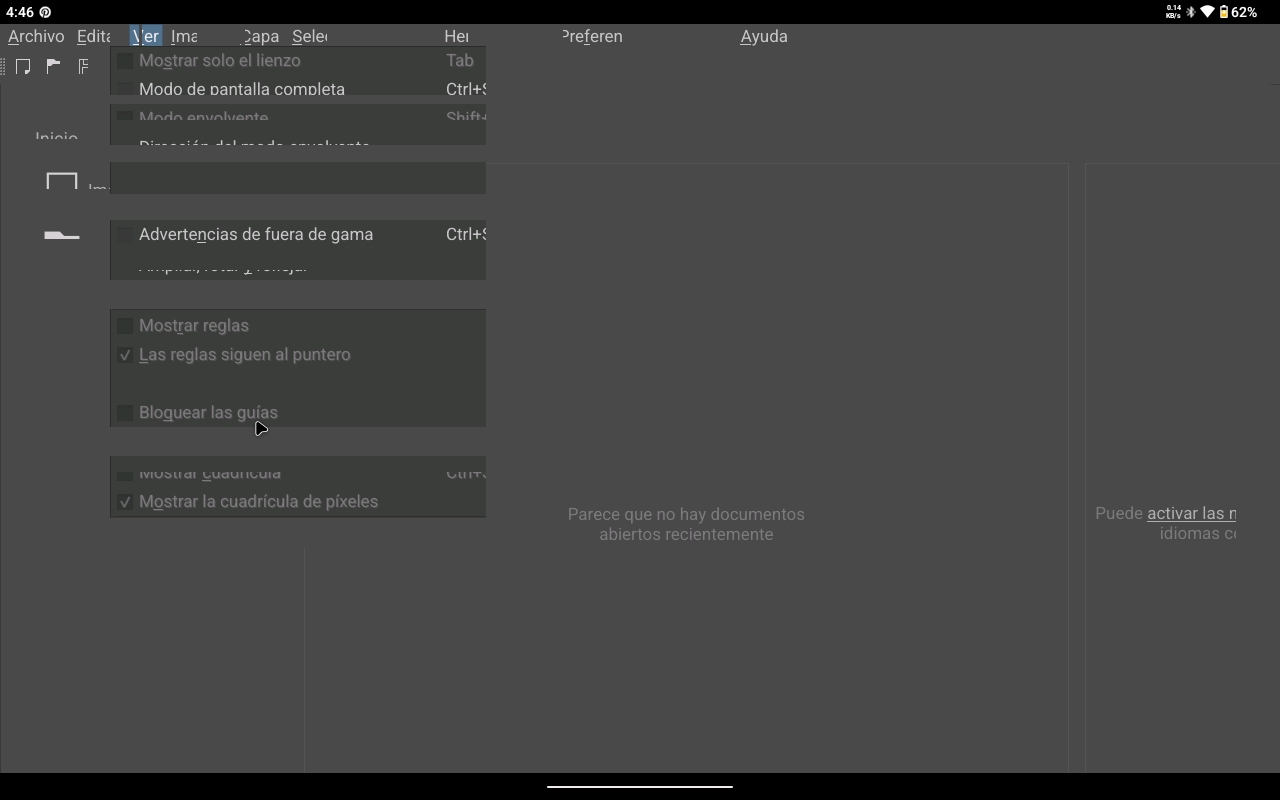
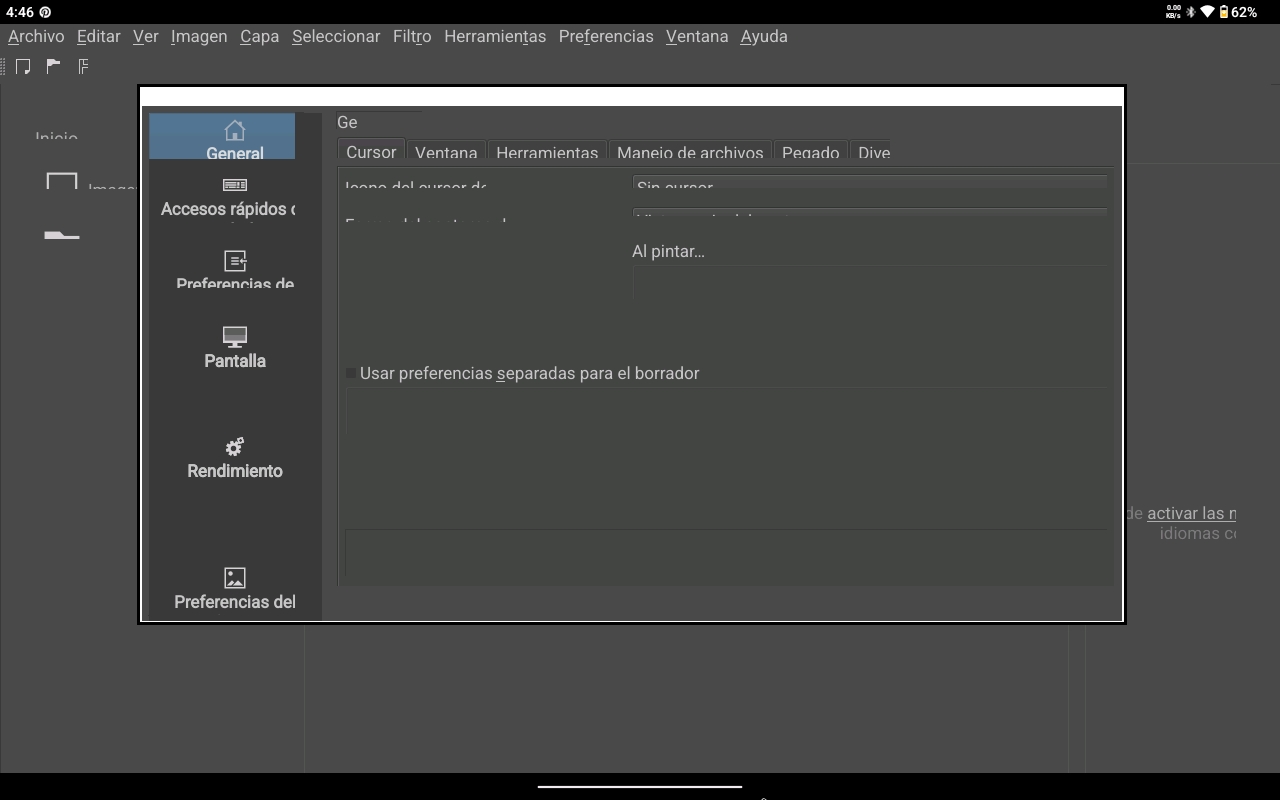
Hi @esdan_gm
Where did you get Krita – the Play Store?
Also, you mentioned using a mouse. Is the mouse a bluetooth device?
Yes, i got it from the play store, and yes, the mouse is a Bluetooth device, but that’s not the problem, because even when I don’t use Bluetooth, the problem persists 
I’m not familiar with your tablet. Does the manufacturer offer drivers for download?
It’s just that I haven’t heard of this behaviour before. I’m on Android but I’m using a Samsung tablet.
Noup, i haven’t found anything about drivers for this device, not even in the manufacturer’s website.
I am wondering if it would still be glitchy if you were to use a stylus instead of a Bluetooth mouse?  I looked up the tablet on Amazon and saw that it has Android 13 so that should be ok.
Oh, no, the one that i’m using is Android 15. And yes,it’s still glitchy with the stylus  . I think it’s maybe something related to the compatibility with the tablet more than an input issue. Is there anything I can do to solve it?
This looks like some incompatibility with the tablet to me, sort of like the graphics hardware is messing up. Maybe it’s possible for Krita to work around it, but I’ll need some more testing to narrow down where the problem is.
Could you also check how Drawpile behaves? It uses the same underlying system as Krita. It’s not on the Play Store, only from F-Droid or as an APK directly from the website.
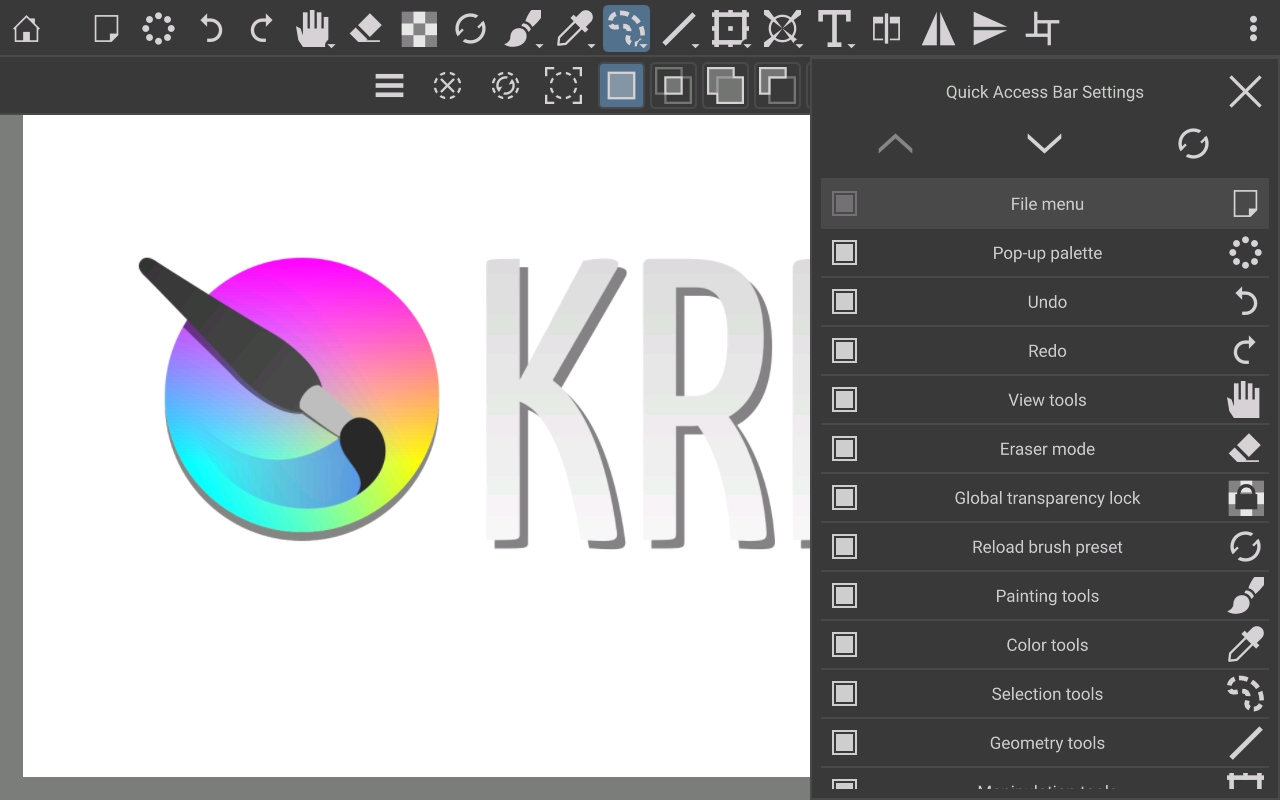
And also please check how Animtim’s Krita tablet UI prototype behaves, which is just an APK to install. This prototype doesn’t actually let you draw anything yet, but it has a partially working interface where you can check whether it also goes crazy or not.
If the problems only happen in Krita, then I can try to dig into what it does differently and try to get it working. If they happen in all three programs, then it’d unfortunately be something the tablet manufacturer needs to fix.
 . I proved them a little, opening menus and drawing some sketches and nothing seems to bug or glitch, so apparently, the problem is only with krita.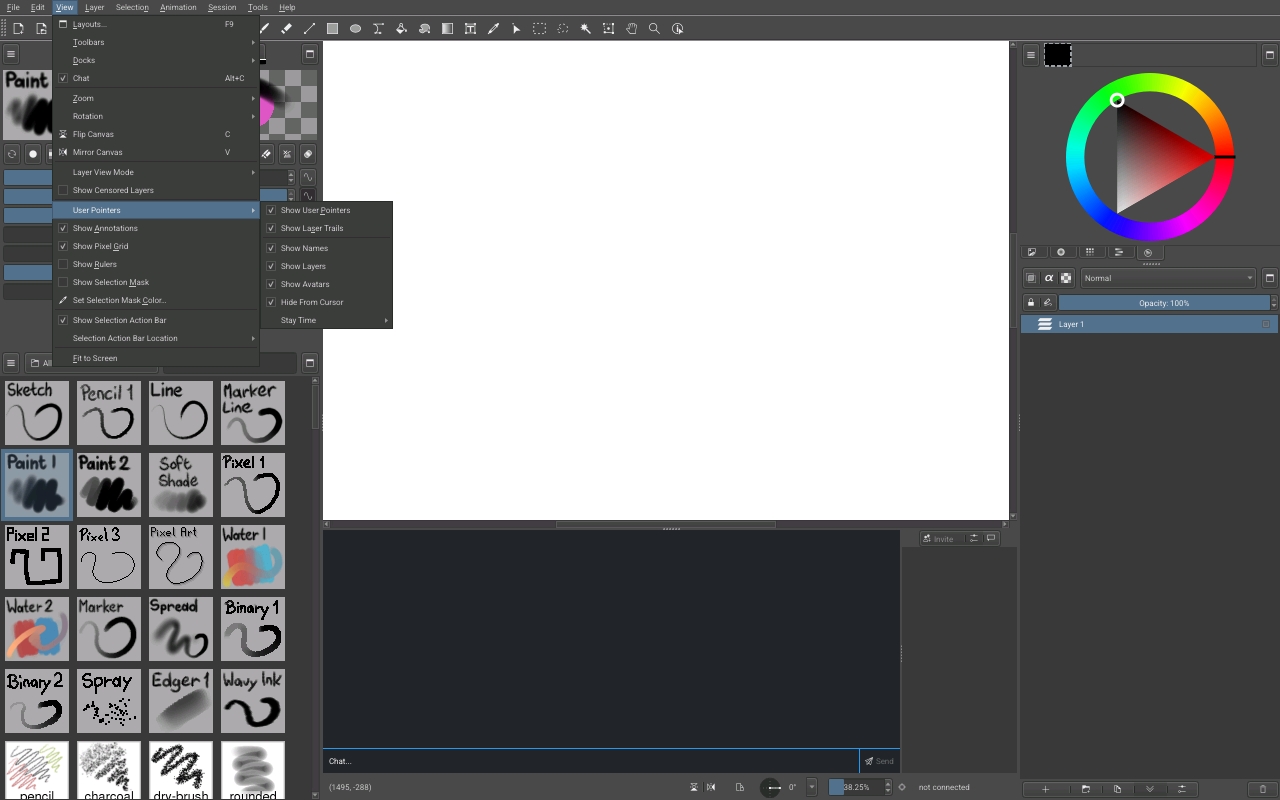
Thanks for testing that out! That gives some hope for fixing it anyway. I will look into this and write here again when I have something to test (will probably be a bit due to the holidays.)
Tanks to you mate for your help and your time, i hope you can find the solution for this issue and help me  , whatever else you need just tell me
  . Merry christmas and happy holidays
  .
.
Alright I’m back and caught up with things now. I looked at the stuff Krita does and there’s some spots that could be the cause, but I’d like to confirm if it’s actually the right place before I start pulling pieces out.
Try going into Settings → Configure Krita, then into the “Display” category and then turn off “Canvas Graphics Acceleration”. Hit OK, then File → Quit to exit Krita and restart it. I’ve recorded a video here to walk through where you need to click, in case the interface on your side makes it hard to see.
When you do that, does it fix the glitchy interface? It may not actually let you draw properly, since hardware acceleration is kinda important on Android, but it would tell me if I’m on the right track or not.
I’ve tested out what you say, but it’s still the same
Ah, that the splash screen glitches out is quite interesting… I guess then what I was looking at isn’t correct, it’ll have to be something that runs really early in the process. I’ll try to take another look if I can find something in that regard.