I finally got the 5.3.3 update and noticed the Interface Scaling slider on startup, both on the movinkpad and the xp-pen notepad. I have never seen that before, is it new? It is a Krita thing, isn’t it? Or did android decide to do something weird?
I love it! I prefer small icons, especially on the tiny devices. I have good eyesight so it’s just nice when the stuff take less space from drawing area.
Can I find that setting somewhere again if I want to change it though?
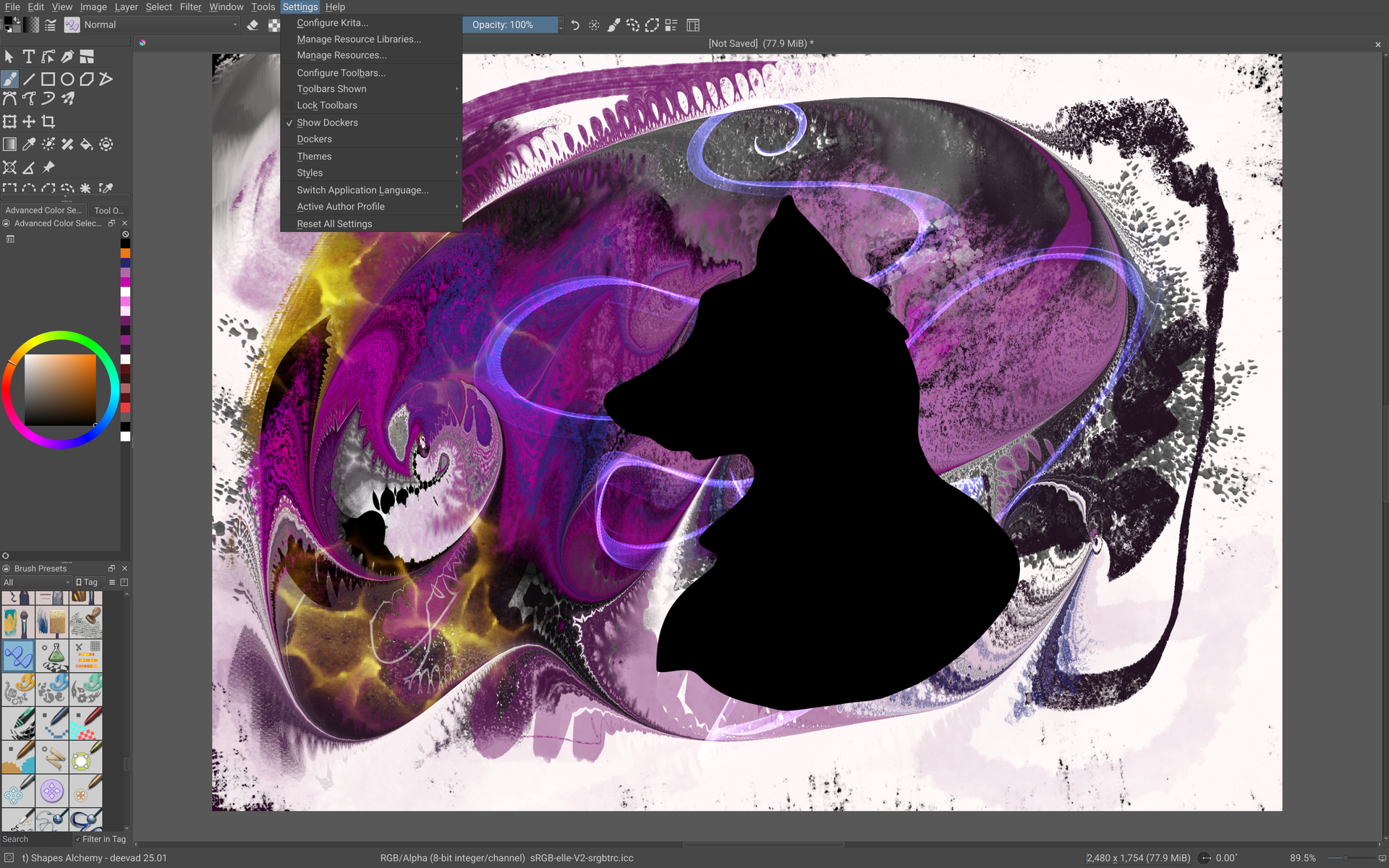
You can get at it via Settings > Change Interface Scale. It’ll also show up on startup again next time, with a checkbox to stop it showing up every time.
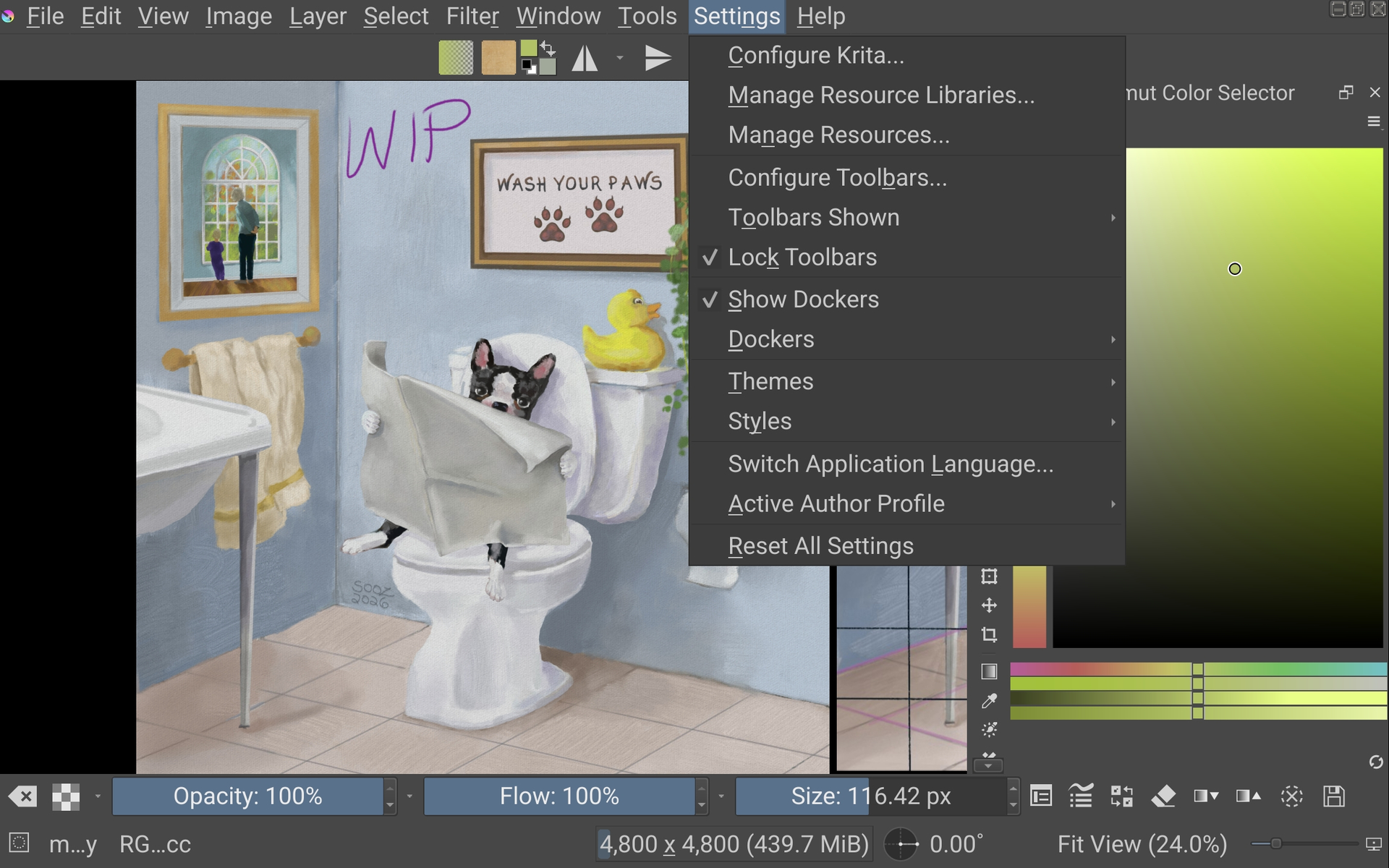
Where under Settings? I don’t have anything about interface scale in the drop down menu.
I can’t find it in Configure Krita either, though there’s a lot of stuff so I might miss it perhaps.
I have the new 5.3.3 and I do see the helpful message on startup but it is not part of the settings menu on my Samsung.
As a test, i unchecked the ‘show this message on startup’ button to see if that would make it appear in the settings menu. It doesn’t. I restarted it three times just to be sure.
I don’t feel a need to change the scaling, I’m only sharing my screenshot to show that there’s another Android that doesn’t show that menu item. Maybe it’s a Samsung thing?
The screenshot I posted is from a Samsung S6 Lite, so no, it doesn’t appear to be Samsung-specific. But you also seem to be missing all of the other options that are supposed to be there. It may have something to do with settings saved from a previous version somehow preventing the menu from updating or something.
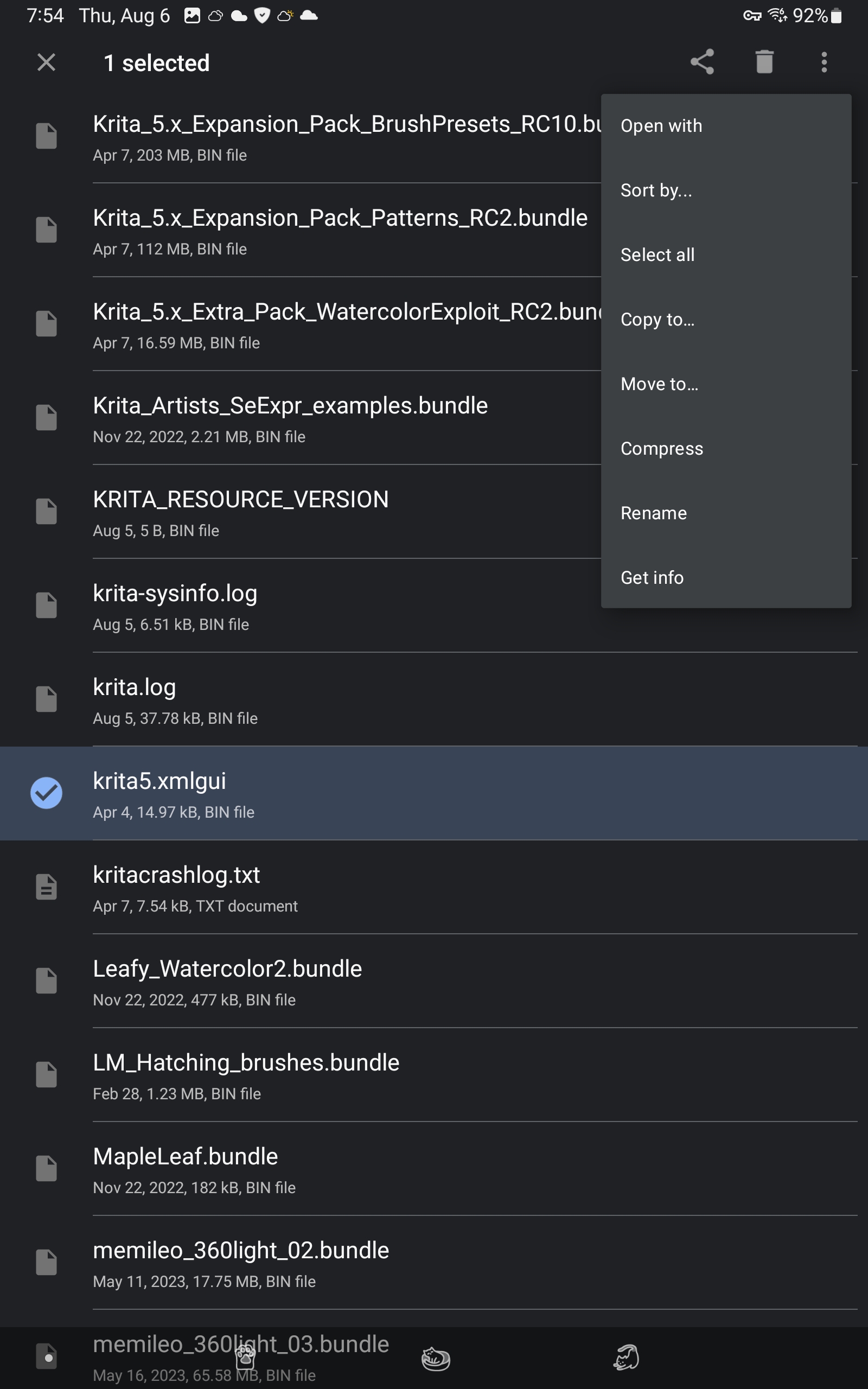
Isn’t that the old issue of krtita5.xmlgui not reflecting interface changes unless you bump the file version? And if you do, all toolbar customizations get lost because kxmlgui can’t extract those and merge it into a new version…
I see, yes then Krita assumes the current krita5.xmlgui in application settings is still a valid customization of the original file, if I’m not mistaken.
Bumping the version in version="543" should make krita replace old file (and wipe toolbar customizations in the process).
You can’t just manually delete the file from application data on Android, can you?
I’m not 100% sure, but looking at the code, it seems you can reset the .xmlgui file by opening Settings->Configure Toolbars and click on “Defaults”, I think that should make the missing menus appear.
Hrm, that’s a pretty annoying situation, the more I interact with kxmlgui the less I like it. Thanks for the information, I’ll see if I can reproduce it and then figure out some kinda CMake chicanery that bumps the version number on Android only. And maybe make it explode if the file is changed without changing the version number so that this doesn’t happen again.
And yeah, you can’t really get at the application data, it’s too locked-down.
It didn’t lose my toolbar customizations though, maybe the merge logic got implemented at some point? Hitting “Defaults” in the customize toolbar dialog did also fix the menu though, so that seems to reset the file as expected.