I was working on something for Krita, based on work I did on shaders for Blender (see here), when I realized I could create some gradients that have their origin in thin-film interference. So that’s what I did.
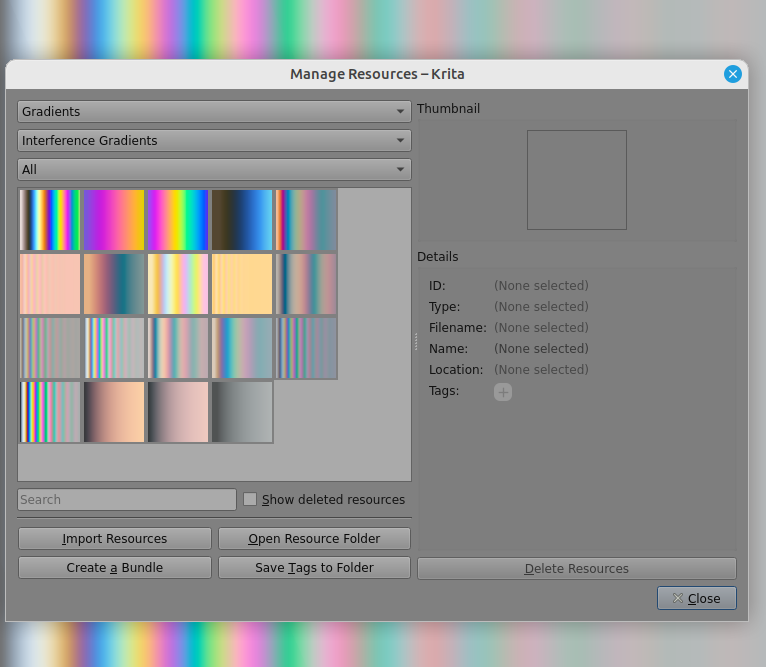
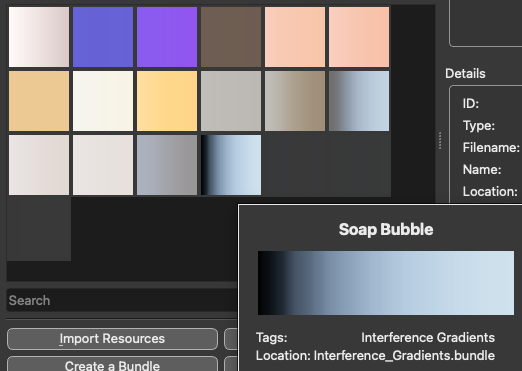
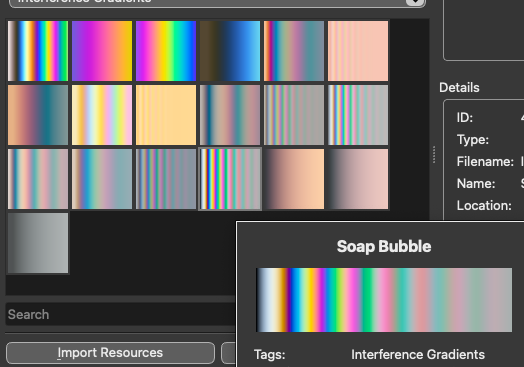
I create a bundle called Interference_Gradients.bundle with some gradients, including the soap bubble effect. To download, click the link and then download the file Interference_Gradients.bundle. See the image below for a visual representation.
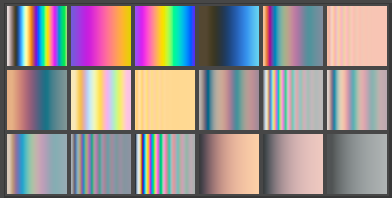
As I’m not a painter, I’m not sure how useful these could be, but here’s an example that I could think of: adding some iridescence to water droplets.
Before image (original from Pixabay):
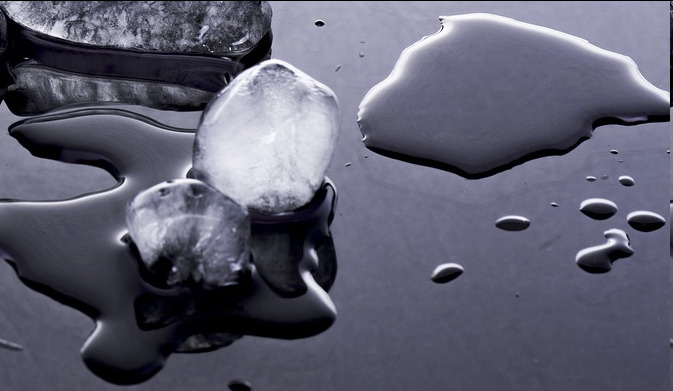
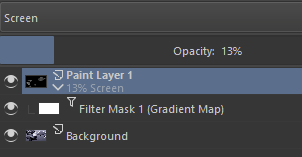
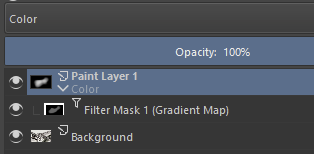
After image, with an extra paint layer set to Screen combined with a Filter Mask set to gradient map with the Soap Bubble as a source:

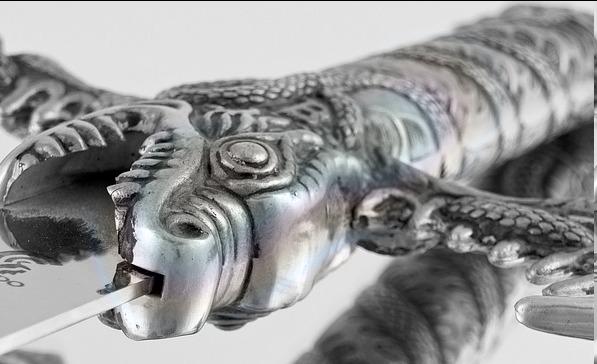
Another example is adding post-heating effects to metal objects:
Before (source from Pixabay):
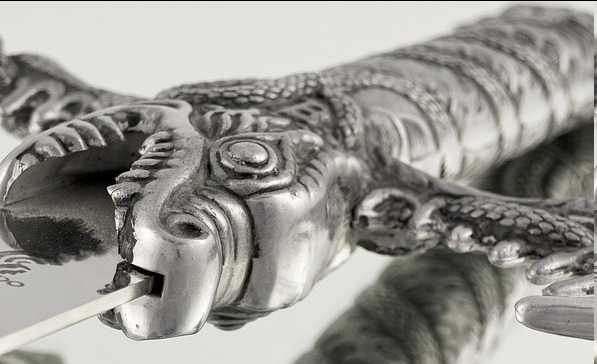
After:
Download link is at the top! See below for a more technical explanation of the implementation. Also, though it pertains to Blender, my presentation at Bcon’22 gives some extra explanation of the physics, in case you’re interested.
Implementation details
The colors in the gradient are calculated by using the wave theory of light. The model takes a a base material, a thin layer on top of that and then a final medium. For example, a soap bubble has air as a base material (the inside of the bubble), a thin layer of soapy water, and then air as the final medium (the outside of the bubble). For a single wavelength (think color), incoming light can be partially or fully reflected depending on the thickness of the layer. For white light, this gives rise to a colorful reflection, as some colors are fully transmitted and others are fully reflected.
These gradients were calculated assuming a white light spectrum that is decribed by the CIE D50 standard illuminant, normally incident onto the base layer. For a certain layer thickness, the spectrum was sampled with 80 points (wavelengths). Then, from the resultant reflectance spectra, the CIE X, Y and Z chromaticities were calculated and converted to the ACEScg-elle-V4-g10 color space. This process yields a single color per layer thickness. This process was then repeated for 3000 layer thicknesses, giving 3000 color shades to make up a gradient.
Since gradients with 3000 stops are not very efficient, a subsequent post-processing step set out to eliminate as many stops as possible without sacrificing visual fidelity. In order to do so, the color at every other stop was compared to the color obtained by linear interpolation in the ACEScg color space. If the color difference (delta E) was less than 0.5 (and sometimes less than 0.1), the stop was removed in favor of linear interpolation. This process was repeated until no more stops could be removed without sacrificing visual fidelty.


 ).
).