Sorry about putting this inside “general question” category,rather that using "feature request "!
But I have my reasons for using this category,because I am not sure of certain facts .
As I have said many times before, I have very limited knowledge about software developement process ! So most of the times,I am not sure about the current technical limitations of Krita.
But lately I have seen real growth in the department of assitant tool inside Krita and these are quite good (except few small fine tunings).
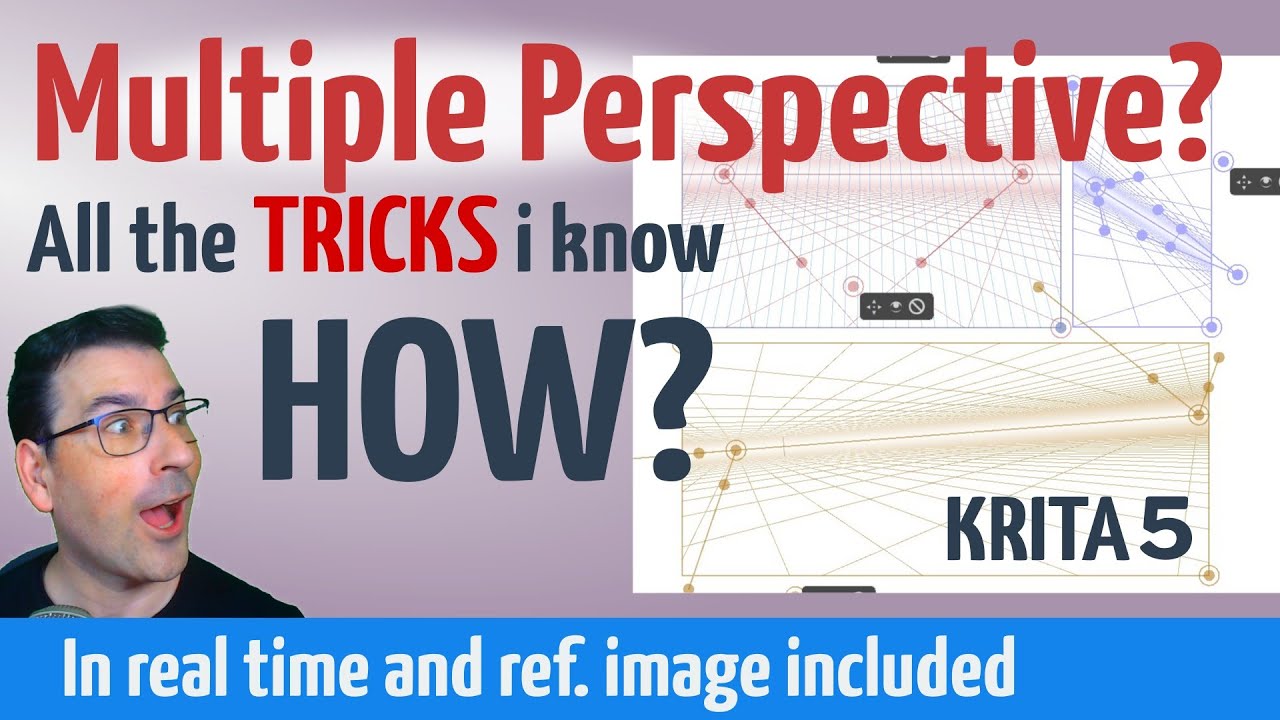
I guess such fast progress inspired me to think what if such a simple model of perspective ruler (video link given below) with little more advanced options,can be implemented in future !
The example provided here is just to only display what I am talking about ! I have no intention to say that I want something exactly like this inside Krita !
I will be looking forward to something similar and simple,but build with Krita’s logic,If pssible !
Now is this technically possible ?
No this is the right thing to do and I would be happy if more people did this and asked the question first and then migrated to make a feature request.
Have you tried the 2 point perspective assistant in krita. It will give you the ability to do something similar.
Thanks,Nice to know it was right to post here first .
I have always followed Ramon’s videos closely and I have also studied this video.
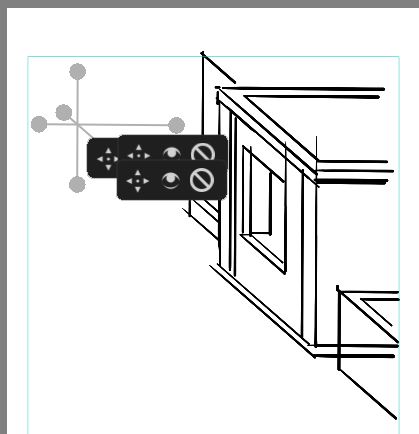
Honestly the main thing makes me uncomfortable using rulers in Krita,is the control bars/options (the big circles like anchor points,the hide/unhide,delete buttons etc). Sometime there are too many grids & lines,along with these above mentioned obstacles and it makes real hard to set up a perspective guide fast.
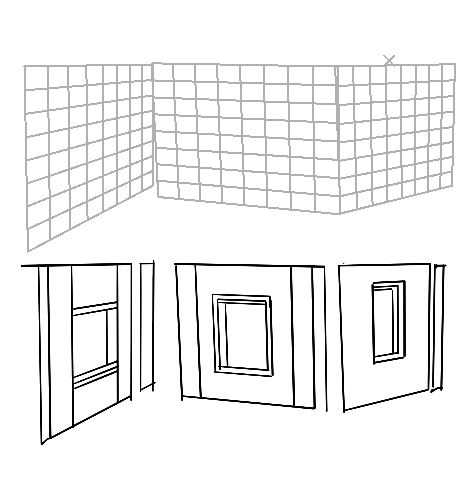
The current best practical solution for me is to create a fast guide with parallel rulers like this
Now it can be a great option in future,if this grid option can be used as a cube with advanced option (size,deform,controlling the number of grids etc) .
That can help to create a perspective guide very quickly and after that,other available advanced perspective rulers can be used as per further requirement.
Yes the grab handles and the bar can be distracting, they may need some improvements. However in recent version of Krita (nightly build not yet released as final version) you can move the bar away like I do in the video below
And once you set the assistant as per your liking, when you switch over to the brush tool, the bar, handles hide themselves you only see the guiding line while painting.
OH ! this is going to be a great improvement !!
This will surely make life a lot easier !!
Just wanted to ask another small technical question here,because not wanted to create another new post for that ! Sometime I like to use the perspective rulers just as a basic guide for layout printouts on paper.
Then start drawing traditionally on paper from the scratch, using those faint default guidelines.
Now is there any built in snapshot option available inside krita,So that I can grab the desired perspective guide layout and then paste it on my template inside Krita ?
I have tried some screen capture options ,but the process becomes little complex.
Do you mean that you want to convert the assistant guide lines as normal raster paint layer? No sadly this is not possible. Your method of screen-shoting is the best I could think. May be we can ask for a way to convert the guids to paint layer by right clicking on them. @tiar might be the best person to answer this.
EDIT: why do you need to convert the assistant? may be that will help answering it better. Do you want to take the same assistant into other document? If you then you can save the asistants as a set and import it in the new document without needing to set it again. There is a save icon in the tool options.
Yes,that would be the best option if we could have a dedicated layer for perspective rulers and which can be converted into a raster layer.
That will make it easier to preserve my required set of perspective guides( EX-panels in comics) in a raster layer just as a guideline form. Where I can approch the creation process traditionally(via print out on paper) or just use those raster guidelines to create inside Krita,but in more organic way,rather than using assistant tools directly.
But as far I know,probably no software,paid or free ,can convert a perspective layer into a raster layer (currently !).
So that’s why for now, I was loking for an in-built screen grab/ snap shot kind of option.
 ! So most of the times,I am not sure about the current technical limitations of Krita.
 !
!


 .
.