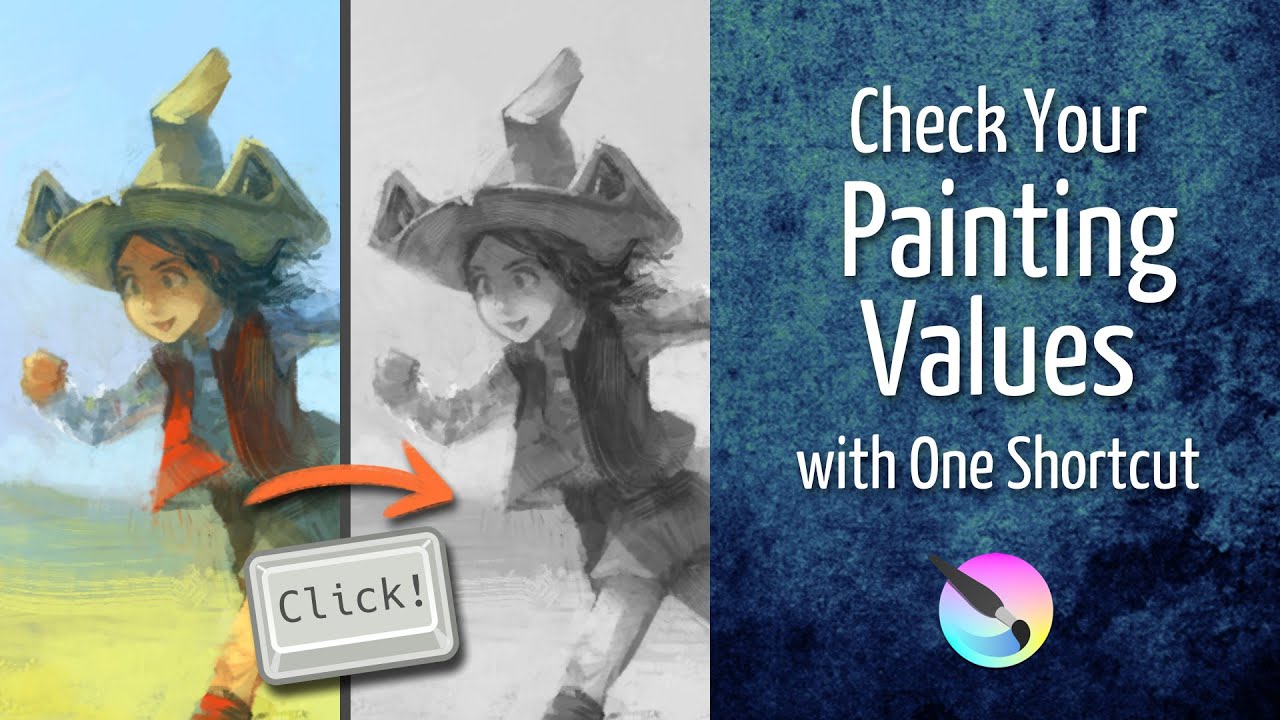
I know that there’s an option to change the colours of a single layer to greyscale, but is there an option that turns the entire image and all of the layers to greyscale too? So that it’s easy to quickly check the values of your drawing as you’re colouring?
If you only want to see the image in greyscale, use soft proofing set to Grayscale/Alpha colorspace, then you can check it any time by enabling soft proofing (Ctrl+Y shortcut by default).
1 Like
+1 with @Lynx3d , I made a video about it last year:
5 Likes
thank you!!
This topic was automatically closed 3 days after the last reply. New replies are no longer allowed.