I’ve reviewed the reference manual and it seems like free transform doesn’t have this, but I just thought I should confirm before putting in a feature request. This is something that bugs me every time I use Krita after being away from it for a while.
Is there a way to drag individual control points from the free transform mode of the transform tool? Usually in other softwares’ free transforms, this is done by holding a modifier key (usually ctrl). I know Krita’s free transform has a unique perspective skew thing that it does when you hold ctrl (which is great), but dragging individual points allows for a different, more granular control. Essentially, the free transform and perspective transform modes of the transform tool are merged, where you can get all the functionality of the perspective transform mode by holding said modifier key. It currently looks to me like Krita’s second modifier key (alt) is unused in free transform, and so what I’m asking about isn’t a thing?
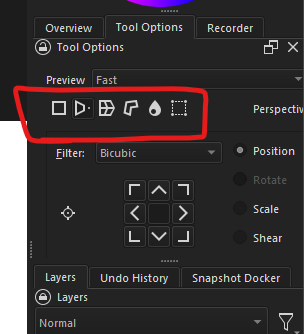
If it indeed is not, leaving the second modifier key unused in this way seems like a waste, and needing to switch transform tool modes so frequently is very disruptive to workflow. On that note another question: is it possible to hotkey switching modes of the transform tool? I couldn’t find anything for that myself either, but that would alleviate the disruption of needing to go over to the tool options docker nearly every time I use the transform tool.
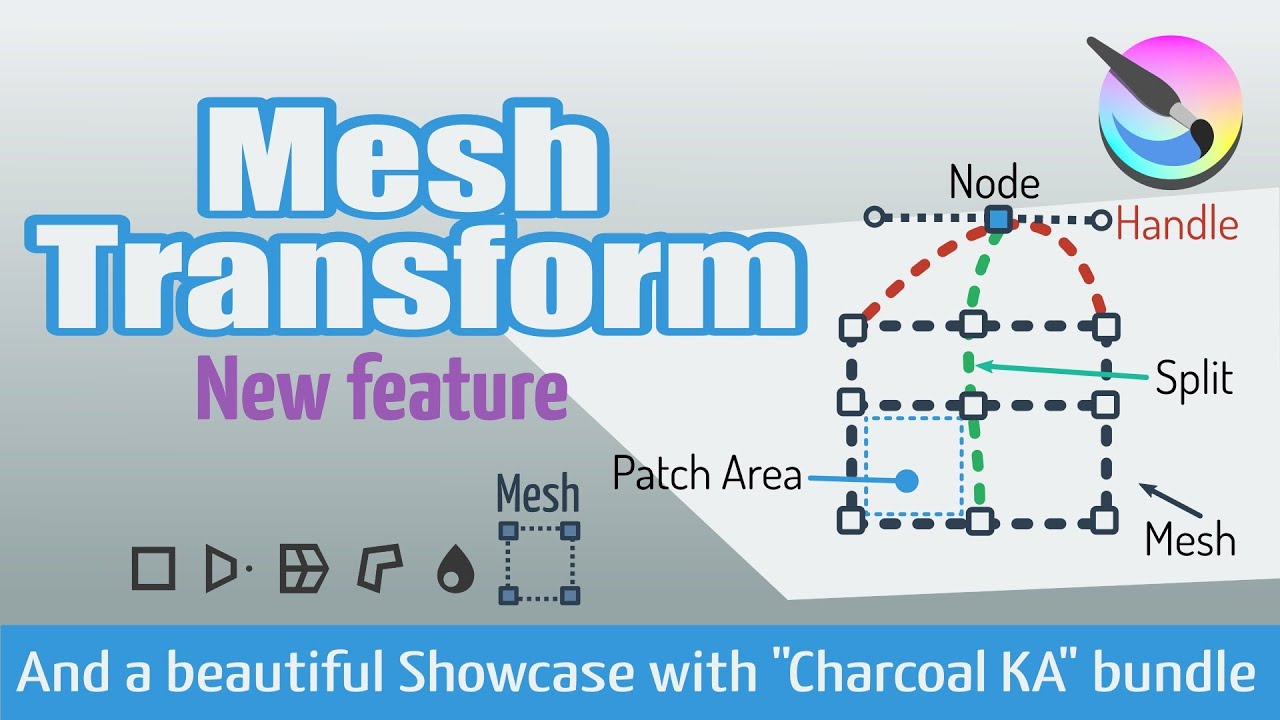
 Also in the Tool Options there are icons for changing the way you transform the selection