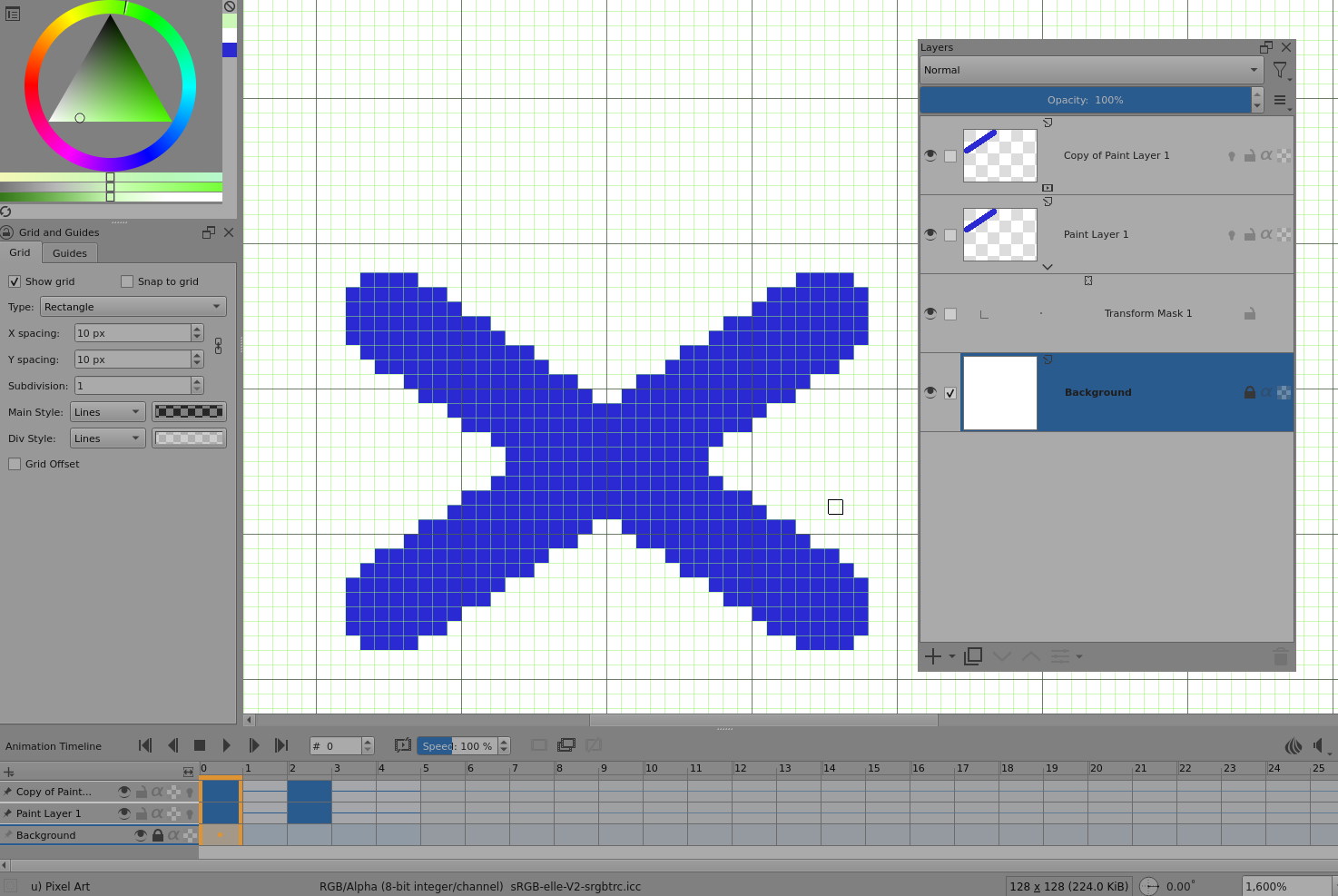
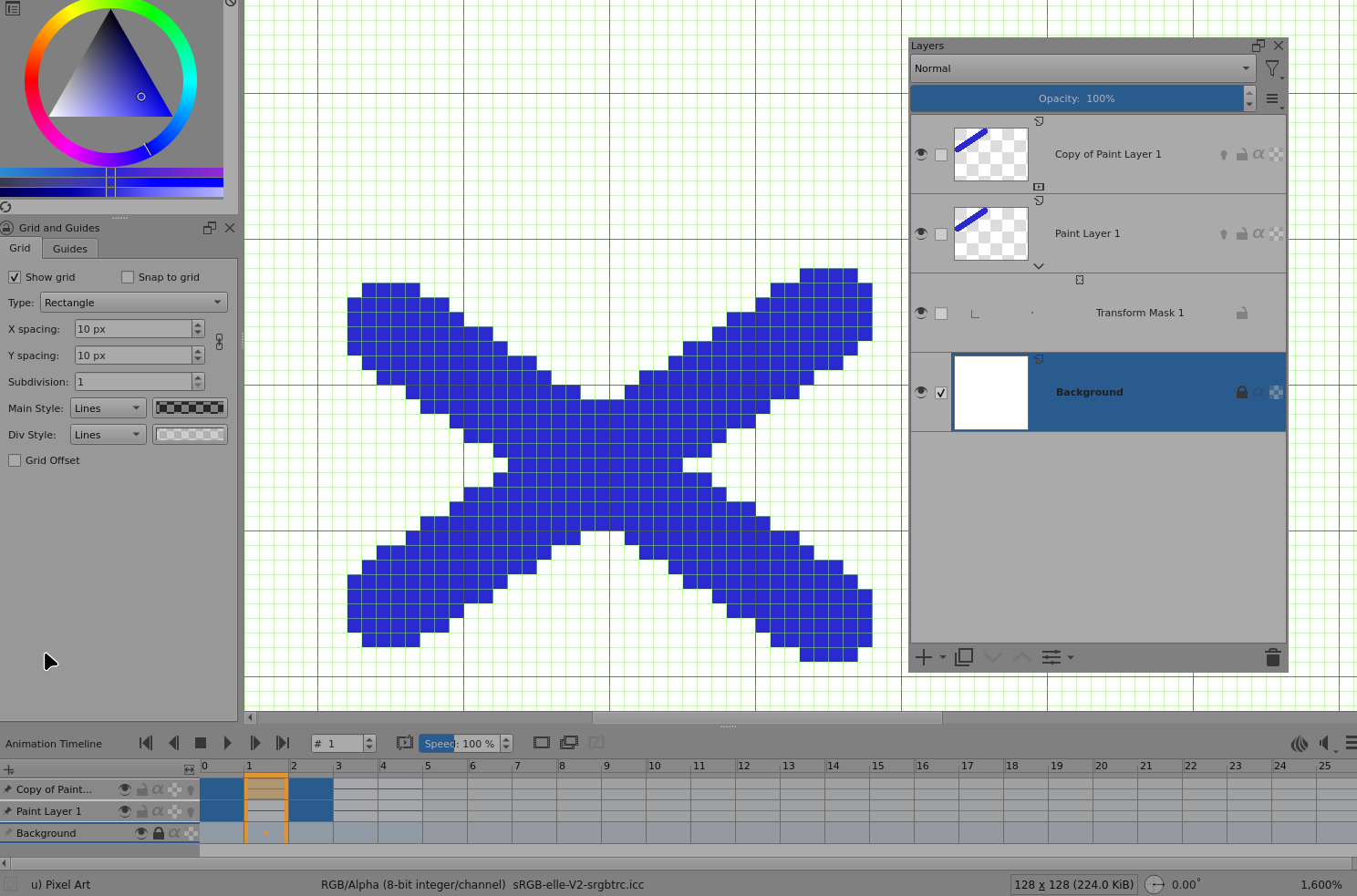
I encountered an issue with the Animated Transform Mask while drawing a pixel walk cycle. After performing a horizontal flip, when I right-click and apply the mask effect on a specific frame, that frame appears to shift one pixel to the left.
After careful investigation, I realized the frame itself isn’t moving left—instead, all other frames shift one pixel to the right. This manifests as the entire layer moving right by one pixel, after which the affected frame resets. Visually, it creates the illusion that the single frame moved left.
System:
Windows 11, Krita 5.2.11
Please don’t expect anyone giving you or Google their email-address to get your content from there, and that without even knowing what you offer there.
The usual way to share any materials here in this forum is open without needing anyone to mandatory reveal its identity.
Since you have now moved your topic yourself, I can spare you my question about which forum area you would have liked to move it to. 
And since this is not my area of expertise, I make place for those who have.
Hello @AhabGreybeard! 
Michelist
2 Likes
Please provide a link that doesn’t need a Google account sign in. I think they’re called ‘share with everyone’ or something with similar meaning.
Also, please update your krita installation to the latest version (5.2.11) before reporting any problems.
Hello @Michelist 
2 Likes
Sorry, I am not familiar with Google Drive. The latest version of Krita is 5.2.11, which does not specify clearly.
Please note, in the video that you provided via Google Drive, you are not using an animated transform mask. You are applying a transform mask to an animated paint layer.
Animated transform masks are quite different (and very complicated) and are described here:
Use of an animated transform mask would give the same result.
From your video, I see what you mean and this does happen from version 5.2.9 onwards. I haven’t tried any earlier versions.
It seems that applying a transform mask results in a small 1 pixel offset that is corrected after a short time. In my case, on a slow old PC, it takes 4 seconds to correct the initial offset.
As a result, playing the animation in krita and rendering it both give an incorrect offset rendering.
Here is a .kra file that illustrates the problem:
It’s supposed to look like this:
When the frame is changed, it spends a short time looking like this:
The transformed (Flip selection vertically) image has a 1px vertical offset before the correct position happens after a short time.
This is a bug and should be reported at https://bugs.kde.org/ (sign up and sign in are needed).
1 Like
also having the issue with animated transform masks, and it persists during export as well. it seems to have been reported a while ago. currently can’t find any workaround, merging layers or flattening the image gives the same fast-rendered results.