It’s the right place to raise issues
This happens with 16-bit float and 32-bit float images and the effect goes beyond the square of the brush tip texture image. That can be seen above with the faint yellow ‘filaments’ beyond the dark red rectangle area.
Looking at the brush tip .png, it doesn’t seem to be a problem with faint residual content in the tip image.
Do you require a .kra?
Anyway it’s easily reproducible, just paint something as background and then with the WaterC Basic Round-Grain for example, paint over and that’s the result of the image I pasted above, nothing else
Hi!
I’ve been testing brushes and found out the problem.
The problem seems to be generated when selecting a predefined brush tip with Substract blending mode.
It happens with other brushes, not specifically the ones I mentioned above, I’ve been able to reproduce the same behaviour with Basic-5_size and Ink2-fineliner.
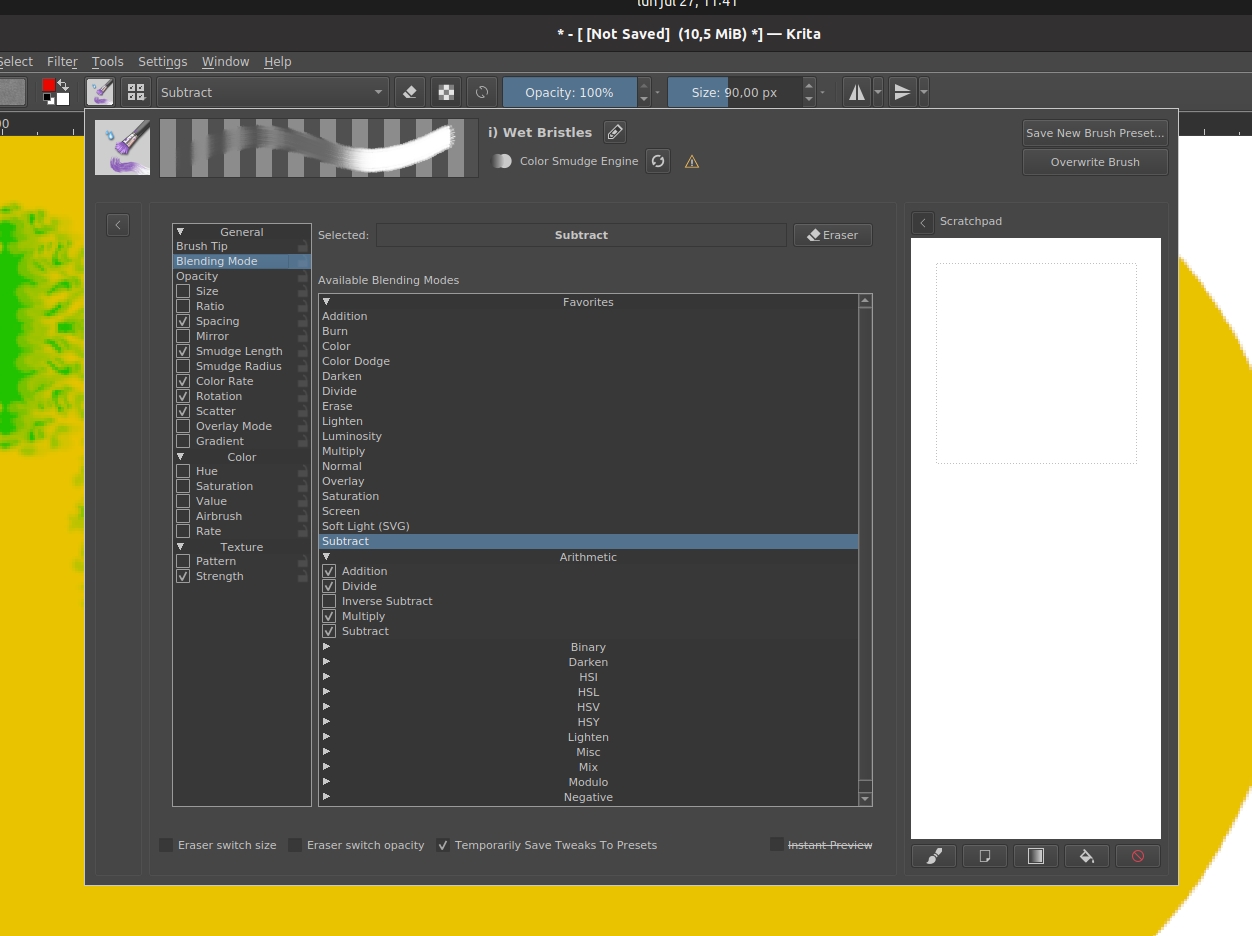
I tried the Wet-bristles, which has a different brush engine, also in Substract mode but the problem doesn’t happen.
Hope this helps, let me know if you need any other information.
I will test it as soon as I can but if the error is only reproducible with 16 bit depth then is time for coders.
Wet brushes with color smudge brush engine can’t use the subtract mode in the masked brush feature as I know. Can you show us some screen captures?
I was asking for the .kra file to use the same resource. Thanks
Also, regarding the wet brushes, you’re right, it’s the blending mode for the brush I changed, not the brush tip option ( I’m sorry I don’t exactly know the difference).
ok i have tested the brushes and yes. Confirmed. usually i use 8 bit integer to get more fluid brushstrokes, so never noticed that. Thanks a lot @pablo and @AhabGreybeard. Now is time for coders and his great and amazing knowledge