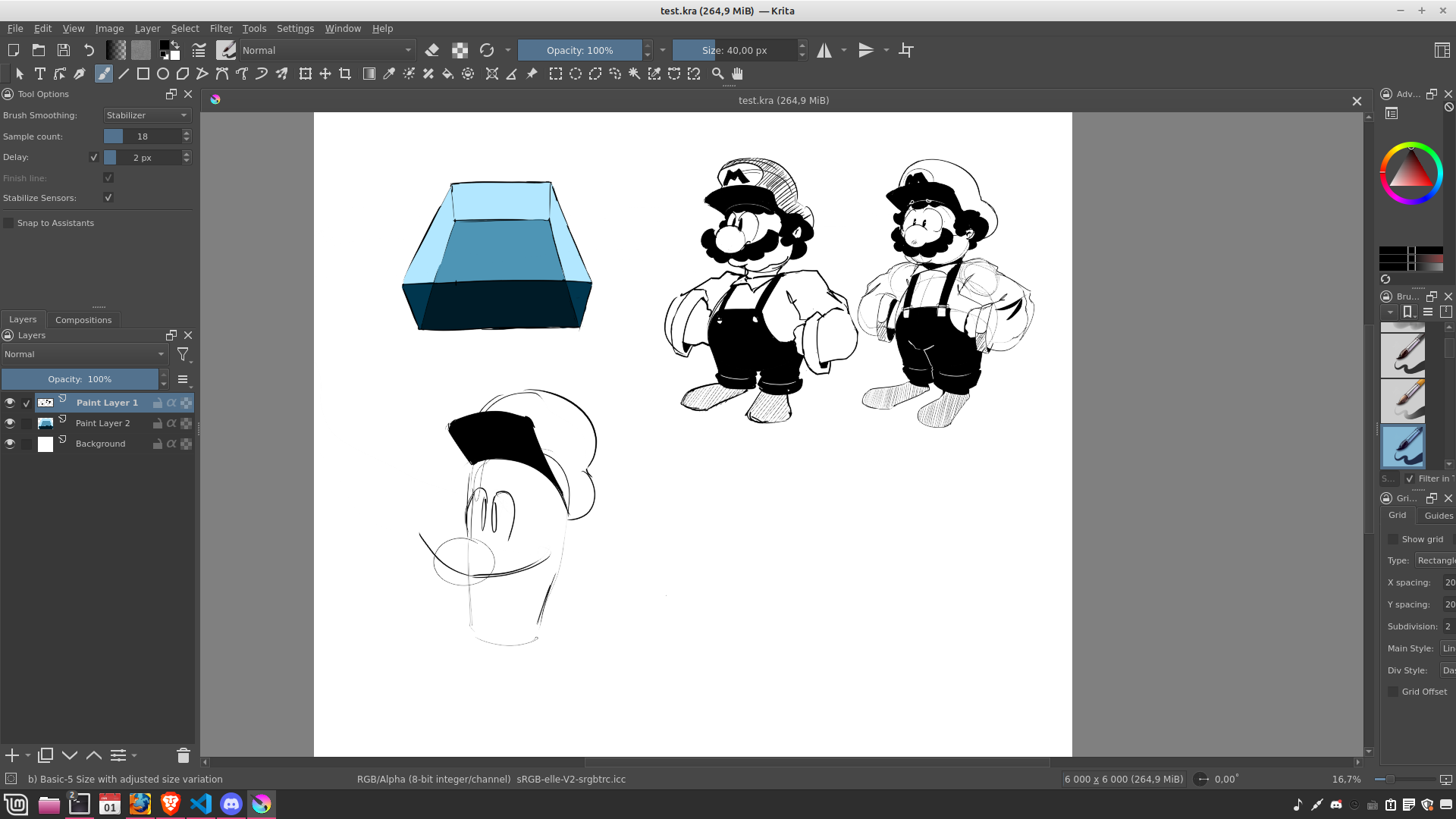
Krita version: 5.2.11, Appimage
Tablet Model: CTL 6100WL
Drivers: I haven’t updated them since I don’t know if Wacom provides new ones
Hello dear Krita community. I have been using Krita for about 2 years on my Linux Mint 21.1 and have recently overnight started noticing how the tablet doesn’t appear to notice my stylus has left the surface. This causes various confusing effects, like:
-not being able to snap out of tools
-Not being able to select new tools
-Not being able to undo, because you can’t undo while doing a stroke
-Double undoing because what seemingly was 1 stroke is now 2 strokes because according to the program, pen never left the tablet
-And more.
One thing I noticed this morning when I turned off the stabiliser, this bug didn’t happen even once. I also tried in gimp, and it doesn’t happen there either.
I have also noticed that when this issue occurs, and I hover the pen over my window-bar, it actually grabs it. I have no idea if that means it’s my tablet that is broken, but it’s something to consider.
So, I don’t know if it has always been this bad, but I feel like maybe it has gotten a bit worse lately and my patience started to run out. I can still draw okay images, but it’s very tiring when you’re not in the best mood and this keeps happening when you draw.
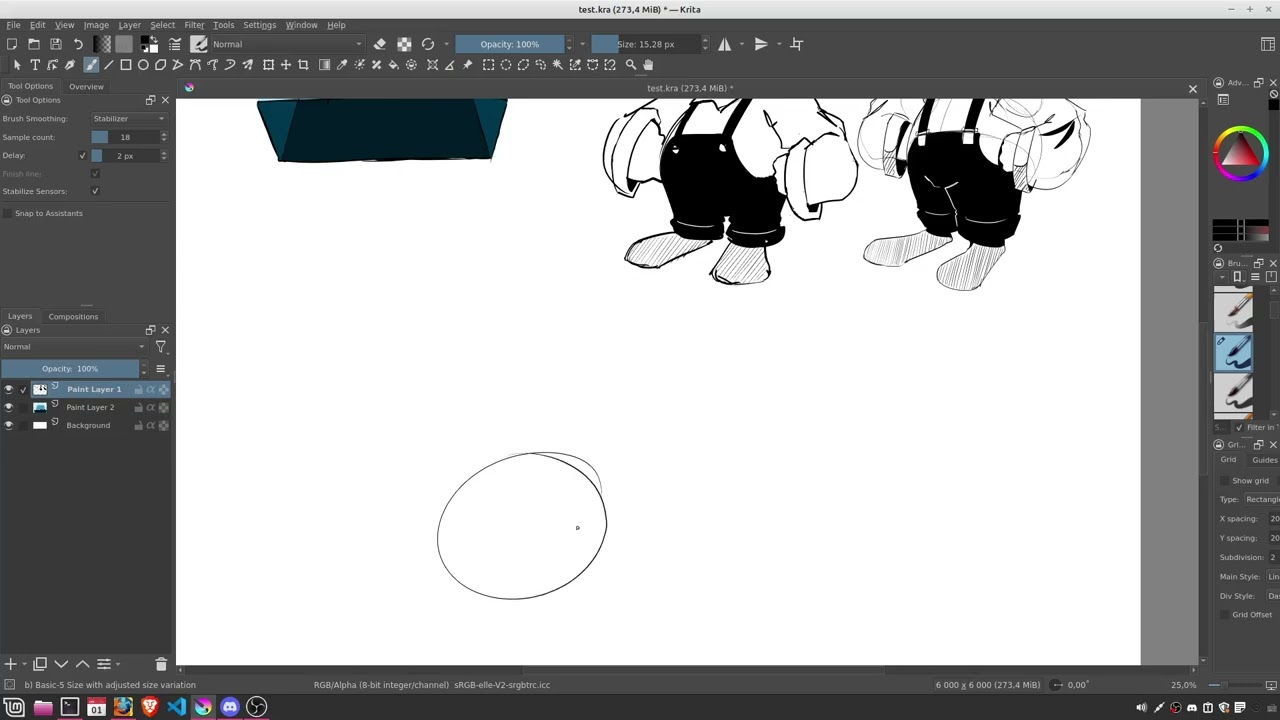
Also this happens randomly, so I thought it was a performance spike at first, but who knows at this point. Let me know if you have any further questions. I also uploaded a video of the issue, please watch from 3:00, as you see it seems like somethings up with the stylus not wanting to select the transform-tool, causing me to awkwardly draw a big dark line over my painting instead, and then when I start trying to draw the hat and eyes, that’s where the issue I described earlier happens and you can see how the cursor shows like, a circle even when above the HUD. That only happens when the stylus is pressed down, try it for yourself, draw a stroke, and then hover over the HUD without releasing. At the end of the video the entire window freaks out as the cursor is pressing all the time despite not doing anything different with my hand as far as I can see.
With kind regards, Jackson.