hope you’re all doing great! I’ve got this ongoing hiccup with Krita that’s been bugging me for a while. I’ve been trying to make it my go-to drawing software, but this one thing keeps pushing me back. Figured I’d toss the question out here and see if anyone has some cool ideas or insights to help me crack this nut.
Hardware I’m working with:
Intel® Core™ i7-6700K
RX 6800 XT
16GB of RAM
Wacom Intuos PT M CTH-690 tablet
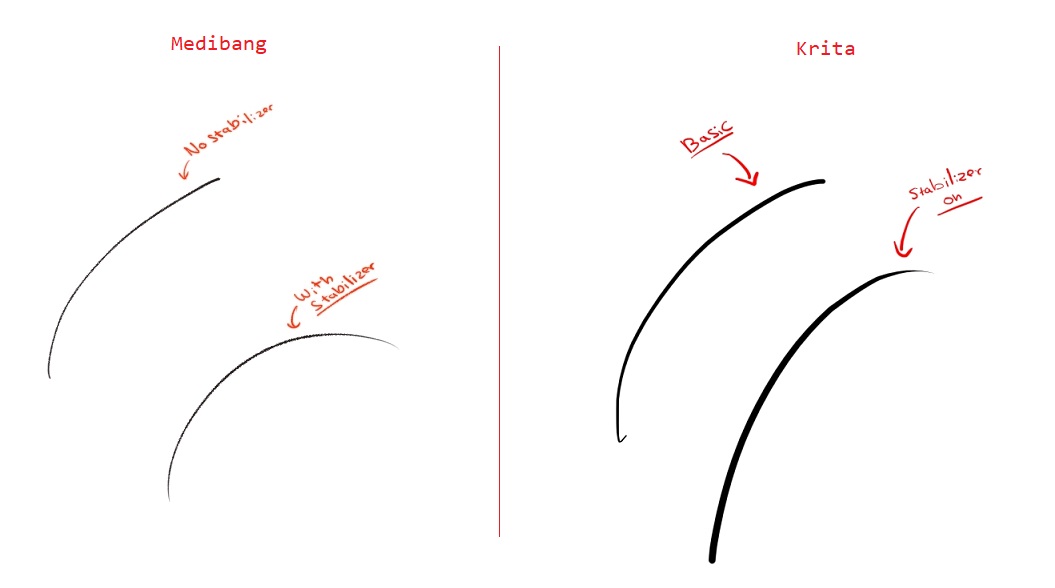
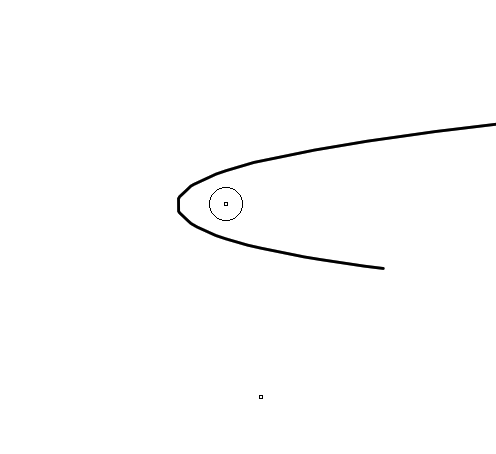
Despite my best efforts, I’ve been experiencing jagged lines in Krita, even when using the stabilizer. In fact, it seems like the lines get even more jagged when the stabilizer is turned on. I’ve tried working without the stabilizer and playing around with it, experimenting with various brushes, but the issue persists.
Things I’ve already did
Updated Krita to the latest version.
Experimented with different stabilizer settings.
Enabled Windows Ink.
Tried different brushes to see if the issue is brush-specific.
Despite these efforts, the jagged lines are still here. It’s quite frustrating, especially since I’m not encountering this issue in other software that I use for digital art.
If anyone has experienced similar problems or has any ideas on how to address this issue, I would greatly appreciate your input. I’m open to trying out any suggestions you might have.
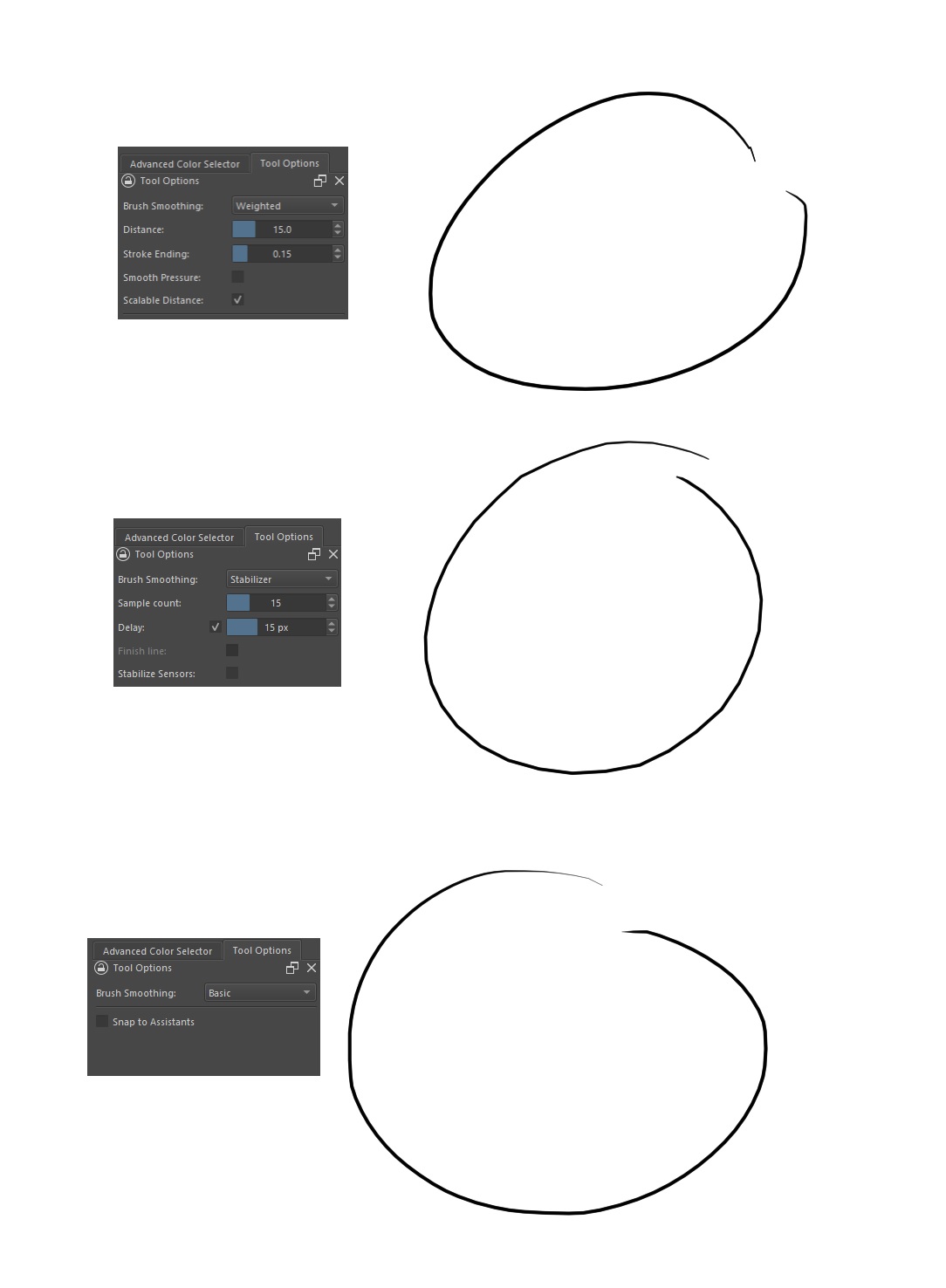
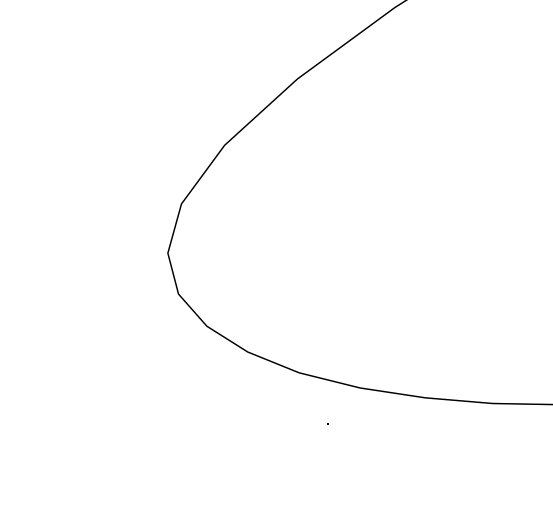
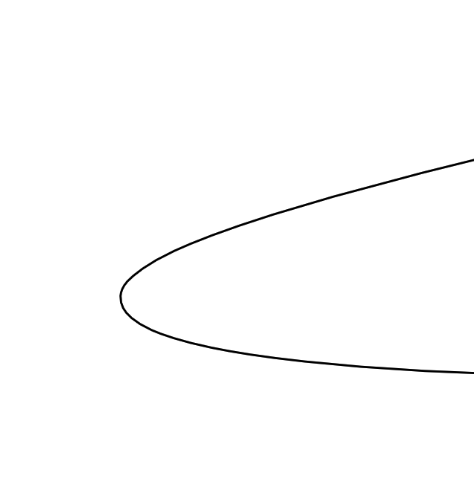
What happens if you try to draw a small, tight circle? Or a few lines with varying level of curviness? The lines shown on the right look as if there was some input lag and then the line is composed of straight segments. It’s a bit subtle, but if that indeed is the case, then the jaggedness should become even worse the more curved the line is.
I don’t have Wacom, so hard for me to suggest anything right now.
Most Windows users get better results with Windows Ink turned off. However, it’s important that your Wacom settings match what you have selected in Krita. This would mean turning off Windows Ink in the Wacom Desktop Centre (in your Krita profile, of course). Krita would need a restart anytime you change the Input API.
If you have already tried this (and you’re sure both Krita and Wacom matched when it comes to Windows Ink when you assessed the result), you can try turning on Windows Ink in Krita and then turning it on in Wacom.
See if having both interfaces match makes a difference for you.
Apologies for the delayed response. So, I went ahead and disabled Windows Ink in both Krita and Wacom Tablet properties. Unfortunately, that didn’t really do the trick.
Could this be connected to the canvas size? Given my hardware specs, I though I’d be able to handle the default canvas fairly well? It’s 2480x3508px with a resolution of 300 but maybe there is something I’m missing, Just a heads up, the graphics card drivers are up to date as well, so i don’t think it’s a GPU related issue
I don’t have much experience with the stabilizers as I don’t use them. I guess my final question would be, did you restart Krita after making any change to the Input API and did you restart your device if you made a change to the tablet driver (such as turning off/on Windows Ink) in your Wacom Krita profile?
Yep, I’ve made sure to restart everything each time. Additionally, I’d like to highlight that this issue persists even when the stabilizer is turned off. It’s a real bummer since this is the only thing preventing me from fully embracing Krita. It’s a fantastic program
I also have same problem with android version. The more I add smoothing value(Distance, Stroke ending/Sample count, Delay) the more jagged lines will appears. Especially when making long curvy line with fast stroke…
On the desktop side(linux), I dont have any that problem. I only use basic stabilizer and everything is fine, I dont even use other stabilizer like Weightened or Stabilizer…
I have a Wacom Intuos CTH-490/K (small and cute and cheap) and an old desktop running an old Debian Linux. I have this characteristic and it happens when making a fast stroke along a tight curve.
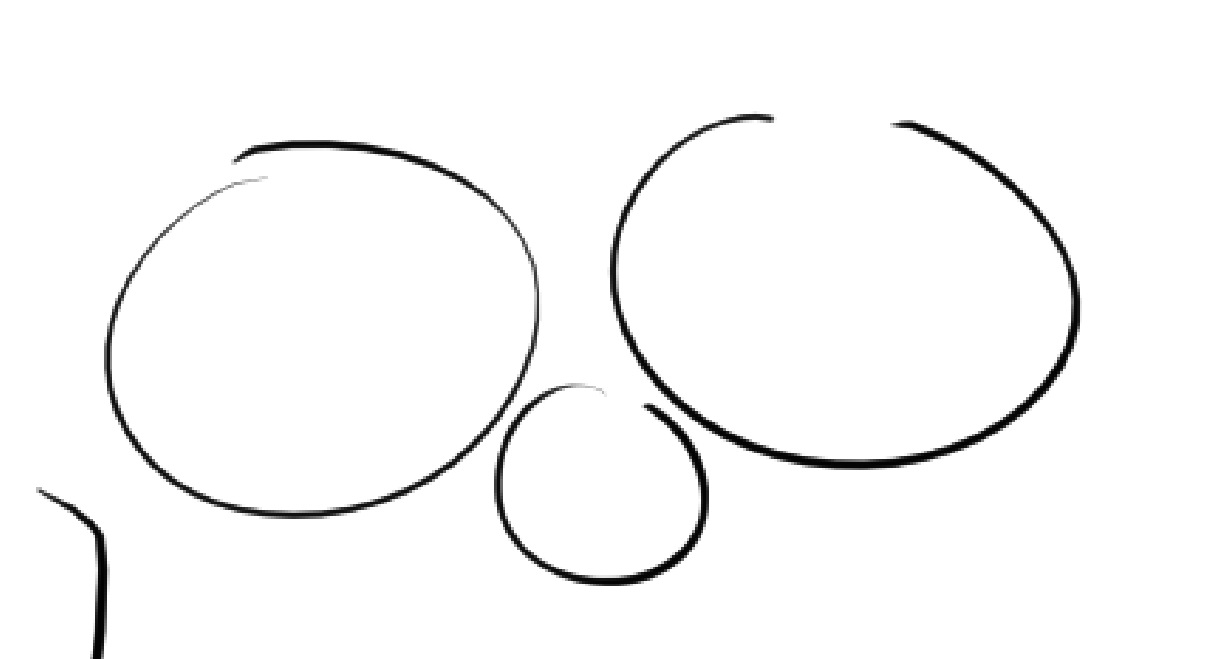
Here are two examples where I tried to duplicate the speed and shape of my stroke, first on a 1K canvas and then on a 4K canvas with a 2px Basic-1 brush preset:
This is probably caused by the report rate of the tablet being low and so it doesn’t report its new position for some time (a short time) and the stylus has moved around a tight curve since the previous reported position.
If you draw a stroke slowly, this problem should not happen.
There may be effects caused by the operating system especially when using an old computer or a low powered Android device.
Upgrading to the latest driver might also give some improvement.