I have a Wacom Intuos CTH-490/K (small and cute and cheap) and an old desktop running an old Debian Linux. I have this characteristic and it happens when making a fast stroke along a tight curve.
Here are two examples where I tried to duplicate the speed and shape of my stroke, first on a 1K canvas and then on a 4K canvas with a 2px Basic-1 brush preset:

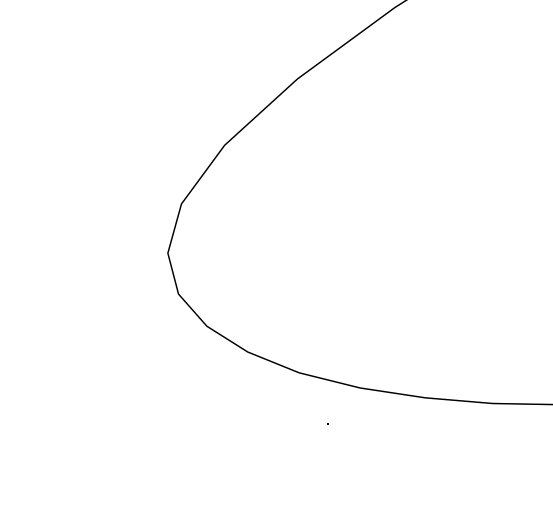
This is probably caused by the report rate of the tablet being low and so it doesn’t report its new position for some time (a short time) and the stylus has moved around a tight curve since the previous reported position.
If you draw a stroke slowly, this problem should not happen.
There may be effects caused by the operating system especially when using an old computer or a low powered Android device.
Upgrading to the latest driver might also give some improvement.
I find that Basic Smoothing is very effective:
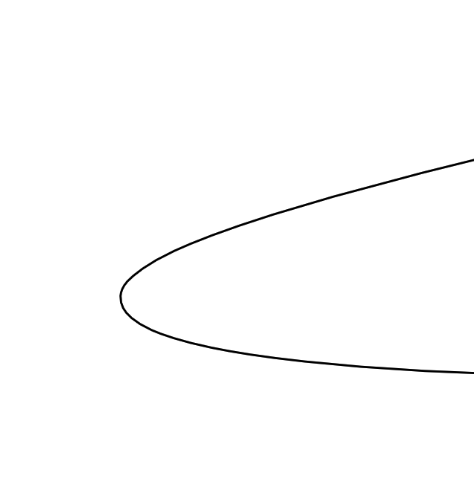
Other Smoothing options are also helpful but the Stabiliser can be not so good sometimes. Here it is with Sample Count = 142, Delay = 13px:
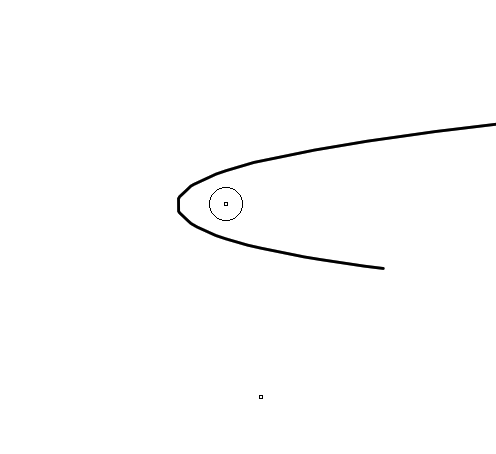
Precise comparison tests are difficult because you need to do a rapid stroke with a tight curvature. Repeating those is a challenge for me.