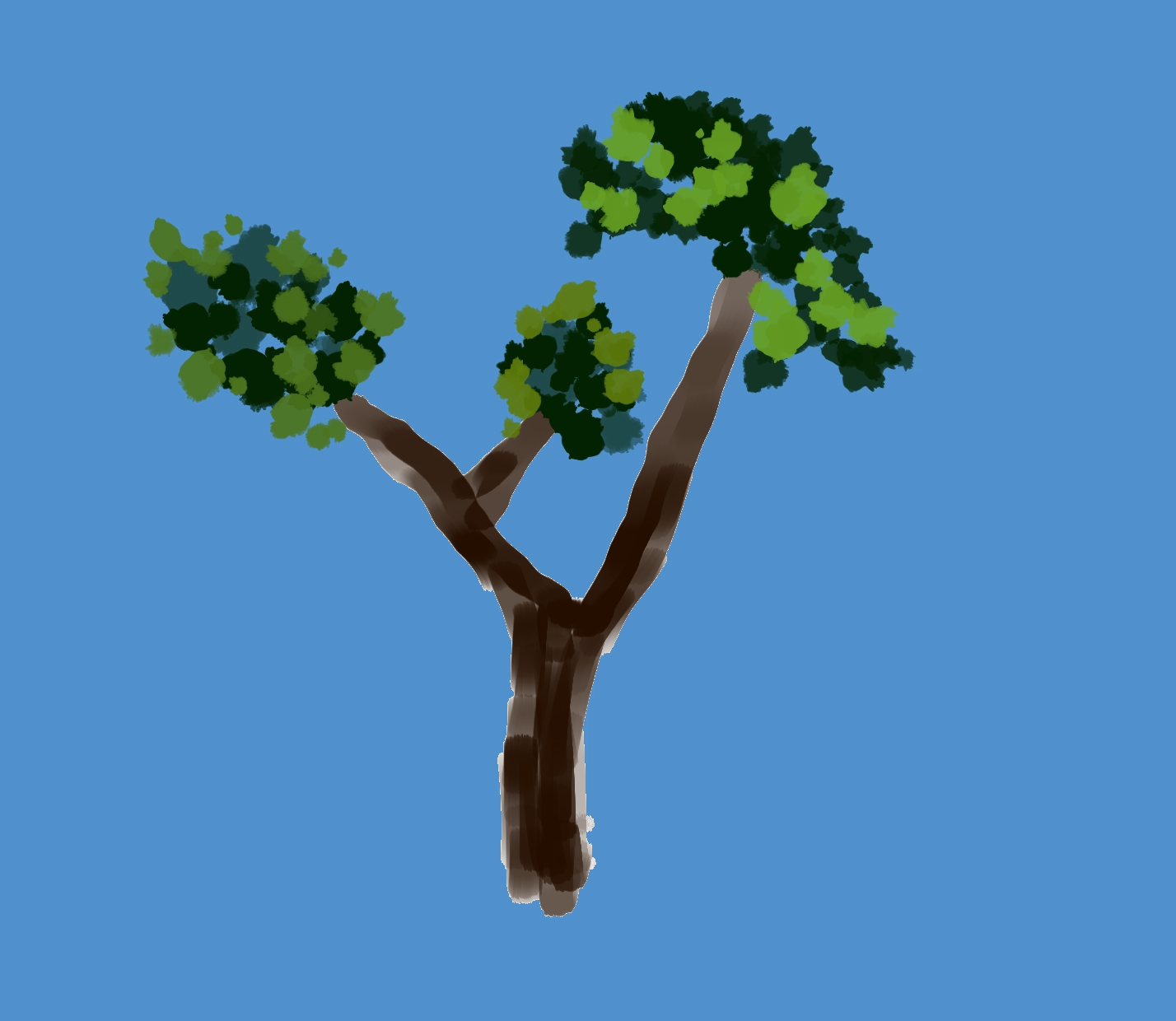
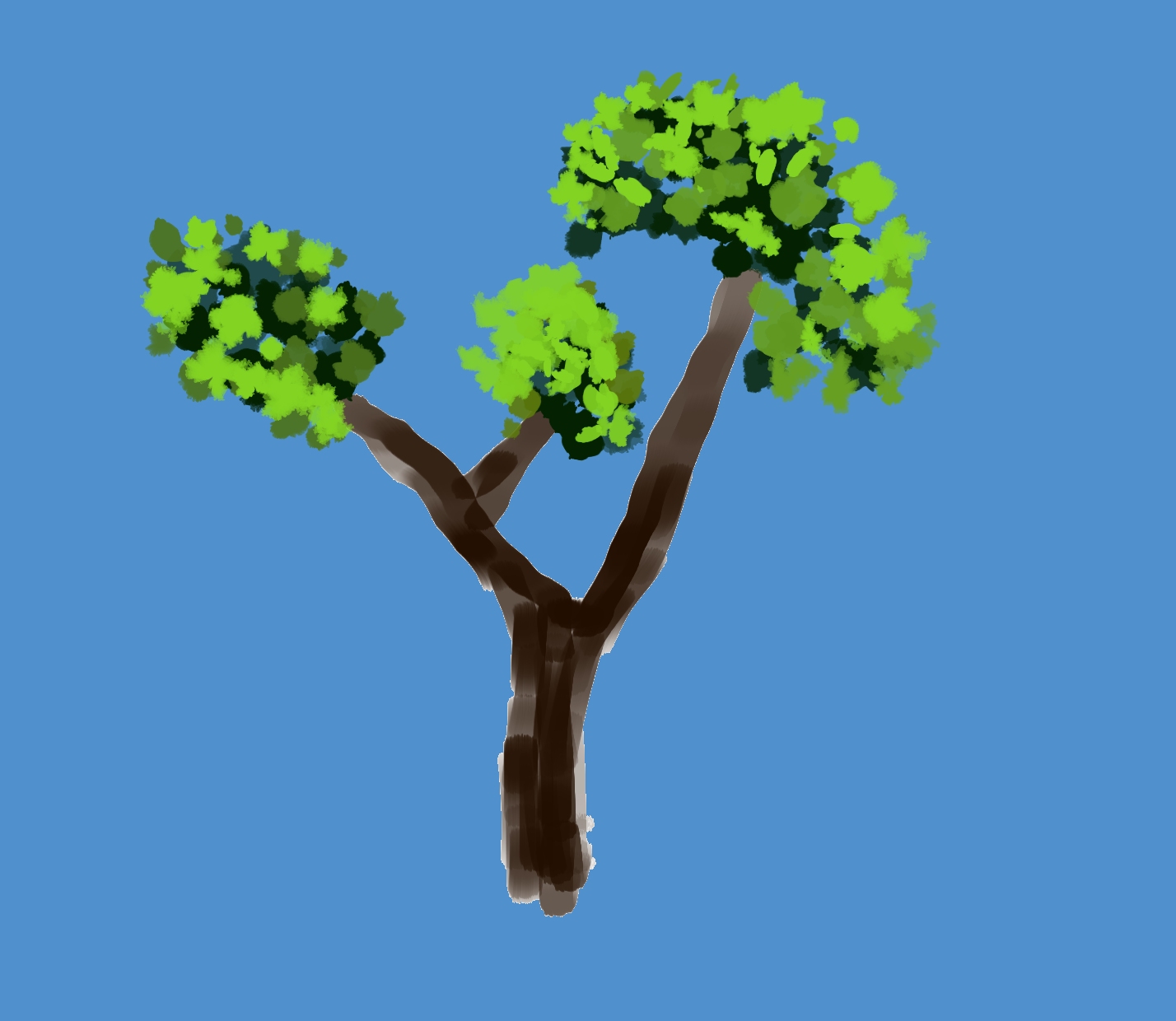
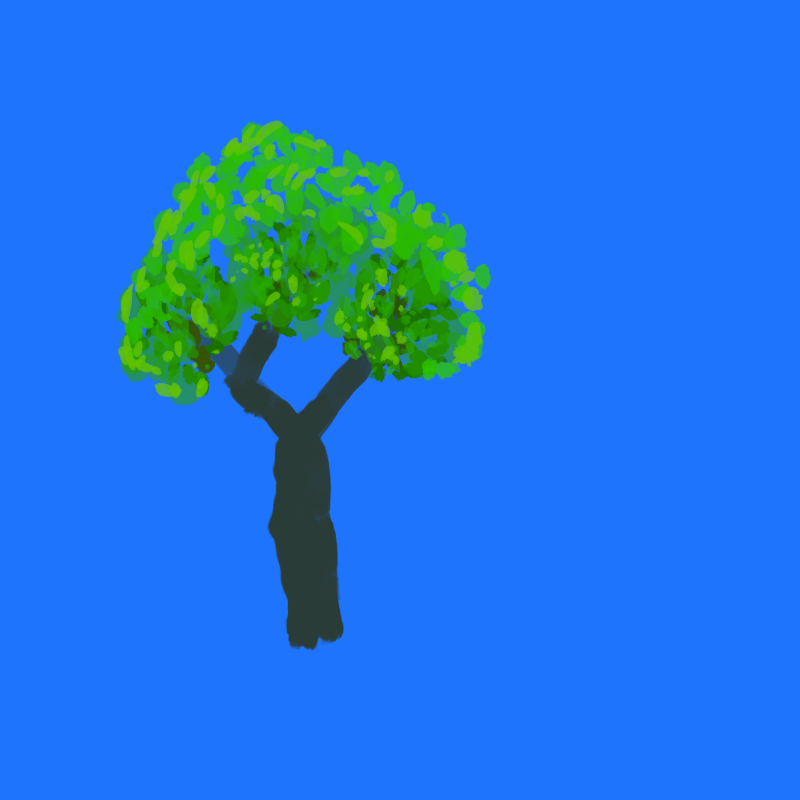
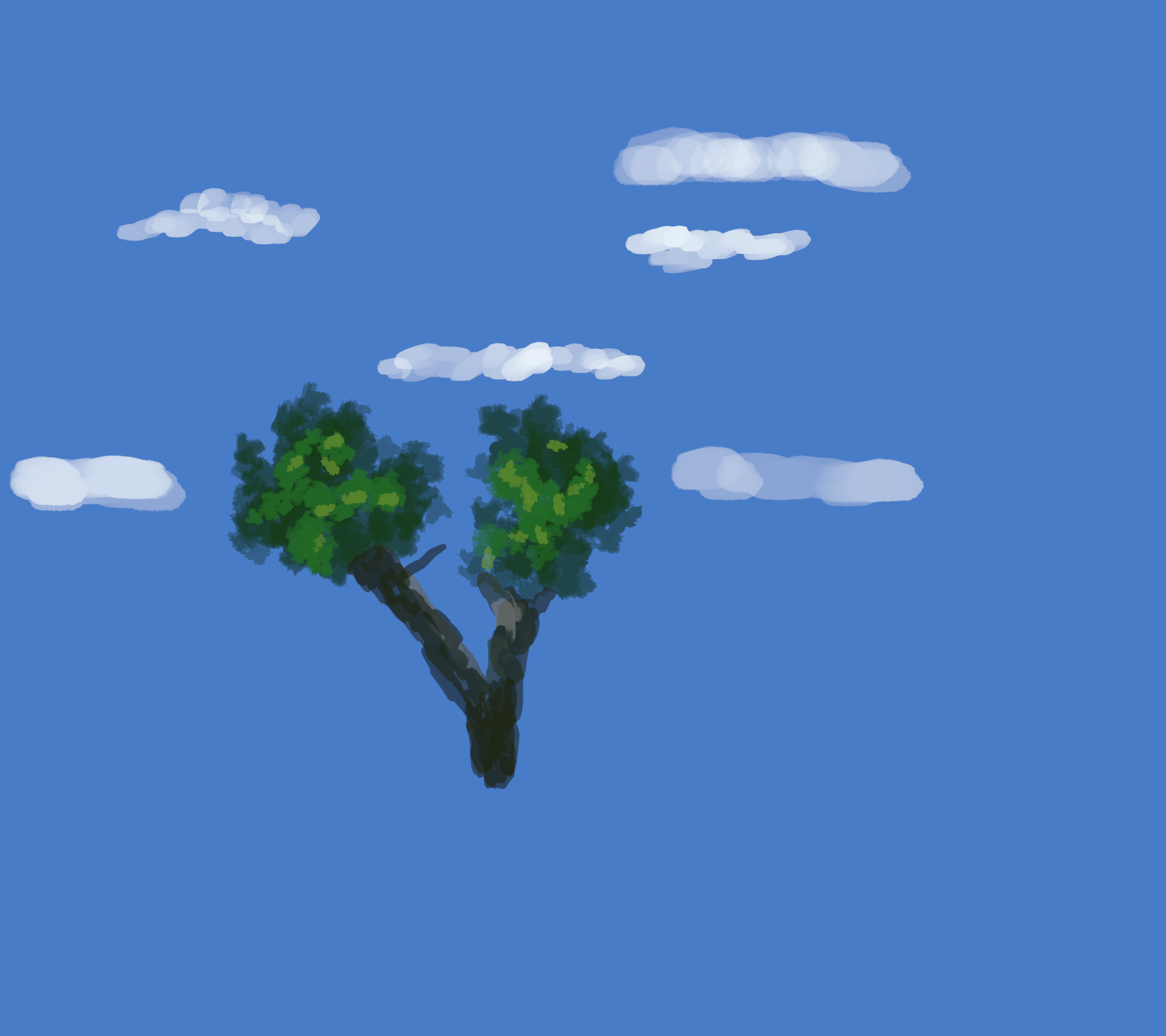
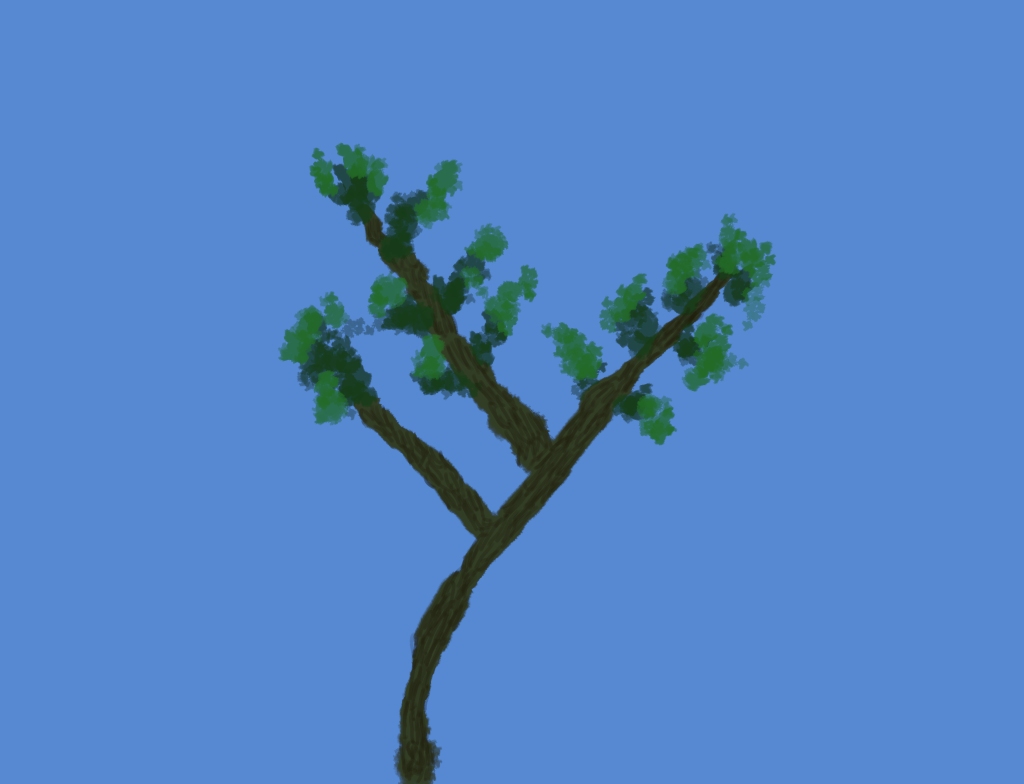
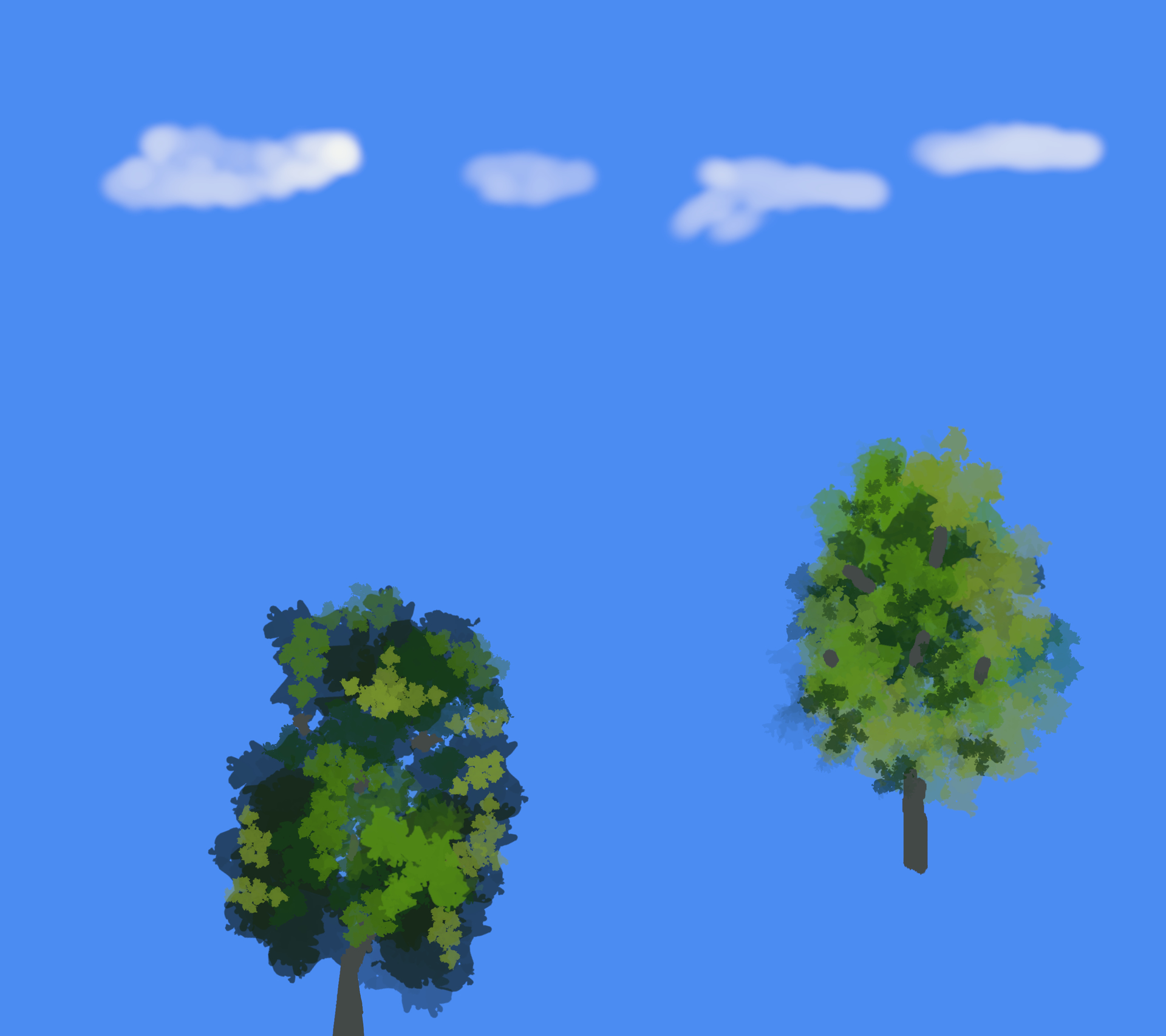
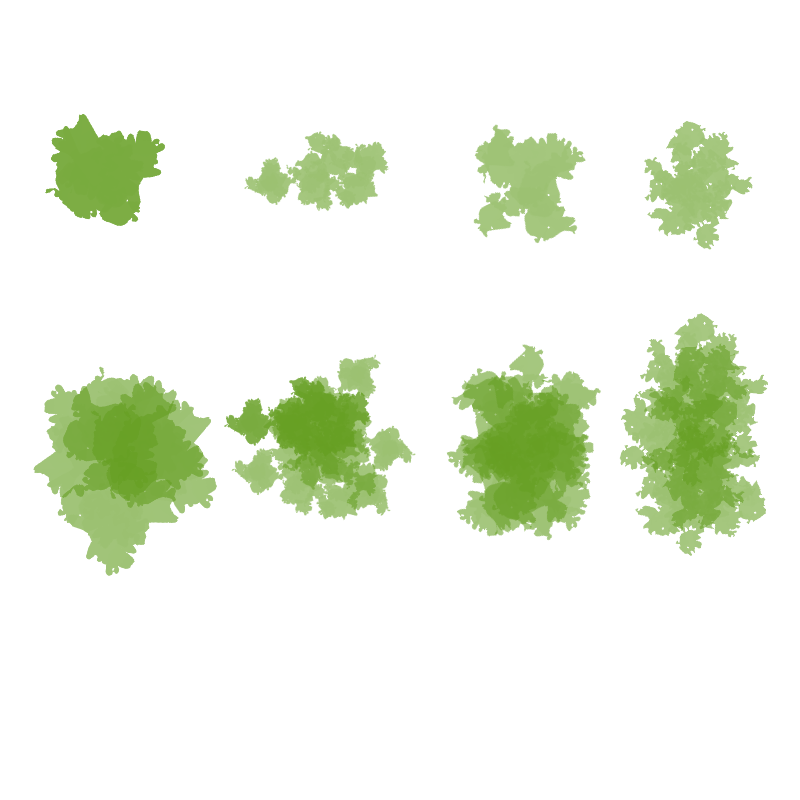
I found an easy way to mimic tree leaf’s. This is version 1.0 you are welcome to it.
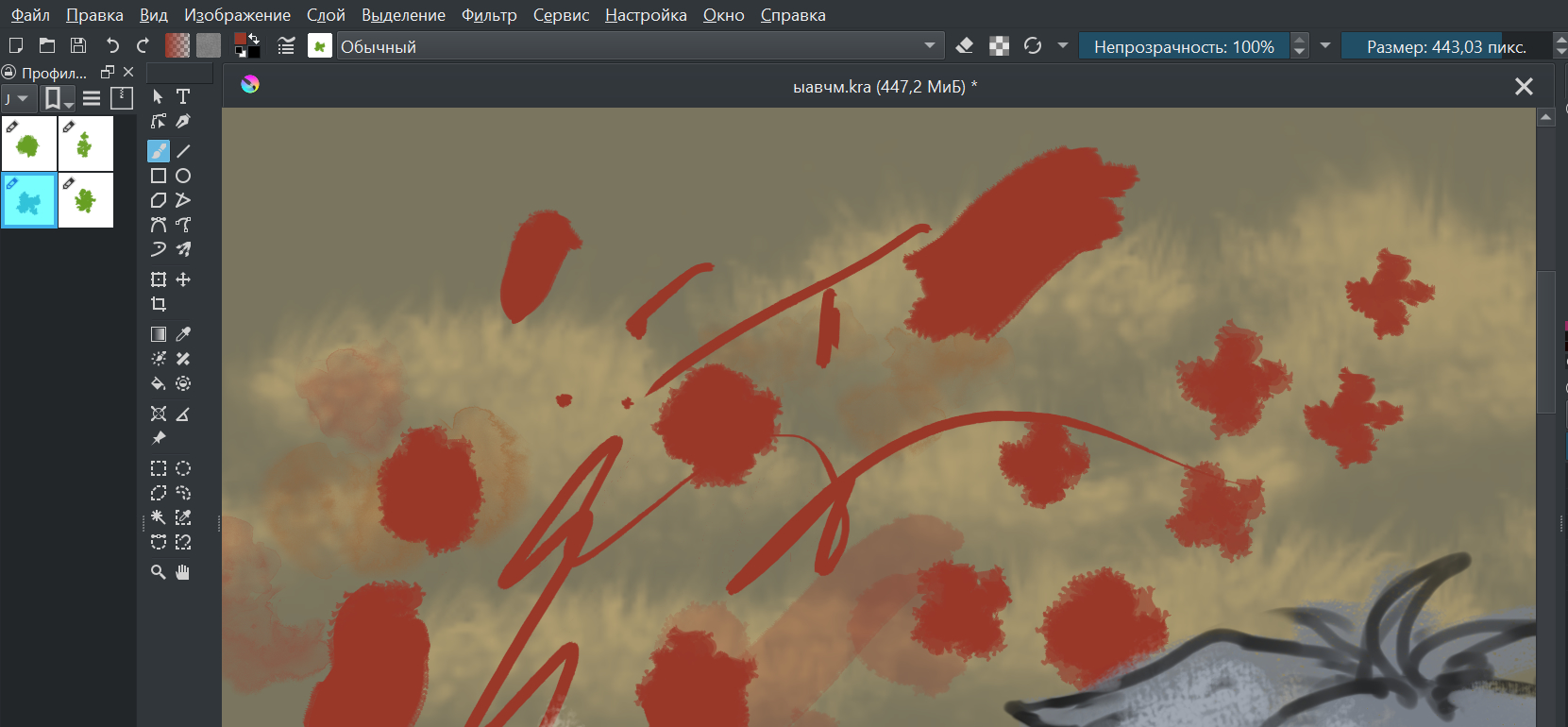
Included are four very useful brushes.
Heer is the download link.
I found an easy way to mimic tree leaf’s. This is version 1.0 you are welcome to it.
Included are four very useful brushes.
Heer is the download link.
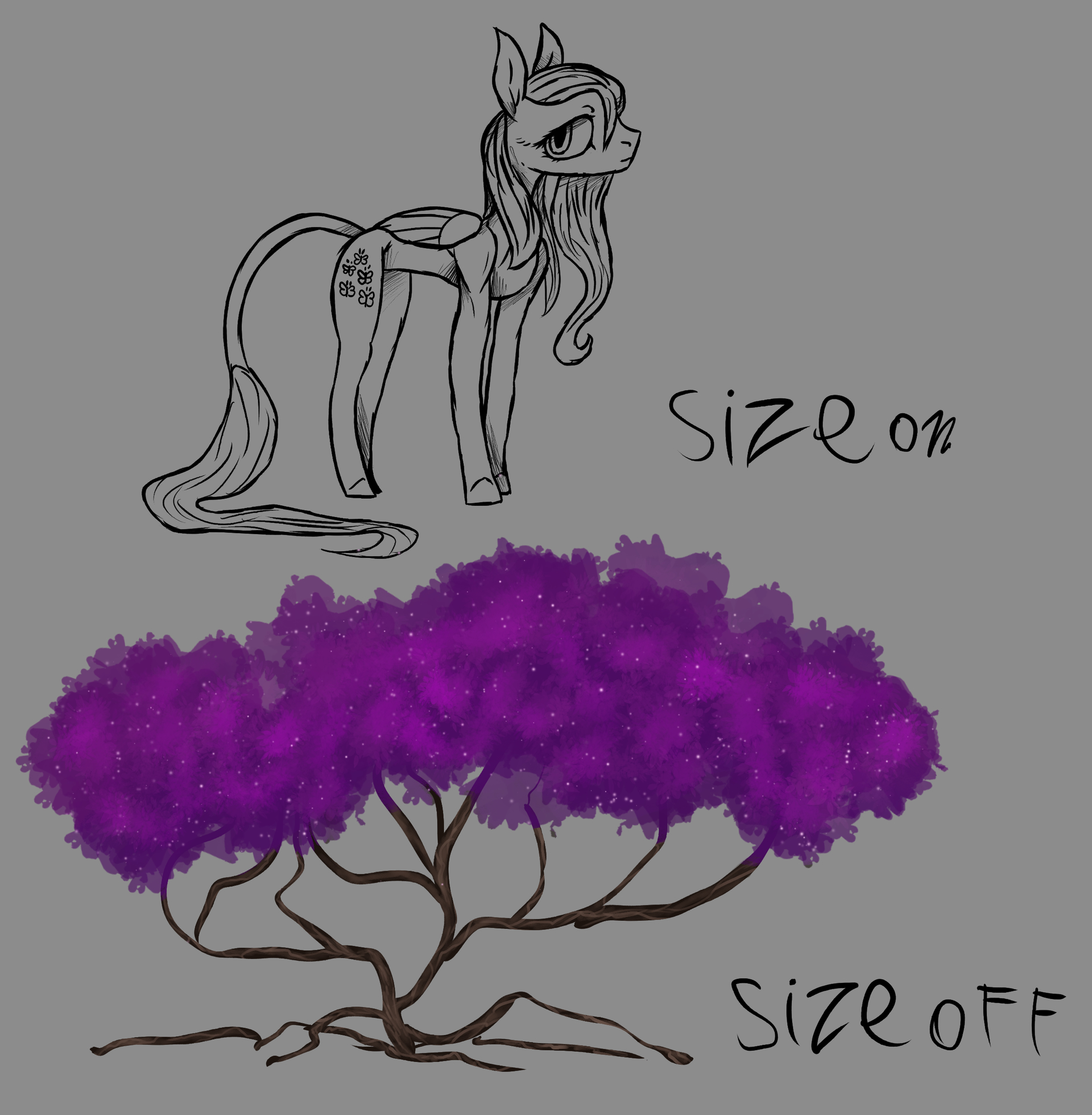
If you turn size off you get nice blotches that stack up easer. Different settings make different effects.
Thank you for sharing this!! Very generous of you. 
You are welcome!
How i made the brush shapes. I painted a few blotches with my brush. I then used the magic wand on a low setting. I copied the shape to the clip board and and imported it to a brush that rotated. You can get allot of real paint type brushes this way. Thank you all for the views. Peace and love.
The Download Arow will give you the bundle file. press F5 to change the brush settings. I like it with size turned off.
 what should i do? when i try to draw like u it looks so ugh
They are used dab by dab, not strokewise as if you would paint your door. And if you use them that way, then they are a good addition in your toolbox.
Michelist
i go to the brush setting and turn the size option off and i dab them using my mouse pad or drawing pad and pen i wiggle my finger and tap them out.
i got it thanks i just think it will be workin in another way anyway thank u for the answer !!!