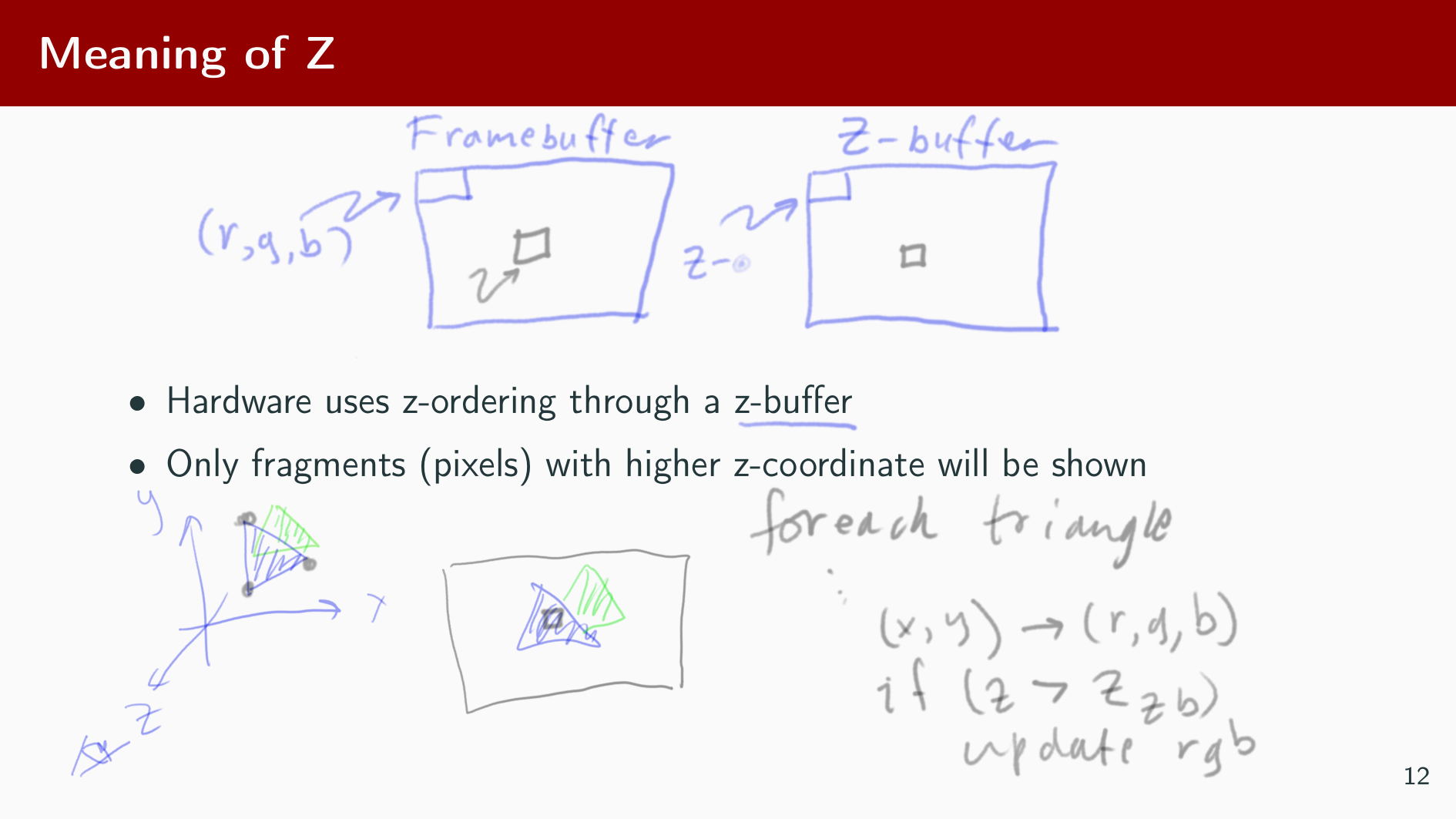
I’d like to present a small project that I have been working on, Krisenter for showing pdf slide shows within Krita. When giving my last talk I was frustrated by the limitations of the annotations tools that I was using, and thought that there must be a better way. And what can be better than Krita?
Here’s a screenshot and the link to the github repo:
Didn’t tested yet, just took a look about installation, it seems complicated…
Why 3 plugins?
I mean, why you need to install Next and Previous action as plugins??
All 3 actions could be implemented in main Krisenter.createActions() class
Also, I’ve a doubt with pip.
I think installed pip libraries (or in larger way, all libraries installed in system like PIL) aren’t available to Krita scripting running from an Appimage
Concerning what the plugin can do:
Still, it offers a way of interacting with pdf presentations in a way that no other tool that I’m aware of does.
I’m curious about what functionalities plugin provides and other tool don’t have
If you can provide more explanation about this
I wanted to add keybindings for NextSlide and PrevSlide and the only way that I found was by creating a plugin and an an action for of them. Is there another way? it possible for a plugin to provide more than one keybinding that tie to different actions? I couldn’t find that in the documentation.
Yeah, the installation is hackish. I haven’t found (and I didn’t look hard) for a proper way of installing a plugin.
Not sure what you mean by “all libraries installed in system like PIL) aren’t available to Krita scripting running from an Appimage”. Python, either embedded or standalone, can find any library that you point it to through its sys.path. Either by installing it to the default python environment, or by setting up the environment variable PYTHONPATH. My guess is that you are refering to installation in a non-Linux environment, where Krita comes with its own python bundle. In Linux all you need to do is export PYTHONPATH=... to wherever pip installs the libraries to. As I said, I haven’t really thought about other environments. But even there, pip should in theory work.
Regarding the use case, when giving presentations, either Live or by Zoom, I like to draw on top of them with a stylus on my wacom tablet. On Linux, the only tool available for viewing pdf with pen support is xournal (and xournalpp), which is very limited. During my last presentation I therefore tried using xodo under Windows. But I found there was no fast way of changing the color of the pen. Having used krita for “pure” white-board presentations, I looked for a way of combining the two, and the result was Krisenter.
The method is quite simple (and you script shell to the job)
The complicated part is relative to:
The third plugin installation (but it seems you’ve fixed it )
The external dependencies
You can be sure that if you have external dependencies, it will be very hard for user to do all action
Example:
Install the dependent python packages, e.g. with pip.
pikeqdf
poppler
Ok but how?
First you have to install pip, most user don’t even know what is pip…
After, to use pip you just provide list of dependencies to install
I know that I have to use pip3 to do the install.
But most of user are already lost before that…
I don’t even think about windows users
I’m a Linux user, I’m refering to a Linux installation
For example, on my Debian, using python in a terminal:
As you can see, python version is not the same.
PATH is not the same (refer to appimage “sandbox” - not sure about the exact term)
PIL library is not available, because library is not embedded in appimage
So, now trying to add system path to Krita python environment:
for addedPath in ('/home/grum/Travail/Dev/Sources/Python/Projects/mtui', '/usr/lib/python37.zip', '/usr/lib/python3.7', '/usr/lib/python3.7/lib-dynload', '/home/grum/.local/lib/python3.7/site-packages', '/usr/local/lib/python3.7/dist-packages', '/usr/lib/python3/dist-packages'):
   sys.path.append(addedPath)
Import of PIL return another error:
ImportError: cannot import name '_imaging' from 'PIL' (/usr/lib/python3/dist-packages/PIL/__init__.py)

In file: /usr/lib/python3/dist-packages/PIL/Image.py
In function: <module> at line: 94. Line with error:
from . import _imaging as core
I can try to take a look about why I have this message.
Maybe the library of python 3.7 can’t be loaded with python 3.8
Maybe problem is juste relative to path…
But doing it will be time consuming
Maybe doing setup of PYTHONPATH can help to solve it but currently, it’s vert hard to be able to use the plugin for people working with appimage…
I see your probem with the AppImage. This is one of the reasons why I prefer to use system packages than containers, even if it sometimes require more tinkering, and sometimes things break because of dependency conflict. Any container is a bit of a walled garden, and it limits my freedom as a developer.
Eric Raymond (a famous free software developer) once said: “Every good work of software starts by scratching a developer’s personal itch.”. And this is basically what I did with Krisenter. Perhaps it is not useful for anybody else, perhaps it will cause someone else to pick up the glove and cause future appimages contain the needed third party libraries. Perhaps I will have a look at it one day.
What is the Qt bug in 5.12, btw? I’m using Fedora 33, with Qt-5.15. I wonder if I’m suffering from it too? How is it manifested in Krita?
The appimage is the official Krita version, and it’s not only my problem but the problem of practically all people that use Krita under Linux I think.
On my side, the appimage is the only way to ensure that everything is working fine for me and for others.
All my plugins are unable to run with Krita installed on my Debian, because python on my Debian is still Python 3.7
And all my plugins require Python 3.8 to work.
I prefer to loose a little bit of freedom than being the only one able to use my plugin
I think @halla will be best placed than me to explain why currently Qt 5.15 is not used for Krita, and why Krita use a patched Qt 5.12
I just had a look at the appimage and tried to figure out how to add additional python modules by pip to it, and it isn’t trivial.
One way that came to my mind would be to add a --pip option to krita and then do “krita --pip install PIL” which would add the package somewhere in a user path, e.g. /home/user/.local/share/krita/lib/python3.8/site_packages . This would need to be done manually by the user before doing the import plugin from zip.
Another option would be to add a python executable to the appimage /usr/bin path, which you could then access through os.system() or subprocess, and through which you can run “pip install…”.
With the latter approach it would be possible to extend the zip format used for plugins and add a DEPENDENCY file that lists the dependent python packages. The zip installer would then call python -m pip install PIL which would do the installation to the user directory.
The problem is that pip doesn’t can not work from an embedded context, so you can’t use it from within the embedded python in krita.
One of the advantages of python is the huge amount of external modules, and by the current use of an appimage you’re throwing all of that out the window. My small plugin krisenter examplifies that. As a python programmer working on images, and not being able to use numpy, or PIL, or matplotlib, or pandas, etc, is for me a crippled python environment.
Anyhow, I’m getting carried away. Where would be a good place to raise these ideas about having a plugin declare its dependencies?
That’s clear that numpy could be interesting.
After having thousand of libraries loaded by plugins may not be a good thing
Yes.
But the priority in Krita is not to provide a full development environment, but to provide stable and cross-platform painting software
Especially in Linux, some of distro provide buggy Krita because all dependencies are not installed by default when installing Krita, or are installed with wrong dependencies version… appimage allows to ensure that you have all the right dependencies available on system, whatever the distro is based on (debian, red hat, arch linux, …)
I think just carrying the dependencies in alongside the plugin to be the best, most people will be lost trying to do a pip install of the dependencies on a custom folder for krita.
I have to checkout your plugin but by what you said you might need to explain how to do a install properly.
I know people that are great artists but downloading from GitHub is already a complicated thing to do already.
For mine I just ported or adapted the code or recreated stuff from scratch, but your case will have versioning which will be worse. Math does not have versioning.
Also the more dependencies you place the slower things will become inside Krita. Integrating them in your code speeds things alot.
I think just carrying the dependencies in alongside the plugin to be the best,
Unfortunately that is not possible with binary python modules.
Also the more dependencies you place the slower things will become inside Krita. Integrating them in your code speeds things alot.
Sorry. I can’t see how that could be true. The more plugins you have the larger is the RAM footprint of Krita, but code that is not run does not slow anything down.
Regarding your comment about custom python path. That may or may not work with binary modules depending on the python versions. This is exactly what I referenced in my comment about providing a python executable in the appimage, to make sure that you pip install the correct version.
After having thousand of libraries loaded by plugins may not be a good thing
That’s simply reuse, and is no different from what is done e.g. by npm in the web world. Or or opening a command shell and having thousands of command line tools at your finger tips.
I’m working for a company who have python integrated into a large machine controlling system, and our use of python goes much deeper than it’s use in Krita. The number of packages used by our python script is really the least of our worries. .
I see lots of potential use for python for Krita for end users, from everything from AI and super resolution, to doing GMIC like modifications of the image. I therefore think it is a shame that third party python library use is discouraged instead of changing the infrastructure to accomodate it.
I think Python scripting is relatively recent in Krita, and it’s currently not in the main software priorities (even if some small improvement are made on API)
I think they currently have some problems with python and windows (if I remember well, too lazy tonight to search in forum)
Changing the infrastructure might be a huge workload I think.
There’s only 9 full time developers on Krita (in the last 2 years I think), they can’t do everything.
You don’t imagine all features requests that are asked here, from the simplest to the most complex.
Team have some priorities and on my side, even if I wish to see the scripting part improved, I clearly understand that priority is to improve or implement functionnalities that can be directly used by artists than developing scripting part for a real minority of users.



 )
)