i am stuck with local resource brushes, since i cant figure out how to fix my problem. I was looking at different workspace options and brush presents and somehow i deleted krita 4 presents. they are even gone completely fro the manage recource section… ive deleted and reinstalled krita 8 times and looked up tutorials, but i cannot fix my problem. i looked at my comuter files too i just want to get rid of the program entirely and redownload it and… i dont even know how to do that.
Did you remove the resource folder?
Folder is located depending on your operating system here:
i don’t really understand how to check?
 Hello @i-probably-need-help, and welcome to the forum!
And the helpers-sure-need-more-information!
Which version of Krita are you currently using and your operating system, you also have to tell us so that we can help you effectively.
Reinstalling Krita only installs the software again, not the resources. The resources, such as brushes, and Krita’s settings files are never overwritten or uninstalled, so as not to lose resources or adjustments to Krita’s settings and user interface during an update. These files are located in other directories, as you can partly see in the manual chapter linked by @Lesqwe56.
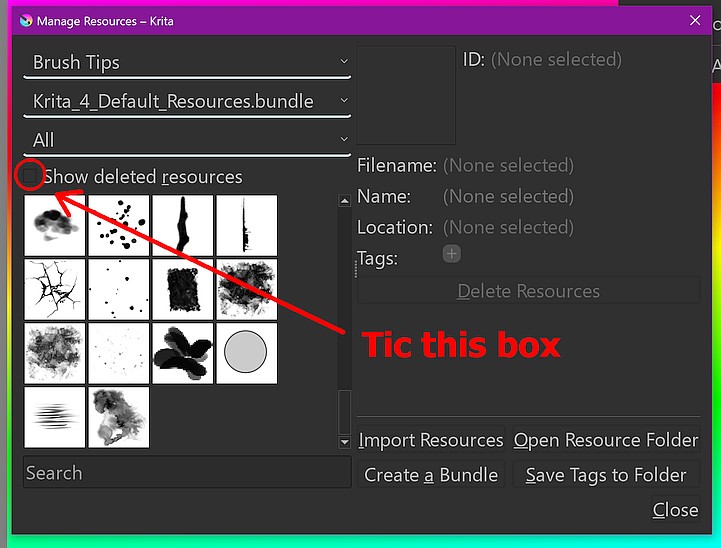
If you have uninstalled the bundles from Krita, you can reinstall/undelete them via ‘‘Settings’’ >> ‘‘Manage Resources…’’ after selecting ‘‘Show Deleted Resources’’.
A tip on the side, whenever you have questions about Krita, you just have to press F1 in Krita to call up the help.
Michelist
Edit: Okay, I see, operating system is Windows.
1 Like
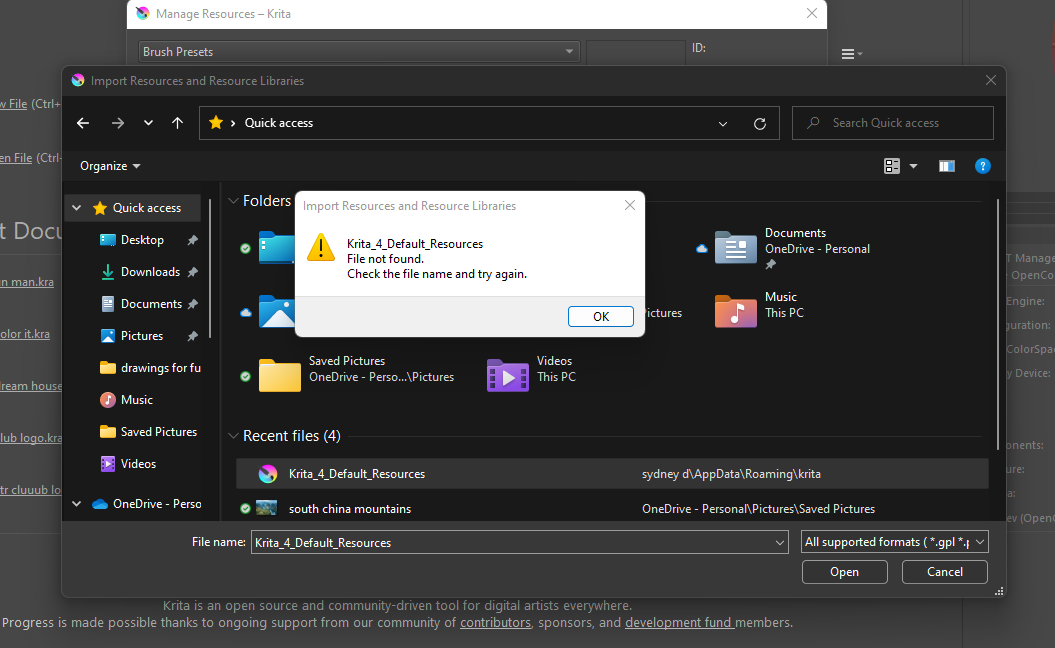
when i checked that box it didnt show up in the top picture im trying to import
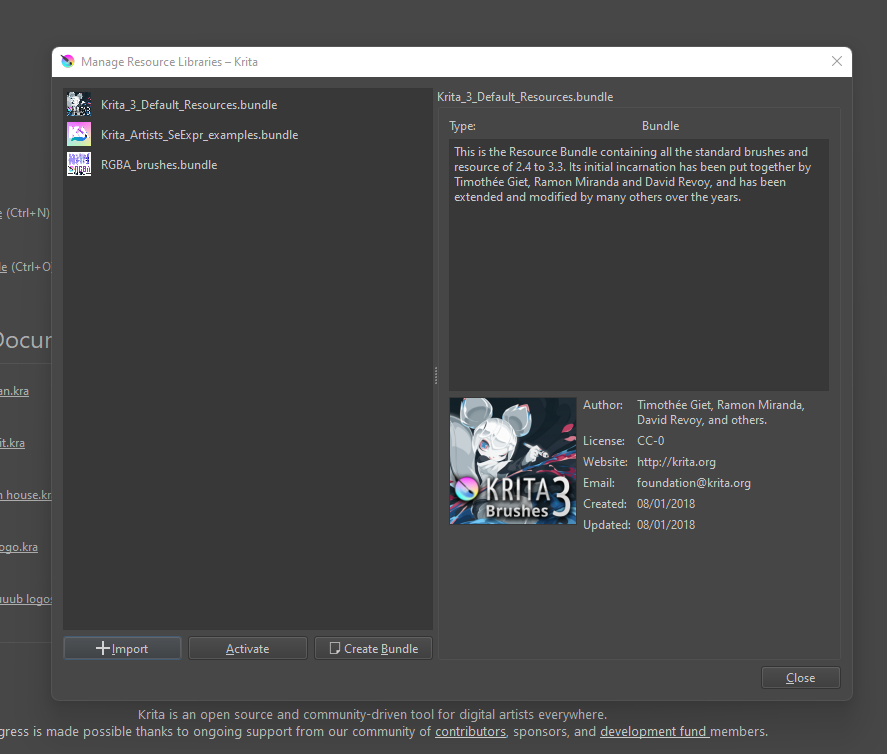
this one is just an extra to try and help the problem i did also read the link from the other user but maybe im missing something?
nothing shows when i click the deleted recources again
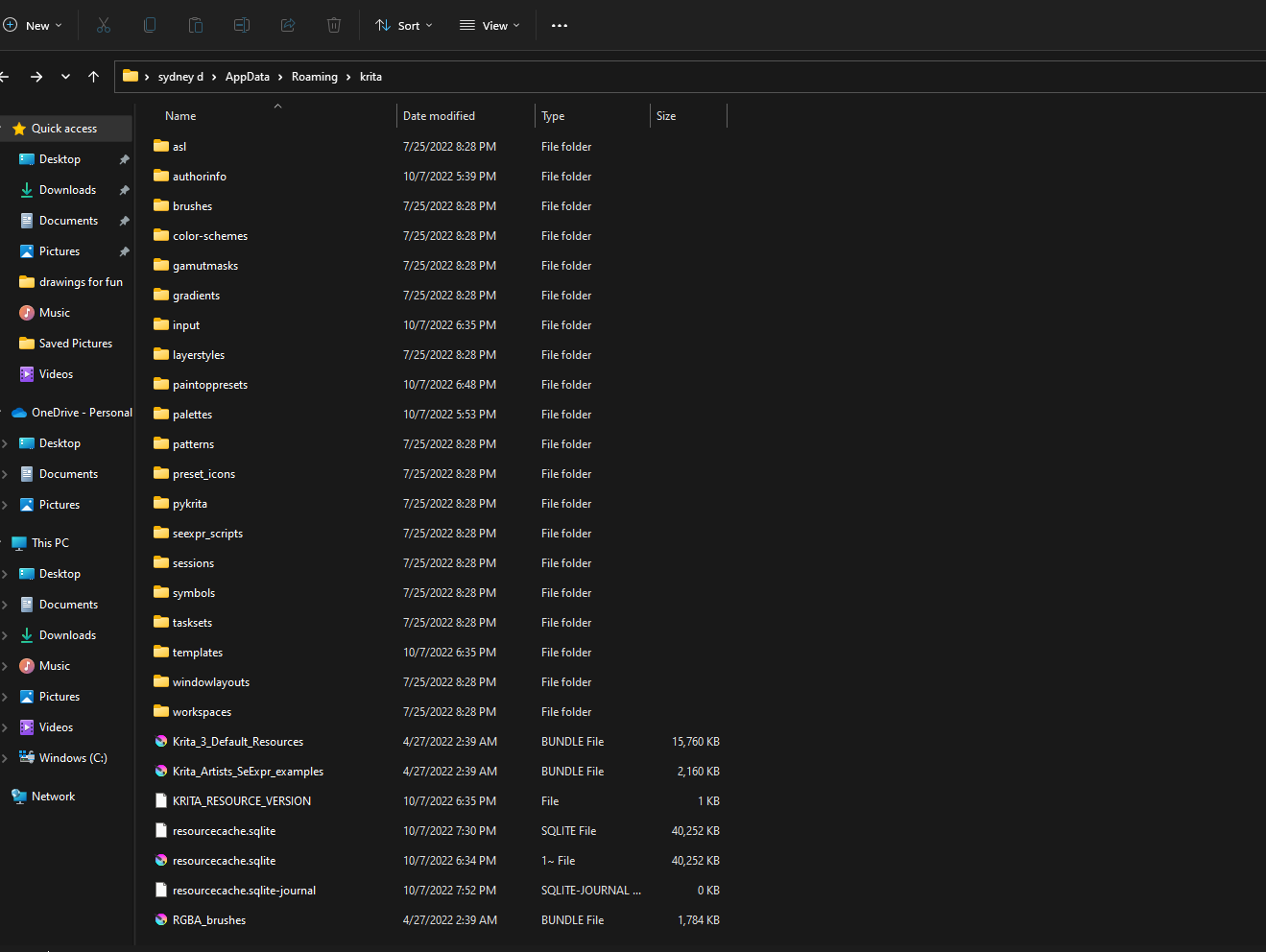
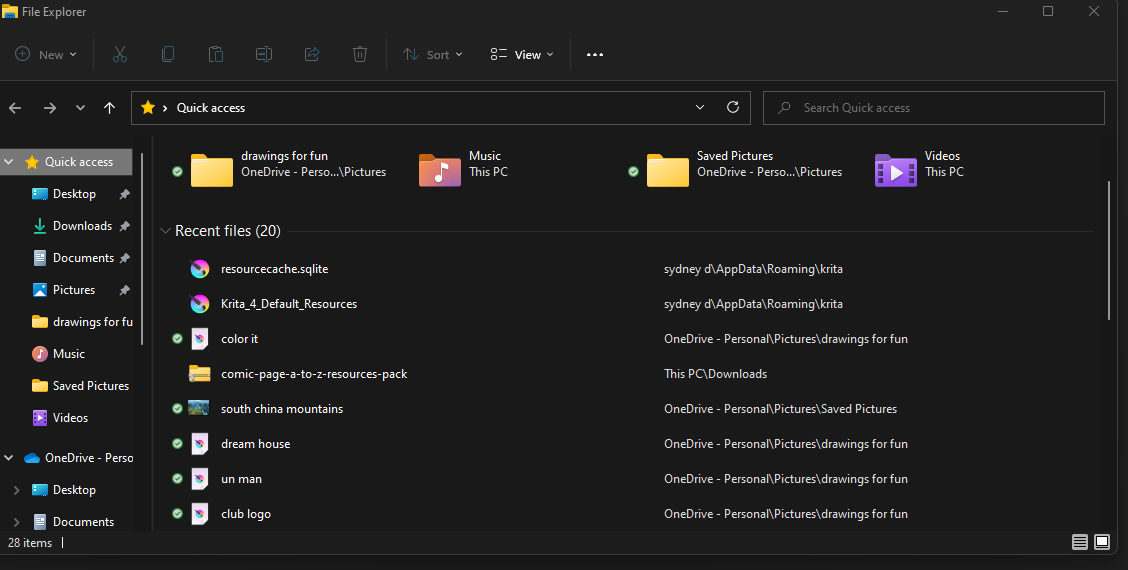
its not even in the kritafiles but its in my quick access section… i did try to move it, there wasnt an option
You have deactivated your bundles.
In your second screenshot, you have to click on a bundle, and then you have to click on activate. And you have to do it for every of the 3 bundles in that screenshot.
Michelist
1 Like
so those are now activated but there is no option for “4” that is the one ive been using all this time
Thanks for helping by the way!!
ive deleted and reinstalled krita 8 times
In Windows, apps are removed by choosing uninstall from the Windows Control Panel. Is that how you “deleted” Krita or did you manually delete files from your computer in an effort to remove it?
There’s missing krita 4 bundle here, so you need to regenerate the resource.
Close krita, remove everything in this folder in your screenshot, then start krita, it will regenerate a new one.
Note that all custom resource and tags will be lost.
Edit: Or just download @Michelist provided krita 4 bundle below.
1 Like
In case you have physically deleted it from Krita’s installation-folders (not the resource-folders), you can download that bundle from here and import it via ‘‘Settings’’ >> ‘‘Manage Resource Libraries…’’ >> ‘‘Import’’ (because Krita can’t regenerate a bundle deleted from its installation-folders)
Michelist
4 Likes
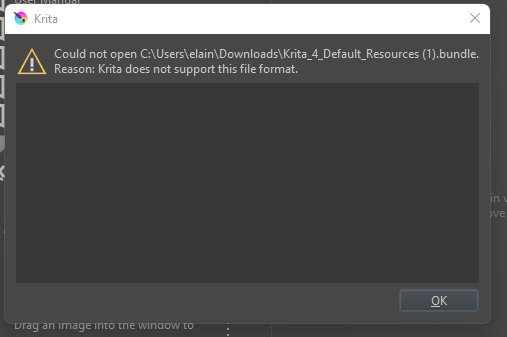
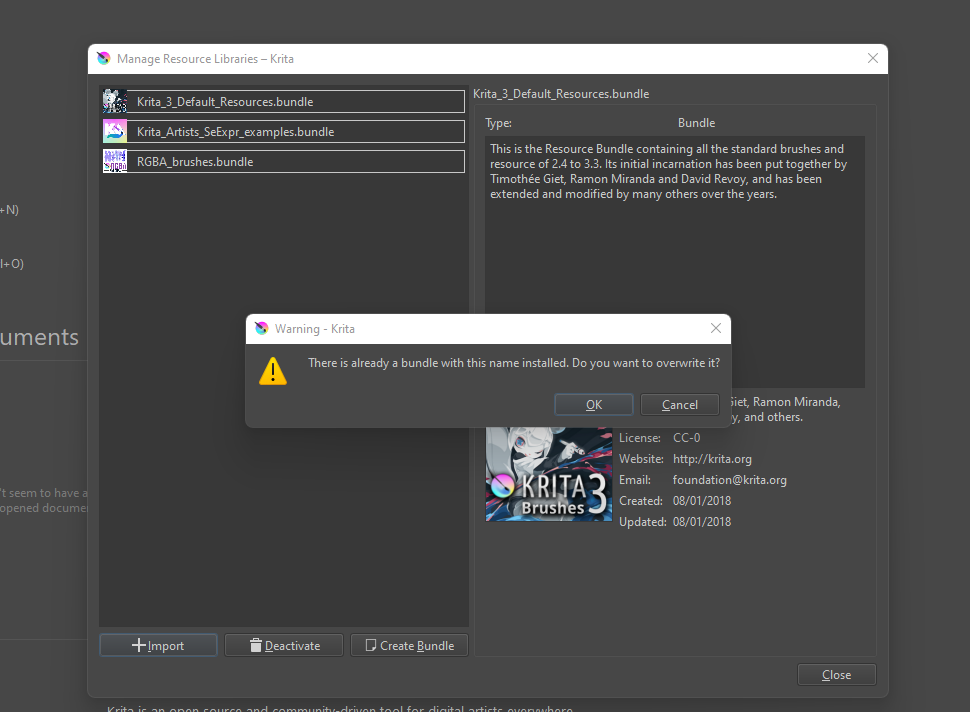
i did try that a few times in different ways before, but it told me that it already existed. it does i can see but i cant put it into krita files for some reason. and then sometimes my computer will say its an unsafe download and just not let me do it entirely.
yes i deleted the file and tried to reinstall it
If @i-probably-need-help hasn’t made any or many custom resources then I wonder if a ‘quick fix’ would be to delete the entire -/krita resources foilder then start krita to rebuild it from scratch.
Or maybe delete the resourcecache.sqlite file then run krita to rebuild that as a first attempt at rebuild.
It sounds like you have a paranoid anti-virus (or whatever security) application running.
That ufile link from @Michelist is the genuine Krita_4 Default Resources bundle.
You deleted which file?
Then I would suggest you just remove the krita resource folder ( %APPDATA%\krita\) entirely and let it generate a new one, as a quick fix.
it doesnt give me the option to delete im still looking though
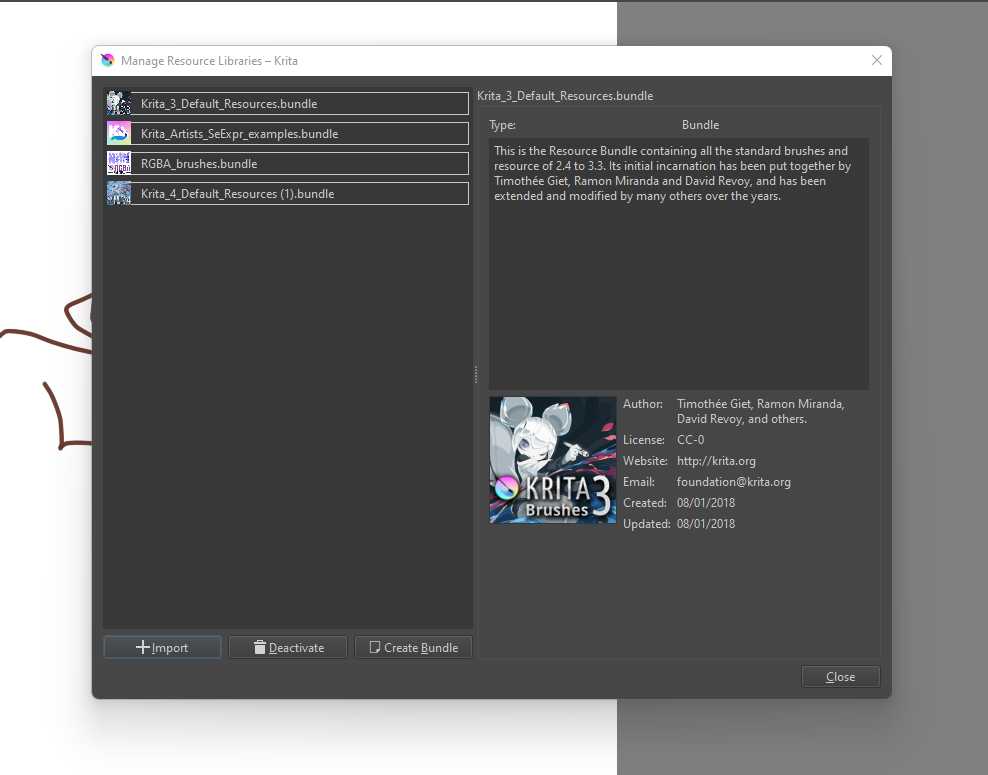
All of my drawings are gone but thats fine and its back, i dont know how but thanks to you guys for the help. i really appreciate yall for taking the time to help me.
This topic was automatically closed 15 days after the last reply. New replies are no longer allowed.