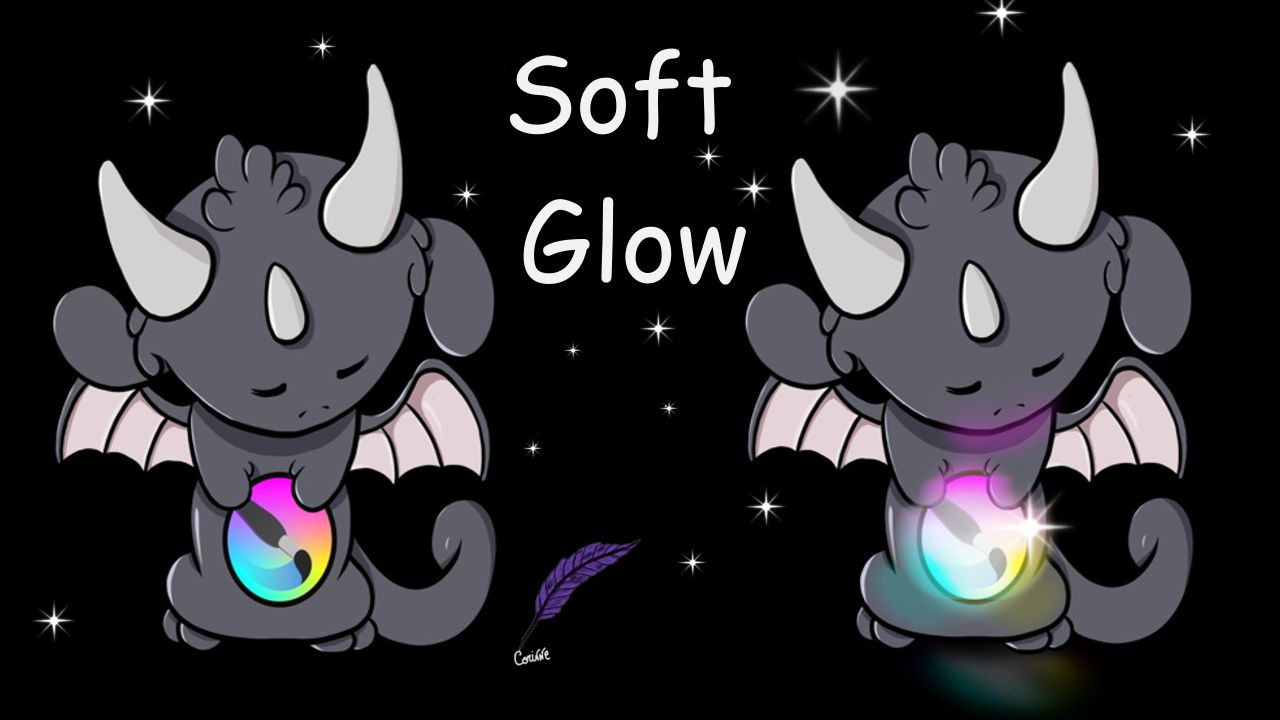
Today was a request from a very young artist who needed to know how to create a soft glow. Let me show you one way of doing it. Then, experiment yourself and see what other filters you can use. Try other layers’ blending modes and maybe modify the brightness or contrast of your image, etc. Hopefully, this video will inspire you to try and explore more possibilities. Have fun and I’ll see you next time.
What you will learn:
- How to edit a selection (modify the size).
- How to copy a selection and move it to a new layer above.
- How to use different blending modes.
- How to use different blur effects.
Chapters:
00:00 Introduction.
00:12 Selecting the logo and isolating it on a new layer.
03:57 Creating the soft glow.
08:33 Adding details.
09:58 Done.