Sous-titre en FRANCAIS!
CC in English or in French.
Hello,
It is important to protect your art when sharing it online. You can add a layer of protection by using watermarks. They are easy to use.
In Krita, we do so using the filter G’mic.
Also, at the end of the tutorial, I remind you how you should always save your work.
Just a friendly reminder! 
 … Nothing more. Have a great week creating art!
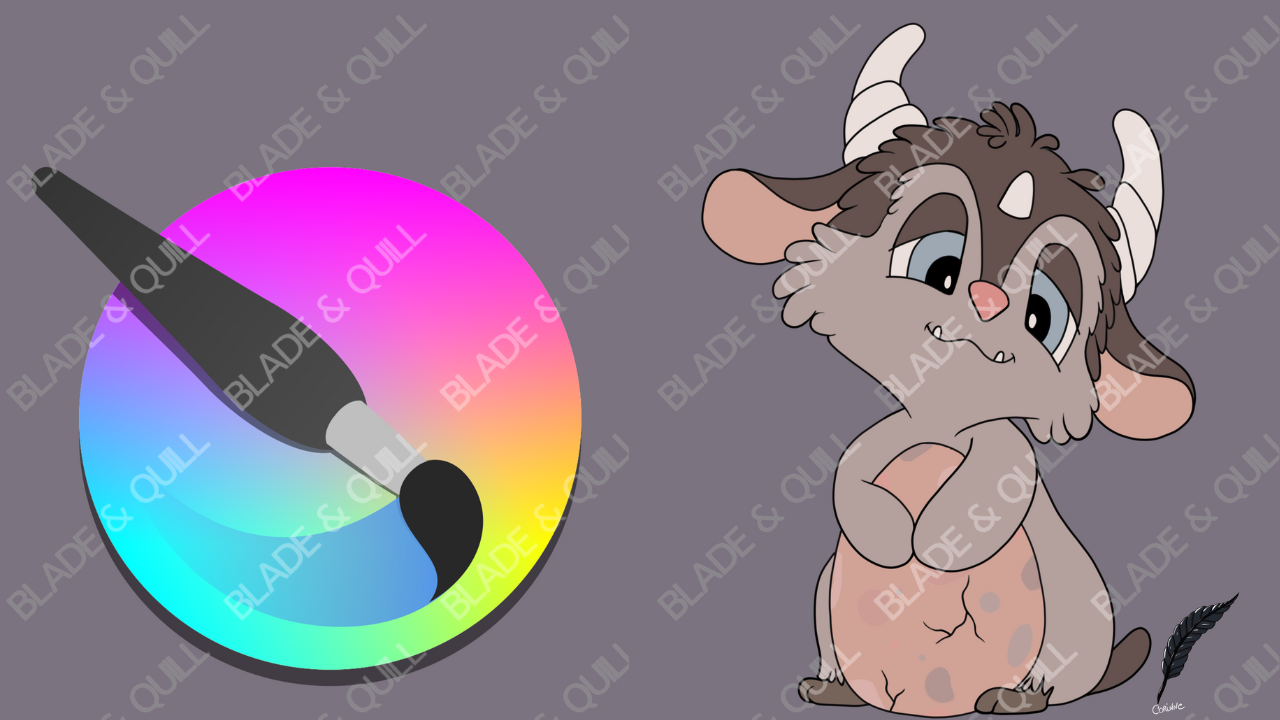
PS. My little chibi fantasy creature is protecting a dragon egg. Just in case you were wondering. 
Chapters:
00:00 Introduction
00:11 What are Watermarks
01:21 How to add Watermarks
02:51 How to make changes
03:27 Saving Twice
04:53 Conclusion