From what I can tell, it actually is…if I wiggle my hand really hard I can get over 20, but yea I set mine to 10 to get a decent control with brush curves, because realistically that’s as fast as I’ll ever move my hand in actual brush strokes.
If you make a brush preset that has an obvious property controlled by speed, you can draw at different speeds to see the effect then adjust the tablet settings Maximum Brush Speed control to suit your own idea of what a good maximum speed is for you.
I’d suggest modifying the Basic-5 Size so that it’s Size is controlled only by Speed with a straight line transfer curve from top left to bottom right.
That way, at maximum speed it would have zero size, an easily noticed thing.
Then draw with what you think are ‘fast strokes’ and see if the size goes down to zero.
If they don’t go down to zero then adjust the Maximum Brush Speed to your idea of what is good.
Thanks, I think I got it. Speed is a way to drive brush size - e.g. as an alternative to just pressure, right?
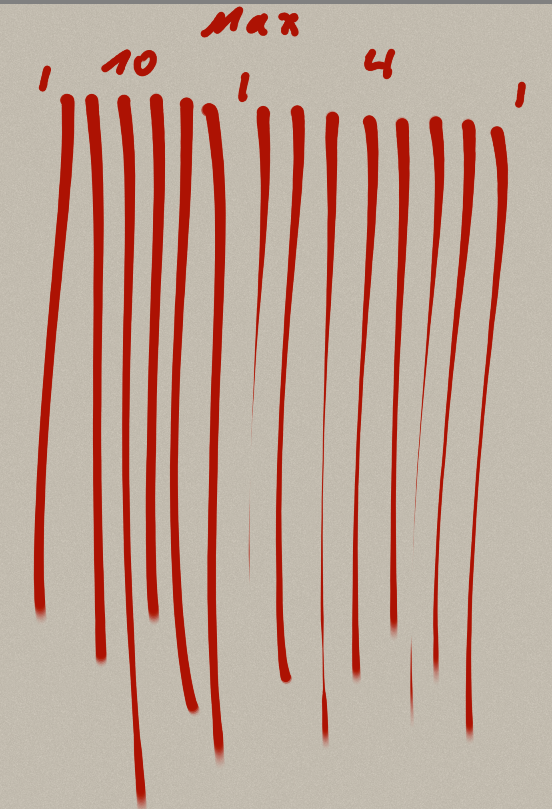
I copied a basic brush and let only speed be enabled for size.
This is a quick test with max = 10 and 4.
Is this the expected result?