Today we are releasing Krita 5.2.13! This is a bugfix release containing a number of important Android fixes, courtesy of Carsten Hartenfels, our new Android Maintainer. The release also includes a security fix that affected the work with TGA files.
When will Krita fully come up on mobile? I use it on mobile via their website apk and trust me it works well and fine, no space issue or something error it’s normal. I requested this multiple times but I hope this time it isn’t and is officially there on Google Play.
Hi @GHOSTGUY - I agree, it works well on mobile. I left Krita for Windows in July and only use it on Android now and I’m quite happy I made the switch.
You may not know that the dev team is really small (like 4 or 5 people). Android is on their radar but there are also some big projects occupying lots of time, like updating QT, the framework Krita is built on.
Here’s a search for you showing Feature Requests for the Android version. If you find one or two that most describe what you’d like to see, you can add your vote to them.
I see @sooz the team is small and all those QT updates and maintenance, it is going well and you know my problem has a straight solution of downloading the apk from the website and using it. Most likely it lanches and fixes those ui bugs other people encounter (I haven’t) and then it releases on mobile too! Thank you.
I just realised 5.2.13 has much more clear and supportive finger artist features, I can just tap and dots pop up on the canvas its awesome, krita is really doing it’s job for artists wether it’s finger artist or high end industry users, it’s the best! THANK YOU SO MUCH KRITA!!! Krita Forever!
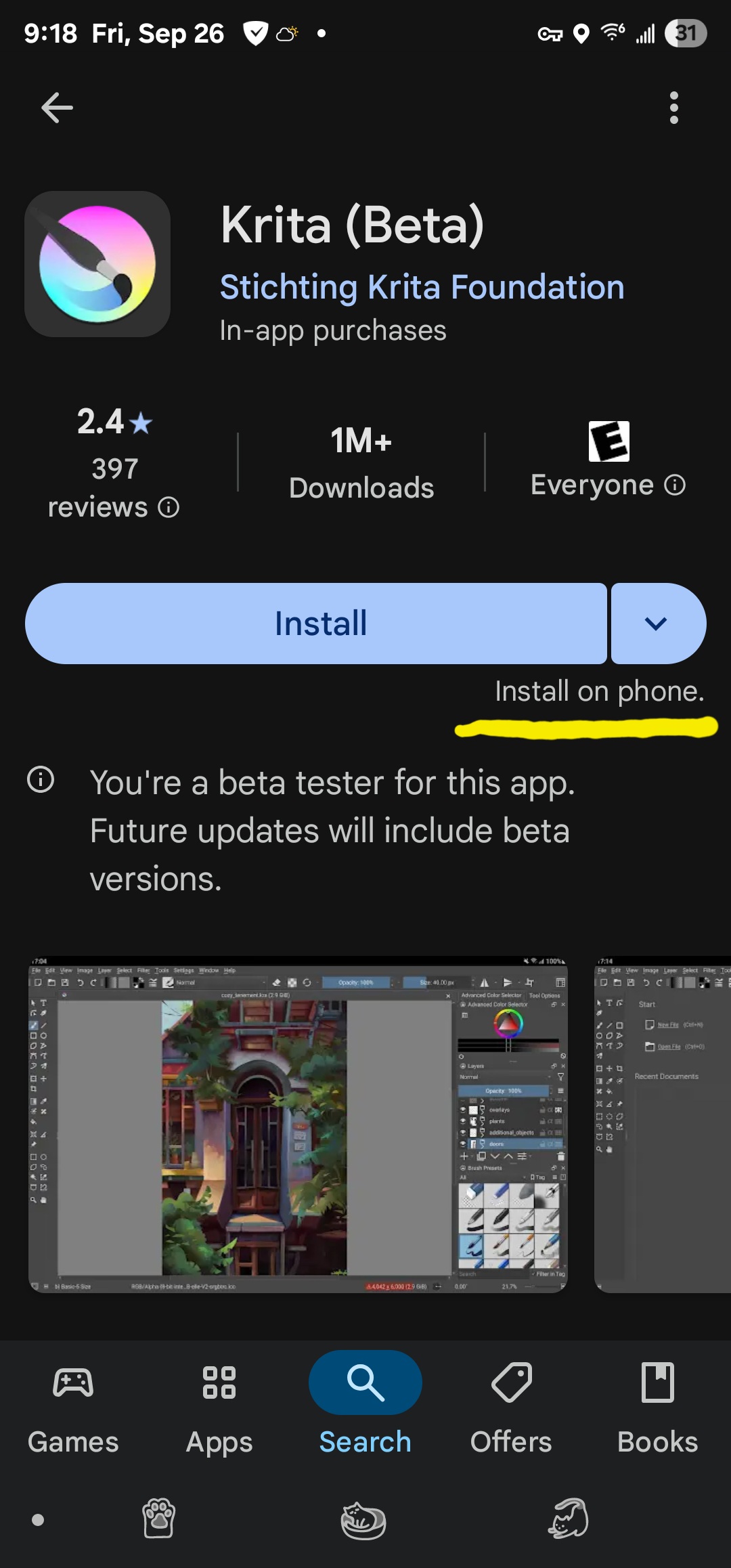
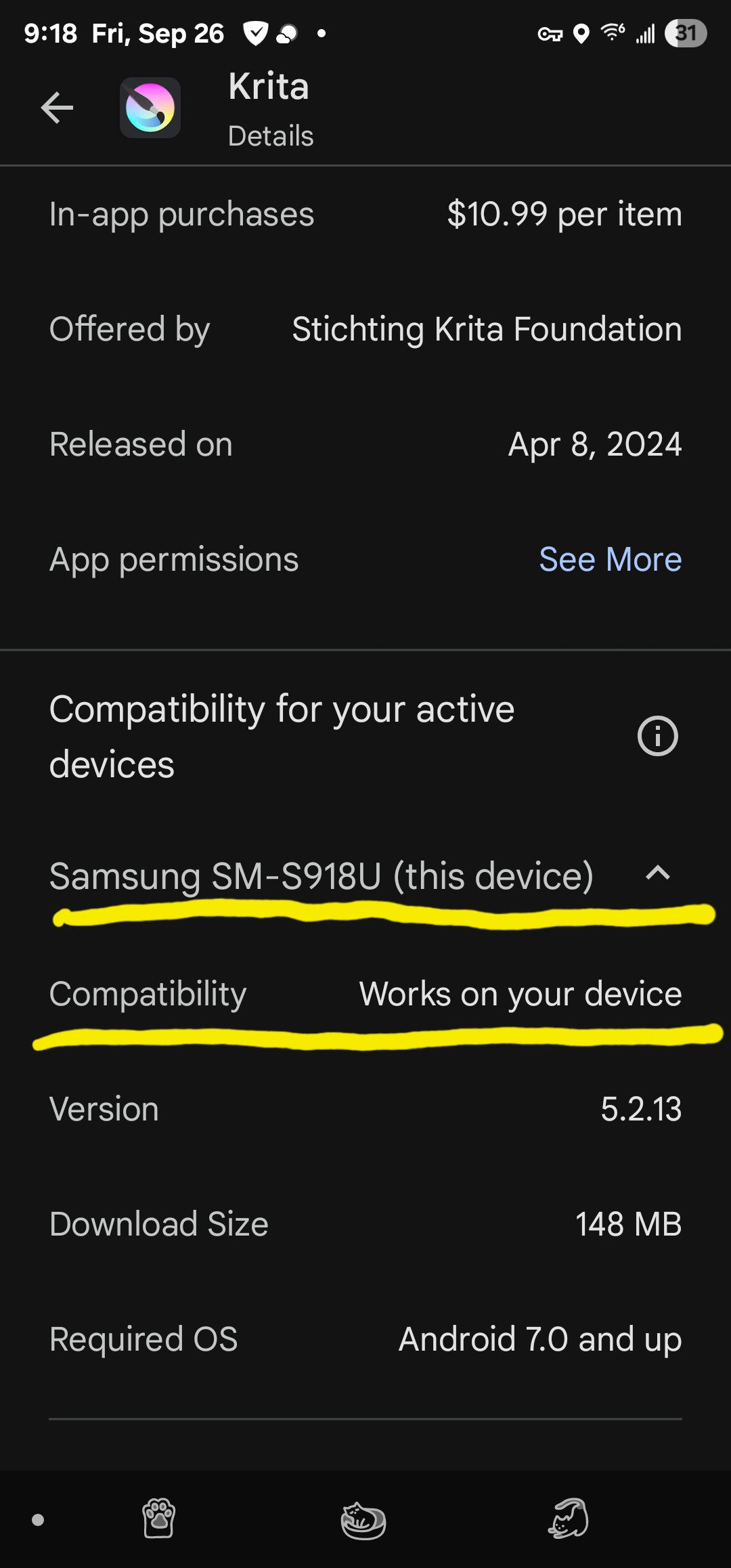
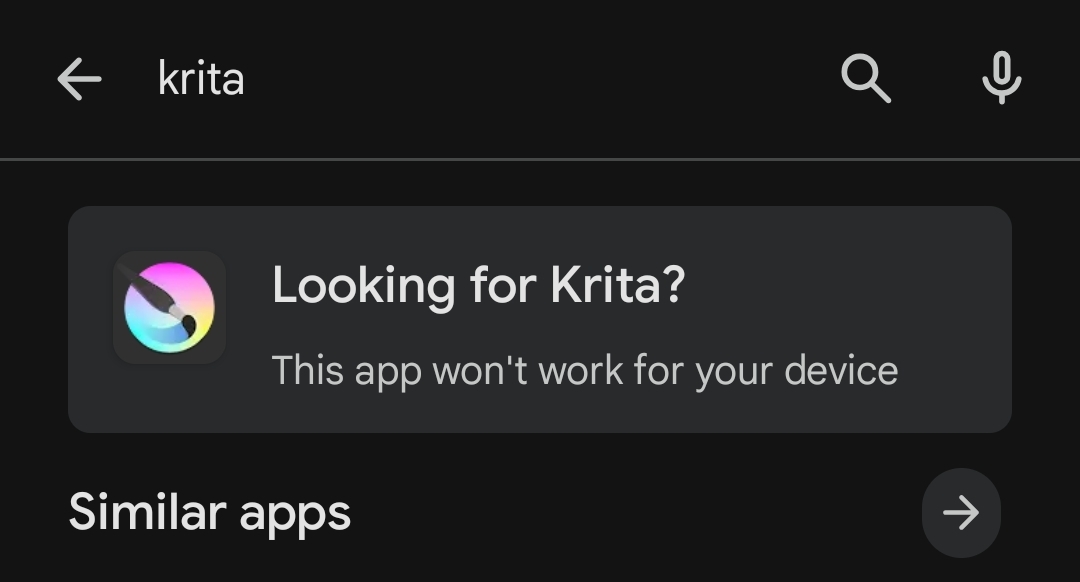
The reason it doesn’t show up on Google Play for some devices is because Krita declares itself as requiring a “large” or “xlarge” screen. Your phone considers its screen to be “normal” or “small” instead, which makes the store hide it from you.
We can’t change how your phone considers its own screen size, we can’t change that Google Play hides the application and we can’t allow smaller screens because then Google’s app review will reject it because they try to run it on a tiny screen. And even if they don’t reject it, we’d probably get many users running it on tiny screens, inundating the store listing with negative reviews, us developers with bug reports and the community with forum topics about the interface not fitting on their device.
There is some work going on to make a proper, separate mobile interface and an idea on how to make dockers foldable, which could make it possible to allow smaller screens. Until then, using the APK is the way to do it.