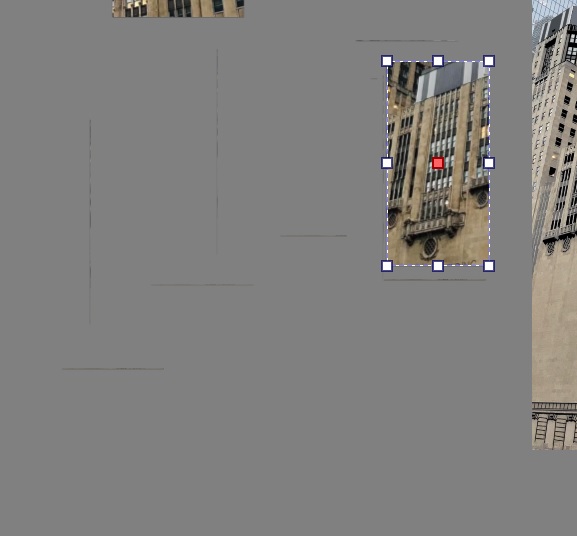
For me, this mini-window appeared with the first 5.2 beta release. I just figured it was worth mentioning as an anomaly.
1 Like
There seems to be an issue with resizing Mypaint engine brushes with the size box on top of the screen. I only have a couple of brushes, but none of them can be resized by clicking the up-down arrows.
The first click sets some random value, and then the clicking stop working. Resizing with [ and ] keys still works.
It was sad to see you call it begging, but the nightly now has a close button so the user can close this banner and this is remembered. So once you close it, it will not be shown.
2 Likes
Hi @larrycross - Sorry, I missed your question.
The option to show tool options in the toolbar rather than as a docker has been around for the last couple of years (that’s how long I’ve used Krita).
To lose the docker, the user has to manually change the setting in Configure Krita. You probably made that change one day to see what it would be like and then forgot about it.
Anything’s possible. The main thing is I learned something new. Thanks again. You’re a valuable resource! 
2 Likes
Sorry bad choice of words. How about “soliciting” lol
No issues, although the wording could be better, but your feedback was good so the devs added the close button
Popup Palette RC-1
right-click on the mouse isn’t bringing up the popup palette. What I get instead is just a small menu called Reference Image Actions. Confirmable bug or am I missing an option to change the behavior to default?
PS: right mouse button set to activate on the Canvas Input/Show Popup Widget menu
@larrycross It sounds like you have the Reference Images Tool selected in the Toolbox, not the Freehand Brush Tool.
1 Like
That’s it got it… thanks! Funny I never made the connection before. The popup only works in conjunction with the drawing tools. Correct? There’s no mention of that correlation in the user manual. Don’t know why I never noticed it before (truth be told I don’t use it that often). Every day a learning experience lol
1 Like
Unfortunately I can’t render my current animations with the old ffmpeg on this krita version
What’s the windows file location for this new internal ffmpeg?
No, it’s a ‘popup widget’ that pops up and is different for each tool depending on what’s most appropriate for the tool.
The ‘popup palette’ is appropriate for drawing/painting tools.
There are things in there that I don’t understand and won’t even try to learn
2 Likes
I’m not sure about the Windows file location but if I select any random file that isn’t ffmpeg it’ll reset to the internal one. Maybe that’ll work on Windows too.
It is stored in Krita’s bin -folder, in the installation-folder of Krita, among all other files.
Michelist
I’m noticing a weirdness with the title bar that I don’t understand. I start Krita and open my first file called comic031.kra. The title bar looks as it did in previous versions:
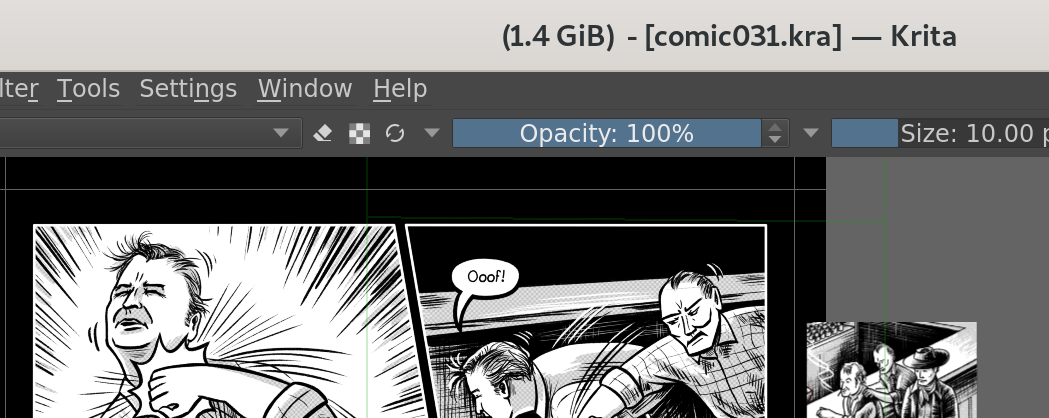
I open a second file called comic033.kra while the first file is still open, now I get the filename displayed twice. If I reproduce this step in 5.1, I still only have the name in brackets, not the name at the beginning of the line.
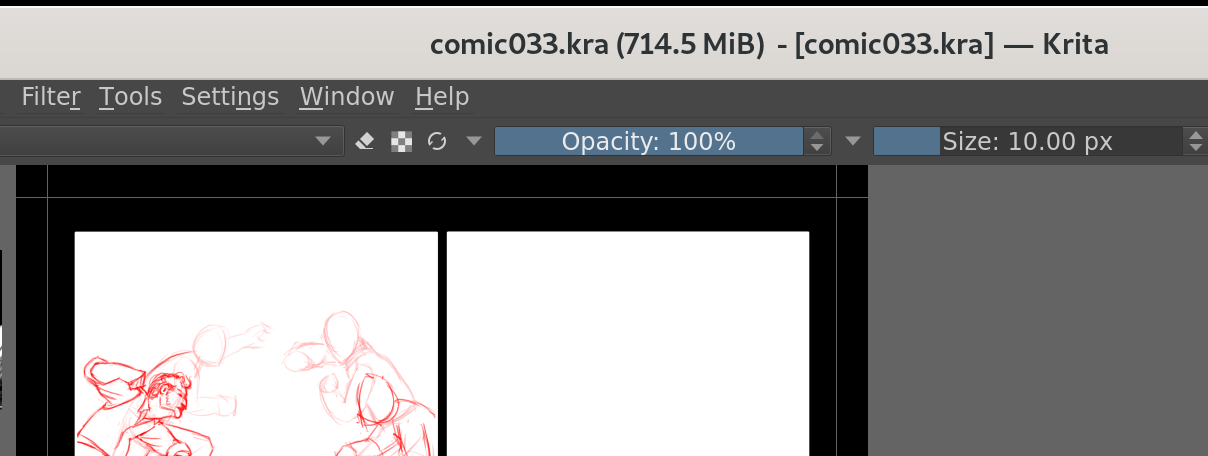
Now if I switch back to the first image, I get two different file names displayed, plus what seems like the file size of the other image:
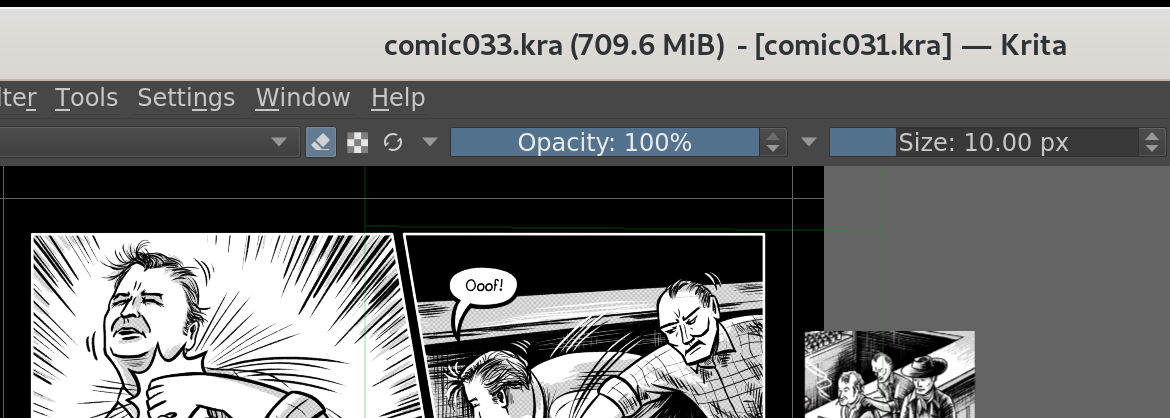
Again, in 5.1 I only get the second filename and the correct size.
Both documents have document titles set, comic031 and comic033 respectively.
If I keep opening more files, they all get comic033 as second file name, and that image’s size. Trying out other orders of opening the files, I think Krita just really likes the alphabetically last one. 
Why is it trying to display two file names in the first place? I can’t see what use that would be. I can imagine displaying the document title could be useful, which my files have set but those don’t have the .kra ending.
EDIT: I made a bug report. It’s a somewhat scary problem, since I was fearing I had been overwriting wrong files. 
2 Likes
Hoping only that file is missing, I uploaded the ffmpeg.exe used in the RC to my cloud, you can download it from here:
If that does not fix your issue, I would download the portable version of Krita’s RC and copy over its bin -folder to the one of your installation. Choose to skip existing files instead of overwriting them, this way you should get all missing files.
Here is the direct-link to the Krita 5.2 RC1:
Edit:
The RC is no longer hosted at that URL, so please go for the recent release-versions of Krita or Krita Plus and Krita Next, if you really need the RC1 I can upload the Windows setup-version to my cloud on request:
Michelist
2 Likes