No, these are two different pairs of shoes. Please report pre-alpha issues at Artists Feedback & Testing - Krita Artists, where they belong.
This thread is for finding and fixing bugs for the upcoming release. Your version 6.1 is still far from this stage of development.
My understanding is nothing has been started on 6.1 prealpha, so it seems it would be basically 6.0. The fact whether 6.1 prealpha or 6.0 beta, if no one else is having a similar issue, it is something to do with my own system. Until I know it is a everybody’s Krita issue or a issue with my personal computer, I prefer not to add a post for help or a bug report. Thank you though for guiding me to where I would need to post the issue.
Edit: So I downloaded 6.0 Beta, deleted the 6.1 prealpha and have the same issues.
I am on windows 10 and tried the portable version of krita 6.0. It shows the splash screen. Takes forever to reconstruct the appdata folder from scratch and then disappers. So it does not really boot in the end.
Did you disable all your plugins from a stable krita version before launching krita 6 ?
i’m on windows 11, krita 6 portable crashed the first time, I disable all plugins, and now it launches, but can crash sometimes when creating a new image.
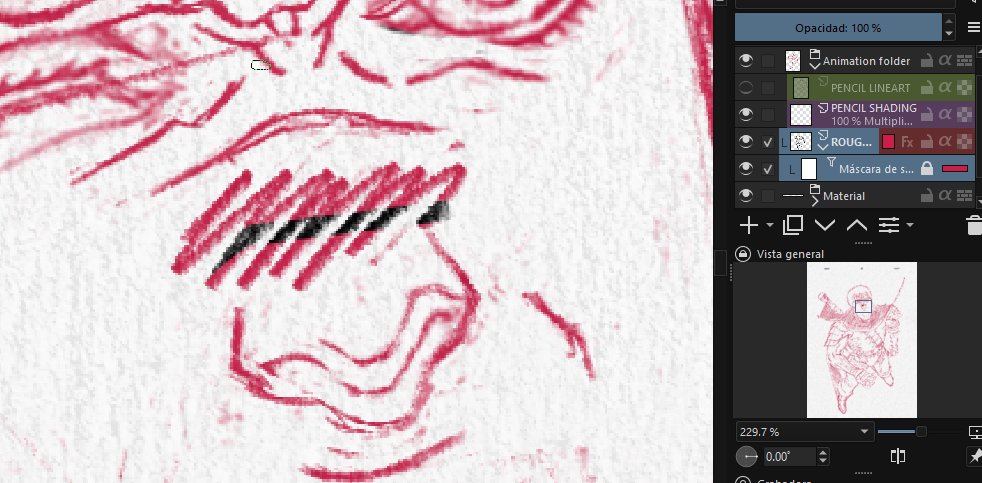
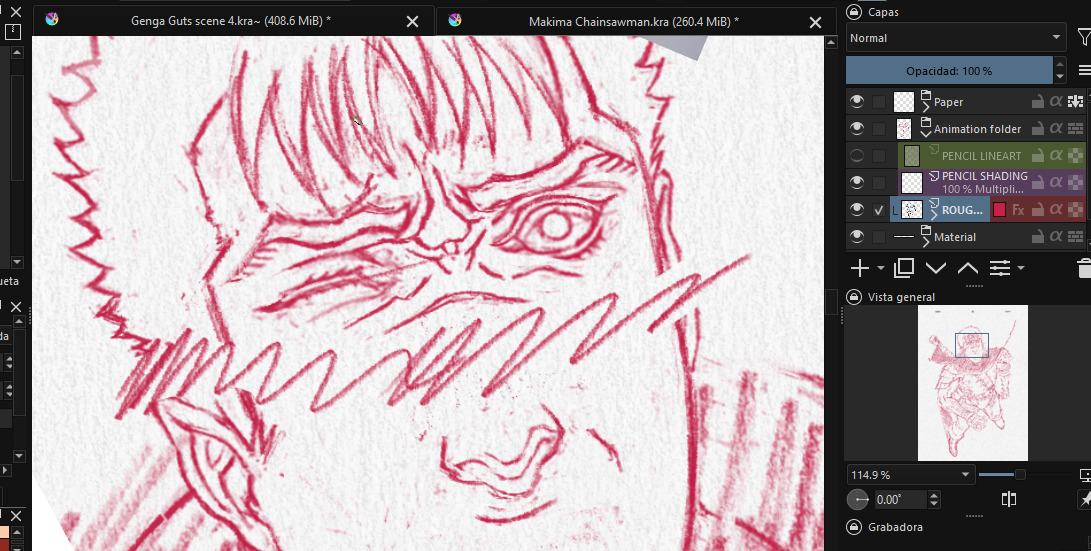
Ok, i found the tint mode, but for me it works. I could apply a red color on the mask, that colors the non transparent parts of the layer. I’m running Krita 5.3.0-beta. Sorry, i can’t help you with that…
This has nothing to to with the new Color Overlay Masks, transforming parts of a layer leaves “black holes” in all masks, no matter if transparency masks, filter masks etc., this happens ever since the transform tool works recusrively on child layers.
But yes I wish there was an explicit option in the transform tool rather than having to lock and unlock masks ever so often…it can get pretty annyoing.
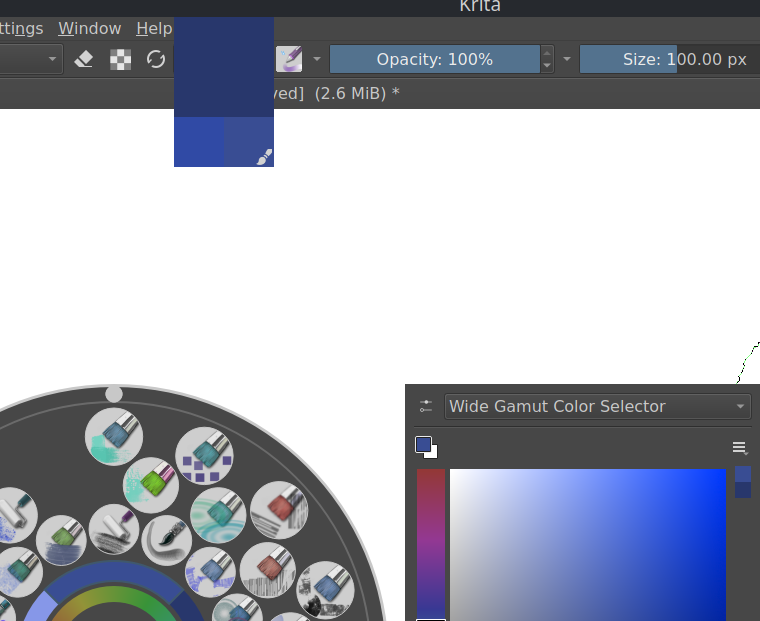
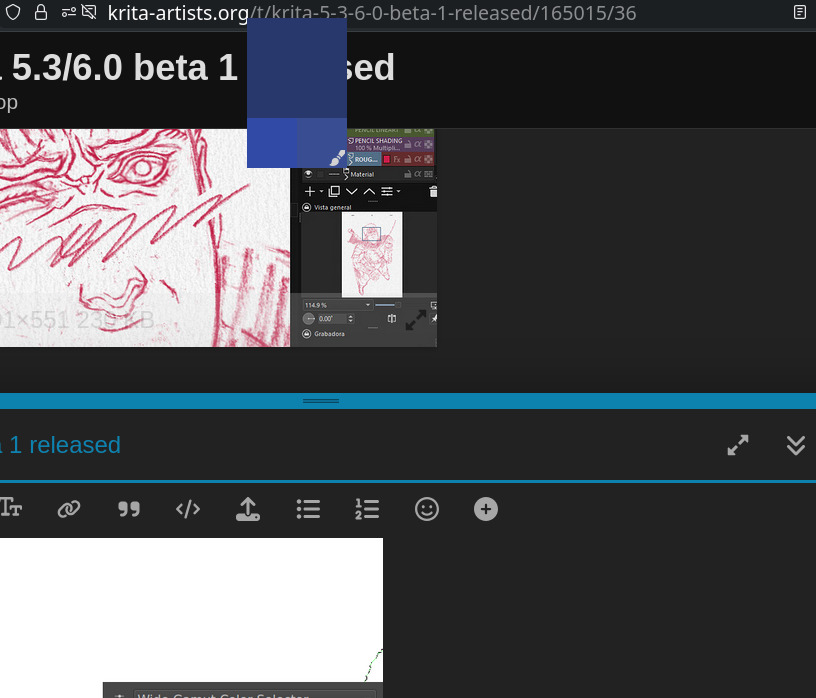
Seems to be only sticking on the Wide Gamet Color Selector. Had to restart program to get it to disappear. On the Advance color selector it is on for maybe a half second. I don’t even know what they would be called to research it here on the forum.
If a Wide Gamut Color Selector stays in the “real” docker (instead of the popup one), moving the cursor onto it and leave will let the color swatch go away.
And the color swatch will always stay on where it “assume” the color selector docker stays.
Tested platform: Debian 13 with Plasma 6.3.6
Edit: The bug appears in both 5.3 and 6.0
as I said above, in the Advance Color Selector it was just a flash and gone. I am not sure what the normal function is supposed to be, but both seem presently unusable.

 .
.