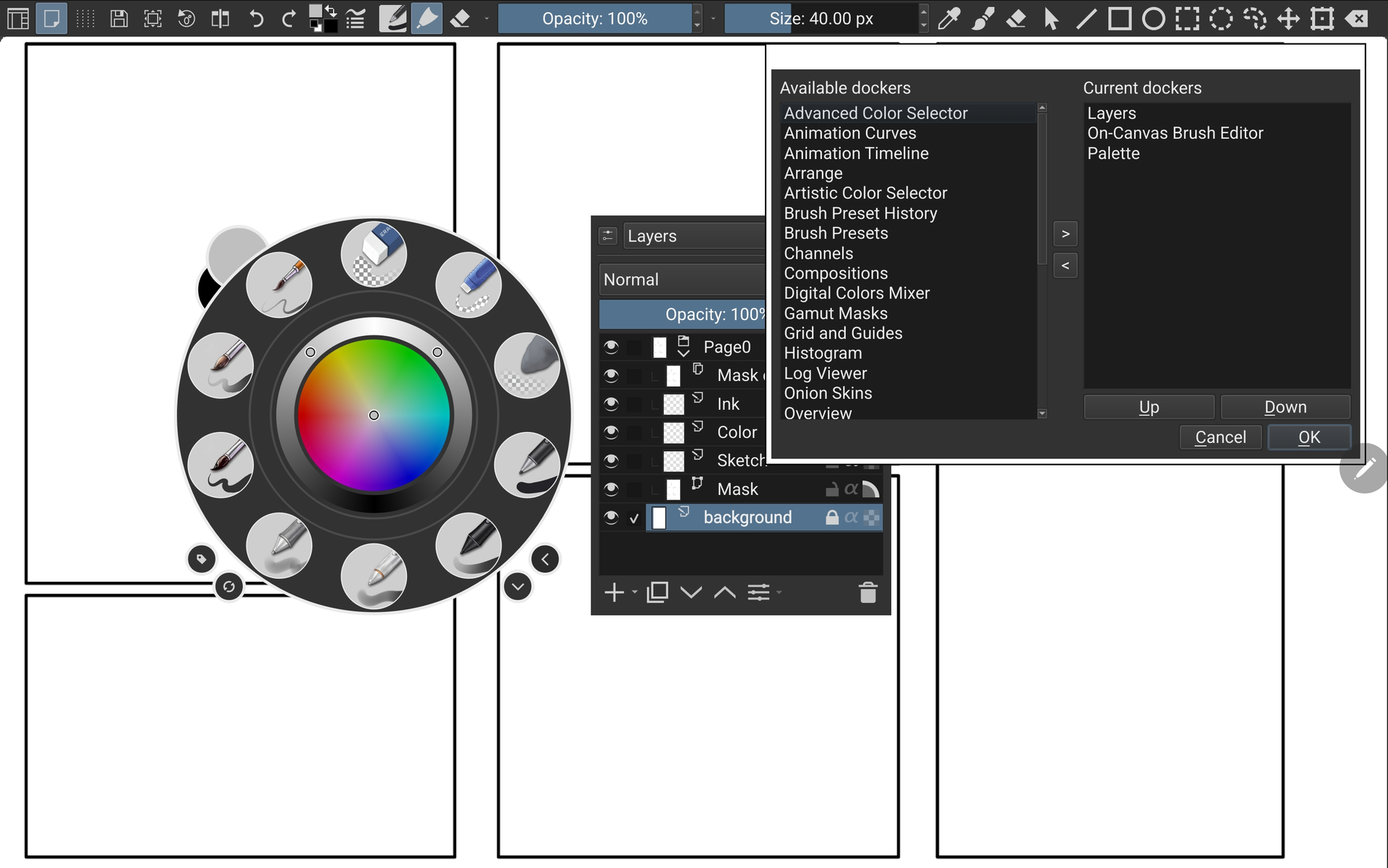
I started using Krita on android (Samsung Tab S9+) a little over a year now. I had some limited experience on a desktop and little by little made progress on getting a tablet-friendly workspace set up. I ran into a lot of issues that I feel 5.3 has really improved on. The brush sliders work great now. I love the selection actions popup. I’m also really excited about the new toolbar options.
My workflow on android has been to leave the toolbars visible in canvas mode. I lock my tablet in landscape and rotate Krita’s canvas if I want to draw in portrait. This stops the top toolbar from getting condensed when I rotate my tablet.
I wasn’t happy with the toolbox’s layout, so I made compromises with what tools and actions could squeeze onto a toolbar. Some of the actions don’t have default icons and take up too much space. 5.3 fixes this issue by allowing you to change or add an icon. 5.3 also added options to make custom toolbars. Right now I only see options for 2 custom toolbars which is really unfortunate, since I see this as an opportunity to make Krita really amazing on tablets. Hopefully they give options to add more and name them as well.
Actions on toolbars don’t change when you switch workspaces, but positon and visibility of the toolbar does. Ideally I would create different workspaces that show different toolbars. For example, I might want to create a workspace for more advanced painting that includes a toolbar with gradients and symmetry, but I might not want that toolbar to be visible in a more basic workspace. I might want one workspace to have only a topbar with the bare essential sketching tools, then introduce vertical “Vector Tools” or “Layers actions” sidebar in another workspace. Krita 5.2 only has 3 toolbar menus which made this almost impossible to organize. This seems much more manageable now that custom toolbars have been introduced.
Edit: I learned after this making this post that layers and other dockers are now accessible in the Popup palette. So happy about this update