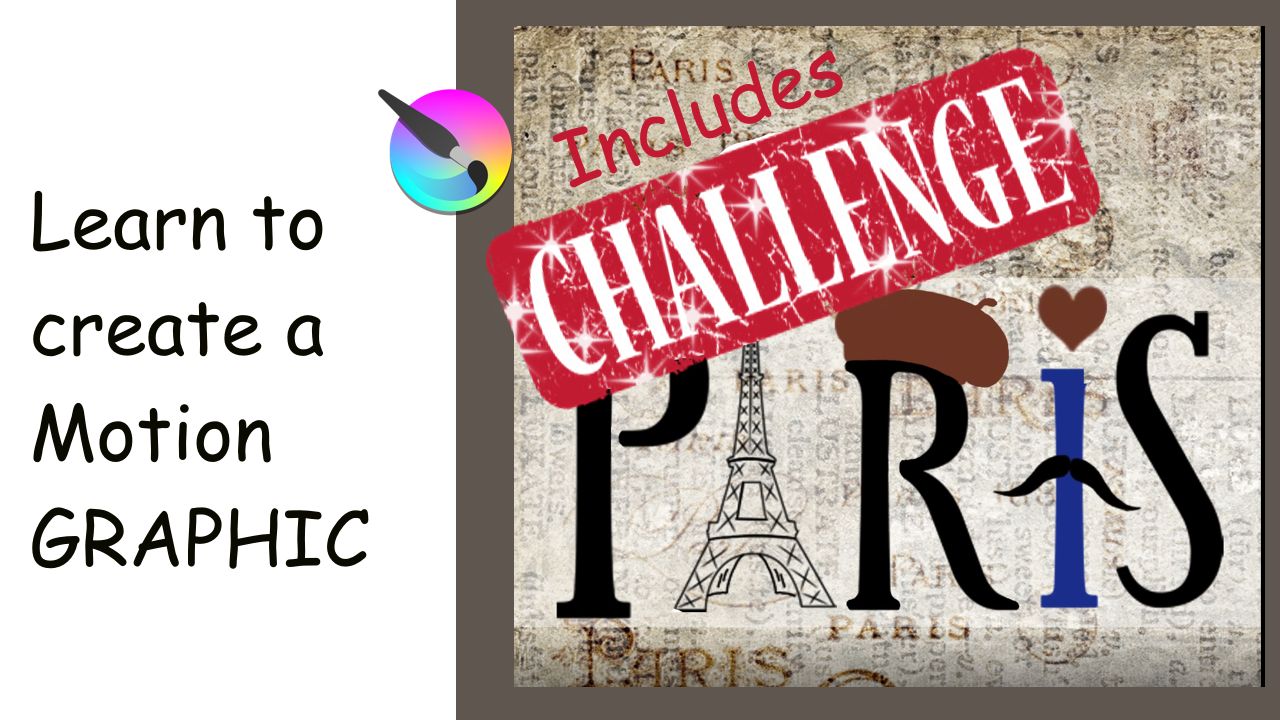
Hello everyone. I am a little late, but here it is.
Today’s video is a tutorial and a challenge at the same time.
Please find the rules of the challenge below the chapters.
I hope you get to try it.
Chapters:
00:00 Introduction
00:24 What to set up before starting
04:47 Animating the letter
09:45 Working backward
15:08 Rendering and exporting the GIF animation
16:29 Challenge
RULES OF THE CHALLENGE
- Animate two names. For example, I animated Paris and France.
- Letters can be of different colors (this is optional).
- One letter or more can be replaced with graphic designs.
For example, I replaced the A of PARIS with a drawing of the Eiffel Tower.
- Have a nice image background.
- Add extra little animations. Maybe have some flowers flying around, or create some dots
as I showed you in the tutorials. You choose!!!
https://youtu.be/q5v_QqpC5C8
3 Likes
Hi @CelticCoco Another well made tutorial  and it’ll be interesting to see if anyone answers the challenge.
I think you’re using an old version because Animated PNG and WebP are now available for rendering output. WebP is good for looping animations and does not have the dithering problem that animated .gif can sometimes have.
It can show compression artifacts on subtle gradients though.
Your technique for ‘painting’/revealing the letter is clean and simple but is permanent.
If you use an animated Transparency Mask, you can manually paint the letter in/out and then change the animated mask later if you want to change the details of how the letter is ‘revealed’.
1 Like
Great input. Thank you AhabGreybeard. As always, you are greatly appreciated!!!
As for using an older version… I have my reasons.
I stopped using Krita 5.0 because many things were not working properly. Also, it kept crashing. That was weeks ago. It made me very frustrated. I have the new Windows 11. Maybe (and I am just speculating since I am not a computer wizard), the new Krita didn’t agree with Windows 11. So, I switch back to 4.4.8. Do you think it’s safe to say that all the bugs have been fixed?
@CelticCoco It’s difficult to say if all the bugs you saw have been fixed in 5.0.6.
Earlier today, I crashed 5.0.6 by doing something ‘unusual’ with an animated Transform Mask and there have been problems in the area of animations, many of which have been fixed in the ‘Next’ nightly builds.
Many people use 5.x with Windows 11 and have no problems and Windows 10 vs Windows 11 should not make any difference anyway.
For now, I’d suggest that you stay with 4.4.8 if it does all the work that you need it to do.
When the new formal release version arrives, you could make a backup copy of your resources folder and all config files, then upgrade and see how well it works for you.
If there are problems that affect you, then you could uninstall it, reinstall 4.4.8 and restore your previous resources and config files.
In fact. you could do that with 5.0.6 now, if you have the time and the inclination to do it.
Great information. Many thanks. I’ll try to see what I can do this week.
Wishing you a happy week.
1 Like