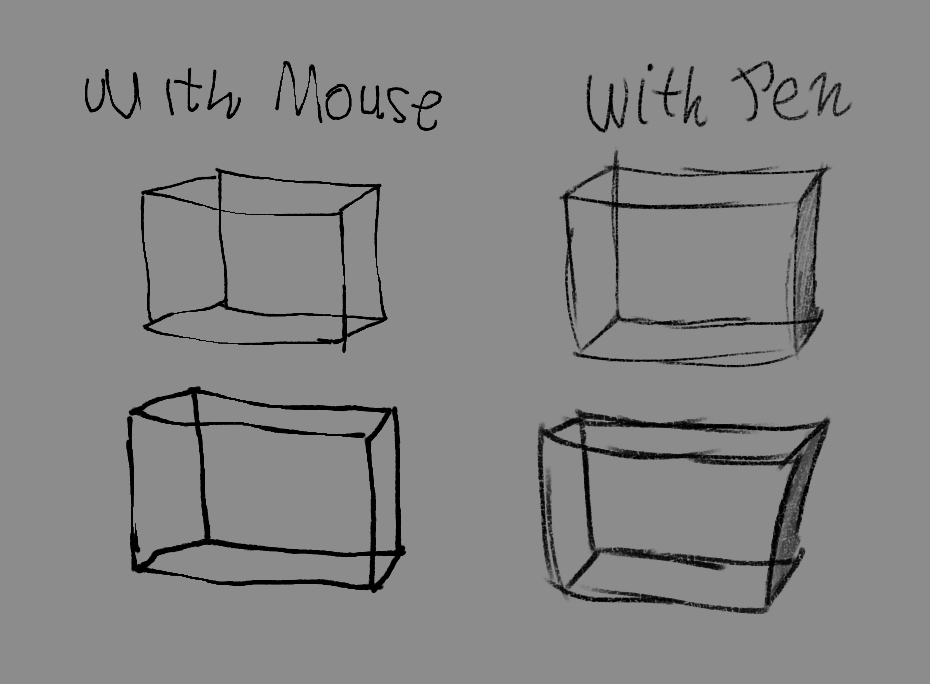
Hey everyone! I’m Acezy, and I made these brushes over my summer break because I got tired of trying to do lineart in Krita with just a mouse.
If you’ve ever tried drawing with a regular PC mouse, you probably know how annoying it can be. The lines can come out really jagged or just look super robotic, especially compared to drawing with a tablet.
So I made two brushes from scratch that use speed-based curves to make mouse drawing feel a bit better.
The Main A-Pen changes thickness depending on how fast you move your mouse. The stroke has an intentionally jagged edge, giving it a rougher, more hand-drawn look. When you move slowly, the line gets thicker, and when you flick quickly, it tapers into a sharp point, making the jagged edge more noticeable.
The Rounded A-Pen is basically a more rounded version of the A-Pen. It keeps the same basic idea but has smoother, softer edges, so the strokes look cleaner and more rounded.
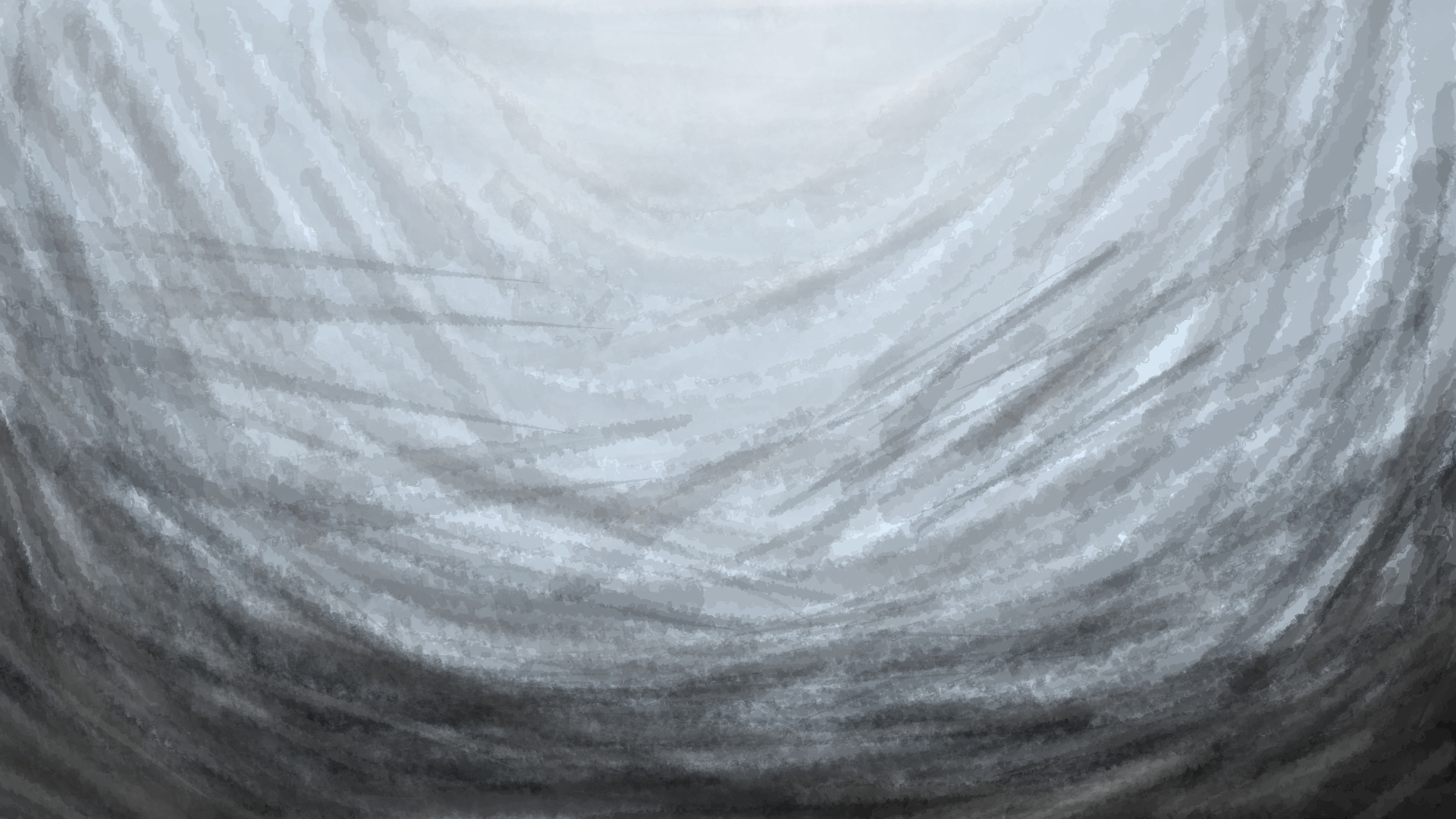
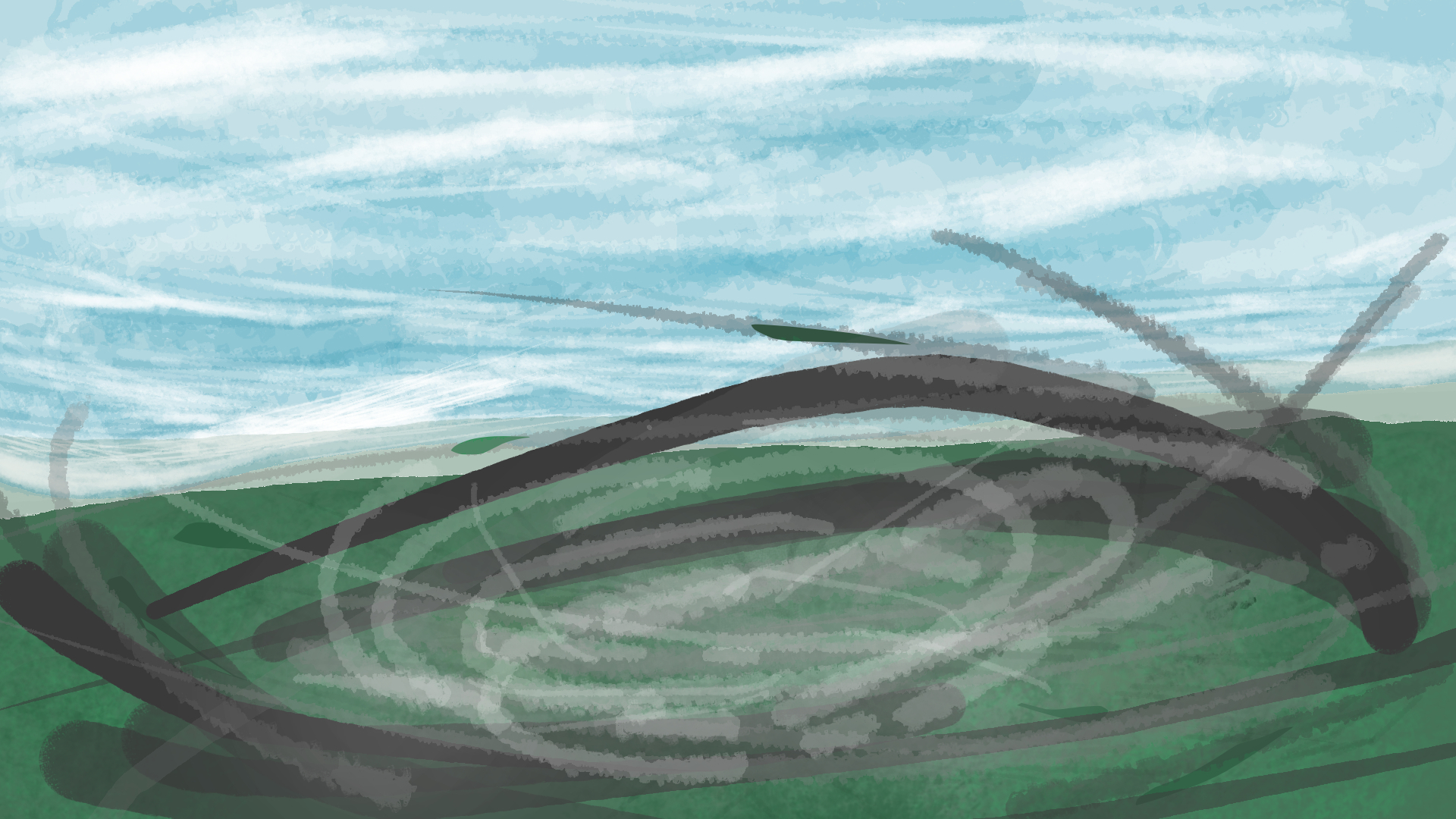
Neither brush uses heavy stabilization, so the cursor shouldn’t feel like it’s dragging behind you. I actually used both brushes to make the tornado/sea artwork in the previews!
And yeah, if you draw with a mouse, I hope they help!
How to import the brushes
STEP 1
Download the bundle
STEP 2
Open Krita and go to the Settings tab at the top, then click on Manage Resources
STEP 3
In the resource window that should open up, click on Import Resources, find the installed bundle, and press Open.
STEP 4
Go back to Settings at the top and press Manage Resources Libraries, find the A-pens bundle, and press Activate.
That’s it!!!
Also, these are the preview artworks I made with the brushes.
With just the normal A-pen
With both the A-pen and A-pen-ROUND
Here is the link to the brush bundle: https://drive.google.com/file/d/1ceUMhBVlS1SvFawHsXIT6X1W1GSXDd96/view?usp=sharing