Hey everyone! 


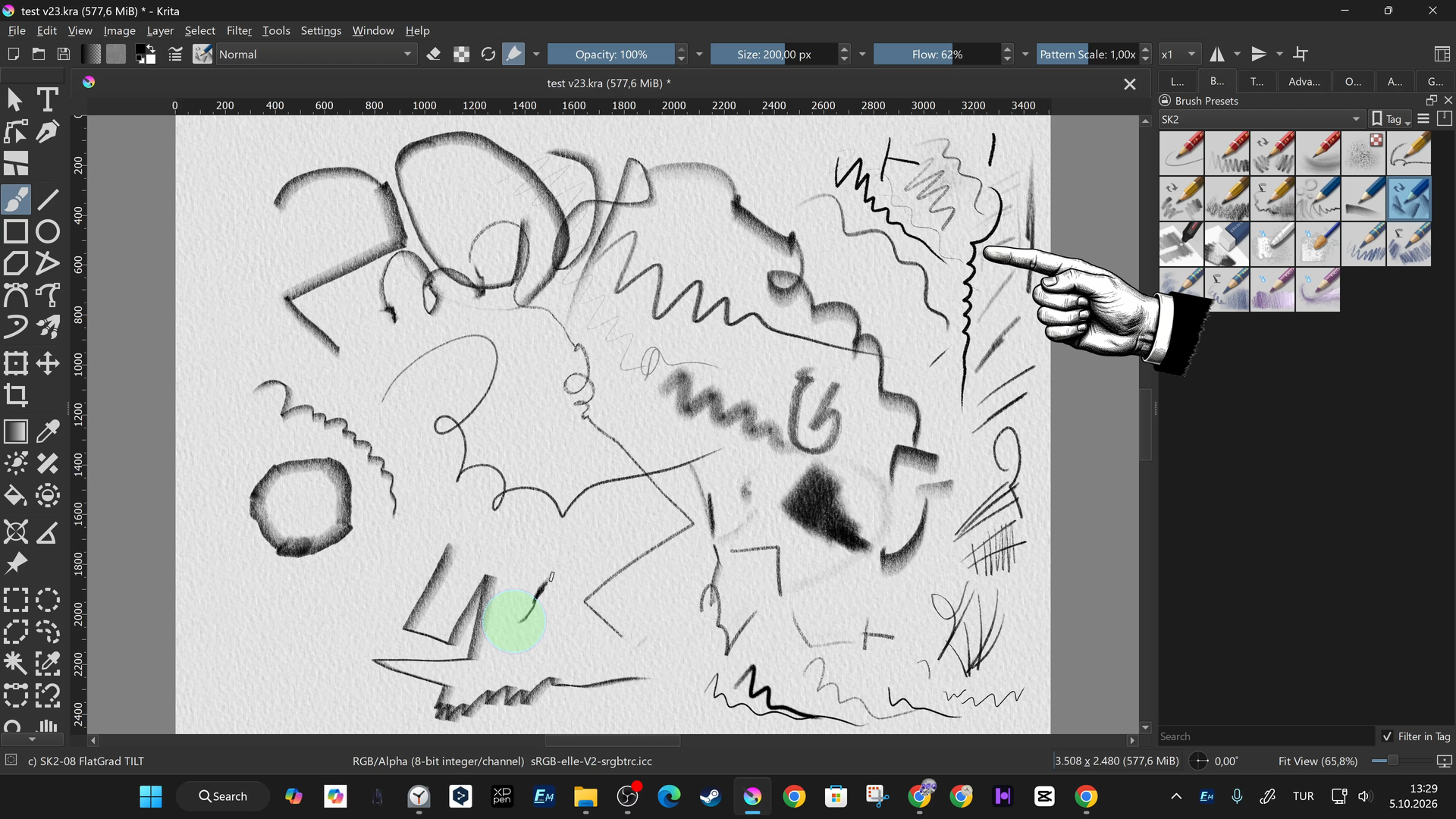
I’ve put together a comprehensive video guide specifically for Krita users who want to keep their brush libraries and custom pencil sets clean, organized, and running smoothly.
As I’ve been diving deeper into my own digital art workflows, I realized that managing custom resources, bundles, and .kpp files can sometimes get a bit messy if you don’t know your way around Krita’s Resource Manager. That’s why I wanted to break down the entire process step-by-step.
In this tutorial, I cover how to safely find community-created resource packs, how to import bundles without messing up your workspace, and how to use custom tags to keep your favorite pencils right where you need them. I also talk about managing old bundles and keeping Krita snappy.
Here is what is inside the guide:
-
Finding and downloading trusted community brush packs and pencil sets.
-
Navigating the Resource Manager to import bundles and
.kppfiles cleanly. -
Organizing and grouping your go-to tools using custom tags for a faster workflow.
-
Cleaning up, backing up, or removing unused bundles to keep things uncluttered.
You can check out the full step-by-step video tutorial here: [ https://youtu.be/CvdSzTlGths ]
I hope this helps some of you tidy up your digital canvas. If you have any favorite brush packs or tips of your own for keeping a clean Krita setup, feel free to drop them below!
Cheers!