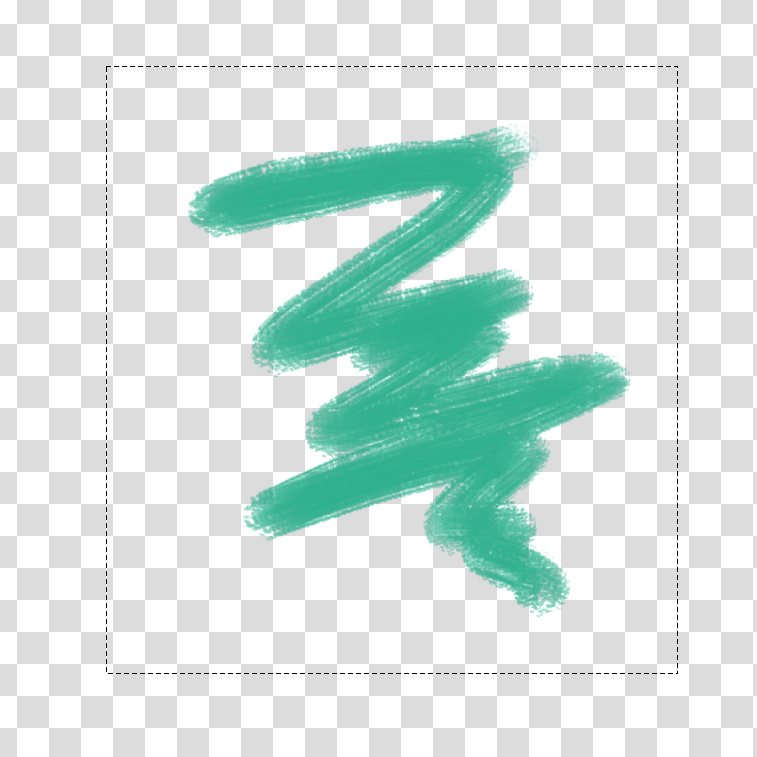
I tried that. Below is a piece of superb art (quickly made for demonstration purpose). I drew that in Krita on one layer, I selected with the Outline Selection Tool and copied. I just pasted it in Firefox.

The image is OK, with transparency kept (I think? Yes, I changed the background-color of the preview, it is transparent).
If I paste it in WhatsApp or IrfanView, it looks like:

Black background, blocky pixilated image!
Trying to paste it in Gimp, it tells me “There is no image data in the clipboard to paste”, which is untrue.
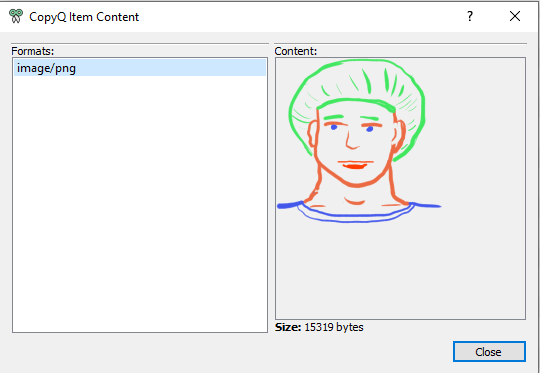
But I have a clipboard manager, CopyQ. If I examine a preview of the image, it looks fine.
Ie. we see it has transparency alright.
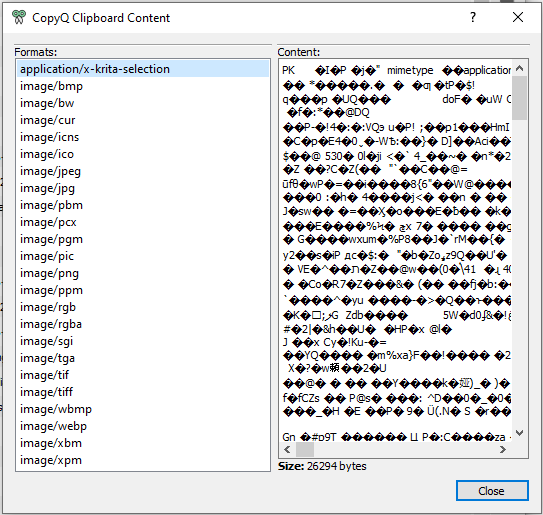
Moreover, CopyQ allows to see the content of the clipboard.
As you see, when you copy something on Windows, the copying application can put several formats at the same time. A wordprocessing app can put RTF, HTML, native format, pure text, etc., which allows target applications (where we paste) to choose a format best suited for their purpose (or the only one they understand! Notepad will pick pure text, for example).
Here, Krita offers a vast choice of formats, from the sophisticated Tiff or PNG or Webp to the crudest XBM (pure B&W), including Jpeg or cursor or icon…
CopyQ doesn’t understand the native Krita format, which is OK. But it can display most other formats.
We see that PNG is OK, with transparency:
Tiff or Webp are OK too.
But Jpeg is ugly and blocky:
Obviously, that’s the go-to format most applications choose when offered choice!

The only issue is that Qt highly compresses the Jpeg, hence the blocky looks, we loose nuance. But anyway, the format isn’t supporting transparency, so it is still not adapted to the needs.
So to transfer to another application, I suppose it is better to export to a PNG file and to import it in the app.
So, in conclusion, that’s not Krita’s fault, it is totally the application’s fault to choose the worst format among those proposed.