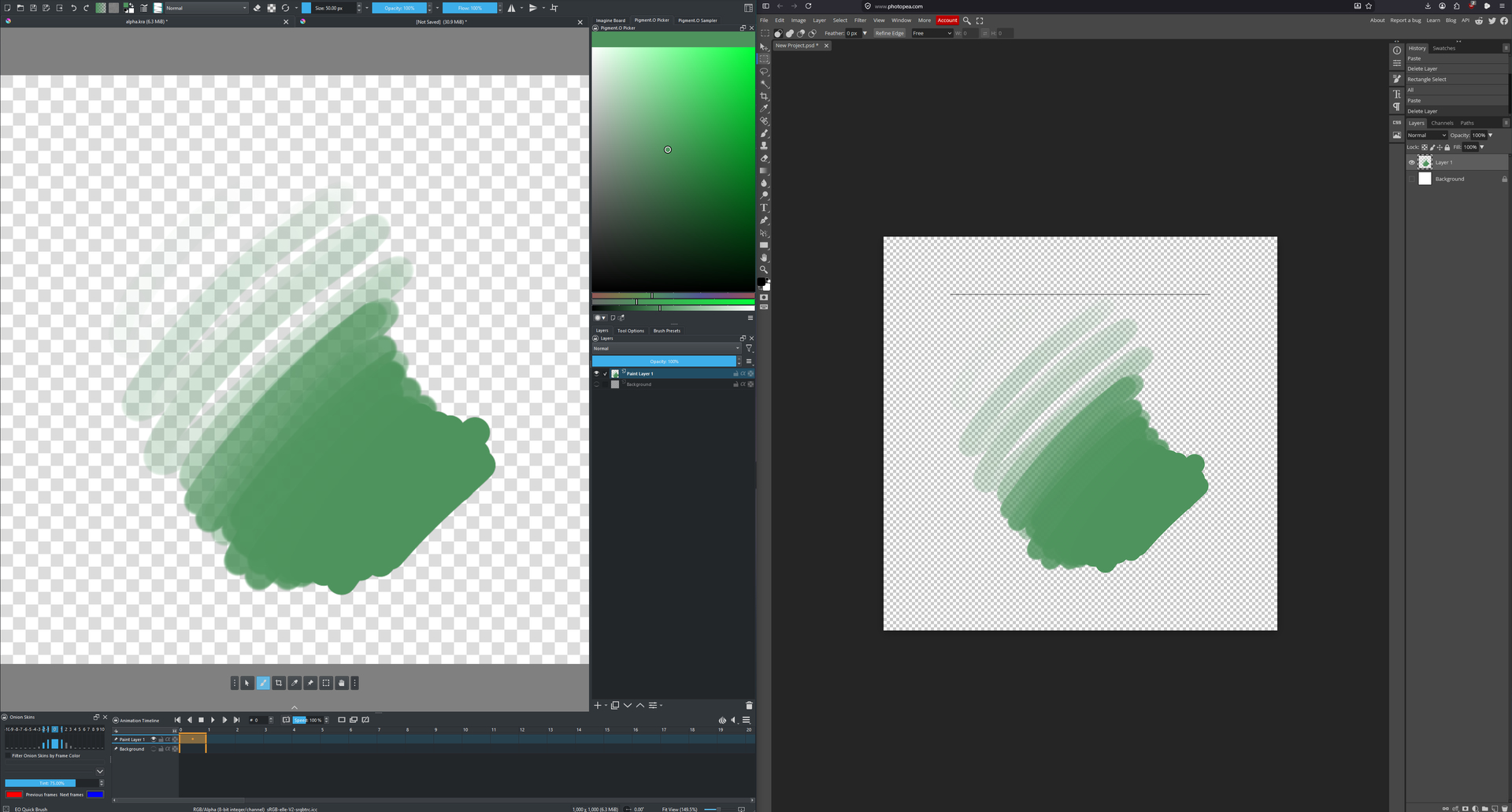
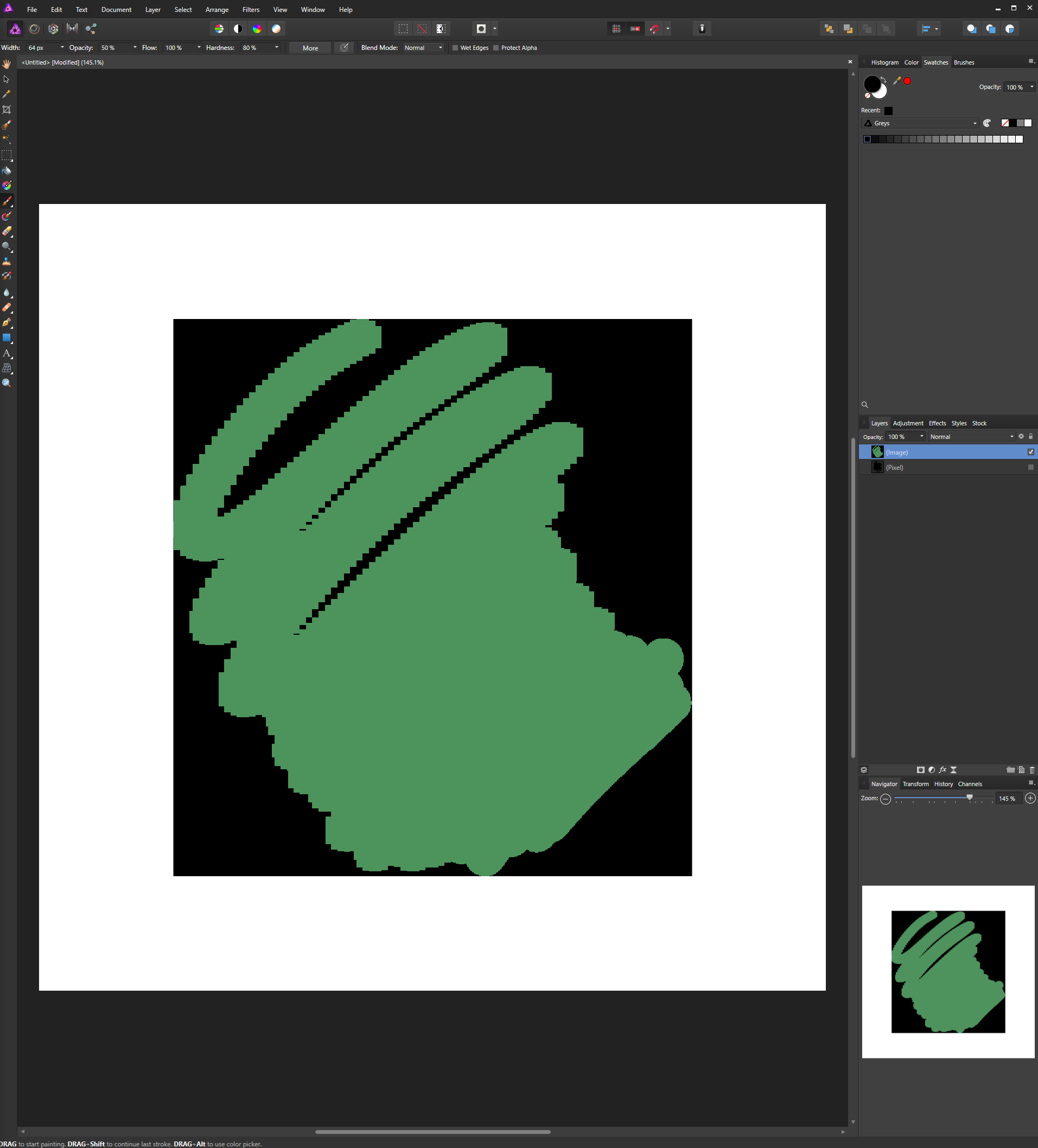
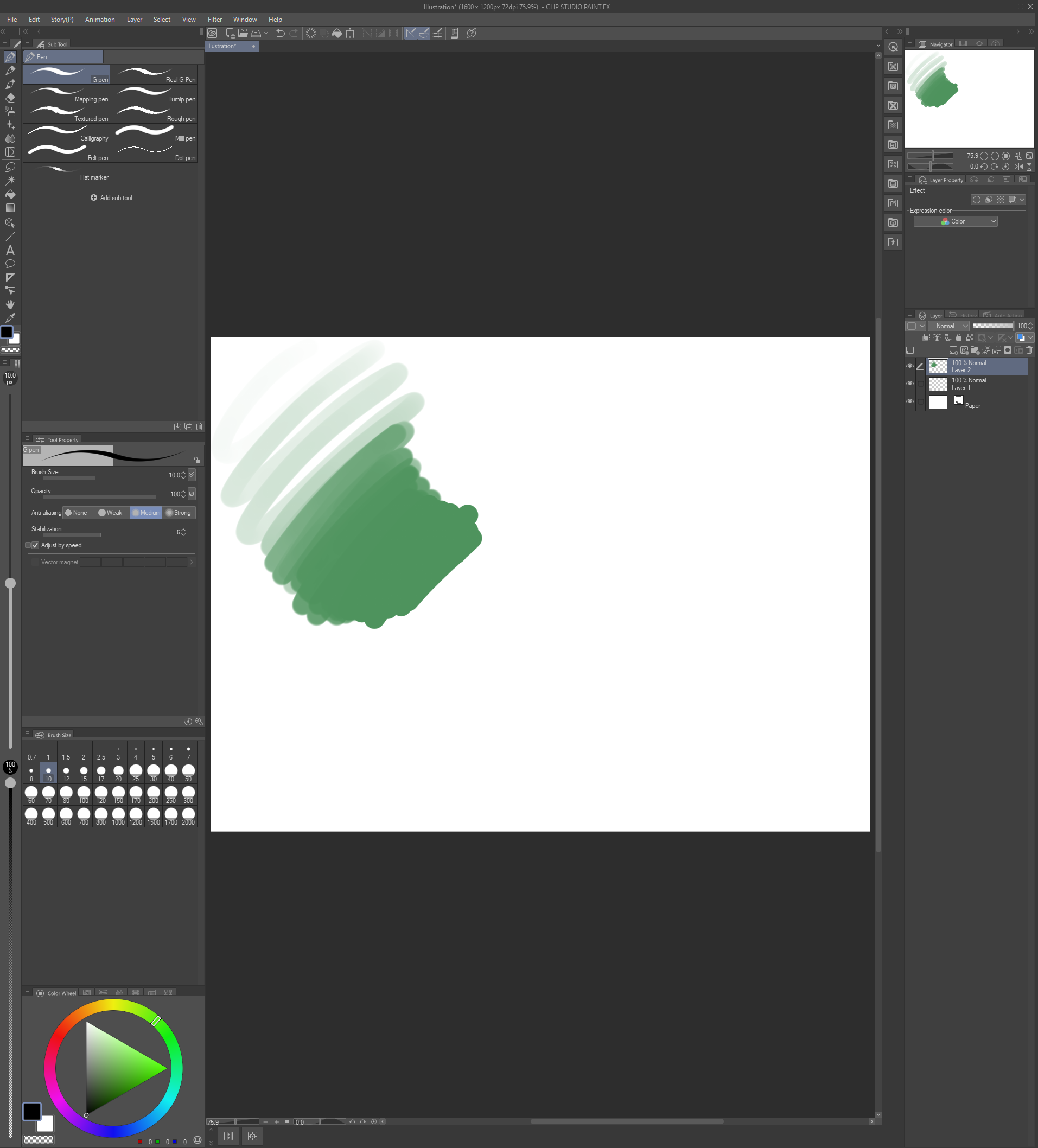
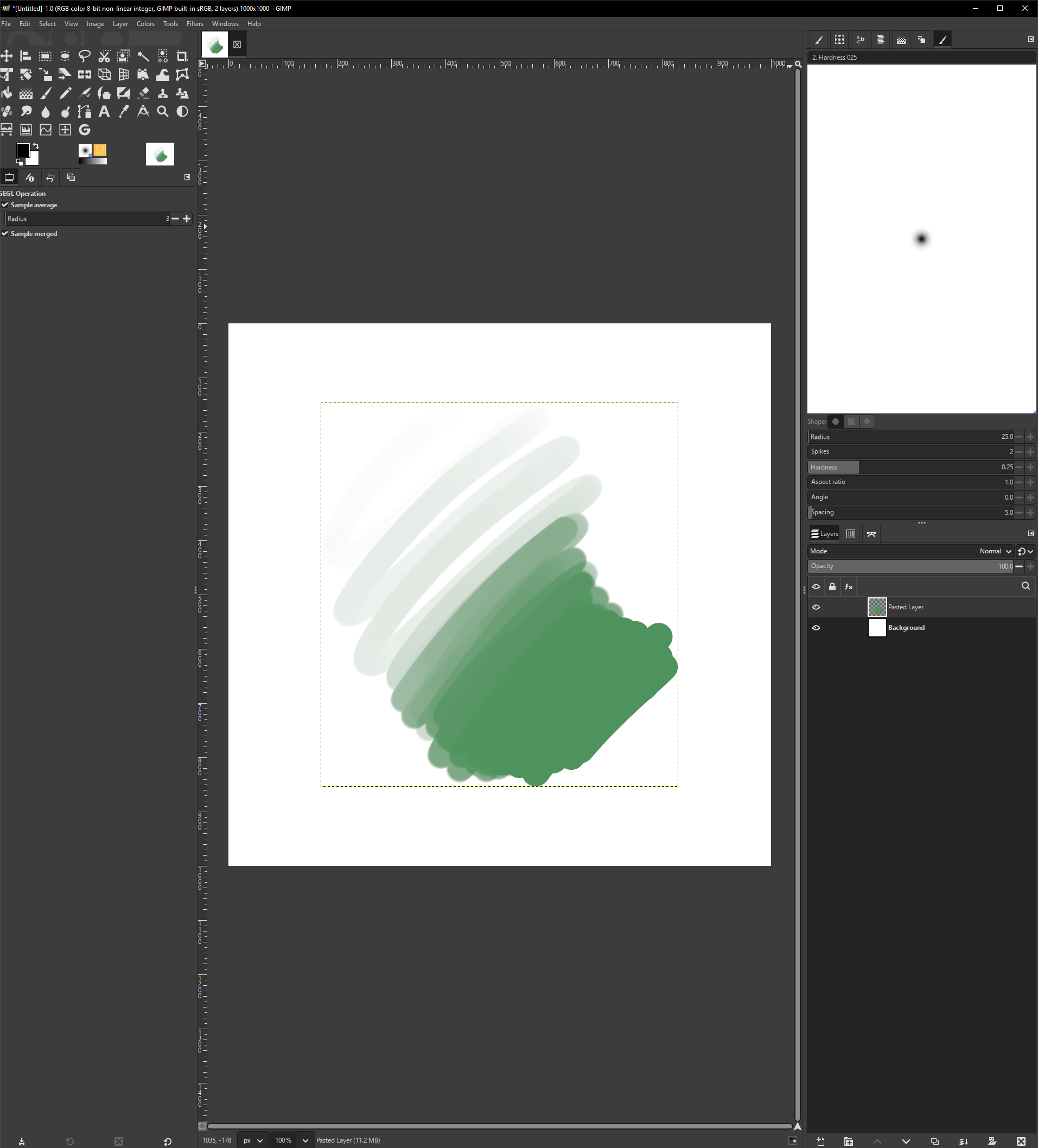
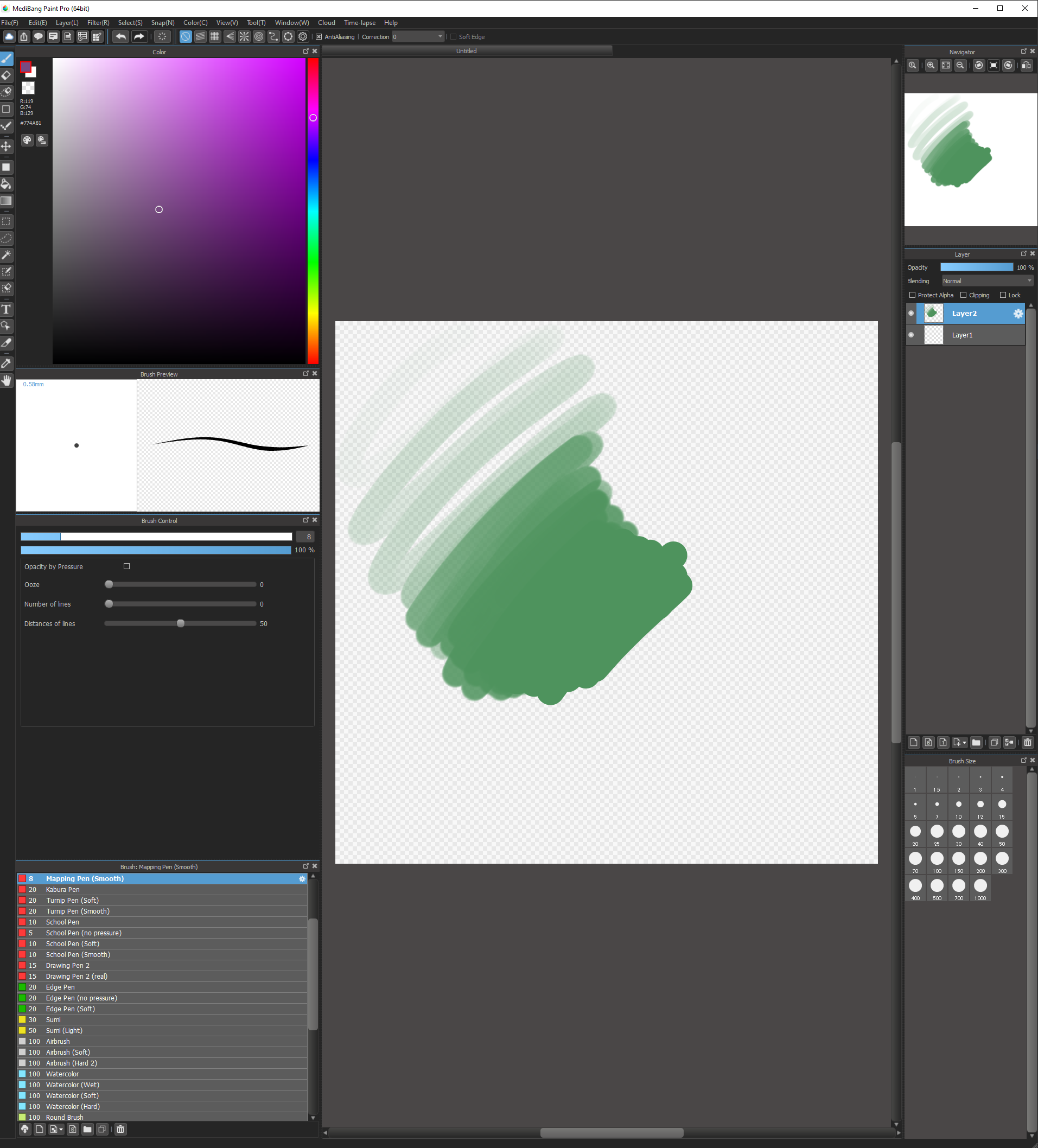
The issue is described here: Krita Clipboard can't correctly copy & paste to other applications
and here : https://stackoverflow.com/questions/44177115/copying-from-and-to-clipboard-loses-image-transparency
my workaround is simply saving out the png file, then use a external script to copy it.
from krita import Krita
from krita import *

from PyQt5.QtWidgets import *
from PyQt5.QtGui import *
from PyQt5.QtCore import *

def copy_image_fix():
	app = Krita.instance()
	doc = Krita.instance().activeDocument()
	view = app.activeWindow().activeView()
	if not doc:
		print("No active document")
		return
	layer = doc.activeNode()


	selection = doc.selection()

	if selection:
		x = selection.x()
		y = selection.y()
		w = selection.width()
		h = selection.height()
	else:
		x = 0
		y = 0
		w = doc.width()
		h = doc.height()

	pixel_data = layer.pixelData(x, y, w, h)

	data_bytes = bytes(pixel_data)

	qimage = QImage(w, h, QImage.Format_ARGB32)

	for row in range(h):
		for col in range(w):
			idx = (row * w + col) * 4
			if idx + 3 < len(data_bytes):
				b = data_bytes[idx]	 # Blue
				g = data_bytes[idx + 1] # Green
				r = data_bytes[idx + 2] # Red
				a = data_bytes[idx + 3] # Alpha
				argb = (a << 24) | (r << 16) | (g << 8) | b
				qimage.setPixel(col, row, argb)


	file_path = "R:/test1.png" # todo change to sys temp folder
	success = qimage.save(file_path, "PNG") # fine
	# success = qimage.save(file_path, "image/png") # nothing

	# then, run external tool to copy the file to clipboard..


	# clipboard = QApplication.clipboard()
	# mimeData = clipboard.mimeData()
	# mimeData.setData("image/png", data_bytes) # alpha lost
	# # mimeData.setData("PNG", data_bytes) # will crash
	# clipboard.setMimeData( mimeData )

	# clipboard.setImage(qimage) # alpha lost


copy_image_fix()
Usage :
write your own logic to run external tool, replace this line :
# then, run external tool to copy the file to clipboard..
or, manually use the file R:/test1.png. ( R is my ramdisk. )
Then run this script ( via ten scripts ) instead of using ctrl+c.
My external script
I actually use AHK to run this script, then I’m doing the final fix there, it’s one of my “1000 scripts“
!4::
	; FileDelete, R:/test1.png
	krita_send("run_scriptC:\Users\xxx\AppData\Roaming\krita\pykrita\ext\scripts\copy_image.py") ; or send ^+{4}
	sleep, 250

	; TODO  CopyImageToClipboard("R:\test1.png")
return
strange, I tried external python , ahk scripts, they also returns black-bg images.
I’ve to translate some code from my c++ project:
bool copyimage(const wchar_t* filename)
{
	//initialize Gdiplus once:
	Gdiplus::GdiplusStartupInput gdiplusStartupInput;
	ULONG_PTR gdiplusToken;
	Gdiplus::GdiplusStartup(&gdiplusToken, &gdiplusStartupInput, NULL);

	bool result = false;
	Gdiplus::Bitmap* gdibmp = Gdiplus::Bitmap::FromFile(filename);
	//LogIs(2, "succ= %d  ", gdibmp);
	if (gdibmp)
	{
		HBITMAP hbitmap;
		gdibmp->GetHBITMAP(0, &hbitmap);
		if (OpenClipboard(NULL))
		{
			EmptyClipboard();
			DIBSECTION ds;
			if (GetObject(hbitmap, sizeof(DIBSECTION), &ds))
			{
				HDC hdc = GetDC(HWND_DESKTOP);
				//create compatible bitmap (get DDB from DIB)
				HBITMAP hbitmap_ddb = CreateDIBitmap(hdc, &ds.dsBmih, CBM_INIT,
					ds.dsBm.bmBits, (BITMAPINFO*)&ds.dsBmih, DIB_RGB_COLORS);
				ReleaseDC(HWND_DESKTOP, hdc);
				SetClipboardData(CF_BITMAP, hbitmap_ddb);
				DeleteObject(hbitmap_ddb);
				result = true;
			}
			CloseClipboard();
		}

		//cleanup:
		DeleteObject(hbitmap);
		delete gdibmp;
	}
	return result;
}
It turns out that this code doesn’t work either..?
The bg checkerboard comes from the MVP video player. It’s a fake!
I thought it’s real :


Searching more ……
- One thing is for sure: windows does support transparency in clipboard image. You can use browser API to check that.
- Another thing : in the file manager, you can ctrl+c copy a image file to clipboard, windows will handle the rest for us.
So I’m searching for those key words: `ahk copy file to clipboard`
With noluck.
I spent hours to figure out that Google is hiding relevant results!

Afterwards, This wonderful Reddit post saves me:
https://www.reddit.com/r/AutoHotkey/comments/13bep25/copy_local_image_file_to_clipboard/
The answer is very easy, based on the hard work of someone else ——
ImagePutClipboard("R:\test1.png")
This might also help ( but not in my case ) : https://www.autohotkey.com/boards/viewtopic.php?t=127268
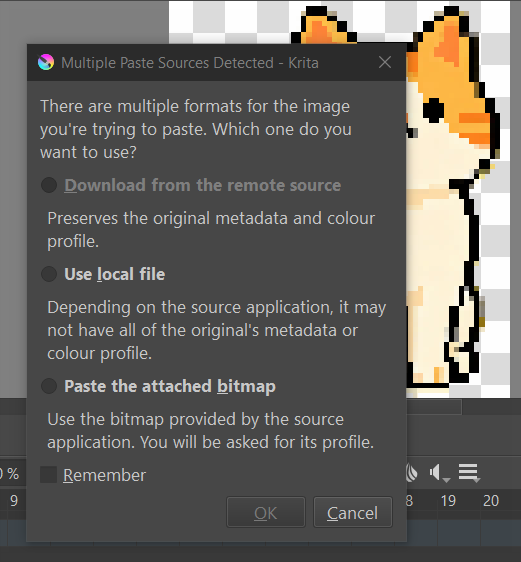
Now I can transfer images between krita and photopea.com smoothly. cheers.