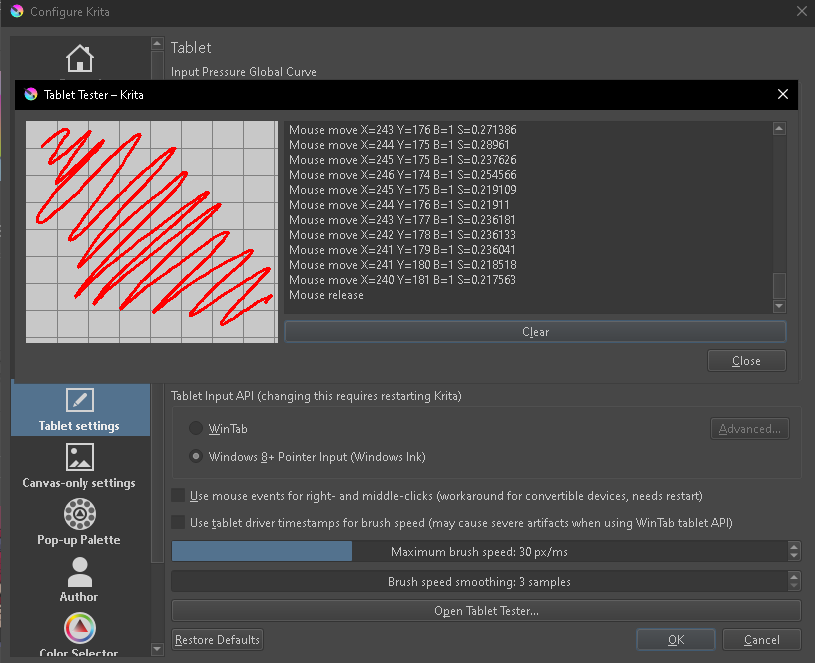
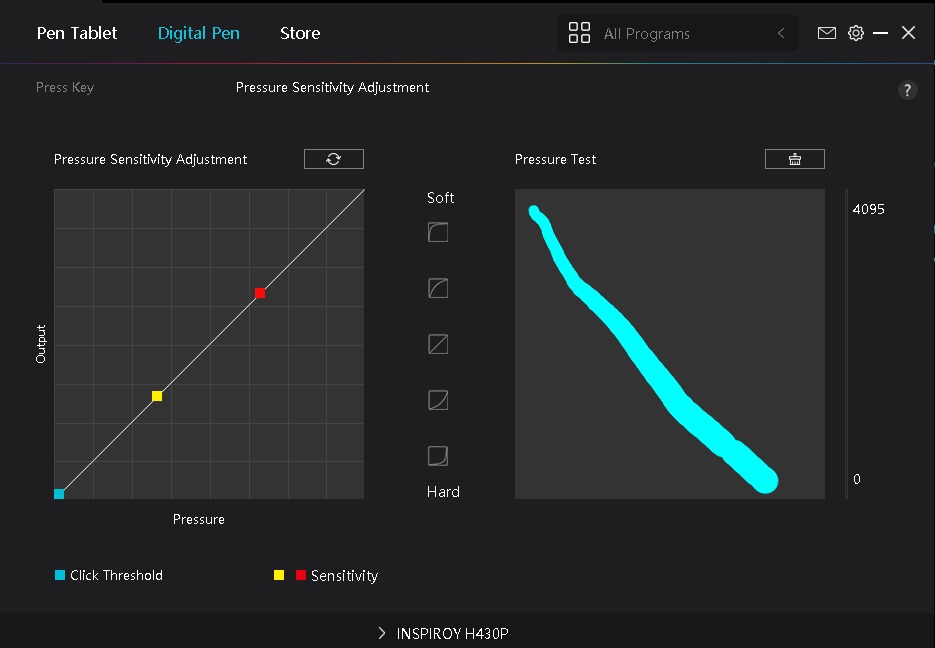
My Huion app detects the pen well, but not with Krita. I’m using Inspiroy 430P. Any help would be appreciated
Try this: set Krita to WinTab (thus not using Windows Ink). Close Krita.
In your tablet interface, turn off Windows Ink for Krita.
Restart your device and test Krita.
(Important to note: both Krita and your tablet have to match when it comes to deciding whether to use Windows Ink.)
It works! Thanks!
Great! Please mark your question solved so others will know you no longer need help.