I am working on a krita keyboard shortcut layout I hope other people would like to join me in this effort. This is just an alpha version.
My goals are;
- to use the keyboard shortcuts to facilitate full canvas use
- left hand on the keyboard right hand on the tablet
- keycaps indicating the shortcuts
7 Likes
Thank you,
If people show interest I will post more about the keyboard I use and why and how. keycap labels etc. I got from aliexpress
 Hello @kdewacom, and welcome to the forum!
The idea to have such an overlay is good. But in my eyes, one key should not be changed, because that key is standardized for decades and used in every software that adheres to this standard, and that is F1 for calling “Help”, the manual.
If only an overlay should be created, then there should be no more obstacles. If you want to additionally create a shortcut-scheme for your overlay, it would get tricky for users of non-English keyboard-layouts.
Michelist
2 Likes
Thank you for the recommendation on f1 key
I will edit the original, but not re-post for every edit
Explaining a bit further the idea is not have an overlay but rather individual dual layer transparent keycaps with labels a printed size of 14x14mm
using a mechanical keyboard I got the ones I use from aliexpress i am sure they can be found elsewhere
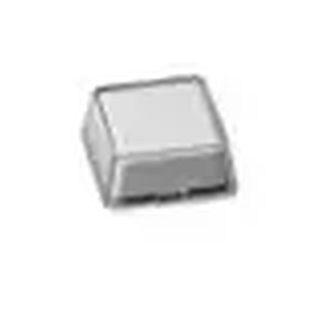
this solves the problem of different languages and number of keyboard keys this is not a one size fits all keyboard layout
think of it as a semi-macro keyboard or a krita version of a photoshop keyboard
1 Like
Wow, that is a good idea.
Michelist
