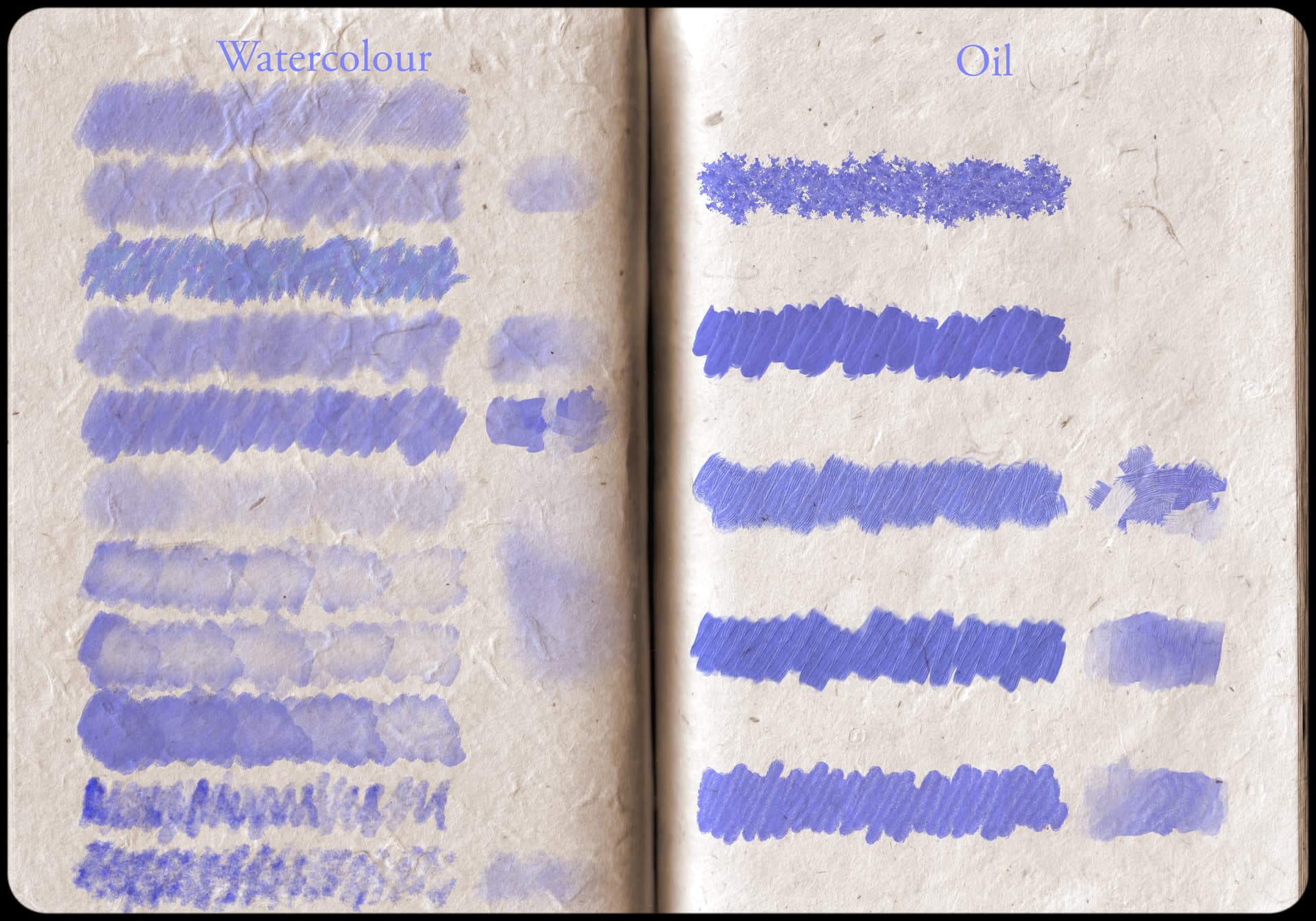
Hello,
I have created this painting ZIP file for everyone! All required credits are in the bundle.
Hello,
I have created this painting ZIP file for everyone! All required credits are in the bundle.
Noob question. Sorry but how do I add this to krita?
@JV.N Could you put all those files into a single bundle file?
I bundled the brushes, they are tagged according to the folders they shipped in (but something went wrong with the tags, at least you can call them all together  ), obey that a lot of them are smudges and don’t paint themselves but with existing color on your canvas:
Also, I put the templates together in a way that they already are in their own group, and have an icon assigned, the way these were put together by @JV.N was inconsistent and parts were missing, which I extracted from the KRZ & KRA, also I corrected the pointers in the desktop files supplied. Simply unpack the archive and copy the full unzipped folder into the folder templates in Krita’s resource folder, then restart Krita twice. To open Krita’s resource folder do ‘‘Settings’’ >> ‘‘Manage Resources…’’ >> ‘‘Open Resource Folder’’:
Michelist
I’m sorry to say that I cannot. I know how to do it, but it never actually creates a bundle for me. I don’t know why, it seems to work for everyone else.
@ Mr_Pogi I mostly add my resources through the App Data > Roaming > Krita and then place the different resources in those files (brush tips in the brushes file etc.)