Hello everyone.
Today’s video was created in response to a viewer’s question. Thank you for the excellent query; I hope this walkthrough provides exactly the information you were looking for. 
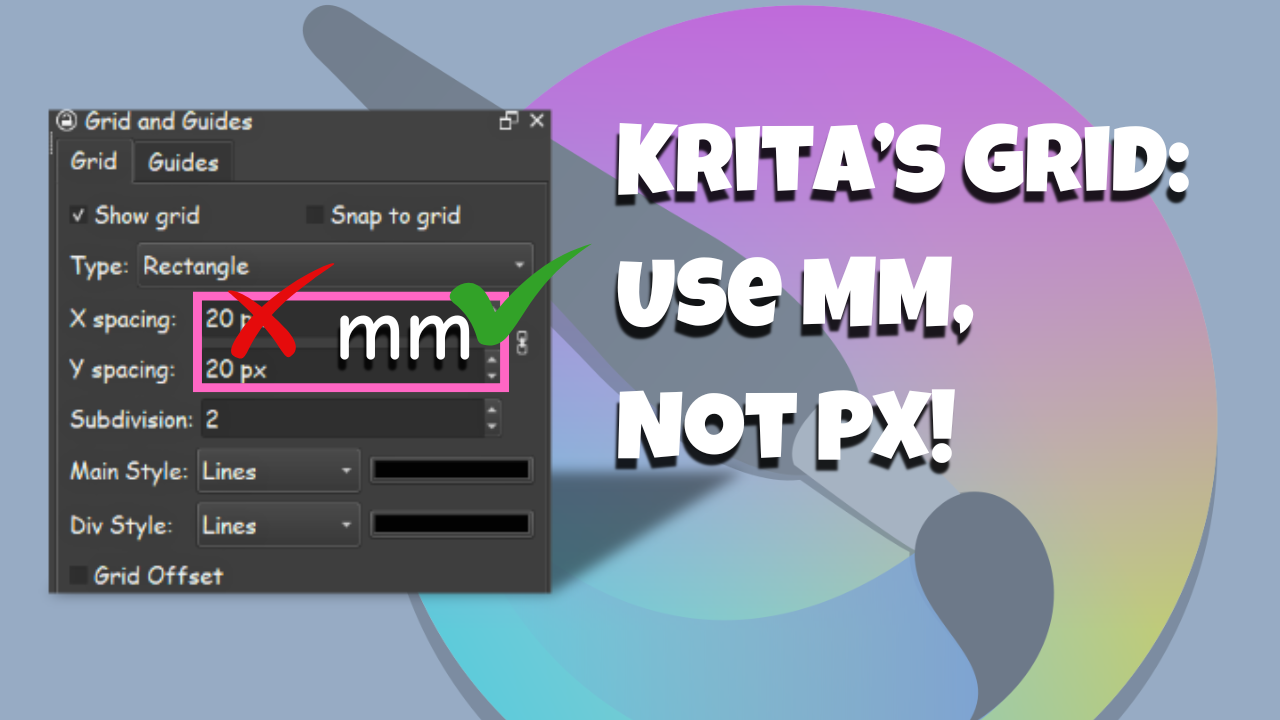
By default, Krita uses pixels for grid measurements. If you prefer working in millimeters, there is a simple workaround! In this tutorial, I’ll show you how to use a basic mathematical formula to create a grid in millimeters.
In my demonstration, I’ll also walk you through the steps to set up a 10x10mm grid. If you need a different size, like 12x12mm, you can simply swap the numbers in the formula.
***VERY IMPORTANT***
All calculations are based on your file’s resolution.
My example uses 300 PPI (I’ll show you how to verify your PPI at the beginning of the video).
If your image is a different resolution:
Stay tuned until the end of the video, where I also provide the math for 72 PPI and 600 PPI resolutions!
***Mathematical formula***
(Image resolution divided by 25.4) multiplied by the desired size of your grid in millimeters = pixels
My image resolution is 300 ppi, and I want to create a 10 x 10 mm grid.
Therefore: (300 ÷ 25.4) × 10 = 118.11 pixels
Hope it helps all of you! Happy creating