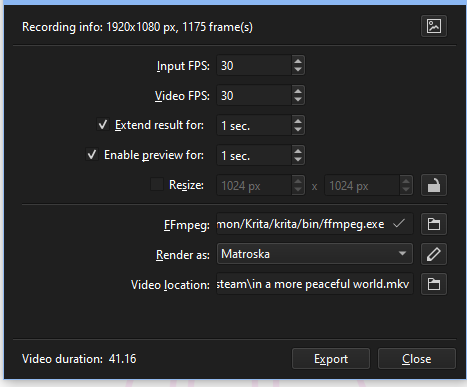
After last shenanigan with krita recorder, i just realized that aside from the resolution setting on the recorder. The export tool doesn’t have any quality setting except file format and resize.
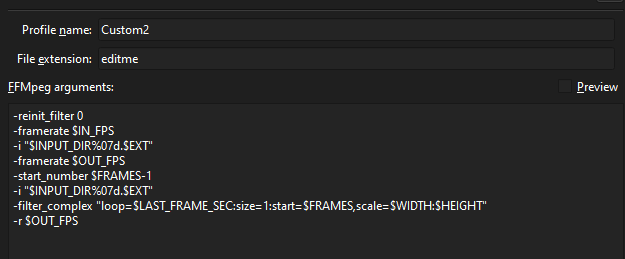
How the video export tool actualy works? is there a way to manually set the export video parameter? i dive into the custom export but i don’t understanding what these thing supposed to do.
When it comes to rendering it to a video, so to your screenshot, you can’t make anything better, you can preserve what you have recorded, or you can make it worse!
The parameters you can use to render your work can be found in the FFmpeg-documentation, that is like the most extreme NSFW-Works, but for commandline junkies.
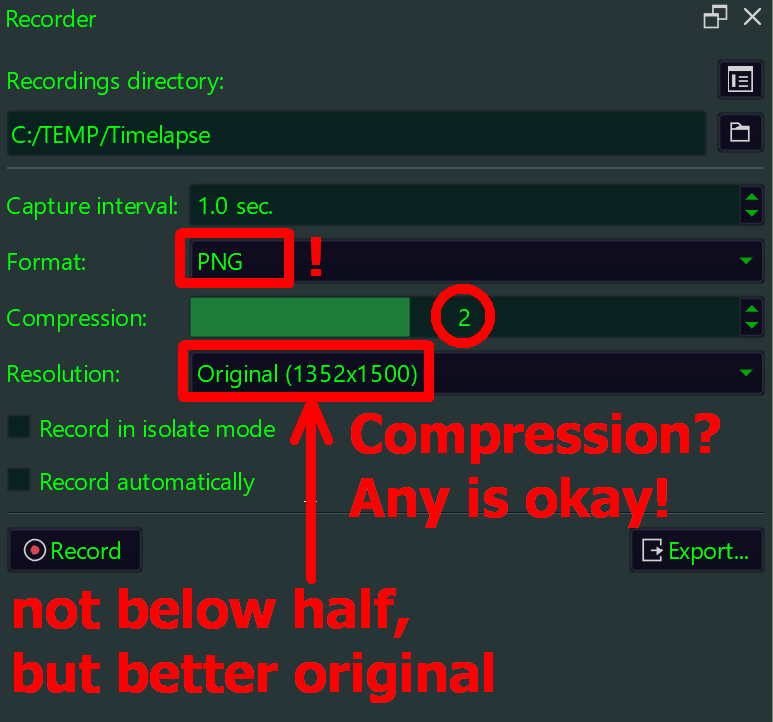
The main mistake is recording as JPEG, because it is lossy per definition. If your disk is full, then export or delete things you do not use or do not need any longer.
The next, and most insane, mistake is recording in quarter size, better you take larger intervals for fewer screenshots than smashing down the resolution 4 times - that is like abusing your own child! When using PNG, you have slightly bigger screenshots in kilobytes but 0% quality-loss, and this is true no matter which compression you use for PNG, because PNG compresses lossless. When recording as JPEG, you have even losses with 100% quality, and if you record with 75% quality or less and quarter size, you can take your recording and dump it right away.
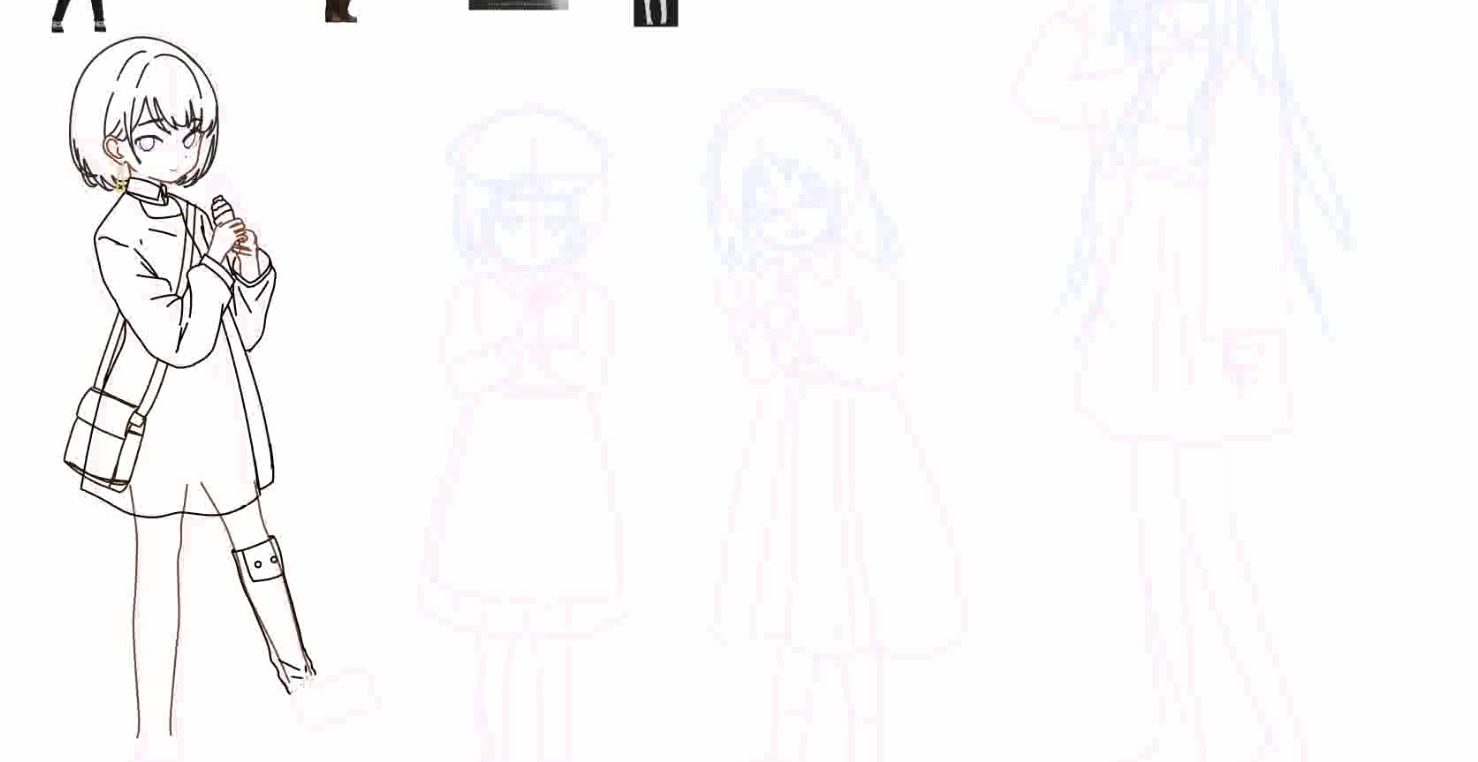
I set the recording to no highest quality .png with big resolution and no compression at all. But i always get bad results on encoding to .mkv. (replicable and consistent)
I guess, if there’s no way to do it via krita. The only options left ia to just use some other ffmpeg tool to avoid diving into command line.
You could import the whole image sequence that Krita creates into Kdenlive and render it with that, if you want. Won’t have to deal with a command line and still can configure a lot of options.