So I was rendering my animation and then sent to discord and Twitter but video doesn’t seem to work. Then I tried to see on my phone and it says that “the video is in a special format and might not work. I tried using other formats that are available but only gif format work. I don’t know ffmpeg is the issue or not.
What codec and which container format did you use?
I don’t know what codec is but the formats that I tried is matroska, mpeg4, webm, ogg, . The only one that does work is gif.
I use the newest ffmpeg essential_build - gyan-dev build.
Whenever I send the animation to my phone, seeing it in a gallery . It tells me that video is in a special format and might not play smoothly. Here is the pic
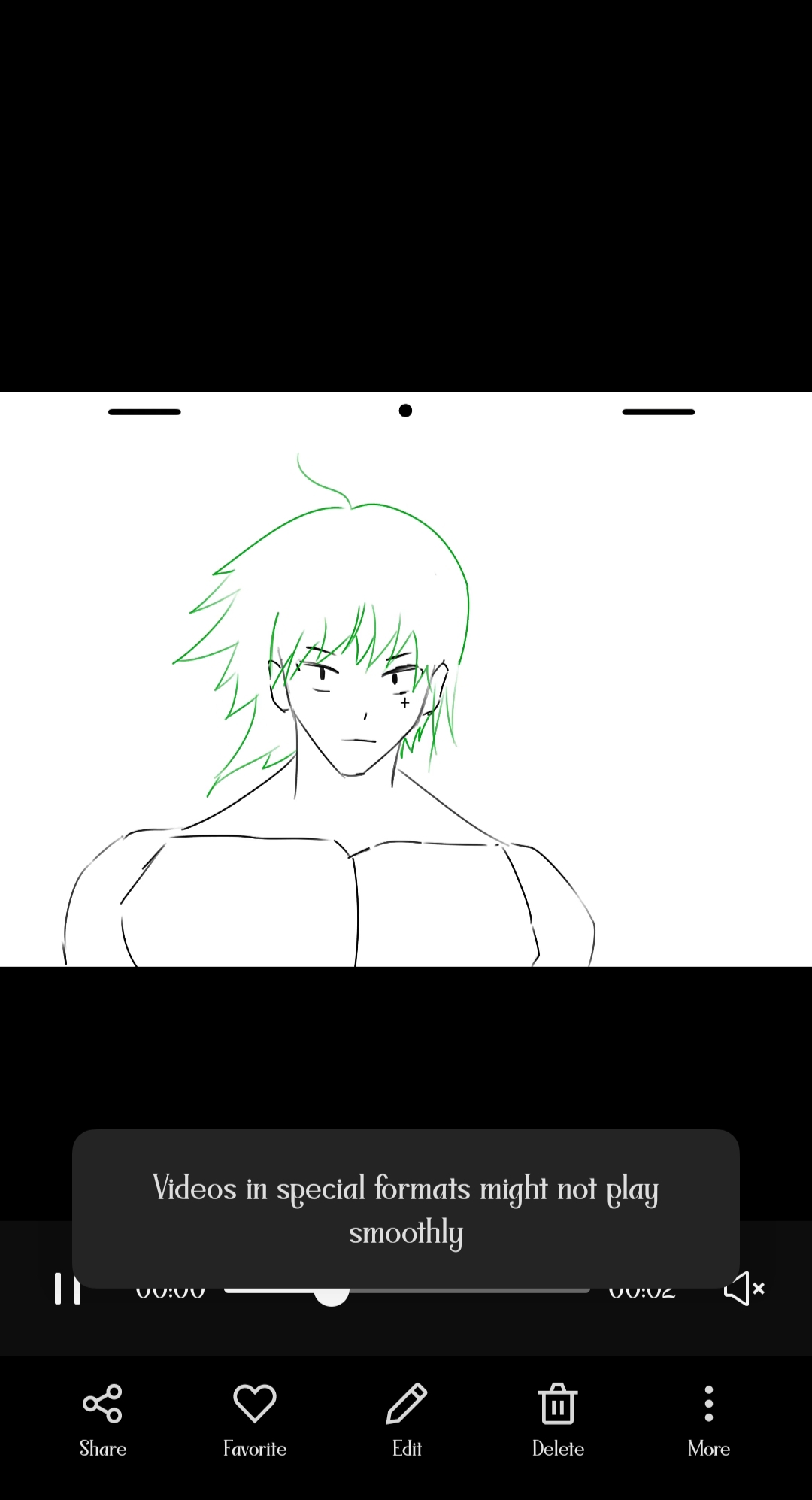
I don’t know what this means tbh .
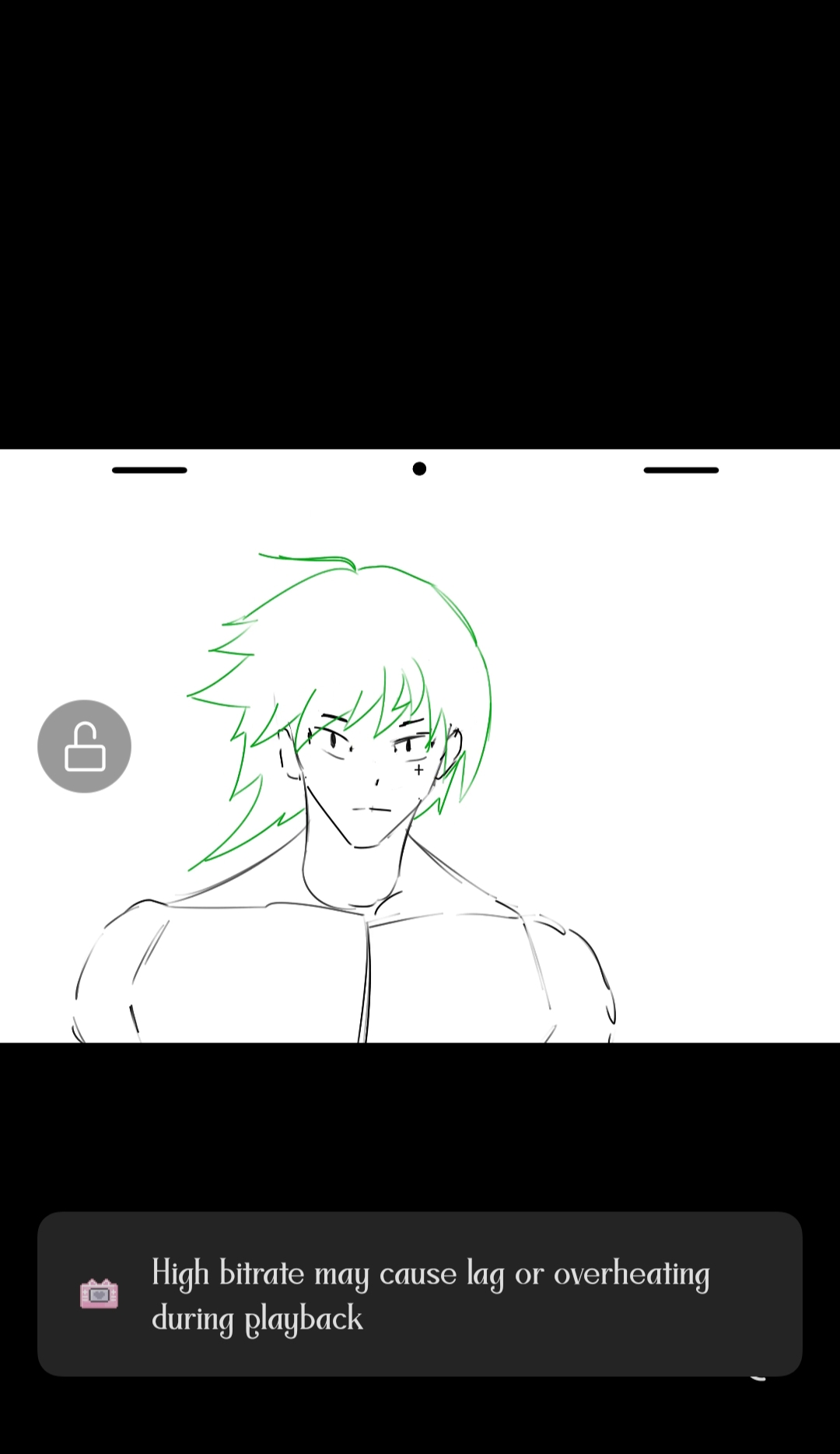
And whenever I send it to the Twitter. It tells a video error mark.
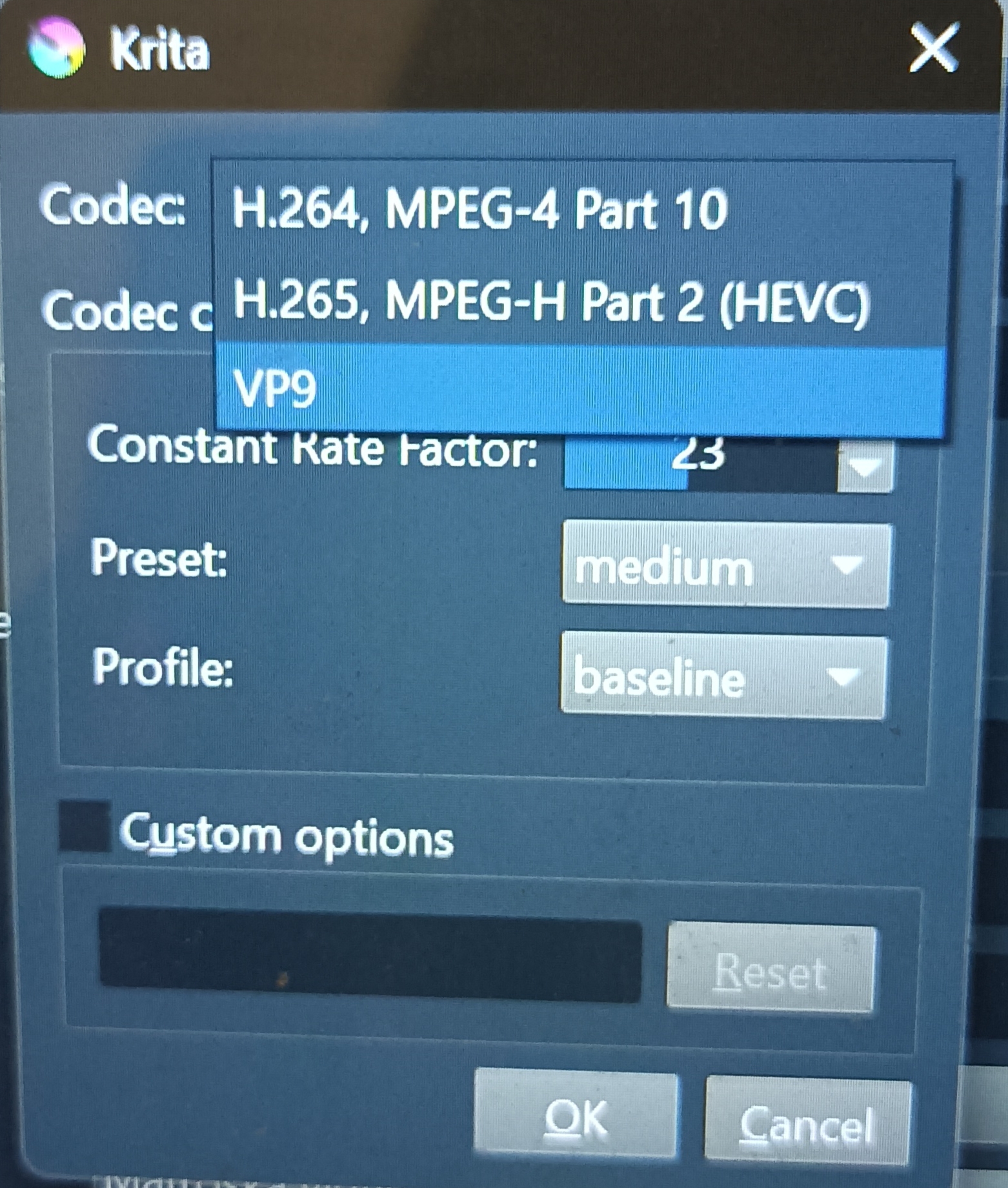
Codec is how the video is encoded and that can be set up when you press the ... button next to where you change the container format (like mp4 and stuff). When you press the button it opens a small dialogue where you can configure the encoding and also the bit rate.
Do you use a different FFMPEG than the one that comes with Krita for a reason?
I recently I updated krita and I guess it came with ffmpeg. For a 1 day I thought that this ffmpeg is bug , so I deleted. Then download a new ffmpeg from the ffmpeg website. I will go ahead take look it with codec.
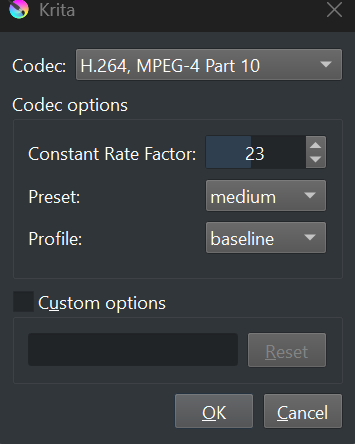
This might be simply down to you using “weird” settings. What works on most devices and websites is:
- MP4 with H.264 or VP9 (not H.265.)
- Width and height no larger than 1920 pixels each and must both be even numbers.
- Frame rate must be 24.
- Pixel format must be YUV420p (not RGB or BGR or whatever.)
In your case, your resolution is too large, you have an odd height and you have a different framerate.
Well animation itself is 16 fps .
I don’t know think that should be the problem , considering it can render videos on fps .
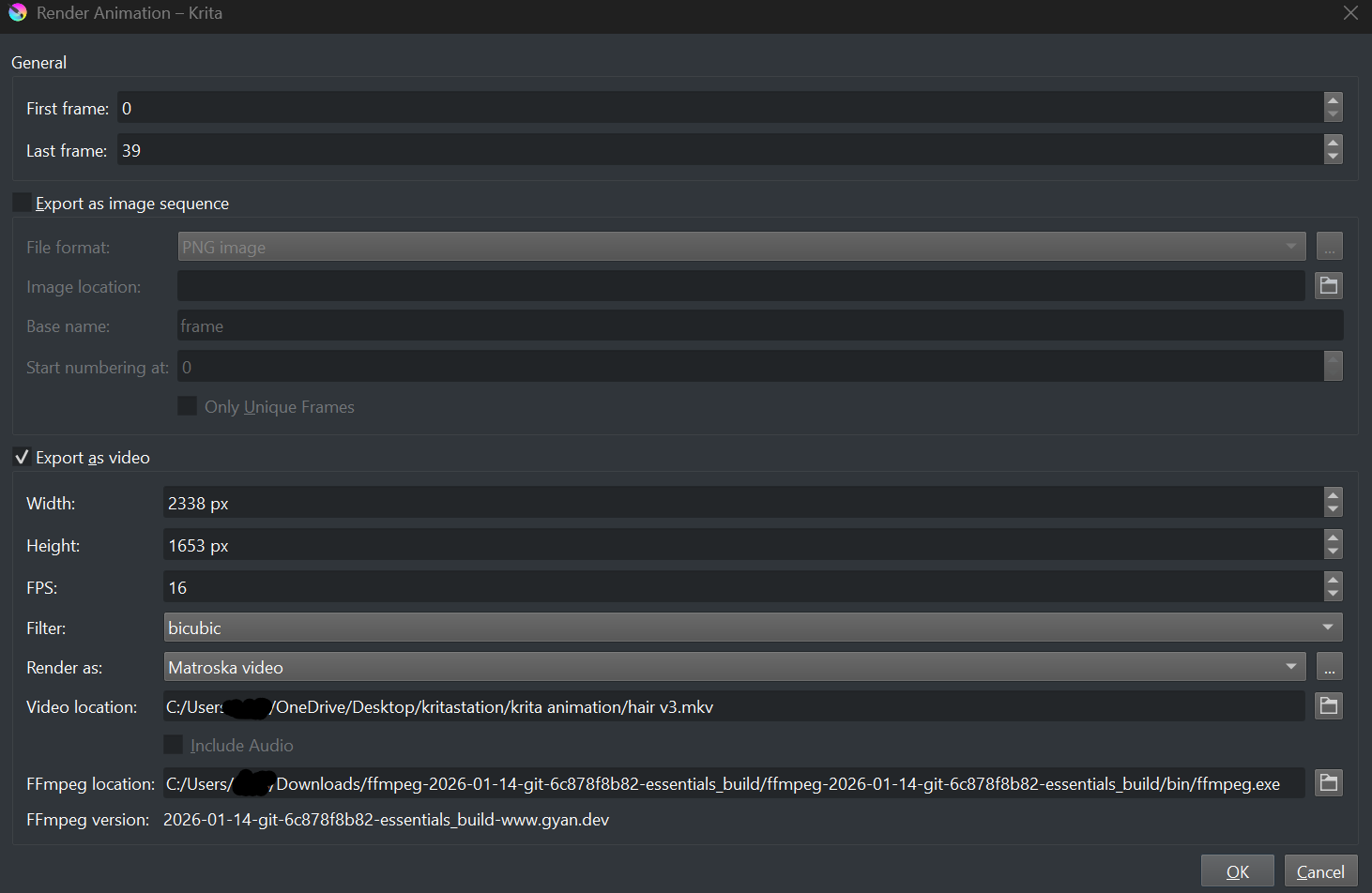
Here’s the animation rendering setting.
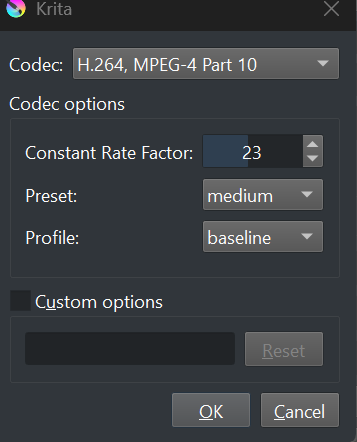
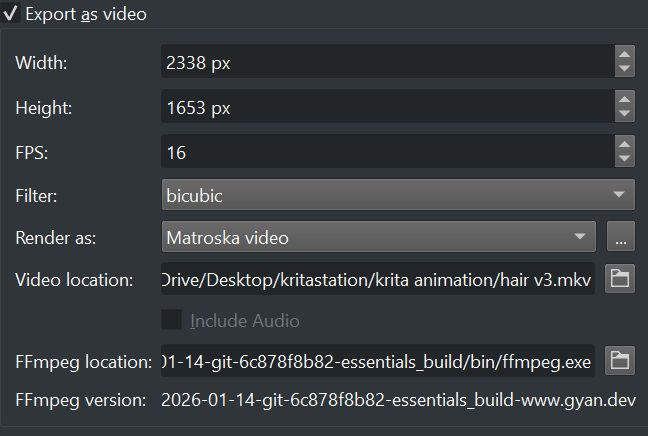
I used to also think “this can’t be the problem” a lot. Silly things that don’t make sense were often the problem after all.
The most wrong things you have here is that you’re not using MP4 (you are using MKV) and that your height is odd (which probably prevents rendering to MP4 altogether.) The video is too large, so some mobile devices will refuse to play it. The framerate usually works okay, but some devices still stutter when playing something that isn’t 24 fps.
You’re using the latest nightly build of ffmpeg from gyan.
It may be better to use the current formal 7.1.1 release:
https://www.gyan.dev/ffmpeg/builds/packages/ffmpeg-7.1.1-essentials_build.zip
Krita now has ffmpeg built in to it and has done for some time.
Instead of using an external ffmpeg, you can use the built in one at:
C:/Program Files/Krita (x64)/bin/ffmpeg.exe
Does the video file you produce play ok using the media player or image viewer on your computer? If it doesn’t then that needs to be sorted out first.
About that … I deleted krita’s ffmpeg one 
Even before deleted. That also didn’t work at all
I you want to restore the built in ffmpeg then Quit krita, go to C:/Program Files and delete the Krita (x64) folder then reinstall krita making sure you use the latest 5.2.14 Windows installer.
Then run krita and it should be back to where it was before.
Make an .mp4 video and play it back on your local PC to see if the video plays ok.
If it does then it’s a problem with the forum or website you’re trying to post to.
If not, then more investigation will be needed.
Hello @Michelist 
1 Like
Simply reinstall Krita, or download the portable version of Krita and copy the deleted FFmpeg from there back into your Krita installation.
Hello @AhabGreybeard! 
LOL, I just wanted to answer and saw you getting active in the topic, so I waited, just to see that your idea is more or less the same …
Michelist
1 Like
Yes, that’s another and maybe quicker way of doing it. Always so many possibilities
1 Like
Oops, I forgot to add, that my hint above was what I already had written before you became active, and I started waiting for your answer.
Michelist
After reading your solution , I tried it And … it did not work at all…
Discord
Before playing it
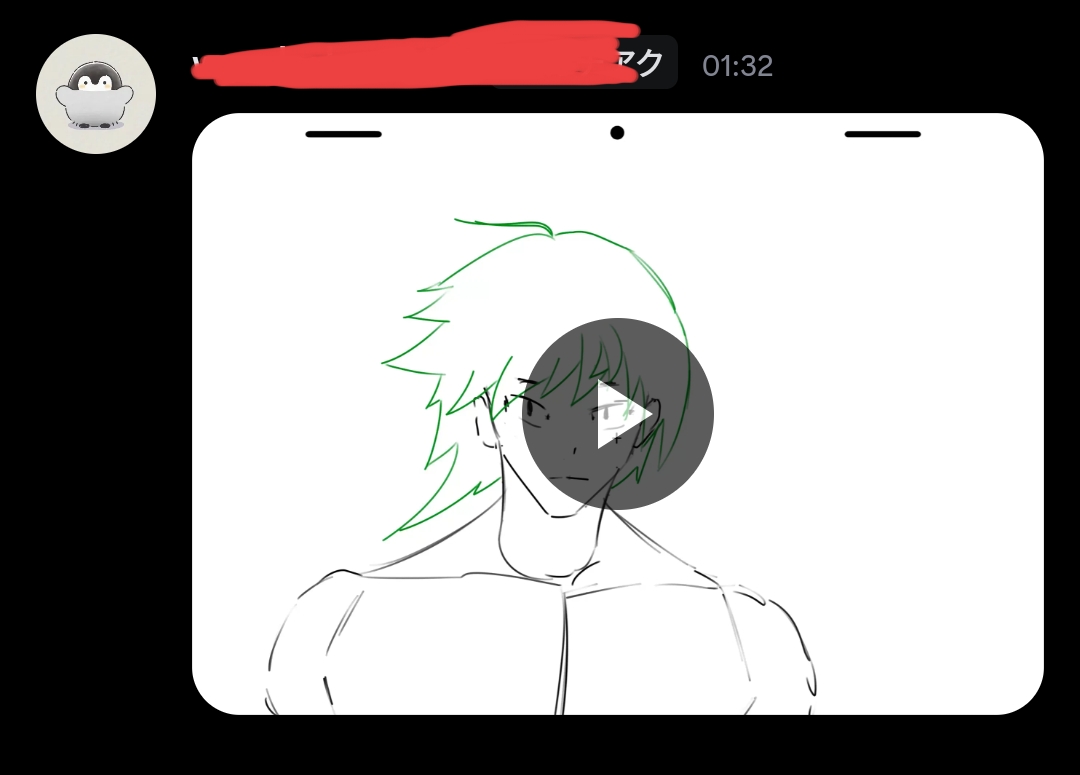
After playing it (completely black screen)
Same goes to Twitter.
Before playing it
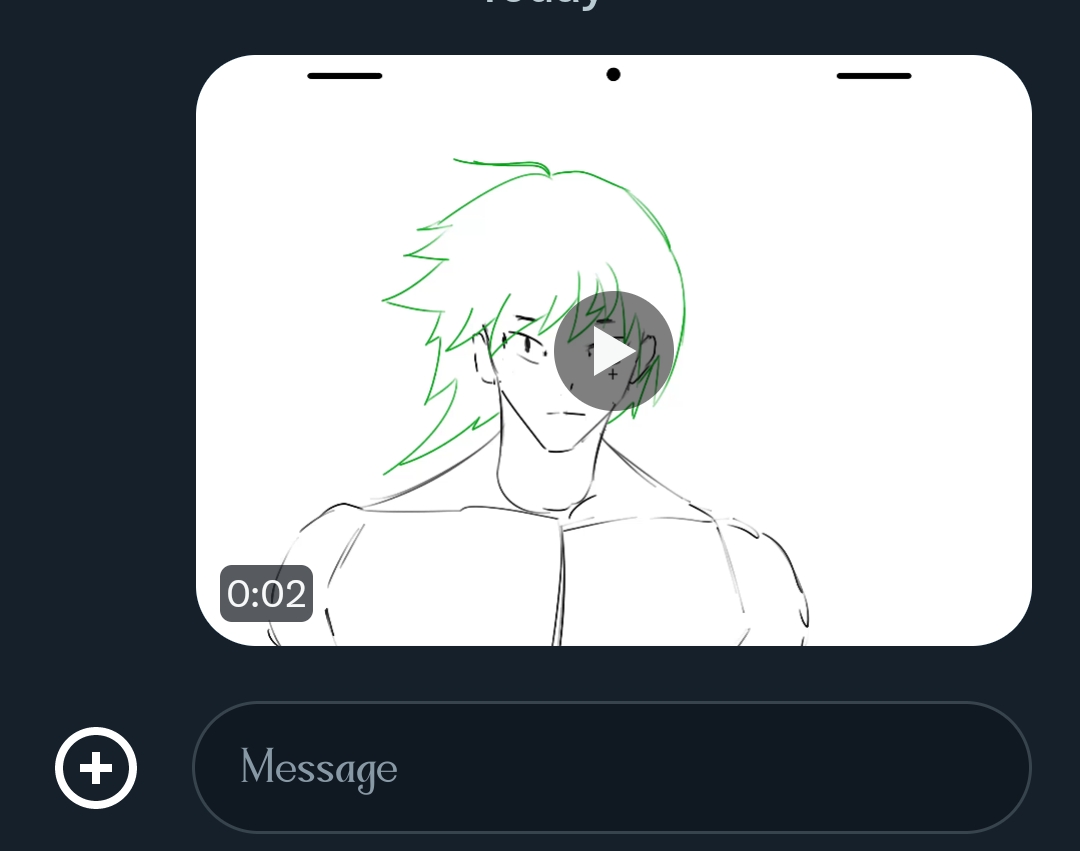
After playing it
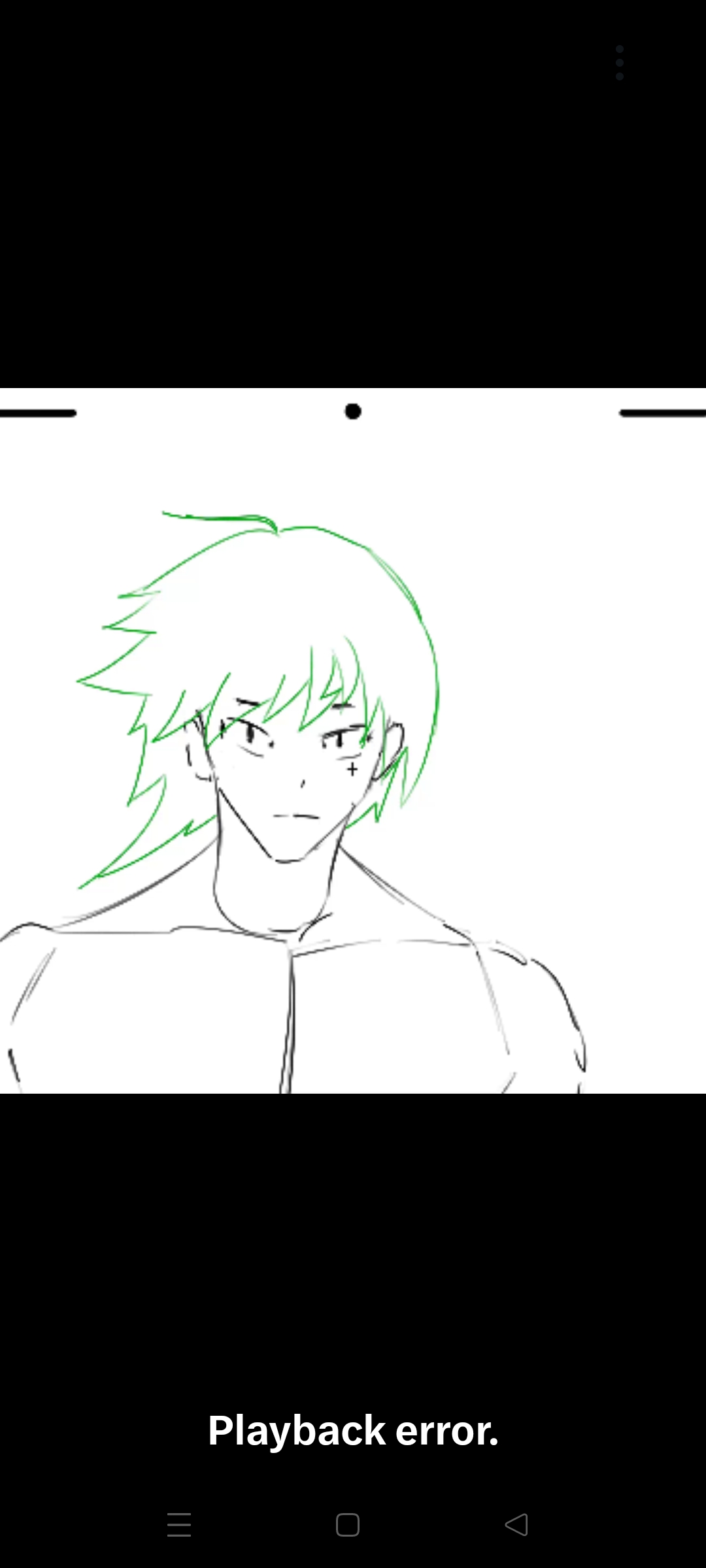
(Note - these were the rendering setting this time)
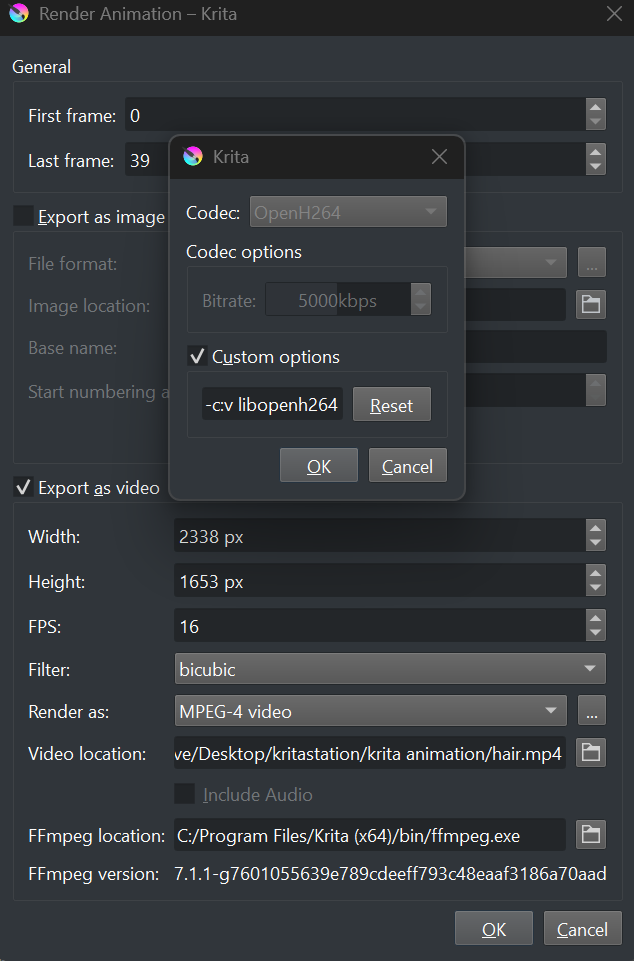
If I can’t find a solution for this hell . I might be over 
Using those exact same values, I can render a video that plays well in my video player on my computer.
Does your video play in the video player on your computer? I’ve asked you twice before.
The video is 2338 x 1653 which is a larger size than can be displayed on a 2K monitor. Why did you make it so large?
Can Twitter or Discord support hosting and playback of such a larger video?
I’ve no idea.
I’d suggest that you scale it down to 50% size and try again.
Why did you enable Custom Option in the codec? Do you know what that does?
I don’t.
2 Likes
- Well I did play the video in a video player on my pc.
- Canvas sizes bc of I practice it little better.
- Lastly since I don’t really know what custom options codec does, trying everything that was possible was the solution that I thought off.
I will try lower the canvas sizes.
If it’s doesn’t work I will probably tell here.
Update it’s works 

2 Likes