on the latest experimental build, using bazzite linux
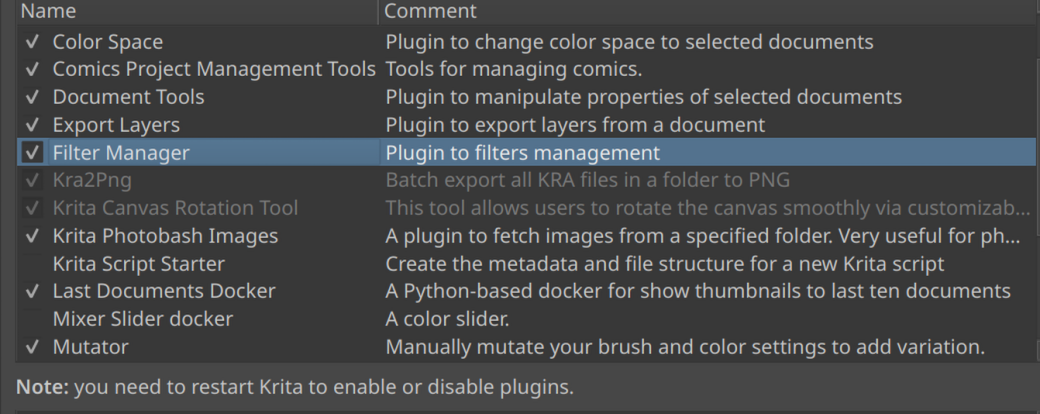
its grayed out, and its funtionality isnt availble at all. i have to manually delete it by going to pykrita and throwing it away i cant select it at all in the menu
These plugins may be older ones where the creators no longer provide updates for the recent versions of Krita which uses newer versions of Python or has other changes that are not compatible.
The way to remove plugins has always been the one you went. I guess there is no other way because users usually don’t remove plugins from their devices.
Michelist
is there any way to navigate around this issue or like force krita to use an older python version
if you hover over grayed out plugin, it shows an tool tip that tells what error plugin did give when it was starting up. (Krita will try to use plugins from any Krita version, but if there is an error in startup, it will be grayed out → not working and no force flags will make it work, it’s just broken untill fixed)
/AkiR
ok so i went and downloaded the qt5 version of the nightly and that fixed it i moused over it and it told me it was beefing with qt thanks for tellin me that lol i never woulda moused over it for that long