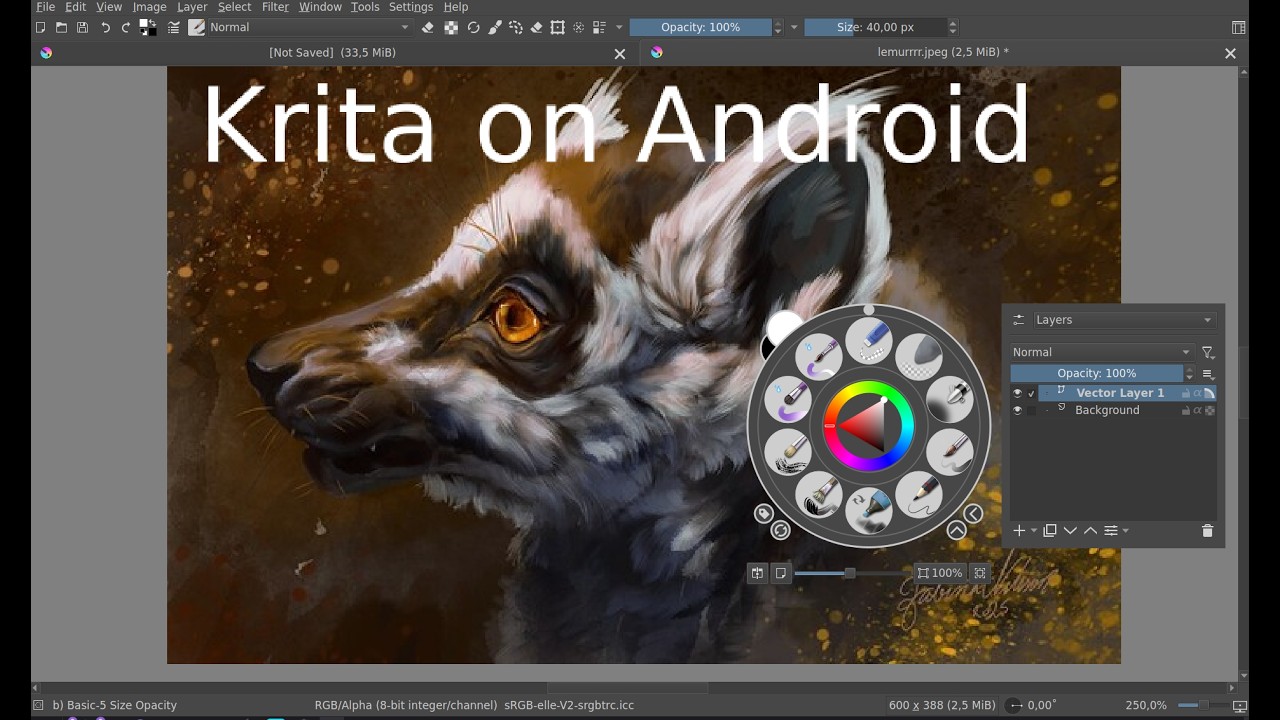
Well I found a few videos on how to set up Krita on android, but most were before the current version with the docker box, and those I found still used a lot of screen space for brushes and layers and stuff.
So, I figured I could make a video on how I set up my version of Krita on android, maybe it suits someone else too. 
Maybe it’s too simplistic and people will miss features they use, but this is how I set it up* anyway.
*I didn’t show all tools I chose to have available in the toolbars because I figure it’s a lot of personal choice. And if you find that you reach for a specific tool from the toolbox very often, just add it to the toolbar. Adjust as you go
Do keep the Freehand brush up there though… I remember being stuck because I chose another tool and couldn’t get back to the pop-up or something… though I guess I didn’t have the docker box set up then, because the brush is always there. Anyhow.
My video. I hope someone finds it useful. I’m not used to making videos so it’s not very spectacular.