Type of device* : Wacom Tablet
Brand and version of the device: One by Wacom CTL 472
System** : Windows 7 Krita 5.2.3
input device support
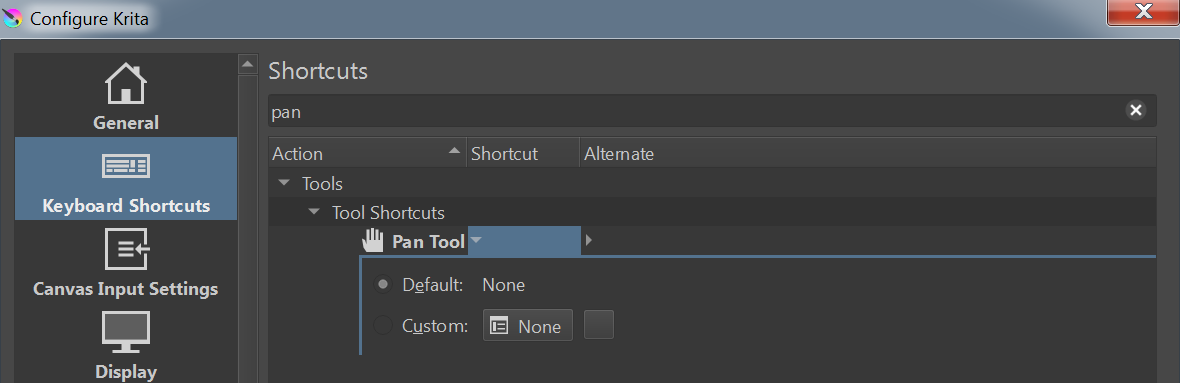
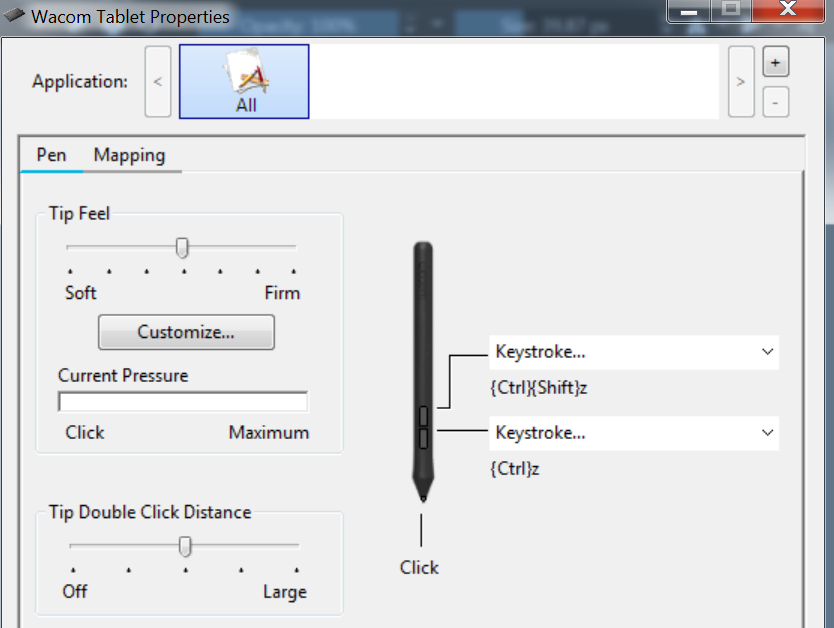
Hi! so i wanted to use the button on my pen for ‘redo’ and ‘undo’ in krita. I configured it in the wacom tablet application to krita’s default ‘redo’ [ctrl + shift + z] and ‘undo’ [ctrl + z]. But when i press the button inside of krita, for ‘redo’ there is the ‘pan’ tool processing, and for ‘undo’ the ‘pop up palette’ is processing. I want to disable them but i am having trouble because when i go to settings → configure krita → keyboard shortcuts ‘pan tool’ the default input is empty NULL and when i changed it to another shortcut, it does not go away.
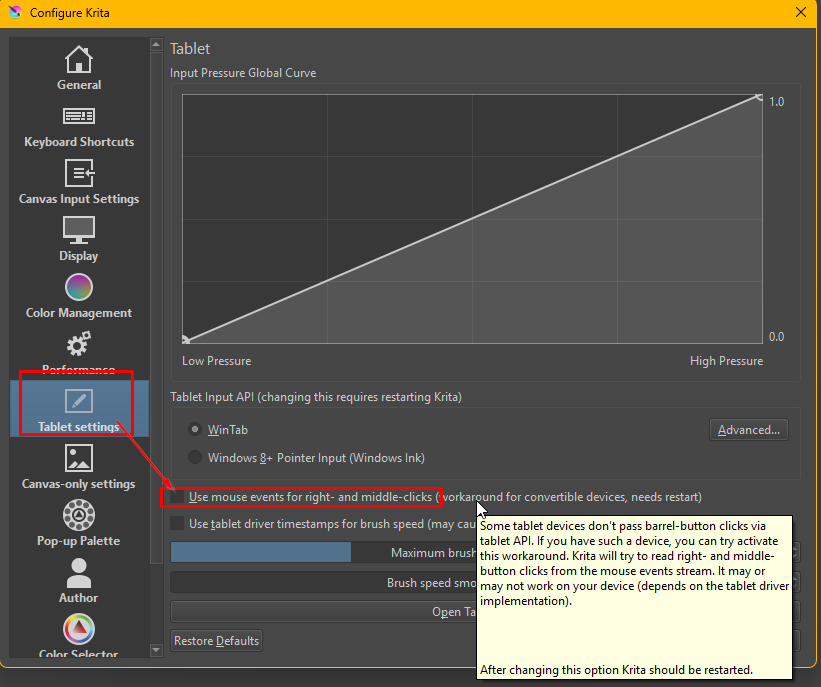
These are the defaults for middle and right mouse button click. That means that the Wacom driver is not sending the correct signals (try creating an application profile for Krita in the Wacom settings) or Krita is not understanding them (perhaps it is configured to process these button presses as mouse events, if so turn it off).
hello! thank you for the help! after messing around for a while, i changed the keys of ‘pan mode’ in ‘canvas input settings’ my pen is working as i intended! thank you!!