Hello, newcomer to Krita here, and a longtime GIMP user
I am having an issue with how the Height To Normal map filter is implemented in Krita, versus the GIMP implementation.
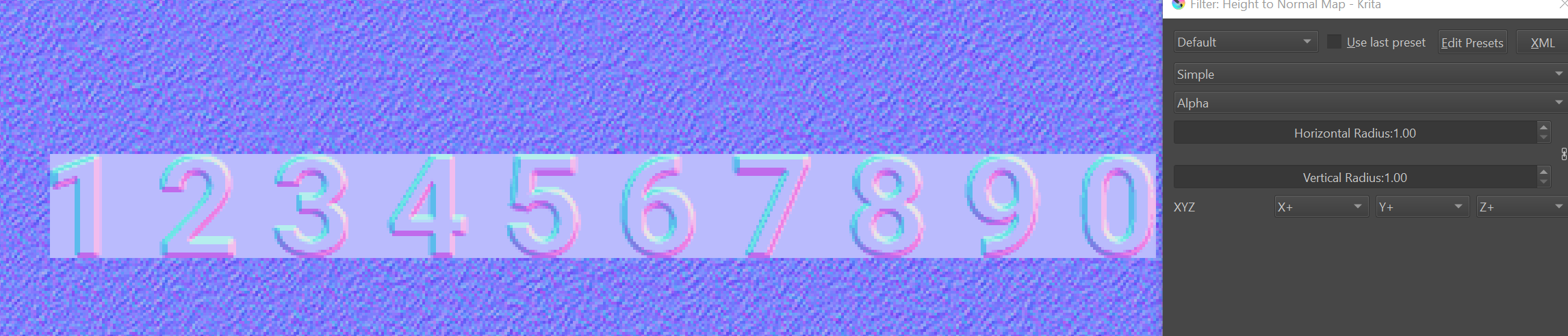
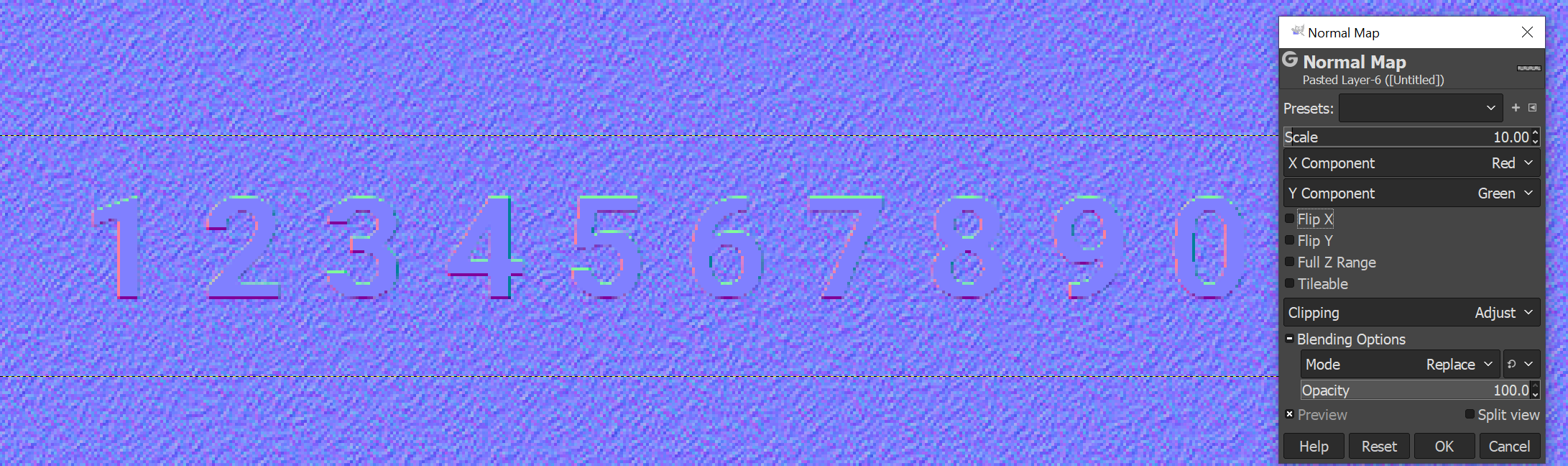
In GIMP, if I insert a layer with alpha, the resulting alpha of the normal map inherits the original layer’s alpha. However, in Krita, the entire layer gets its background filled in, and discolored
Krita:
GIMP (desired behavior):
I have learned to achieve that result from using layer modes… I duplicate the desired text layer, then set it to something like multiply and the duplicated one to it’s opposite (for example: if Multiply, then I’ll pick Divide)… This should make the text disappear. Then I’ll move one of the layers down or up and over a few pixels. (You can look in my portfolio here to see my watermarks)
I’ve learned that from using Gimp for many years.
Not sure if this is the setup you are referring to.
However, the result is still discolored, and has a background, though blended.
I understand that I could do a set of layer operations, or magic-wand select to get rid of the background, but either way, it’s a downgrade from Gimp’s 1-click behavior.
According to the Krita normal map filter window, the color dropdown includes Blue, Green, Red, Alpha, whereas GIMP has only Blue, Green, Red.
This implies that GIMP always considers alpha, which is probably why it’s more intuitive.
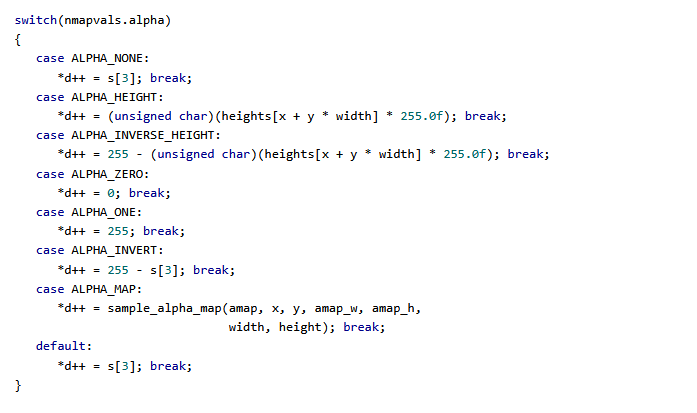
According to some quick research I did, the GIMP normal map plugin uses this to inherit the original layers alpha:
My view for an “ideal Krita update” for this would be to have a checkbox with “inherit layer alpha”, or to just do this behavior implicitly
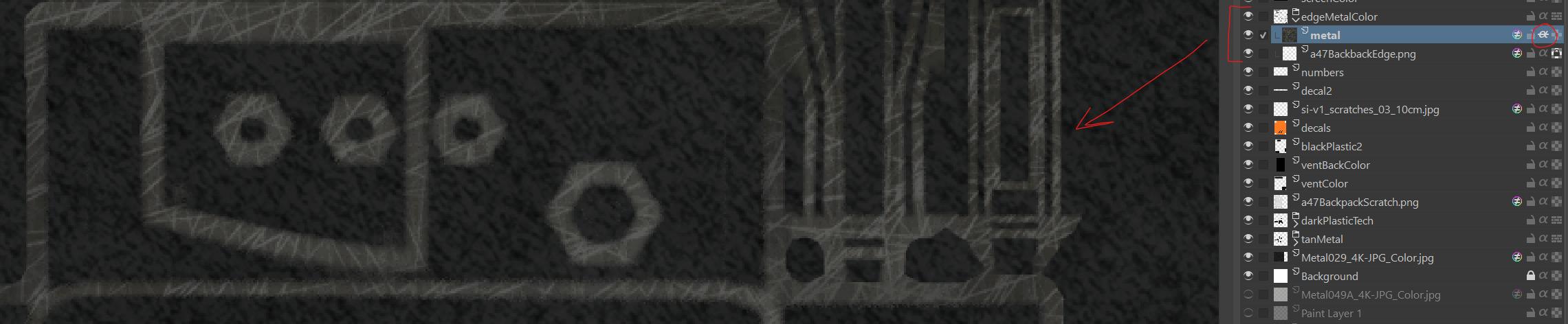
I remember that Krita has an Inherit Alpha for layer masks, but I’ve never needed to use them.
Inherit alpha works great, but it’s not a substitute for the normal map filter adjustments I would be looking for.
When I refer to an “inherit layer alpha”, I am describing an option within the normal map filter dialogue. Ideally, the normal map filter shouldn’t be messing with pixels with 0 alpha, but a checkbox would at least give some level of control, if it was within the filter options.
I would rather not stack so many separate layer groups, when one layer is all that is needed, and the behavior exists in GIMP