Type of device* :
Brand and version of the device:
System** : 5.2
* Wacom tablet 12 /display tablet/hp pc i7
** Windows/Linux/Mac/Android, + version (you’ll find it in Help -> Show system information for bug reports)
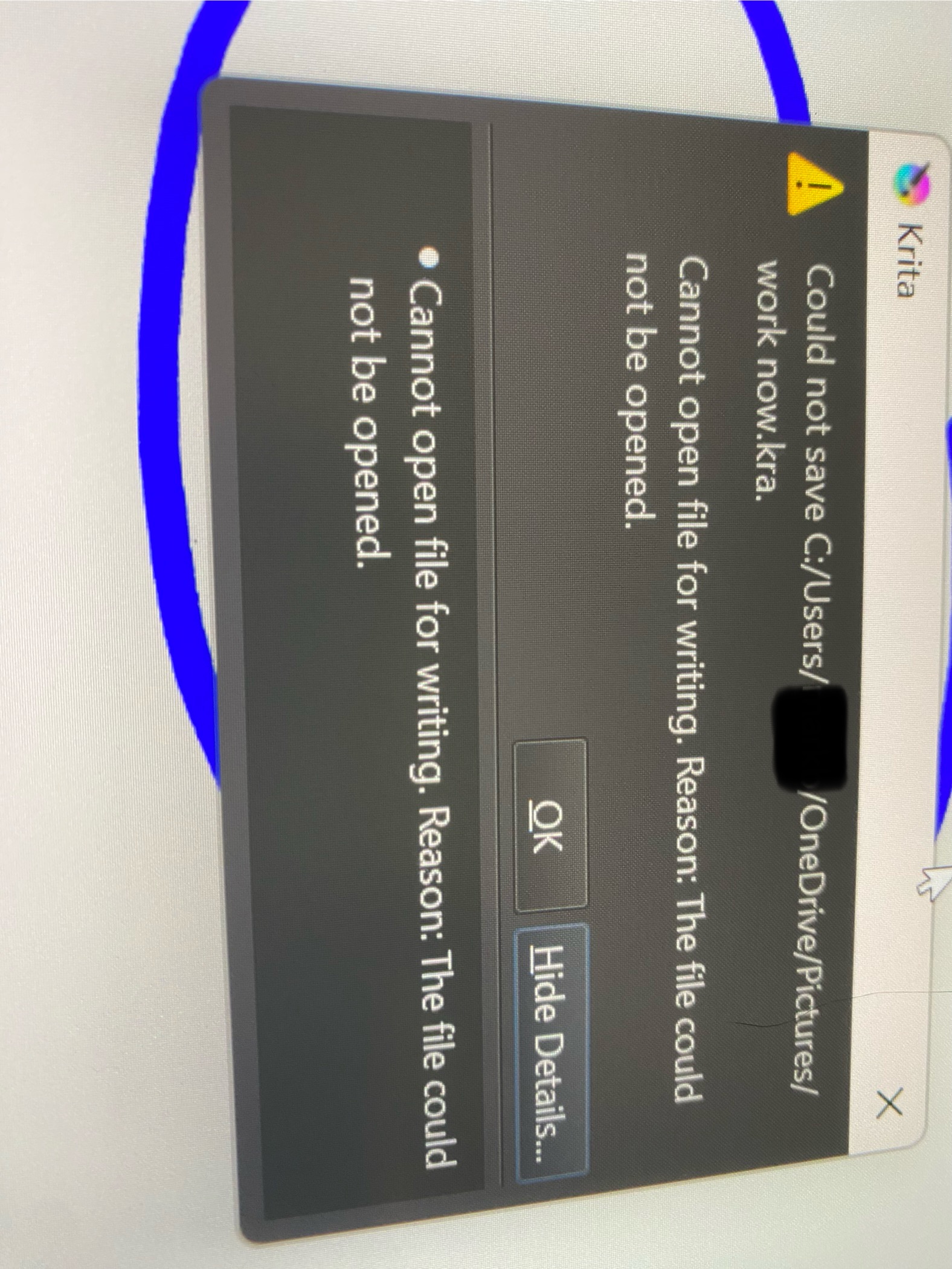
Description of the issue (you can include screenshots): I’m not sure how to fill out the whole thing but I’m having a major difficulty. For some reason my computer won’t let me save anything anymore idk why
It seems to be a OneDrive problem no?
Do you still have space on the drive?
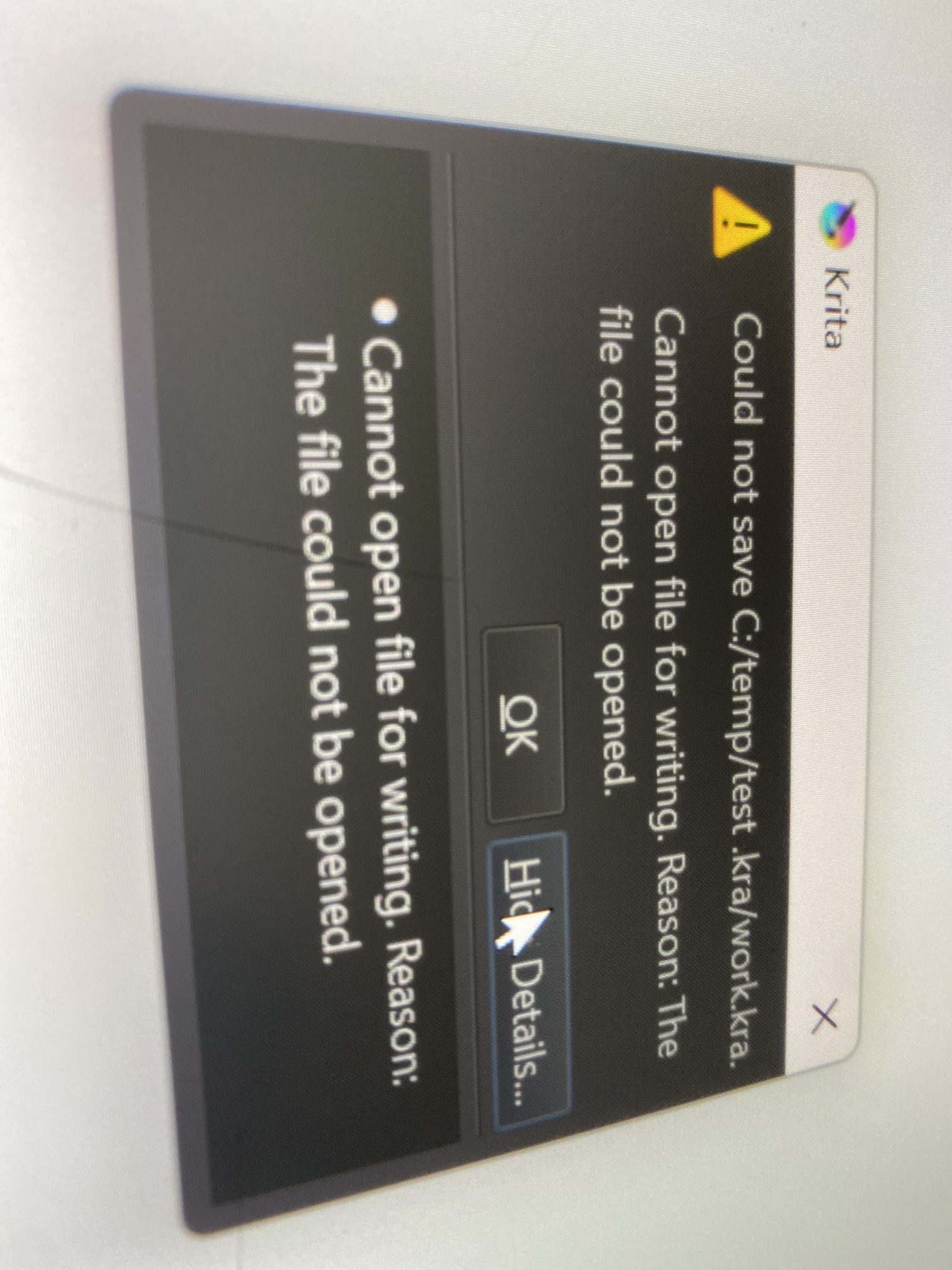
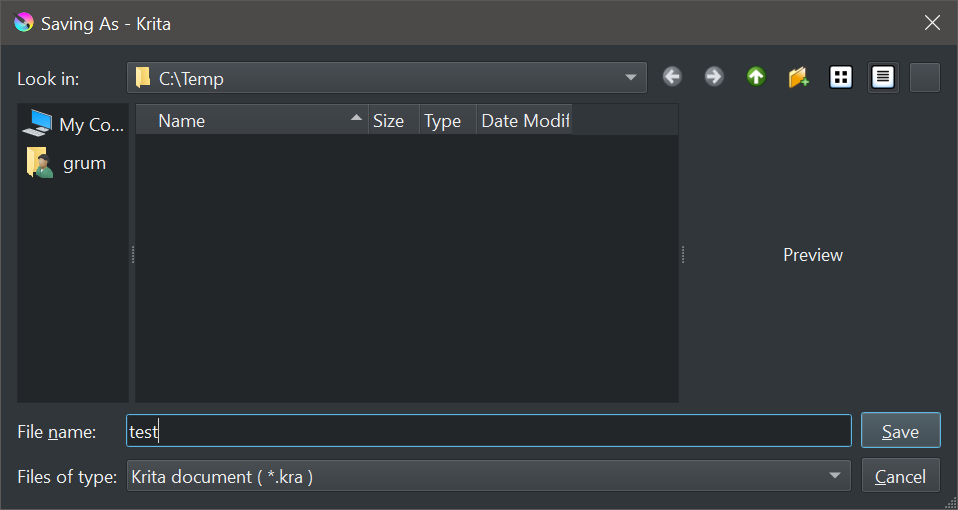
If you try to save on another place (in c:\temp\test.kra for example), does it work?
If you try to save an excel or any other document created from another sotfware, does it work?
The file name looks weird c:\temp\test .kra\work.kra
So in c:\temp directory you have created a test .kra sub-directory and tried to save work.kra inside?
How do you proceed exactly when you try to save a document with a given name?
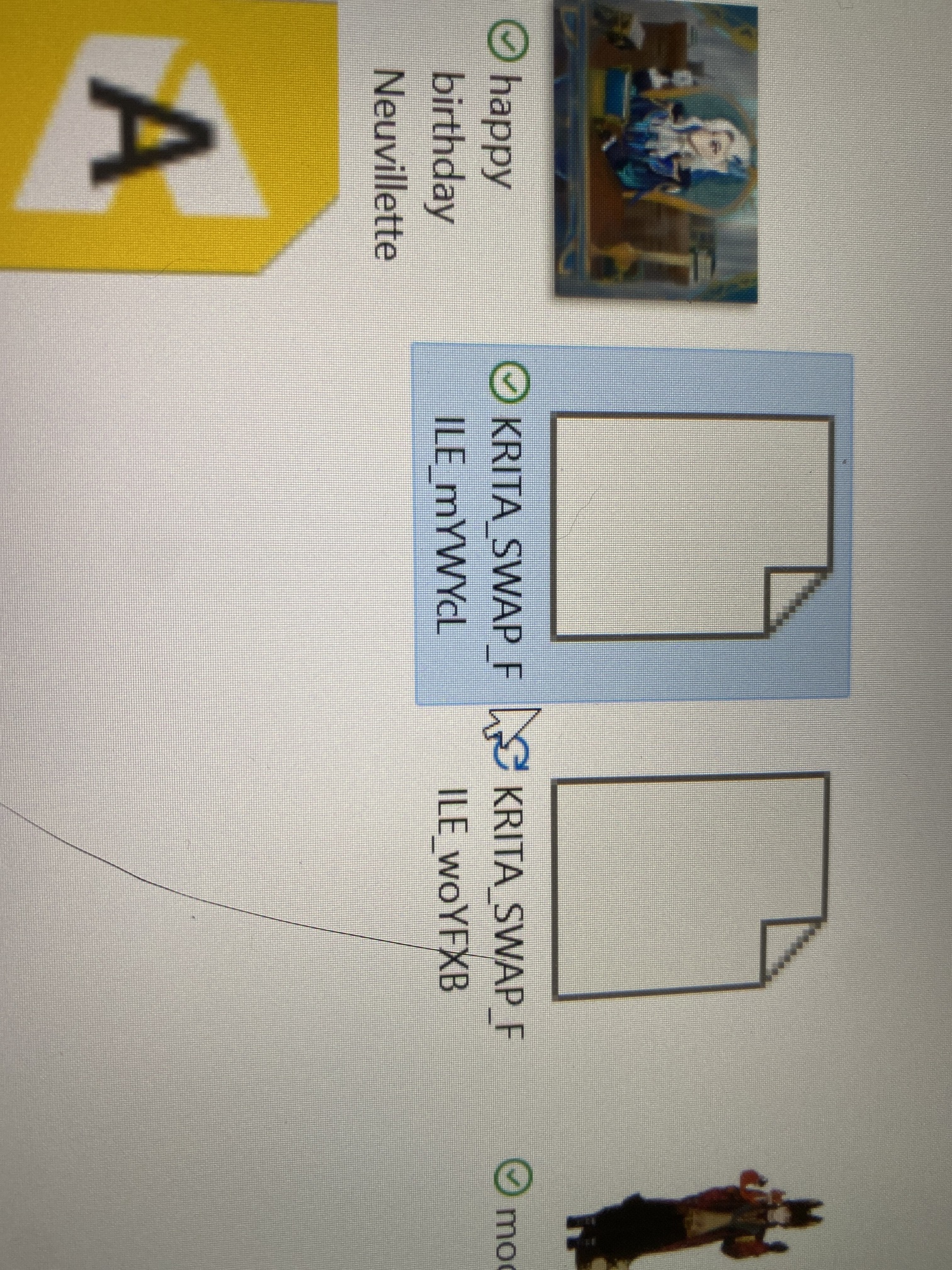
You normally shouldn’t see swap files (I suppose they should be hidden…)
I’m really sorry I had to get off but I’ll definitely get back to you on that tmr.
I’m really sorry if that’s really frustrating I really need rest Tysm for your patience
Usually, one should not save directly to OneDrive, it is known to have severe issues with Krita regularly. So it is better to save your Krita-Files locally and to back up them manually in OneDrive.
By the way, you, @Forune, as a new user, are only allowed to post ~10 posts in the first days, a restriction that will soon be lifted if you participate in the forum, this means you have to wait till tomorrow if you run into the limit, or you can edit your last post AND ADD ANY NEW POST TO IT, please do not delete the things you wrote before, it will disrupt the continuity of your answer/the chain of argumentation.
This limit exists to fight against spambots and trolls, and has nothing to do with you, but is a needed measure to hold this place tidy.
As noted by Michelist above, I would not use the OneDrive folder for this.
Also, I’d turn off OneDrive in this situation or at least make sure I was writing to a location that was not included in the OneDrive backup/mirroring process.
@AhabGreybeard@Michelist as yo ucan see there’s something wrong even on c:\temp
So even if onedrive is not the best thing (but normally it should not be a problem) we need to understand first how files are saved because for me file names are strange
The swap files are created when memory is full and Krita needs to swap to disk. They get saved to C:\temp so they get automatically removed by the system i.e. after a reboot (like everything in the temp directory).