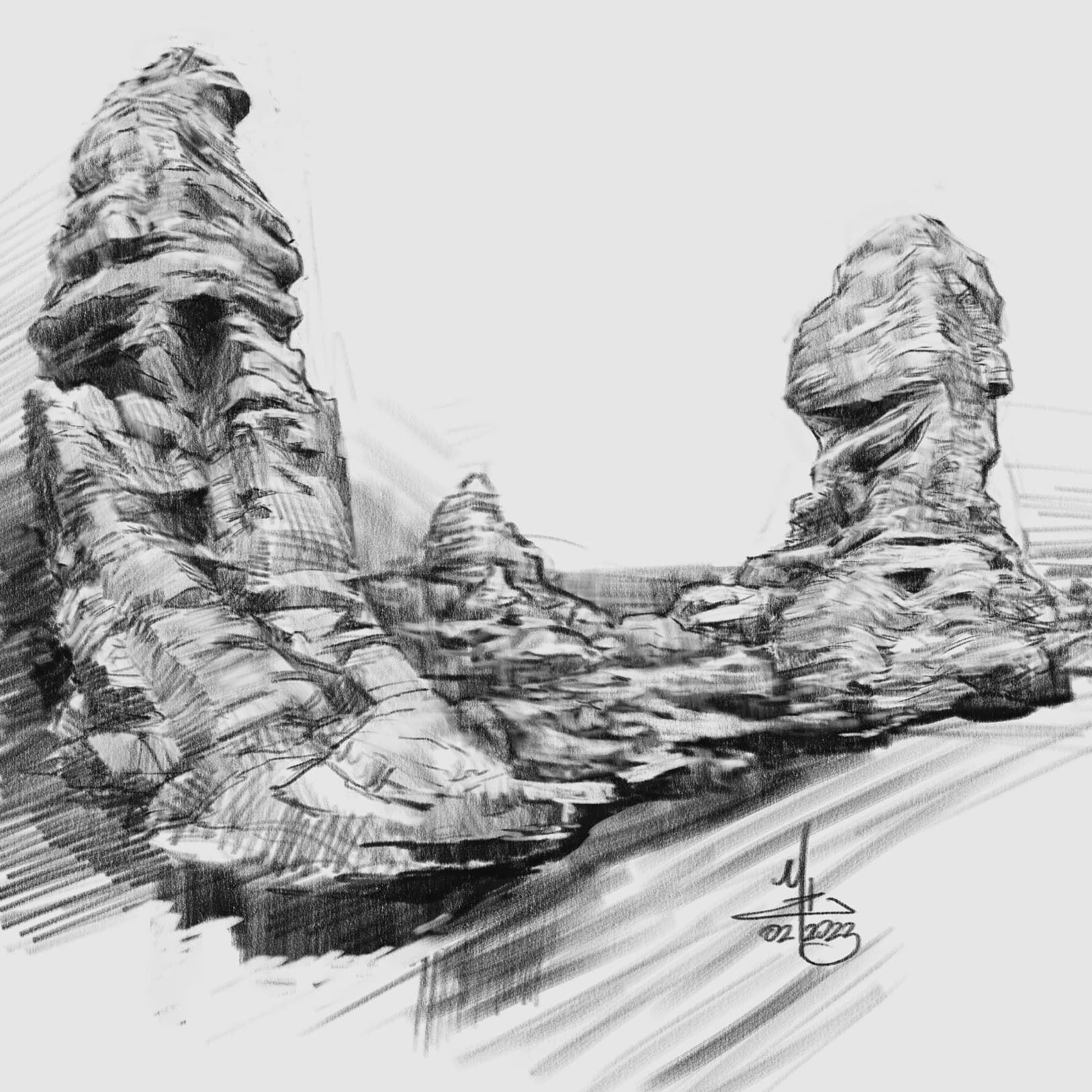
@Elixiah has got everyone drawing rocks!

are we going to overwhelm the voting system this time? can we get 100 entries?!
@Elixiah has got everyone drawing rocks!
are we going to overwhelm the voting system this time? can we get 100 entries?!
yes please
nice, i really like the charcoal feel of this one
rocks from below?! those pools at the bottom of huge pits looks super cool. I wonder if it’s terrifying once you get to the bottom 
I tried to do a speed paint this morning, 30 minutes. The brush was driving me nuts - I would make some strokes, try to pick a different color or resize the brush tip, and the program was still painting the last stroke, so it wasn’t picking or resizing. I usually don’t go so quickly, so maybe i’ve never noticed that you can’t change the brush or color while Krita is rendering strokes, but it feel really off.
In my case, images is 2000x2000x300dpi 8bit - any else experience that same kind of lag?
Anyway - happy rock painting!!!
I do get lag if the preset is very taxing, or maybe using a large scale brush on a big canvas. There’s so many variables though, it’s a bit difficult advise on this.
Your canvas isn’t very big, so I’m surprised you’re having this problem. I think brush spacing is one thing I’d look at first. Colour smudge presets tend to be more taxing than pixel engine. Adding complexity such as textures. Stabiliser settings… 
I know I’ve had issues in the past that were unusual such as the available ram being overloaded - that can really grind things to a halt. I’m struggling to remember the specifics though.
hmmm. i was using basic brush - no textures. I’ll try fiddling with the spacing settings, auto is not enabled - probably a good place to start. There’s only Krita and Firefox with a couple tags. I guess it could have also been windows  MS likes to just burn CPU in the background for no reason sometimes.
thanks @Mythmaker !
I ended up restarting windows and it got a lot better. I have a suspicion that it’s to do with performance settings when switching from battery to external power. I’ll play around and see if i can’t track it down.
in the meantime - some orange rocks!
@kynlo The next time this lagging happens, can you use Task Manager to note the amount of RAM that is being used by krita and report it here along with your total amount of RAM, the amount of RAM used when Windows has just been restarted and the amount of RAM used when the document has just been opened in krita?
I remembered a specific issue a had a year or two ago where I experienced really bad lag when manipulating the canvas.
It turned out the graphics acceleration setting was turned off (I think I’d done it deliberately out of curiosity but then left it off and forgot about it!  ). Might be worth checking that just in case.
@AhabGreybeard - will do. Do you suspect a memory leak in Krita? Would it be worth grabbing the top 3 or top 5 in case it’s just memory pressure in general?
thanks for reminding me, i hadn’t checked. Looks ok though
There have been reports in the past of RAM usage being well above what might be expected.
This has been noted as being fixed by a restart of krita.
One theory is that it’s the Undo stack taking up more and more RAM. One way of testing that would be to set the Undo stack size to zero or a small value and then restart and see if it is better than before. That may or may not be an acceptable solution depending how much you rely on Undo.
A note of RAM usage at various stages would be a first step in figuring this out.
My undo stack size is 5, I can drop it down to 0 or 1.
5 is quite low anyway. Some people have it at 100 for some reason.
The thing is to wait until it goes bad, then restart and reduce the undo stack size by a large amount to see if it makes a difference.
Hello Marty!
Little enquiry…how is it possible or enable a pic posted inbetween ( not oldest or latest pic) on the thread to be a default display pic on Sketchbook main page?
Thanks
Hi @Gopidi! There’s a pencil icon next to the topic title in my view. If you hover over it, it says “edit the title and category of this topic”
That brings up a menu that allows me to change the thumbnail using one of the images from the thread. Select the new image you want you use and click the check mark below the new thumbnail.
Doesn’t let me edit the title…for both threads I cant edit…the edit icon doesnt show up besides title…but for the thread I posted in general category it shows up 
Thanks for your time, Marty! @kynlo