I feel defeated. I’ve been sketching on and off in a single document for a few days. Got stuck on a particular expression so i created a new layer, locked my previous layer and made it invisible. At some point, i accidentally hit ctrl-E and the top layer destroyed the invisible locked layer underneath it. Don’t know when it happened, but definitely not recoverable as it was past the undo limit.
I’m going back to my physical sketchbook for a while, so possibly my only post for July. Enjoy the summer north hemisphere people!!!
I’m so sorry that happened to you with the layer. It won’t help this one but in the future you might want to lock any layers that need to be protected.
Thanks @sooz. I should know better, this has been around a long time, and it isn’t the first time i’ve lost hours of work to it. It’s never easy to lose days of sketches
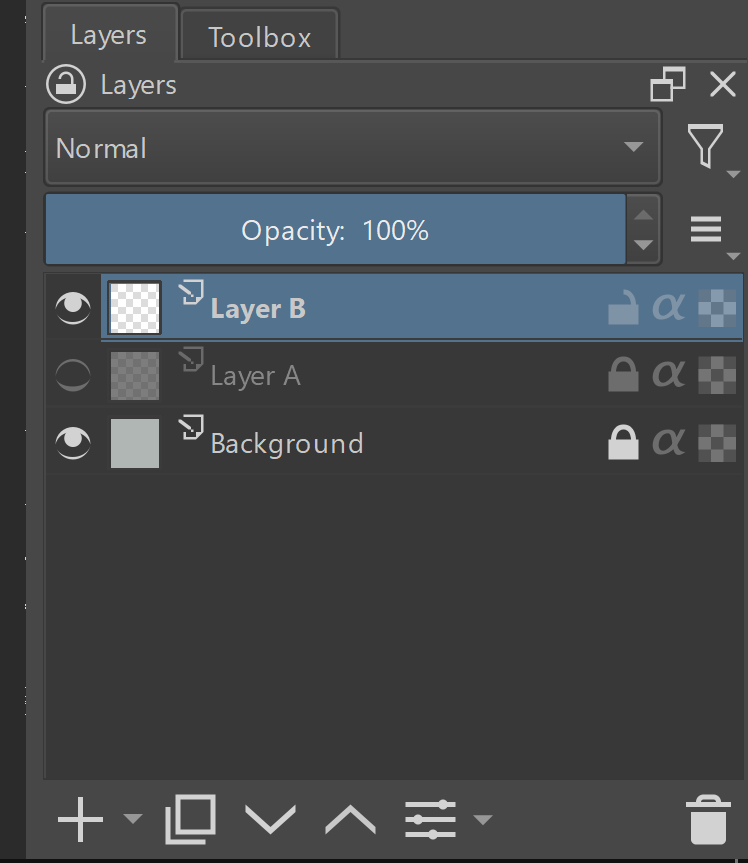
Create 2 transparent layers (see the diagram - layers A & B). Lock the bottom one (A) and make it invisible. Click the top one (B) and merge down (ctrl-e). This will merge the 2 layers, and anything that is on layer A will be lost.
If someone has selected an invisible layer, it can’t be painted on. I think it makes sense that the user not be able to manipulate the contents of an invisible layer. A locked layer should be completely immutable. I imagine that merge must only consider the active selected layer, not the layers it is about to combine with.
I tried with 5.1.5 and current master, both give me “Layer is locked” floating message and refuse to merge.
If I select both layers, it does merge but does not delete the locked layer.
Haha, it’s a magical moment, you drew from the same reference as I did here in that 30-day challenge! Interesting to see anime vs realistic side by side.
Thanks @sooz@Lynx3d - you’ve helped me uncover how I am my own worst enemy. After reading what you wrote, still was working for me (even after clearing out my roaming Krita directory and reinstalling).
Come to find out that because my keyboard is off to my left, I’m accidentally hitting the z and then e with my sausage fingers - I didn’t notice it until I was staring at the layers panel while doing it
To add, it doesn’t surprise me that i some how ctrl-z’ed my way to unlocking the layer after creating the new one - because at the start, i’ll go through some general shapes - and I’ll be hitting ctrl-z to undo and refine - usually until i get back to blank canvas.
Hahaha - nice! Your piece is really well done- bravo!
I really should, though I doubt it will ever happen. I’m so used to working in a sketcbook - no thinking - just jot some stuff and walk away. I treat digital the same way – i open a new doc and start sketching, and don’t even bother saving it. Just keep going until i feel the page is too full. Sometimes for days (through suspend/resume). It’s a wonder I don’t lose more work. It’s a mobilestudio pro, so it isn’t likely to lose power, and the autosave feature is always there as well, so on the off chance i reboot without saving, things still exist.
taking pictures of sketchbooks is hard … i can’t seem to get the light even - so there’s always a gradient and i’m finding it hard to get rid of without loosing a bunch of the lighter values.
so back to sketching in Krita because it’s fun and easy to share!
I can try, but there are many gradients in this image do you mean just a flat gradient from dark to light or with some forms in it (for example, the cheek has very subtle gradients in different directions). And the strokes follow a specific direction, so it will matter what surface we try to portray.
I’m not sure what trick you mean to provide, but I’m intrigued. Gradients are an indication of the light and form, which are going to change from image to image.
oh, I agree to do it, but i still need to know if it’s just a flat gradient and how big a page Do you want me to just send the image in the original size to start (5000x5000x300)?
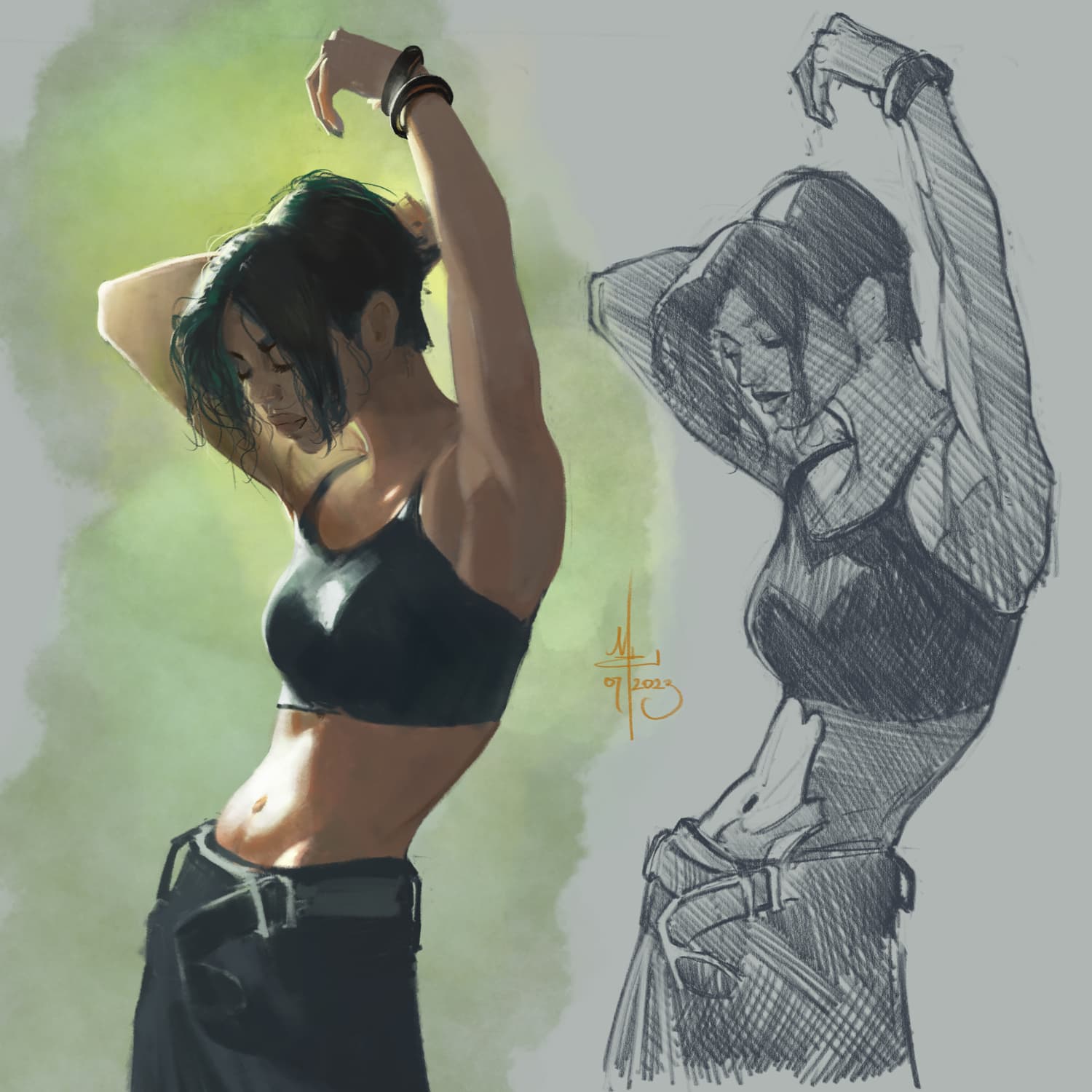

 Interesting to see anime vs realistic side by side.


 not a bad idea!

 Thanks for pointing that out, I added a comment to it!

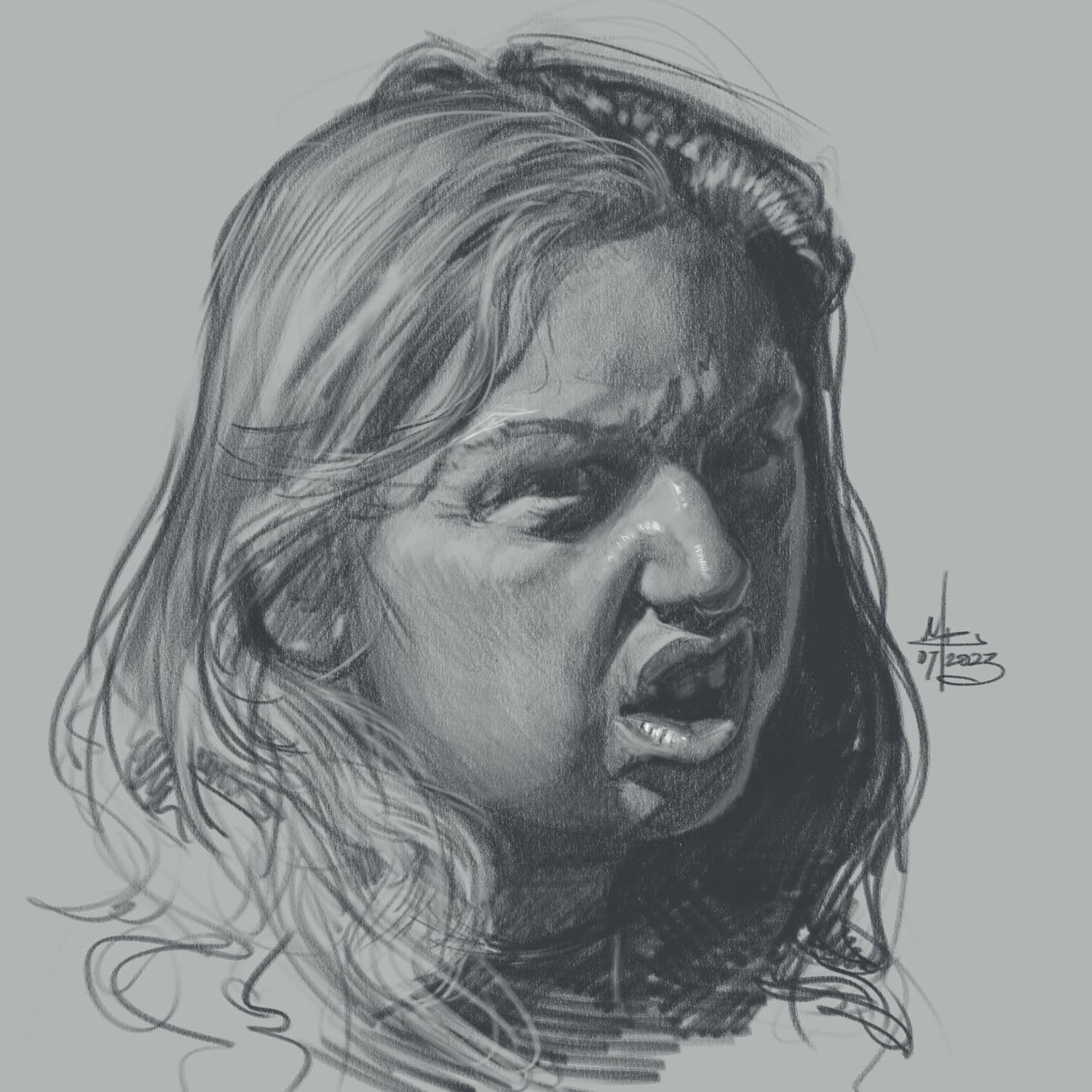
 Do you want me to just send the image in the original size to start (5000x5000x300)?